
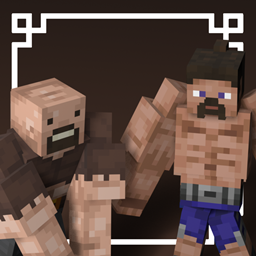
Про ресурспак gigachad
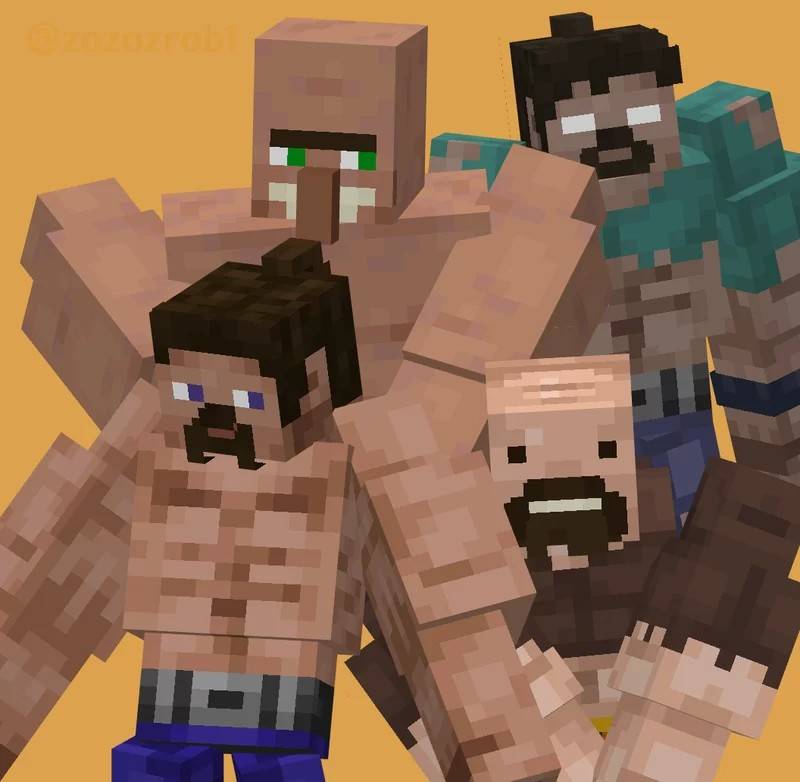
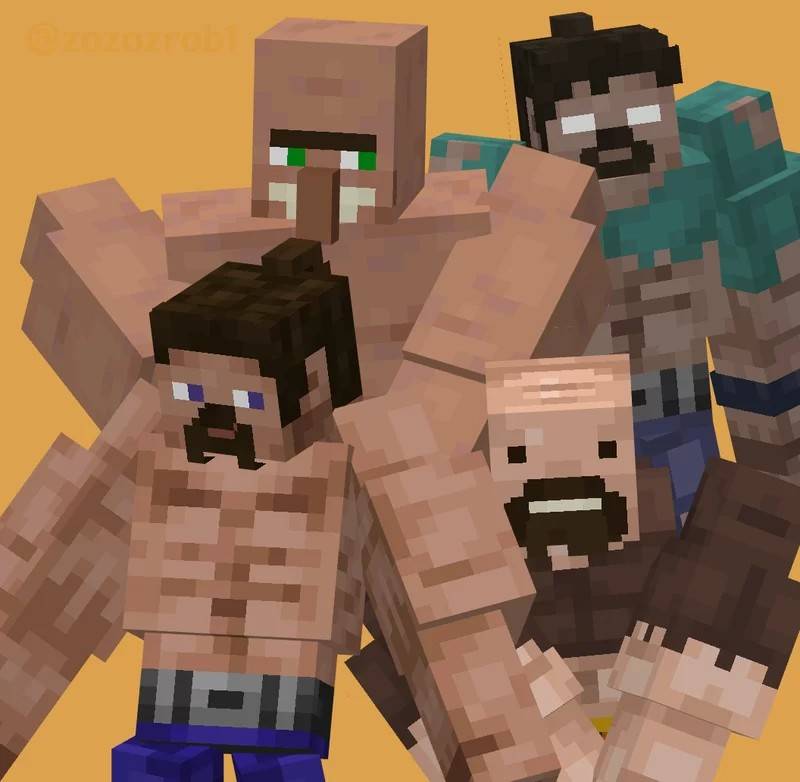
This texture pack replaces the Iron Golem with GigaChad models based on the name you give it. Rename your Iron Golem using one of the following nametags to see each variant:
- gigachad steve
- gigachad herobrine
- gigachad notch
- gigachad villager
For the original Java Version:
gigachad | zozo-zrob's Profile
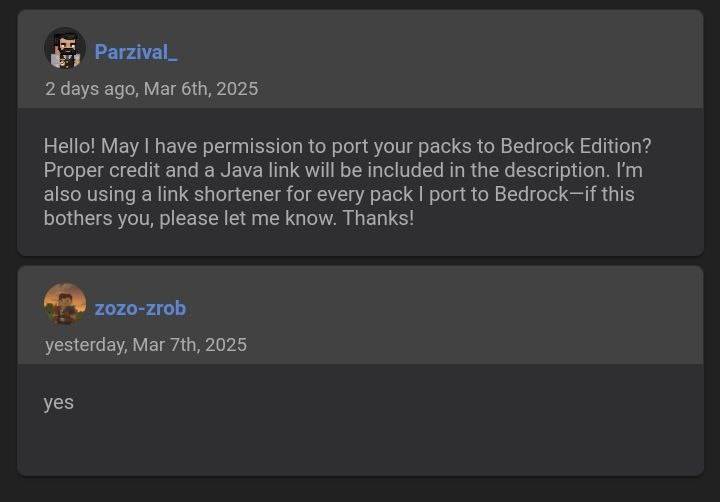
Owner's Permission:
Як встановити gigachad
With Millida Launcher
Install Millida Launcher
The launcher is free: download it at millida.net/launcher and sign in with any nickname.
Click “Install” on this page
The launcher opens and installs the resource pack for Minecraft 1.21.90–1.21.111 automatically.
Launch the game
A profile with it appears in the launcher: click “Play”.
Manually
Download the archive
Pick the file gigachad.mcpack (676 KB) for your game version. No need to unpack it.
Put it in the resourcepacks folder
The easiest way: “Options”, then “Resource Packs”, then “Open Pack Folder”, and drag the archive there.
Enable the pack
In the same window, move the pack to the right-hand “Selected” column and click “Done”.
Версії
Із залежностями
| Minecraft | Завантажувач | Файл | Дата | Дії |
|---|---|---|---|---|
| 1.21.90 | — | GigaChad v1.0676 КБ |
Часті питання
Which Minecraft versions does gigachad work on?
There are files for 1.21.90–1.21.111, 7 versions in total. The newest is 1.21.111.
Where can I download gigachad safely?
On this page: the file gigachad.mcpack (676 KB) is stored on Millida’s server, with no link shorteners. SHA-1 checksum: 32d6eea11af0a334e11fe02ac09c4f5261ecedb5.
Відгуки
Станьте першим, хто оцінить gigachad


