
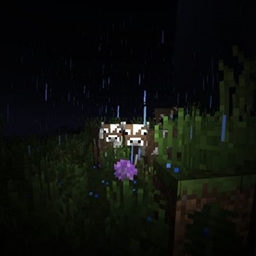
this is an early version, expect some bugs.
flashlight shader
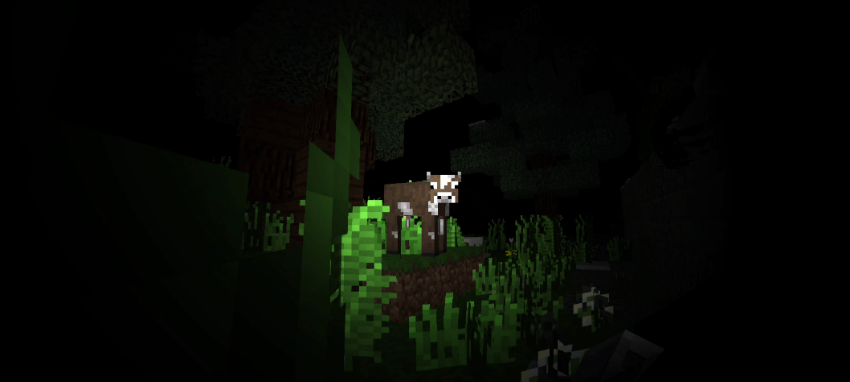
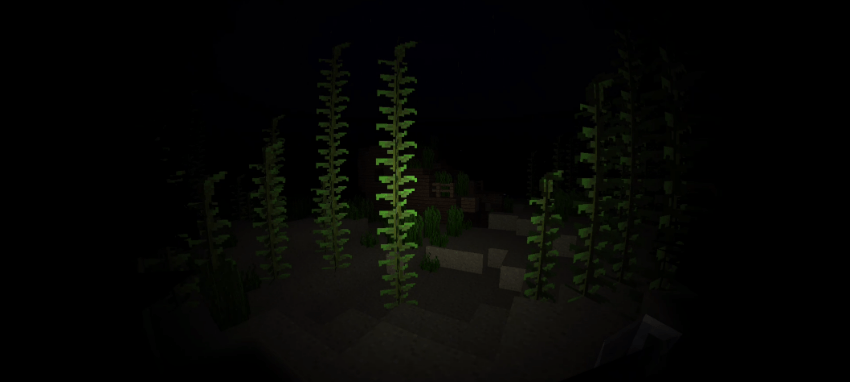
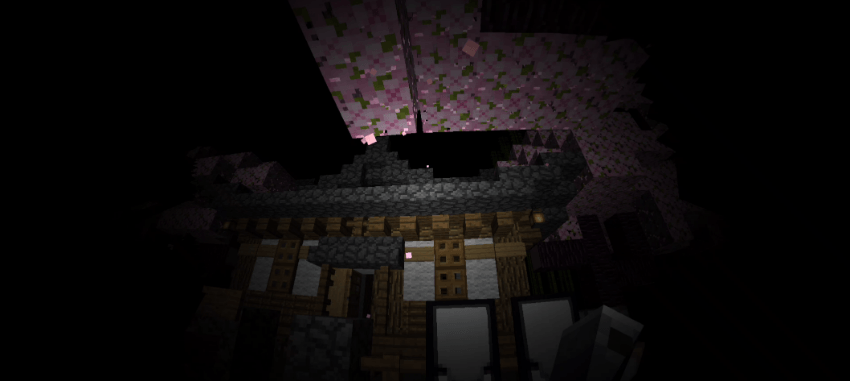
RD shader that adds flashlight and fish eye lens effect to your world.
note:
tinted particles are a bit bugged because of how the lighting detection works.
recommended settings:
fov: 80-100
brightness: 50%
this is RD shaders, so you need to use the correct tools to use this ( e.g. MaterialBinLoader, Minecraft patch, or any shaderloader ).
supported platforms:
Android, Windows, Ios
preview:
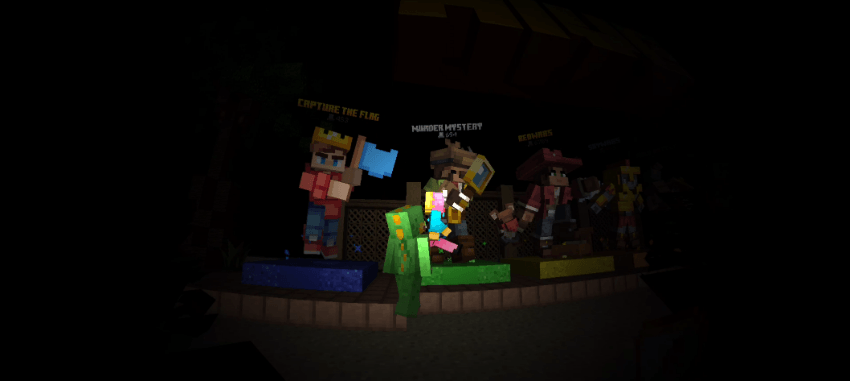
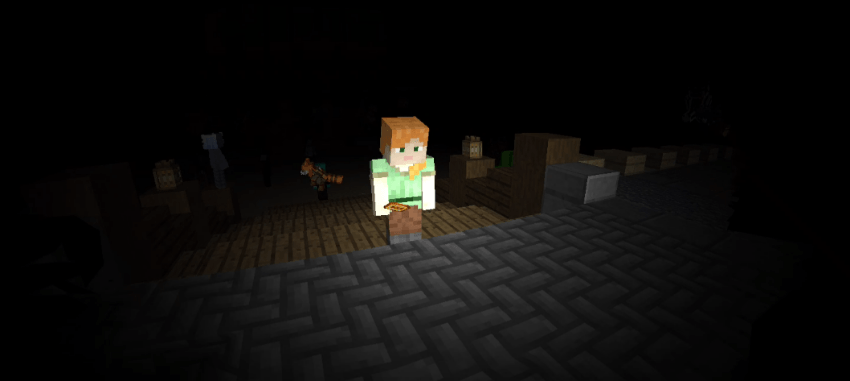
Як встановити flashlight shader
With Millida Launcher
Install Millida Launcher
The launcher is free: download it at millida.net/launcher and sign in with any nickname.
Click “Install” on this page
The launcher opens and installs the resource pack for Minecraft 26.50 automatically.
Launch the game
A profile with it appears in the launcher: click “Play”.
Manually
Download the archive
Pick the file flashlight-v3.2(26.50+).mcpack (1.2 MB) for your game version. No need to unpack it.
Put it in the resourcepacks folder
The easiest way: “Options”, then “Resource Packs”, then “Open Pack Folder”, and drag the archive there.
Enable the pack
In the same window, move the pack to the right-hand “Selected” column and click “Done”.
Версії
Із залежностями
| Minecraft | Завантажувач | Файл | Дата | Дії |
|---|---|---|---|---|
| 26.50 | — | flashlight-v3.2(26.50+).mcpack1.2 МБ 1 |
Відгуки
Станьте першим, хто оцінить flashlight shader
Коментарі 0
Увійдіть, щоб коментуватиУвійти


