

Default-Style Winter Pack для Minecraft 1.21.4
Зимове переосмислення стандартного досвіду!
Про ресурспак Default-Style Winter Pack
This resource pack gives your world an winter theme, while maintaining the default style. For a version of this pack with a Holiday spin, try my Christmas Pack!
CONTINUITY OR OPTIFINE STRONGLY RECOMMENDED!
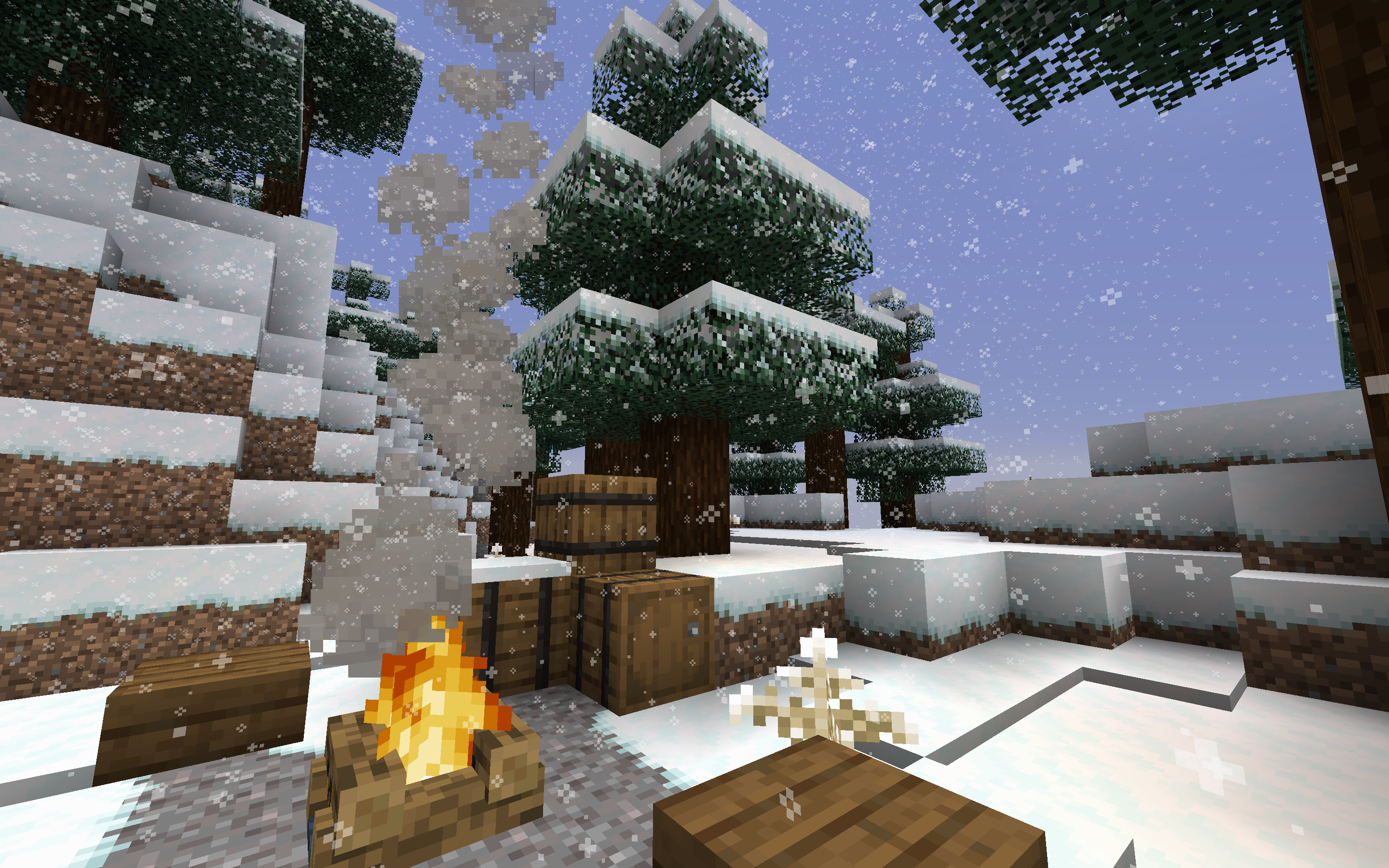
What’s Inside:
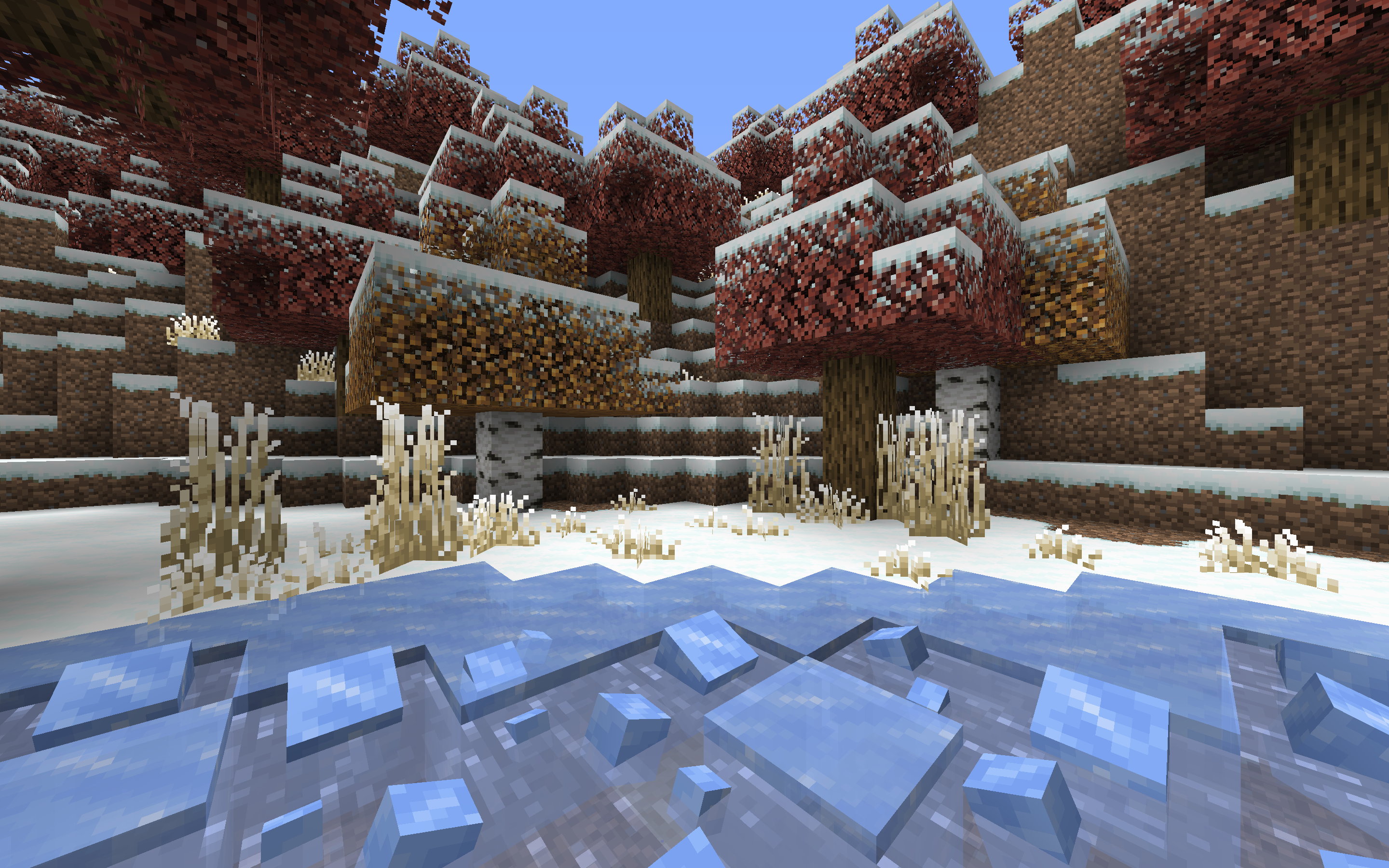
- Snow replaces Grass (blended edges with Optifine!)
- Snow Covered Leaves (connected textures with Optifine!)
- Icy Details
- Winter-themed GUI
Some resource packs and client-side mods that pair nicely with this resource pack!
- [Resource Pack] ❄️ Soft Weather: makes snow (and rain) much nicer to look at.
Mod Retextures:
Як встановити Default-Style Winter Pack
With Millida Launcher
Install Millida Launcher
The launcher is free: download it at millida.net/launcher and sign in with any nickname.
Click “Install” on this page
The launcher opens and installs the resource pack for Minecraft 1.21.4 automatically.
Launch the game
A profile with it appears in the launcher: click “Play”.
Manually
Download the archive
Pick the file WinterPack_1.21.4_v1.9.zip (4.2 MB) for your game version. No need to unpack it.
Put it in the resourcepacks folder
The easiest way: “Options”, then “Resource Packs”, then “Open Pack Folder”, and drag the archive there.
Enable the pack
In the same window, move the pack to the right-hand “Selected” column and click “Done”.
Версії
Із залежностями
| Minecraft | Завантажувач | Файл | Дата | Дії |
|---|---|---|---|---|
| 1.21.4 | — | WinterPack_1.21.4_v1.9.zip4.2 МБ 1 |
Часті питання
Which Minecraft versions does Default-Style Winter Pack work on?
Only Minecraft 1.21.4: there are no files for other versions.
Where can I download Default-Style Winter Pack safely?
On this page: the file WinterPack_1.21.4_v1.9.zip (4.2 MB) is stored on Millida’s server, with no link shorteners. SHA-1 checksum: aca0df9c64626e0a8857910122f1c78853d6fe1e.
Відгуки
Станьте першим, хто оцінить Default-Style Winter Pack



