
Deep visuals Ресурспак для Minecraft 26.40
Перетворіть свій світ Minecraft Bedrock за допомогою глибшого освітлення, насиченіших кольорів і приголомшливих візуальних ефектів.
Про ресурспак Deep visuals
Deep Visuals is a visual enhancement pack designed for Minecraft Bedrock Edition that improves the overall look and atmosphere of the game without changing its original style.
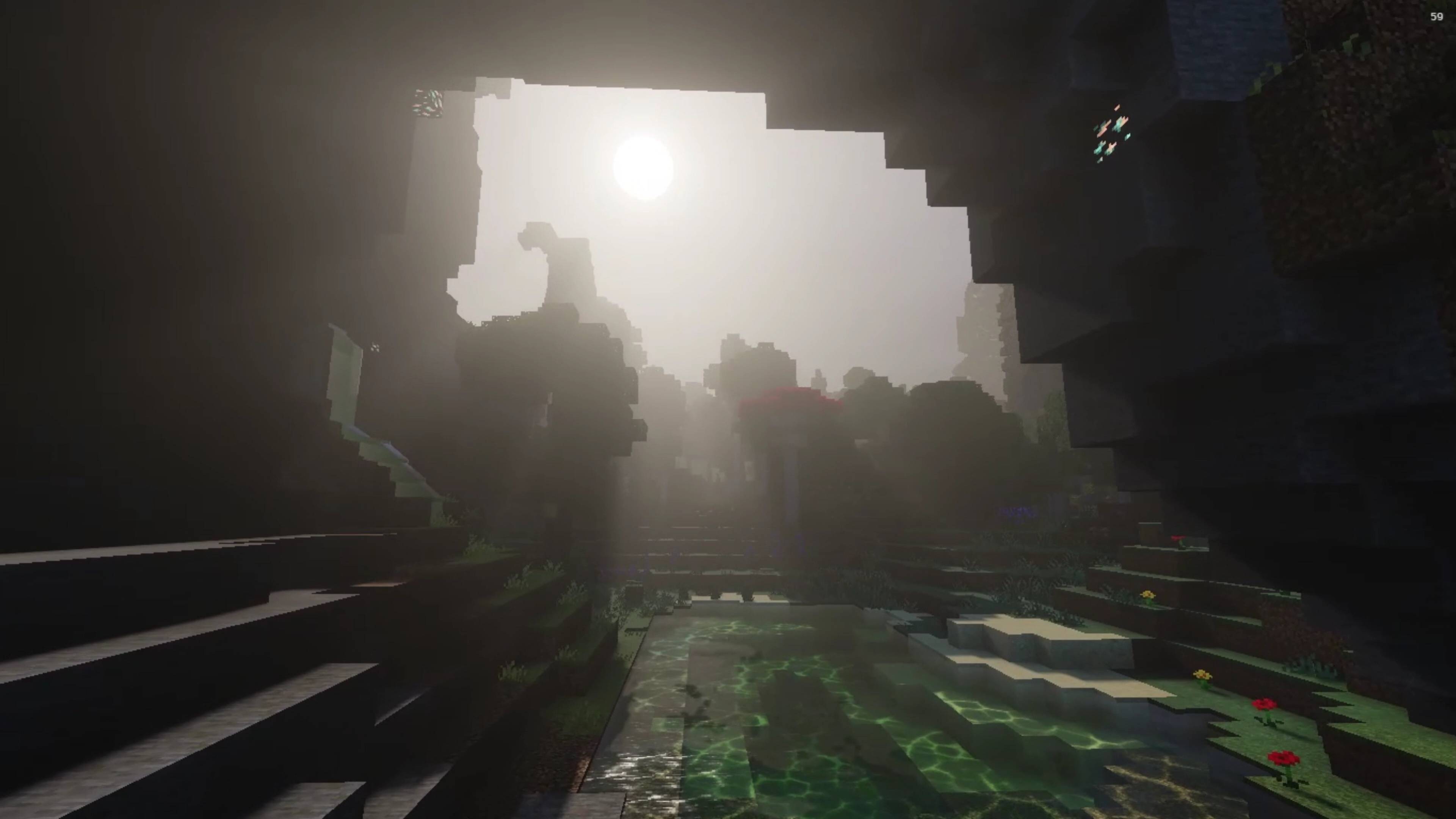
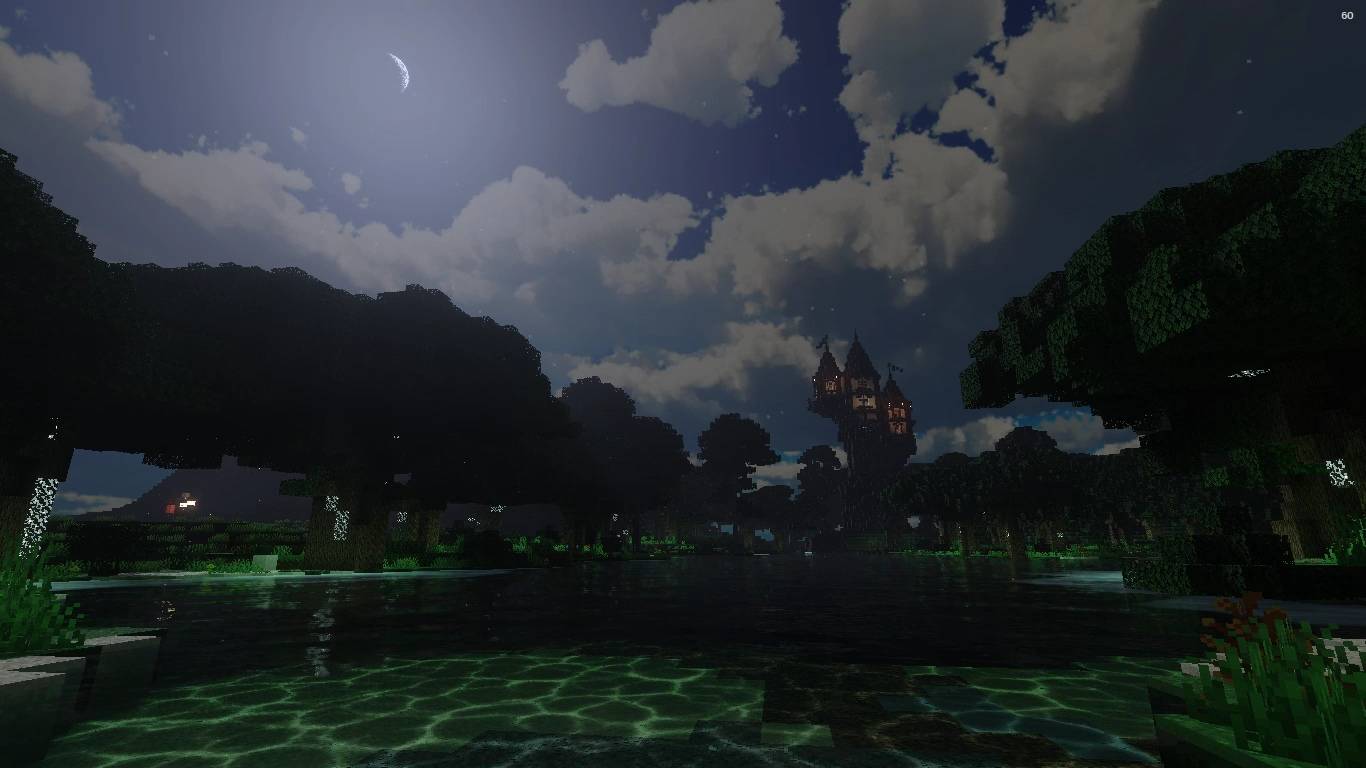
This pack enhances lighting, colors, and environmental effects to create a deeper and more immersive world. Shadows feel more natural, colors are richer, and the environment looks more alive while keeping good performance on most devices.
Deep Visuals is perfect for players who want a more beautiful and atmospheric experience while still keeping the classic feel of Minecraft.
download :
(normal) : here ...
(BETA) :
https://www.patreon.com/lotiif_craft_studio/posts/deep-visuals-v-0-153028222?utm_medium=clipboard_copy&utm_source=copyLink&utm_campaign=postshare_creator&utm_content=join_link
Features :
Improved lighting and shadows
Enhanced colors and atmosphere
Better visual depth and environment feel
Optimized to keep good performance
Whether you're exploring caves, building cities, or surviving the night, Deep Visuals makes every moment in your world look better.
Як встановити Deep visuals
With Millida Launcher
Install Millida Launcher
The launcher is free: download it at millida.net/launcher and sign in with any nickname.
Click “Install” on this page
The launcher opens and installs the resource pack for Minecraft 26.0–26.40 automatically.
Launch the game
A profile with it appears in the launcher: click “Play”.
Manually
Download the archive
Pick the file Deep visuals (Beta) v 0.0.7.mcpack (19 MB) for your game version. No need to unpack it.
Put it in the resourcepacks folder
The easiest way: “Options”, then “Resource Packs”, then “Open Pack Folder”, and drag the archive there.
Enable the pack
In the same window, move the pack to the right-hand “Selected” column and click “Done”.
Версії
Із залежностями
| Minecraft | Завантажувач | Файл | Дата | Дії |
|---|---|---|---|---|
| 26.0.02 | — | Deep visuals (Beta) v 0.0.7.mcpack19 МБ | ||
| 26.0.02 | — | Deep visuals (Normal) v 0.0.7.mcpack5 МБ |
Часті питання
Which Minecraft versions does Deep visuals work on?
There are files for 26.0–26.40, 10 versions in total. The newest is 26.40.
Відгуки
Станьте першим, хто оцінить Deep visuals



