
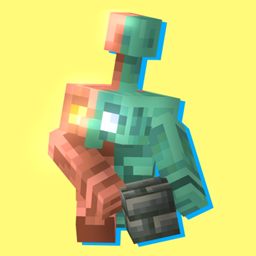
COPPER REMASTER Ресурспак для Minecraft 1.21.90
Цей текстур-пак вносить деякі виправлення у ванільні текстури останнього оновлення Minecraft Bedrock, де додали мідного голема, мідну броню та її інструменти. Також у текстур-паку додано трохи синіх ягід у
Про ресурспак COPPER REMASTER
Hello, my name is REGV and today I'm here to show you my texture pack "copper remaster"
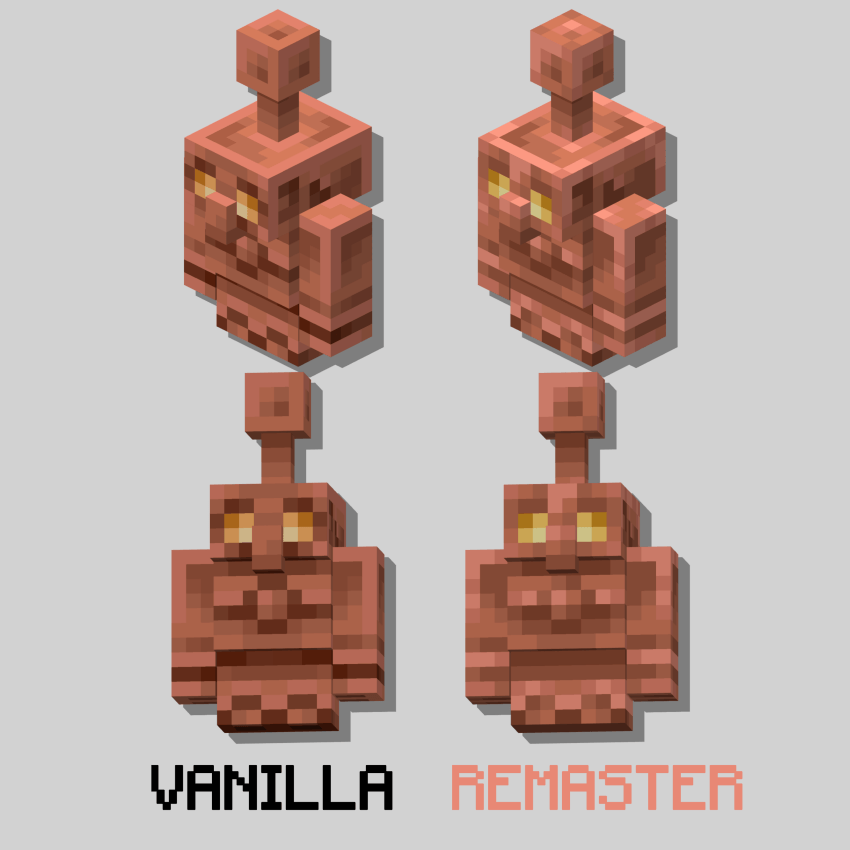
This texture pack changes the textures (what a redundancy) From the copper golem, copper tools, and copper armor, it's not a giant change that adds spikes or an ultra epic design, This texture pack "fixes" the dark and boring designs that armor and tools lack and Fixed the copper golem to give it more shine and more life.
But enough, so much kikiriki, Let me show you the textures
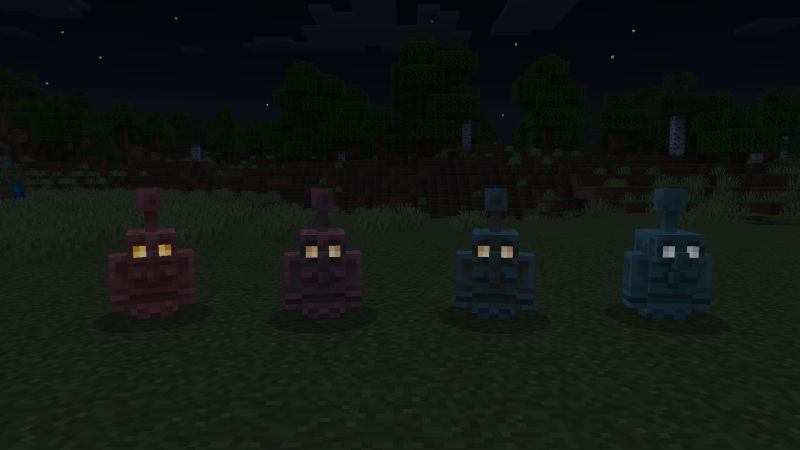
COPPER GOLEM
As I mentioned before, this texture pack corrects vanilla designs, so I will constantly show you comparisons so you can notice more the differences between this texture and the vanilla one.
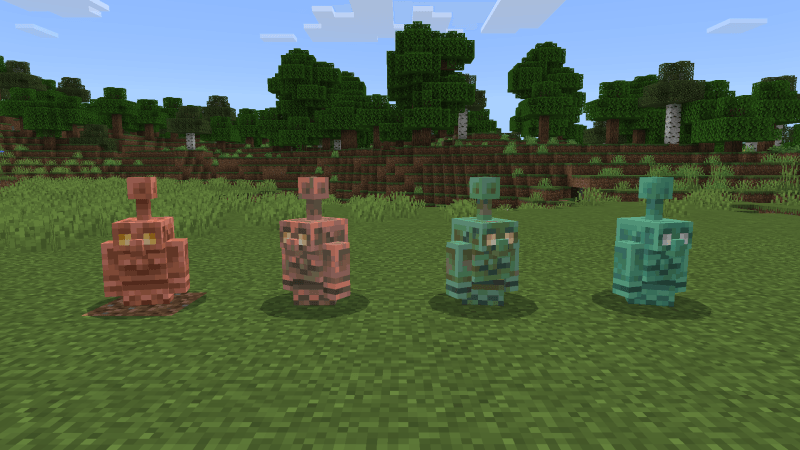
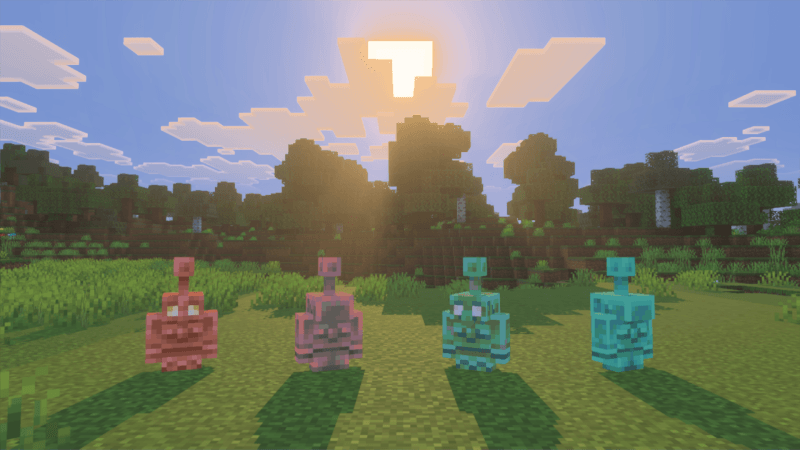
In the night
OTHERS TEXTURES
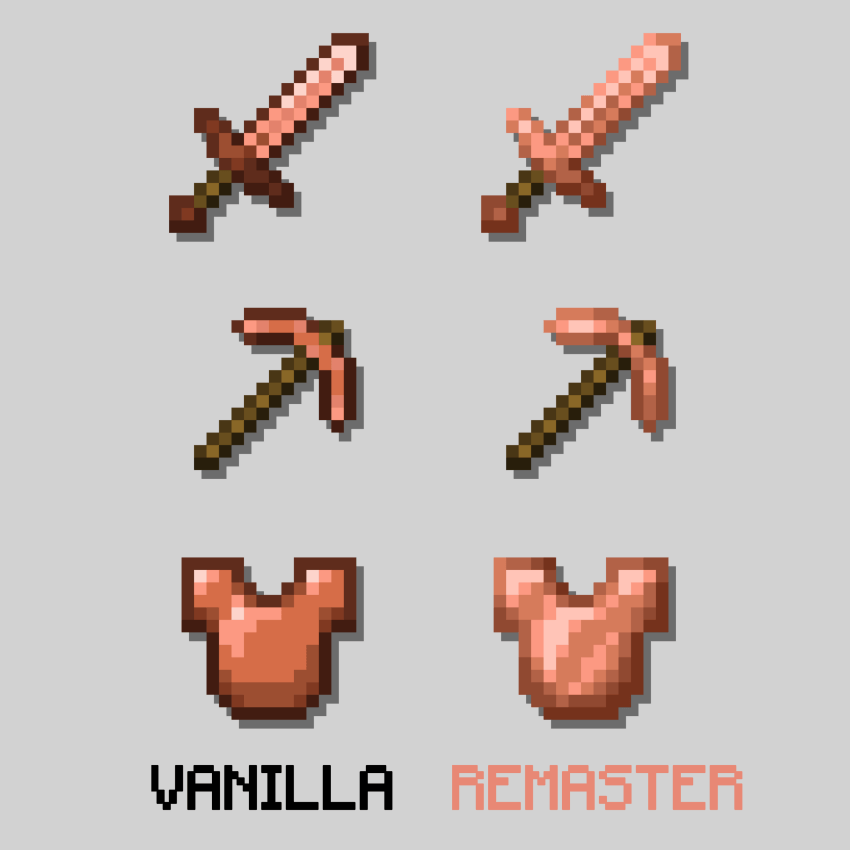
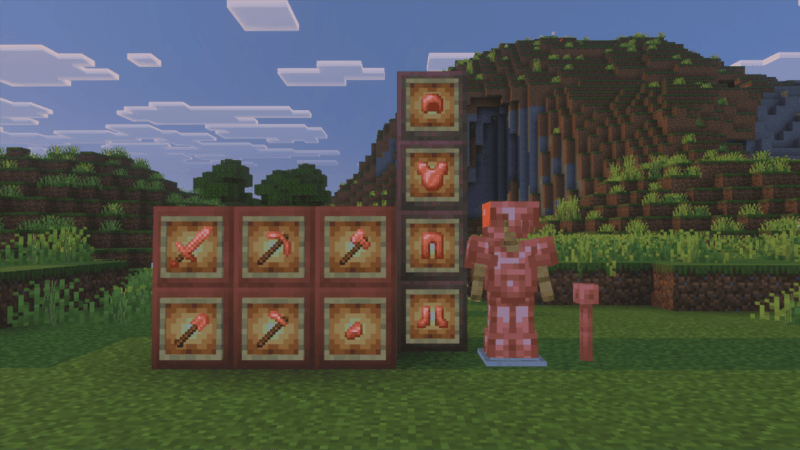
BLUE BERRIES and SUBPACKS
These blueberries are in reference to the fact that in the video where the copper golem is shown from afar you can see the blue cave berries, and I decided to do this as a reference.
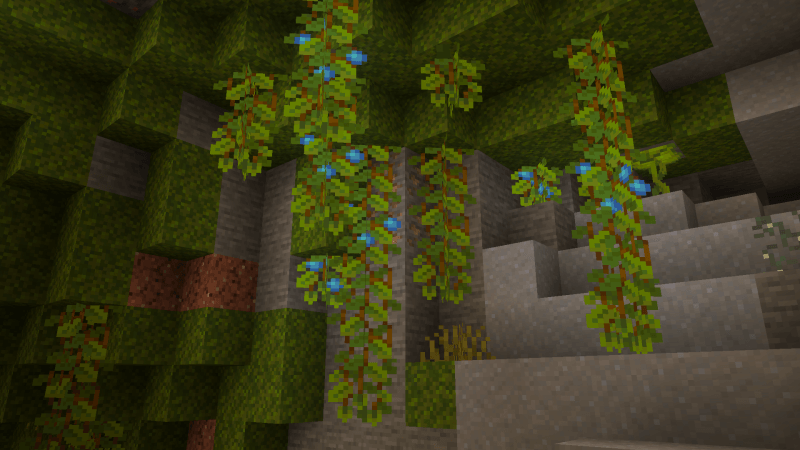
But I realize that not everyone will like blueberries in their caves, so I added subpacks so you can choose whether to use the blueberries or the normal glowberries.
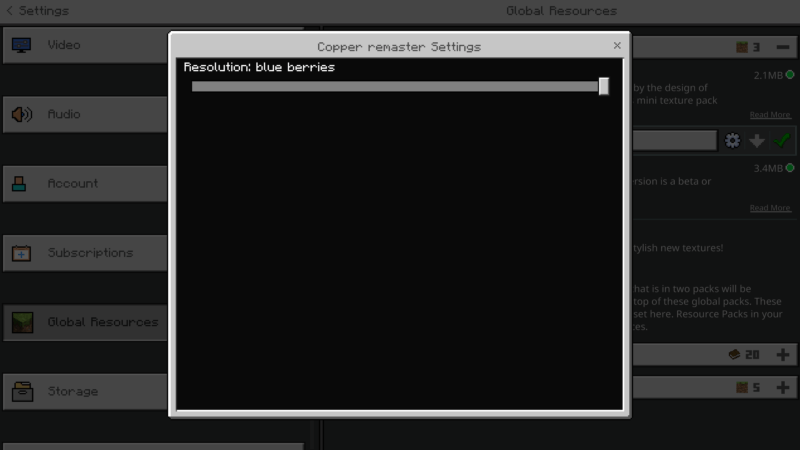
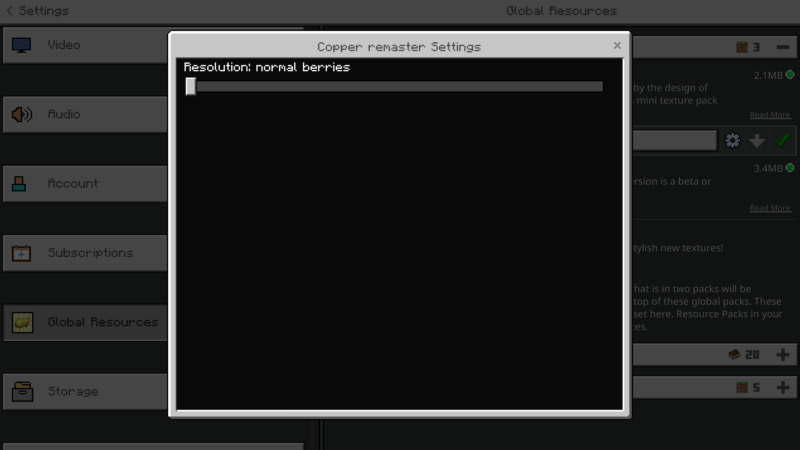
And that would be all, I hope you like this texture a lot, I also thank mid_ford_wells Who helped me make the texture pack (I didn't remember how to make the subpacks, I'm very rusty) Take care of yourselves, byeeeeee
Як встановити COPPER REMASTER
With Millida Launcher
Install Millida Launcher
The launcher is free: download it at millida.net/launcher and sign in with any nickname.
Click “Install” on this page
The launcher opens and installs the resource pack for Minecraft 1.21.90 automatically.
Launch the game
A profile with it appears in the launcher: click “Play”.
Manually
Download the archive
Pick the file copper_remasterTX.mcpack (2.1 MB) for your game version. No need to unpack it.
Put it in the resourcepacks folder
The easiest way: “Options”, then “Resource Packs”, then “Open Pack Folder”, and drag the archive there.
Enable the pack
In the same window, move the pack to the right-hand “Selected” column and click “Done”.
Версії
Із залежностями
| Minecraft | Завантажувач | Файл | Дата | Дії |
|---|---|---|---|---|
| 1.21.90 | — | copper_remasterTX.mcpack2.1 МБ |
Часті питання
Which Minecraft versions does COPPER REMASTER work on?
Only Minecraft 1.21.90: there are no files for other versions.
Where can I download COPPER REMASTER safely?
On this page: the file copper_remasterTX.mcpack (2.1 MB) is stored on Millida’s server, with no link shorteners. SHA-1 checksum: 87251a6bcaea05dc51ae48142f25ddad039cf78a.
Відгуки
Станьте першим, хто оцінить COPPER REMASTER



