
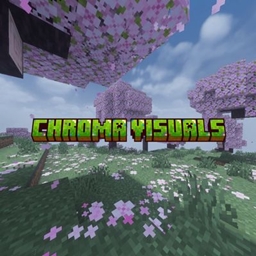
Chroma visuals Ресурспак для Minecraft 26.20
Chroma Visuals — яскравий шейдер для MCPE, який перетворює Minecraft Bedrock Edition завдяки кінематографічному освітленню, кристально чистій воді, барвистим атмосферам, м'якому блуму та захопливій графіці — зберігаючи при цьому плавний геймплей і чисту естетику.
Про ресурспак Chroma visuals
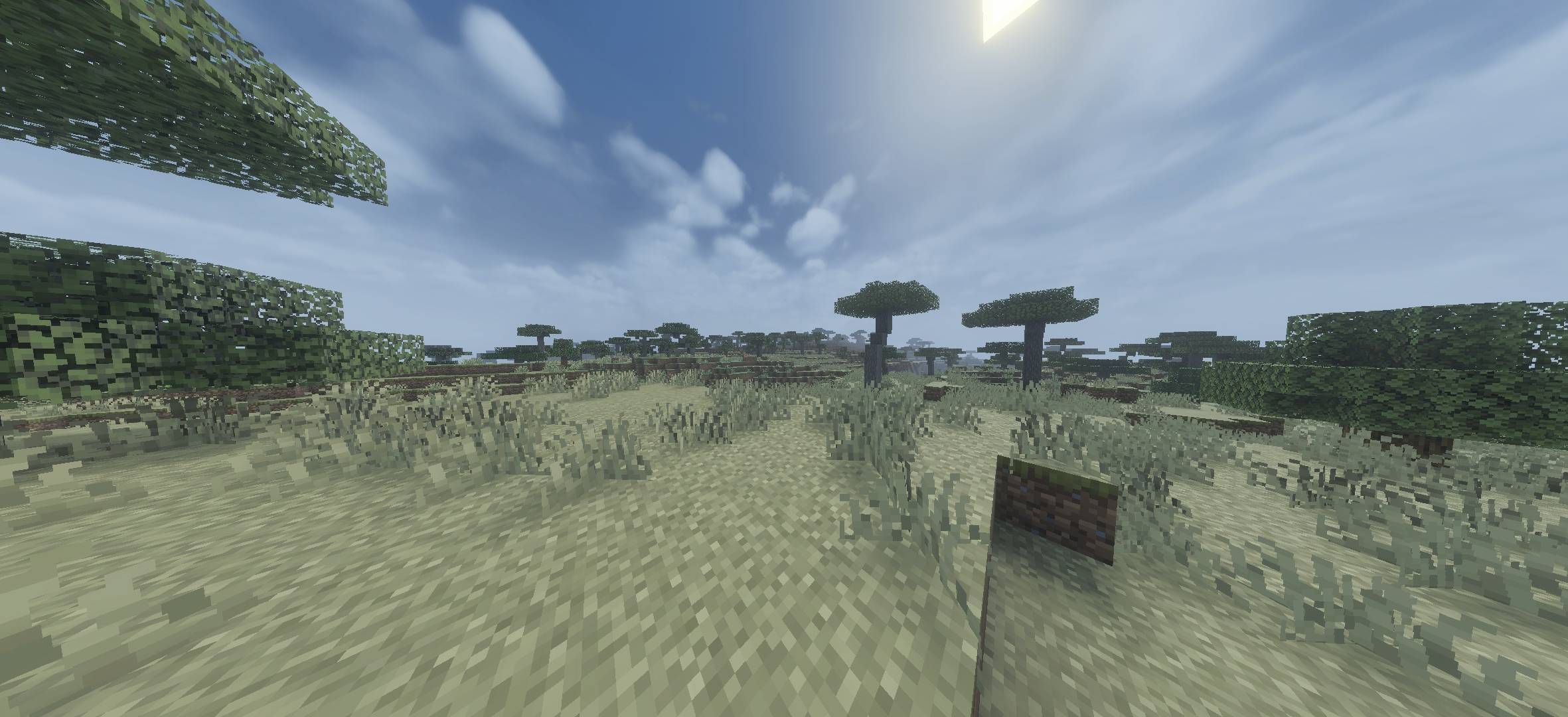
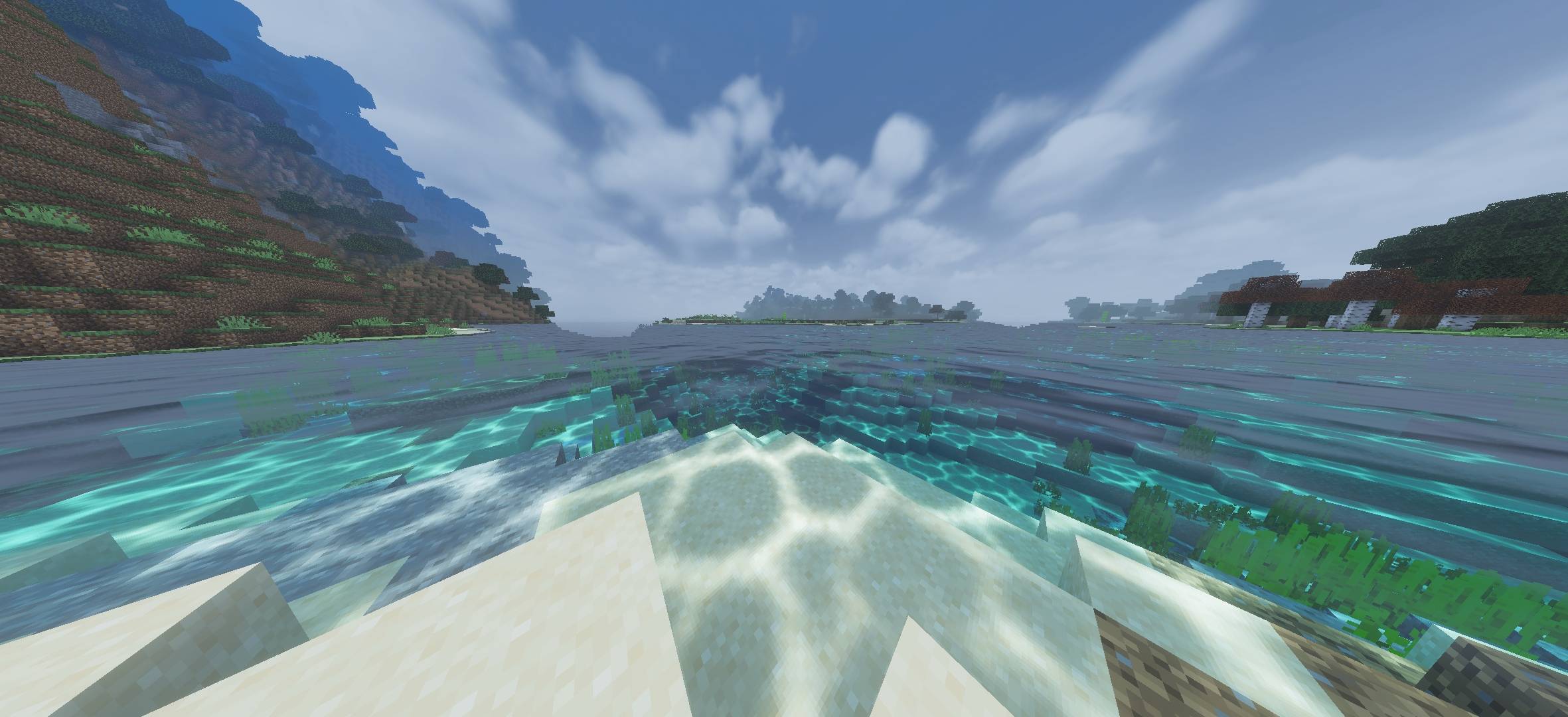
Chroma Visuals is a lightweight yet stunning shader for Minecraft Pocket Edition / Bedrock Edition designed to give your world a vibrant cinematic feel. From glowing oceans and realistic skies to colorful forests and atmospheric lighting, this shader enhances every biome with smooth and immersive visuals.
Whether you're exploring oceans, cherry groves, savannas, or survival worlds, Chroma Visuals brings your game to life with bright colors, realistic water reflections, soft bloom, and dynamic ambience.
Features
Vibrant and colorful lighting
Crystal-clear realistic water
Soft bloom and cinematic atmosphere
Enhanced sky and cloud visuals
Improved biome colors
Smooth fog effects
Better sunlight and shadows
Performance-friendly optimization
Beautiful underwater visuals
Natural aesthetic for survival gameplay
Як встановити Chroma visuals
With Millida Launcher
Install Millida Launcher
The launcher is free: download it at millida.net/launcher and sign in with any nickname.
Click “Install” on this page
The launcher opens and installs the resource pack for Minecraft 26.0–26.20 automatically.
Launch the game
A profile with it appears in the launcher: click “Play”.
Manually
Download the archive
Pick the file chromavisuals.mcpack (6.8 MB) for your game version. No need to unpack it.
Put it in the resourcepacks folder
The easiest way: “Options”, then “Resource Packs”, then “Open Pack Folder”, and drag the archive there.
Enable the pack
In the same window, move the pack to the right-hand “Selected” column and click “Done”.
Версії
Із залежностями
| Minecraft | Завантажувач | Файл | Дата | Дії |
|---|---|---|---|---|
| 26.0.02 | — | chromavisuals.mcpack6.8 МБ 1 |
Часті питання
Which Minecraft versions does Chroma visuals work on?
There are files for 26.0–26.20, 8 versions in total. The newest is 26.20.
Where can I download Chroma visuals safely?
On this page: the file chromavisuals.mcpack (6.8 MB) is stored on Millida’s server, with no link shorteners. SHA-1 checksum: f0d27f08c938d78284e57496cc2304031432d17a.
Відгуки
Станьте першим, хто оцінить Chroma visuals



