

Xelvora Шейдери для Minecraft 26.2
PVP-шейдер. Створений не для якості, а для продуктивності! (У своїй альфі!)
 Fabric
 OptiFine
⚔️ Xelvora
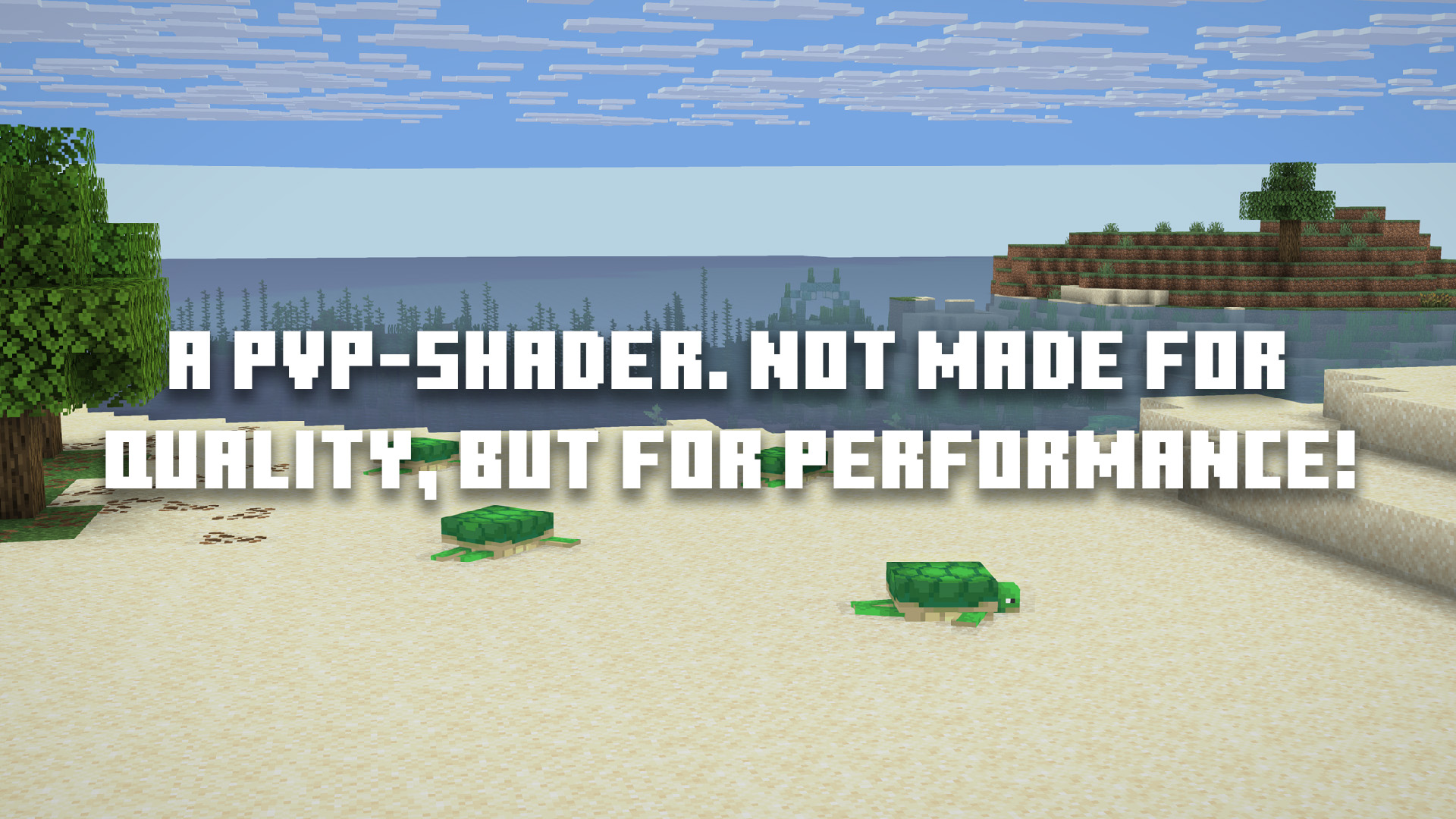
A PVP-Shader. Not made for quality, but for performance! ⚡ In Its Alpha!
❓ What is Xelvora?
Xelvora is, as mentioned, a PVP-Shader that is made to make your game look a little bit better without taking a lot of FPS 🚀 or looking too realistic for PVP. It adds Shadows 🌓, glowing lava 🌋, better Water 🌊 and more you can find below in the Features-Tab.

✨ Features
Xelvora enhances Minecraft's vanilla look with realistic lighting and atmosphere ☀️, while staying fast and true to the game's iconic block-art style. 🎨
- ☀️ Lighting & Shadows – Soft shadow mapping, subtle ambient occlusion, and dynamic sun/moon lighting for a natural day-night look. 🌙
- 🌅 Sun & Moon – The classic pixelated sun and moon are kept exactly as in vanilla.
- ☁️ Sky – Overworld and Nether skies stay close to vanilla (no heavy volumetric weather), keeping performance high. 🏎️
- 🌧️ Clouds – Lightweight, subtly layered clouds that look good without tanking your FPS.
- 🌀 Nether Portal – A translucent, gently glowing portal with a soft shimmer. ✨
- 🌌 The End – A custom purple void sky. 🟪
- 💧 Water – See-through water. 🧊
- 🔥 Lava – Bright, glowing lava with dynamic emissive bloom. 💥
- 🖥️ Performance & Compatibility – Optimized for high FPS on both Windows 🪟 and macOS 🍏 (Metal via Iris). Uses efficient shadow maps and lightweight FXAA without heavy compute shaders. (Linux is currently untested, but should generally work via Iris). 🐧
Fully configurable in-game ⚙️ (shadow resolution, SSAO, bloom, and more), so you can balance visuals and FPS for your hardware. 🛠️

🆕 Newest Version: 0.1.0
Xelvora is in its Alpha 🚧 and is not finished yet! This means that there are still a lot of Bugs 🐛 and that the Shader will get better. 📈
🐛 Bugs
If you want to report Bugs then please open a Ticket 🎟️ in our Discord-Server! 💬
Як встановити Xelvora
With Millida Launcher
Install Millida Launcher
The launcher is free: download it at millida.net/launcher and sign in with any nickname.
Click “Install” on this page
The launcher opens and installs the shaders for Minecraft 26.2 automatically.
Launch the game
A profile with it appears in the launcher: click “Play”.
Manually
Install Iris or OptiFine
Without a shader mod the game cannot see shaders. Install it for the same Minecraft version.
Download the shader archive
Pick the file Xelvora_26.2_0.1.0.zip (46 KB) and do not unpack it.
Put it in the shaderpacks folder
“Options”, then “Video Settings”, then “Shader Packs”, then “Open Shader Pack Folder”, and drag the archive there.
Select the shaders
In the same window, click the pack name and “Apply”.
Версії
Із залежностями
| Minecraft | Завантажувач | Файл | Дата | Дії |
|---|---|---|---|---|
| 26.2 | Iris, OptiFine | 26.246.5 КБ |
Відгуки
Станьте першим, хто оцінить Xelvora


