

Phial Шейдери для Minecraft 1.20.1, 1.21.1
Шейдер постобробки, що має на меті відтворити стиль піксель-арту
- переглядів
- 23 переглядів
- Оновлено
- Оновлено 03.09.2026
- 1.20 — 1.21.10
 Fabric
- Клієнт
Phial
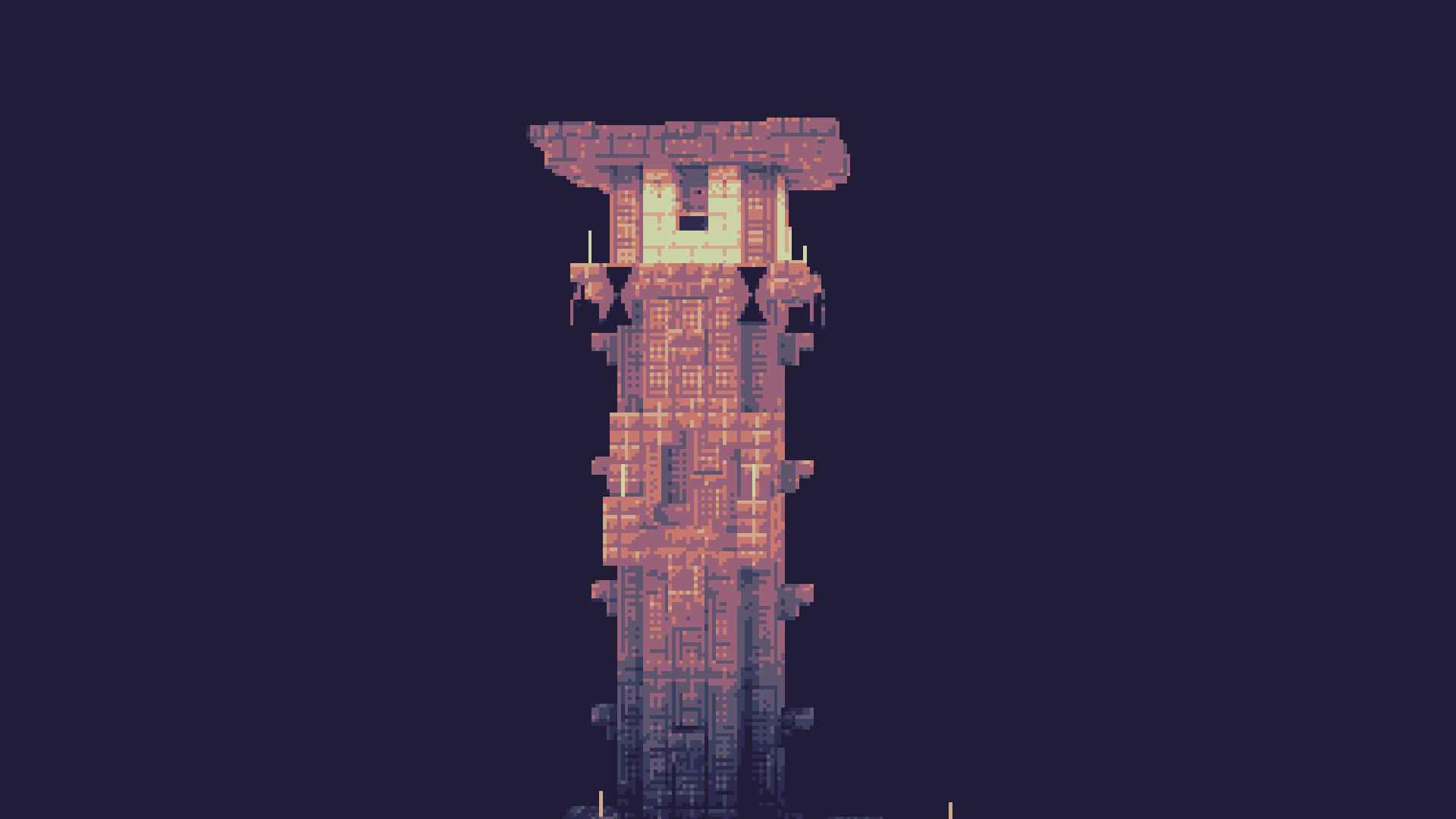
Phial is a work-in-progess shader that aims to add several post-processing options to mimic pixel art.
As of the latest version it has:
- Color quantization to limit the screen colors to a arbitrary color palette. (defaults to the Ressurect 64 palette)
- Customizable pixel mapping to lower the screen resolution
- Ordered dithering
- Customizable vignette

Custom Palettes
To input custom palettes, you can unzip the shader and locate the palette file at:
shaders\assets\palette.glsl
This requires a special format of storing colors, namely a vector 3 normalized GLSL array. To quickly convert a list of hex colors to this format, you can use the following site:
https://snorfield.github.io/palette-to-shader/
Once converted, you can simply open the palette.glsl file in a text editor such a notepad and replace the contents. Don't forget to save!
All you need to do to see the changes is reload the shader.
Як встановити Phial
With Millida Launcher
Install Millida Launcher
The launcher is free: download it at millida.net/launcher and sign in with any nickname.
Click “Install” on this page
The launcher opens and installs the shaders for Minecraft 1.20–1.21.10 automatically.
Launch the game
A profile with it appears in the launcher: click “Play”.
Manually
Install Iris
Without a shader mod the game cannot see shaders. Install it for the same Minecraft version.
Download the shader archive
Pick the file Phial.zip (17 KB) and do not unpack it.
Put it in the shaderpacks folder
“Options”, then “Video Settings”, then “Shader Packs”, then “Open Shader Pack Folder”, and drag the archive there.
Select the shaders
In the same window, click the pack name and “Apply”.
Версії
Із залежностями
| Minecraft | Завантажувач | Файл | Дії |
|---|---|---|---|
| 1.21 | Iris | 1.2117 КБ | |
| 1.20.1 | Iris | 1.20.117 КБ |
Відгуки
Станьте першим, хто оцінить Phial


