

Pale Shaders для Minecraft 1.20.1, 1.21.1
Шейдери з сяючими рудами, кінематографічними променями світла та шумною водою.
 Fabric
 OptiFine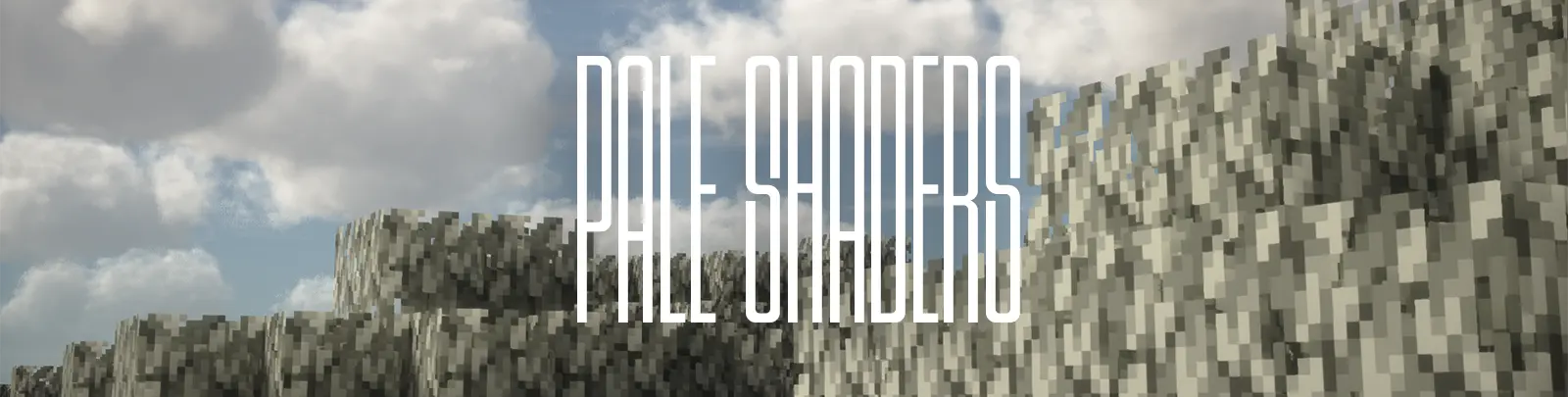
PaleShaders
Sundial Lite, reimagined. PaleShaders takes the speed and efficiency of Sundial Lite and layers in cinematic lighting, glowing ores, and reflective water/metal built for players who want their world to look incredible without needing a monster PC.
Reworked Water & Reflections A completely reworked wave system gives water a more natural, dynamic ripple, while Diamond, Iron, and Gold blocks now carry true metallic reflective properties the signature look RippleShaders is built around.

Radial sunbeams that break through trees, mountains, and cave entrances sky-aware so they never bleed into torchlight or lava.
Every vanilla ore Coal, Iron, Copper, Gold, Lapis, Diamond, Emerald, Redstone, Nether Gold, Nether Quartz, Ancient Debris, and all Deepslate variants now glows with a high-contrast emissive shine. Mining has never looked this good.
A layered, organic screen-distortion effect kicks in the moment you go underwater waves ripple across your vision instead of a flat, static underwater look.
Plants and leaves sway at double the default speed, giving the world a constant sense of motion and life.
Optional letterbox bars for that movie-trailer look, toggleable straight from the in-game menu.
Enhanced Motion Blur Smoother, more noticeable motion blur out of the box for a cinematic feel while exploring.
Built on Sundial Lite's efficient foundation, PaleShaders is tuned to run great on low and mid-range hardware no need to sacrifice FPS for atmosphere.
Credits & License
PaleShaders is a fork of Sundial Lite by GeForceLegend, modified by EptuneStudios. All original copyright notices are preserved, and this project is licensed under GPL-3.0-or-later, in full compliance with the original license terms.

Як встановити Pale Shaders
With Millida Launcher
Install Millida Launcher
The launcher is free: download it at millida.net/launcher and sign in with any nickname.
Click “Install” on this page
The launcher opens and installs the shaders for Minecraft 1.19–26.2 automatically.
Launch the game
A profile with it appears in the launcher: click “Play”.
Manually
Install Iris or OptiFine
Without a shader mod the game cannot see shaders. Install it for the same Minecraft version.
Download the shader archive
Pick the file PaleShaders_r1.0.0.zip (1.4 MB) and do not unpack it.
Put it in the shaderpacks folder
“Options”, then “Video Settings”, then “Shader Packs”, then “Open Shader Pack Folder”, and drag the archive there.
Select the shaders
In the same window, click the pack name and “Apply”.
Версії
Із залежностями
| Minecraft | Завантажувач | Файл | Дата | Дії |
|---|---|---|---|---|
| 26.2 | Iris, OptiFine | 26.21.4 МБ 2 |
Часті питання
Which Minecraft versions does Pale Shaders work on?
There are files for 1.19–26.2, 28 versions in total. The newest is 26.2.
What do I need to run Pale Shaders?
Shaders are loaded through Iris or OptiFine: without one of them the game cannot see them.
Where can I download Pale Shaders safely?
On this page: the file PaleShaders_r1.0.0.zip (1.4 MB) is stored on Millida’s server, with no link shorteners. SHA-1 checksum: c9596171fcb1b0ee08ada2b0d0df64b0053d947c.
Відгуки
Станьте першим, хто оцінить Pale Shaders


