GamingPlay
Сервер Minecraft Java, режим гри: Survival: IP-адреса та онлайн
- Рейтинг за онлайном
- Версії
- 1.16
- Платформа
- Java
- Як приєднатися
- Straight by IP
Related lists
Про сервер
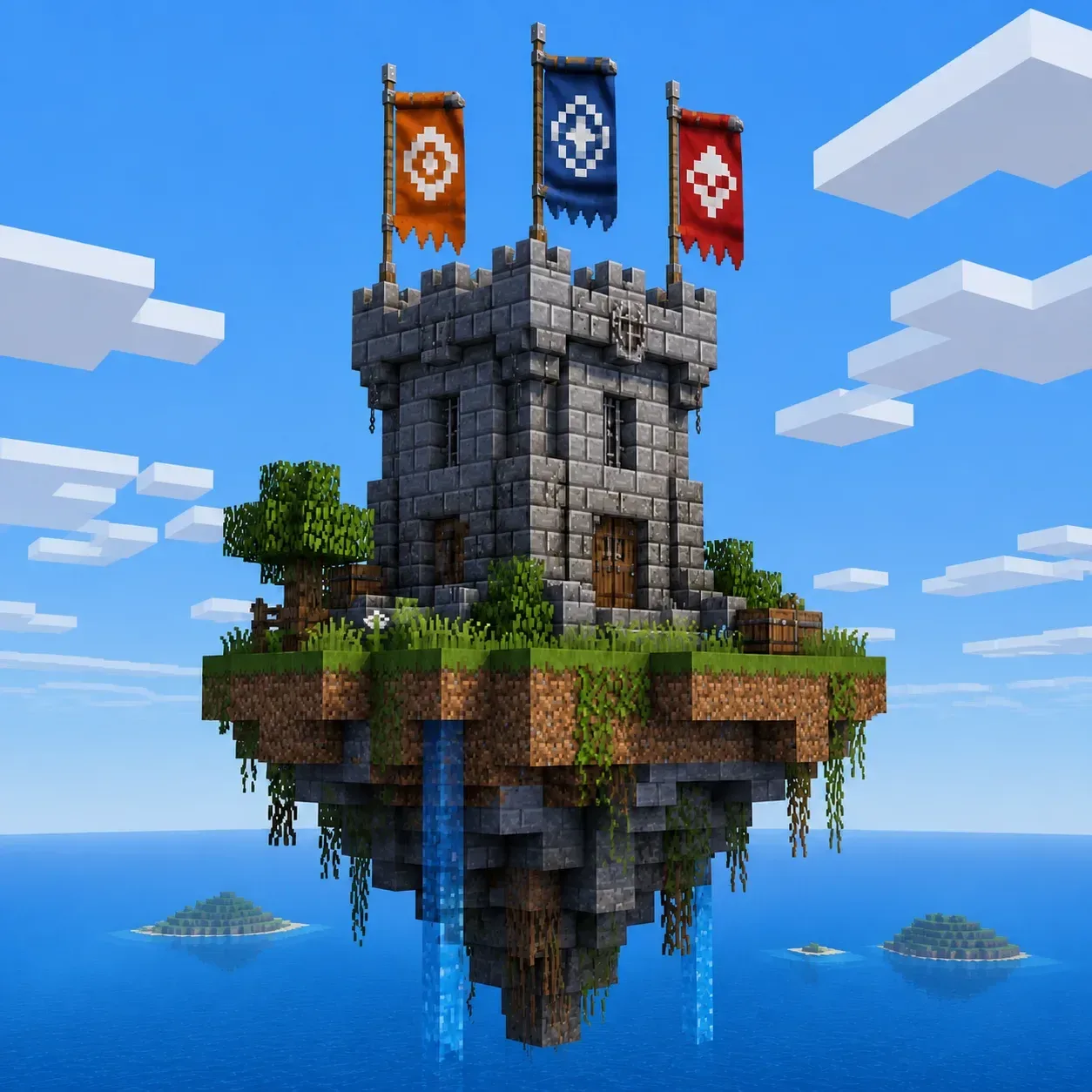
Come to GamingPlay and dive right into a familiar survival world on version 1.16.5. Here you can calmly go about your own business: build something, explore new territories, or just gather resources, like in the good old days. No complicated mechanics and no unnecessary plugins — just pure, unadulterated Minecraft. The server is perfect for those who want to take a break from the hustle and bustle and find a cozy place where they can just play for their own enjoyment. We play on the Java platform, so drop by!
Сервер зараз офлайн
оновлено 16 год томуЯк зайти на сервер GamingPlay
Як зайти на сервер GamingPlay
Як зайти з ПК
- 1Запустіть Minecraft Java Edition у потрібній версії.
- 2На головному екрані натисніть «Мережева гра».
- 3Натисніть «Додати сервер» і вставте адресу.
- 4Вставте IP: gamingplay.sosal.today
- 5Збережіть, виберіть сервер у списку та натисніть «Приєднатися до сервера».
Як зайти з телефона
- 1Лише ПК: сервер працює на Java Edition.
GamingPlay на Minecraft 1.21
Щоб приєднатися до GamingPlay з Minecraft 1.21, запустіть гру цієї версії, додайте IP gamingplay.sosal.today до списку серверів і підключіться. Якщо сервер працює на іншій версії, використайте сумісний клієнт.
GamingPlay на Minecraft 1.20
Щоб приєднатися до GamingPlay з Minecraft 1.20, запустіть гру цієї версії, додайте IP gamingplay.sosal.today до списку серверів і підключіться. Якщо сервер працює на іншій версії, використайте сумісний клієнт.
GamingPlay на Minecraft 1.19
Щоб приєднатися до GamingPlay з Minecraft 1.19, запустіть гру цієї версії, додайте IP gamingplay.sosal.today до списку серверів і підключіться. Якщо сервер працює на іншій версії, використайте сумісний клієнт.
GamingPlay на Minecraft 1.18
Щоб приєднатися до GamingPlay з Minecraft 1.18, запустіть гру цієї версії, додайте IP gamingplay.sosal.today до списку серверів і підключіться. Якщо сервер працює на іншій версії, використайте сумісний клієнт.
GamingPlay на Minecraft 1.17
Щоб приєднатися до GamingPlay з Minecraft 1.17, запустіть гру цієї версії, додайте IP gamingplay.sosal.today до списку серверів і підключіться. Якщо сервер працює на іншій версії, використайте сумісний клієнт.
GamingPlay на Minecraft 1.16.5
Щоб приєднатися до GamingPlay з Minecraft 1.16.5, запустіть гру цієї версії, додайте IP gamingplay.sosal.today до списку серверів і підключіться. Якщо сервер працює на іншій версії, використайте сумісний клієнт.
Вайпи сервера
Відстеження соцмереж 24/7Відгуки · 0
Відгуки · 0
Часті запитання
Часті запитання
What is the IP address of GamingPlay?
The IP address of GamingPlay is gamingplay.sosal.today. Copy it from this page and paste it into your Minecraft client when you add the server.
How do I join GamingPlay?
Open Minecraft → Multiplayer → Add Server, paste the IP gamingplay.sosal.today and press Done. Then pick the server from the list and hit Join Server.
Which Minecraft version does GamingPlay run?
GamingPlay runs version 1.16 (Java). Connect with a matching client version.
Can I join GamingPlay from a phone?
GamingPlay is a Java server, made for the PC edition of Minecraft. You cannot join it from Bedrock on a phone directly.
How do I vote for GamingPlay, and why bother?
Open the GamingPlay page and press Vote (once a day). Votes move the server up the Millida server list.
When is the next wipe on GamingPlay?
Wipe dates for GamingPlay live on a separate schedule page — we take them from the project's own channel and show a countdown. If nothing is announced, the server has not named a date.
Контакти
Це ваш сервер?
Цю картку створено з даних публічного моніторингу. Заберіть її, щоб редагувати опис, відповідати на відгуки та підняти сервер у топі.
Посилання на нас на сайті сервера: +1 бал рейтингу.
Увійдіть, щоб забратиГолоси за сервер
Стрічка активності
Код вбудовування на сайт

Посилання на нас на сайті сервера: +1 бал рейтингу, поки воно активне.
Схожі сервери