
Features
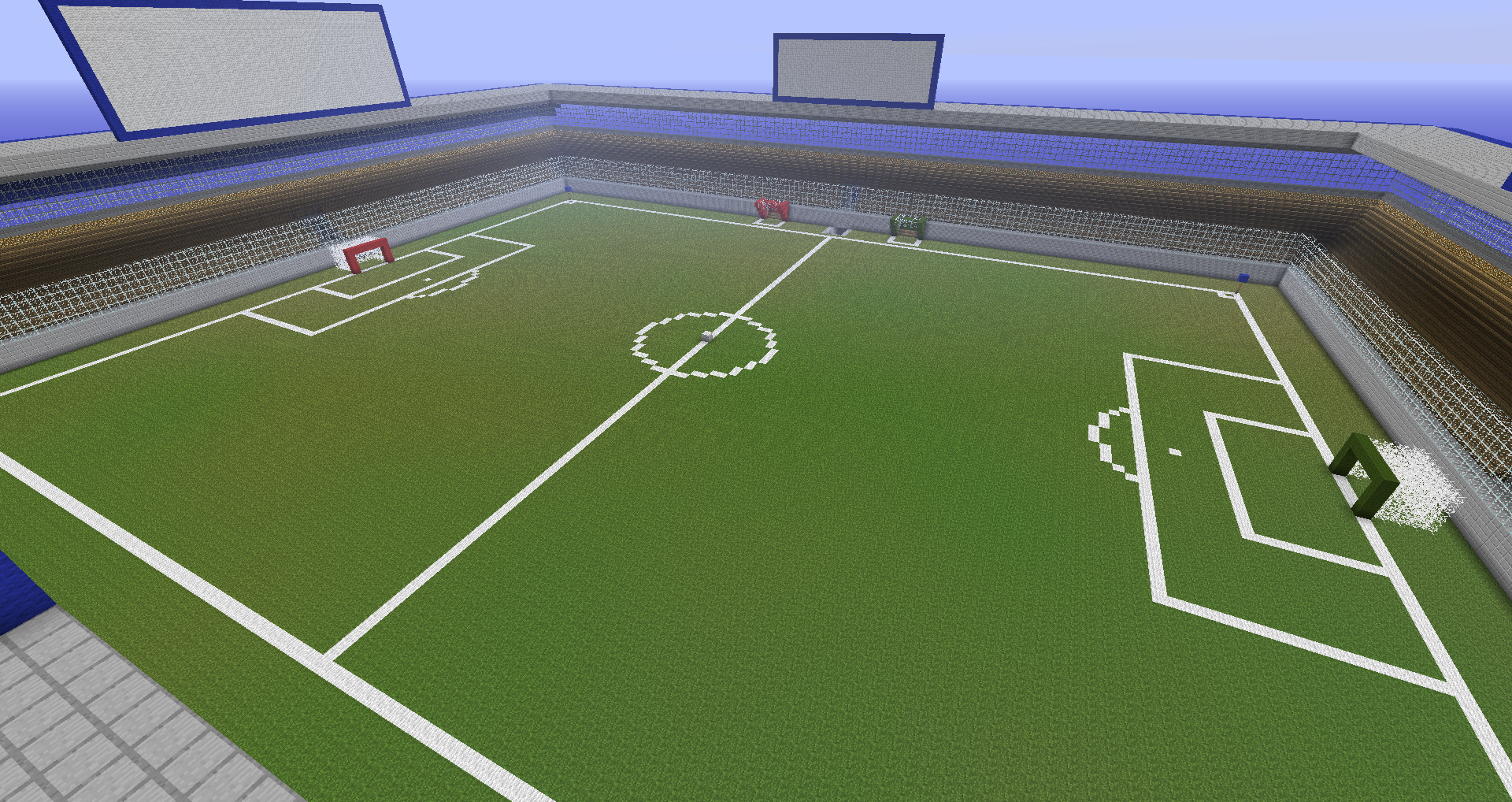
- Stadiums
- More than 2 Goals
- More Stadiums than 1
- Tricots
- Protection against streakers ;)
- Any ball type you want
- Permissions support
- Stadiums are saved
- Select areas with a slimeball
- Play with a slimeball
Commands
- sbselect - tutorial <step> - clear - stadium <stadium> <goals> - ball <entity/block/item> <ball> - display <display> - goal <goal> - sbgame - start <game> - create <game> <stadium> <ball> - stop <game> - delete <game> - addplayers <game> <goal> <players> - autoaddplayers <game> - randomaddplayers <game> <players> - remplayers <game> <players> - fix <game> - points <game> - sbplay - start <game> <goal> - stop - sblist - stadiums - goals - balls - games - devs - sbremove - goal <goal> - ball <ball> - stadium <stadium> - sbpers - save - load
Permissions
speedball."command"."subcommand" /sbgame create -> speedball.game.create
Setup
- Select 1 corner of your first goal : leftclick with slimeball
- Select a second corner of your first goal : rightclick with slimeball
- Register your first goal : sbselect goal "goal"
- Do 1-3 with so many goals you want
- Select 1 corner of your stadium : leftclick with slimeball
- Select a second corner of your stadium : rightclick with slimeball
- Register your stadium : sbselect stadium "stadium" "goal1" "goal2" ...
- Register your ball : sbselect ball item "ball" or use sbselect ball block "ball" after you have selected a ball
- Create the game : sbgame create "game" "stadium" "ball"
- Add the players to the game : sbgame autoaddplayers "game" or use this for manual add sbgame addplayers "game" "goal" "players"
- Start the game : sbgame start "game"
- Have fun
- Stop the game : sbgame stop "game"
Tutorial German:
Tutorial Outdated English:
Tutorial Portuguese
Як встановити SpeedBall
A server on Paper or Spigot
The plugin runs on the server core; players do not need to install anything.
File goes into the plugins folder
Download the file speedball.jar (49 KB) and put it into the server’s plugins folder.
Restart the server
On startup the plugin creates its own settings folder in plugins.
Use the “To server” button
On Millida Hosting, the button at the top of the page uploads the file to your server and restarts it for you.
Версії
Із залежностями
| Minecraft | Завантажувач | Файл | Дата | Дії |
|---|---|---|---|---|
| — | — | speedball 0.4.649.5 КБ |
Часті питання
Do players need to install SpeedBall?
No, the plugin goes only on the server, into the plugins folder: players do not need to download anything.
Where can I download SpeedBall safely?
On this page: the file speedball.jar (49 KB) is stored on Millida’s server, with no link shorteners. SHA-1 checksum: 6ac3e6c35be5ec97995ddf66f24044207e702215.
Відгуки
Станьте першим, хто оцінить SpeedBall



