
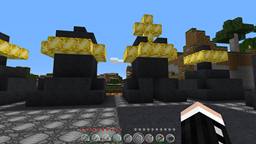
Про плагін ChessCraft
Invalid Image
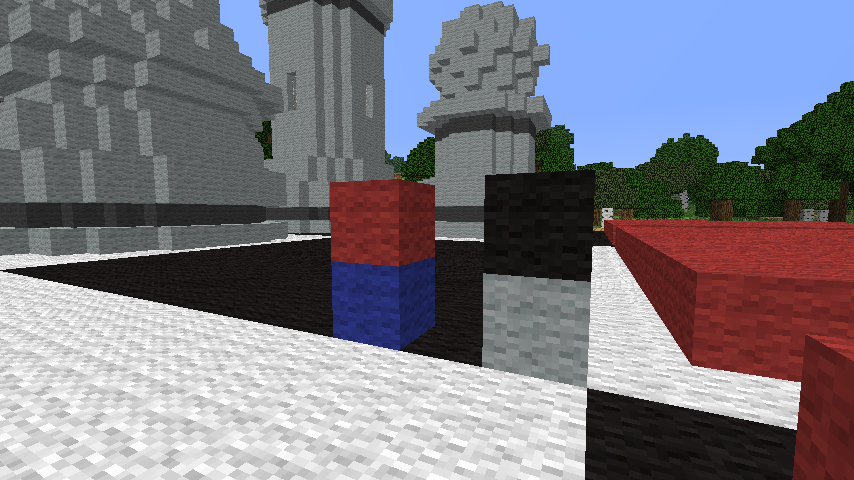
Overview
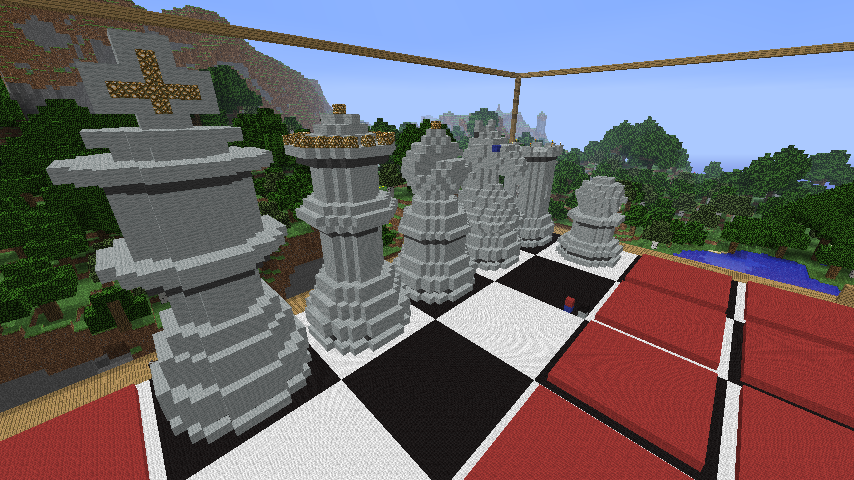
ChessCraft is a Bukkit plugin which lets you play chess. It has support for multiple chessboards and multiple concurrent games, playing against other players, or against the computer. Multiple board and piece styles are supported, along with an integrated piece designer, player ranking ladder and more.
Want to get started quickly? Read the Quickstart Guide!
Looking for a Checkers (English Draughts) plugin? Try this!
Latest Version
- ChessCraft 2.5.2 for CraftBukkit 1.7.9+
- ChessCraft 2.4.5 for CraftBukkit 1.7.2-R0.3/1.6.4-R2.0
- ChessCraft 2.3.4 for CraftBukkit 1.6.2-R0.1/1.5.2-R1.0/1.4.7-R1.0
Note: the ChessCraft for Bukkit plugin is completely unrelated to the Forge ChessCraft mod which can be found here: http://www.minecraftforum.net/topic/1621907-1467101chesscraft-play-chessbetter-than-chess
Videos
- See the Videos page for some demonstration & tutorial videos.
Features
- Complete implementation of the rules of chess (including castling, promotion, en passant etc.)
- Create as many chessboards as you like in your world(s), and run multiple concurrent games on them
- Create different board and chess set styles (several board/set styles are included)
- Players can fly around chess boards even without creative mode (v1.3.0+ needed)
- Permissions support (via Bukkit superperms)
- Economy support via Vault - bet economy credits on a game
- Play against human or AI opponents (using the jChecs AI engine or external engines via the XBoard protocol)
- WorldEdit support - terrain restoration if & when boards are deleted
- ScrollingMenuSign Support - create useful command menus of games/boards
- Integrated chess piece designer
- Translations - ChessCraft messages can be translated into other languages
- Database support: game results and game details (PGN) are saved to SQLite or MySQL database
- Leaderboard showing the top players on the server based on game results saved to the database
Installation
- Copy ChessCraft.jar into your Bukkit plugins/ folder.
- Optional: If you want Economy support, you will also need to install the Vault plugin.
- Optional: If you have WorldEdit installed, terrain will be automatically backed up when chess boards are created (and restored upon board deletion). WorldEdit v5.3+ is required - WorldEdit-5.3-SNAPSHOT or any earlier release will not work.
- Optional: If you have ScrollingMenuSign installed, ChessCraft will create SMS menus for board/game management. See ScrollingMenuSign Support.
- Optional (2.4.0+): If you have Dynmap installed, chessboards will be marked on your maps.
- Optional (2.4.0+): If you have Citizens installed, entity chess sets will be available, using NPC's for chess pieces.
- Optional (2.4.0+): ProtocolLib is a recommended dependency if you are using entity chess sets, to quieten mobs down.
- Restart or reload your server.
Documentation
- Quickstart Guide
- Command Reference
- Configuration File
- Getting Around The Board
- Board Styles
- Piece Styles
- List of stock board and piece styles
- Piece Designer
- Time Controls
- Permissions Support
- ScrollingMenuSign Support
- Player Leaderboard
- WorldEdit Support
- Economy Support
- Dynmap Support
- AI - Computer Players
- Translations
Source
- https://github.com/desht/ChessCraft
Development Versions
Development versions can be downloaded from this Jenkins build server. Notes:
- Development versions have not been approved by dev.bukkit.org staff
- Development versions may be buggy or fail to work completely. Only use development versions if you a) want to help with finding bugs, or b) have been asked to, to test a bugfix.
Bukkit Forums
- http://forums.bukkit.org/threads/24577/
Changelog
- Complete changelog
Bugs and Feature Requests
Use the Tickets tab to submit any bug reports or feature requests.
Usage Statistics
Since ChessCraft v1.1.0, fully anonymous usage statistics are collected using MCStats:
If you wish to opt out of MCStats metrics collection, edit plugins/PluginMetrics/config.yml and change opt-out: false to true.
Invalid Image
Donations
If you use and enjoy ChessCraft, you are welcome to make a donation by clicking the "Donate" button at the top right. However, donations are strictly optional, and don't confer any special benefits over non-donors.
Як встановити ChessCraft
A server on Paper or Spigot
The plugin runs on the server core; players do not need to install anything.
File goes into the plugins folder
Download the file ChessCraft.jar (2.7 MB) and put it into the server’s plugins folder.
Restart the server
On startup the plugin creates its own settings folder in plugins.
Use the “To server” button
On Millida Hosting, the button at the top of the page uploads the file to your server and restarts it for you.
Версії
Із залежностями
| Minecraft | Завантажувач | Файл | Дата | Дії |
|---|---|---|---|---|
| — | — | ChessCraft v2.5.22.7 МБ |
Часті питання
Where can I download ChessCraft safely?
On this page: the file ChessCraft.jar (2.7 MB) is stored on Millida’s server, with no link shorteners. SHA-1 checksum: 50b8c6777ccb9b41d9e32faa1be63a24d6c2e4a9.
Відгуки
Станьте першим, хто оцінить ChessCraft



