
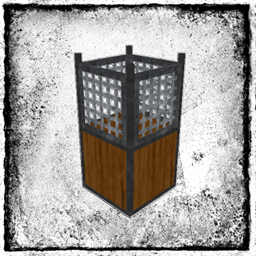
Water Strainer Мод для Minecraft 1.12.2, 1.19.4
Додає водяні фільтри для фільтрування води заради звичайних ресурсів.
- переглядів
- 14 переглядів
- Оновлено
- Оновлено 17.10.2026
- 1.12 — 1.19.4
 Forge
Forge
Про мод Water Strainer
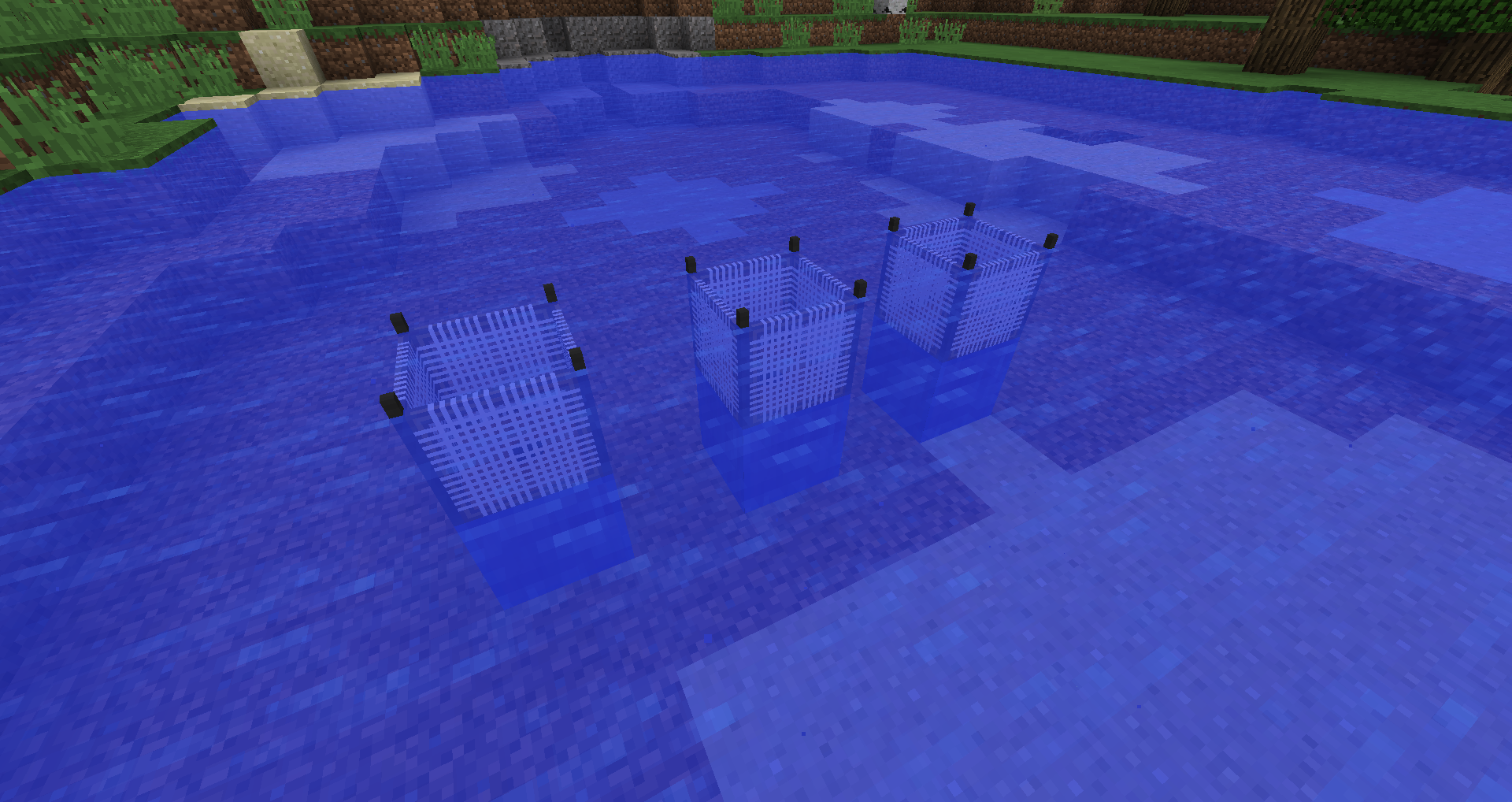
Опис: Water Strainer додає можливість фільтрувати воду для отримання звичайних ресурсів. Сито збирає загальні предмети (такі як пісок, гравій, палиці, глина, ...), поки воно знаходиться у воді. Вони ламаються, але їх можна створити з різних матеріалів, щоб підвищити їхню міцність. Ідея полягає в тому, щоб отримувати деякі звичайні ресурси, поки ви зайняті чимось іншим. Висота/потік води та тип біому впливатимуть на ефективність. Міцність, час простою, таблиці луту та інше можна налаштувати. Water Strainer також можна використовувати для карт skyblock.
Як почати: (1) Створіть основу для сита. (2) Створіть будь-який тип сита. (3) Розмістіть основу для сита у водоймі (основа потребує води зверху). (4) Помістіть своє сито в основу. Тепер сито фільтруватиме воду для отримання предметів. Список предметів залежить від типу сита. Предмети можна вставляти та витягувати з нижньої частини основи для сита.
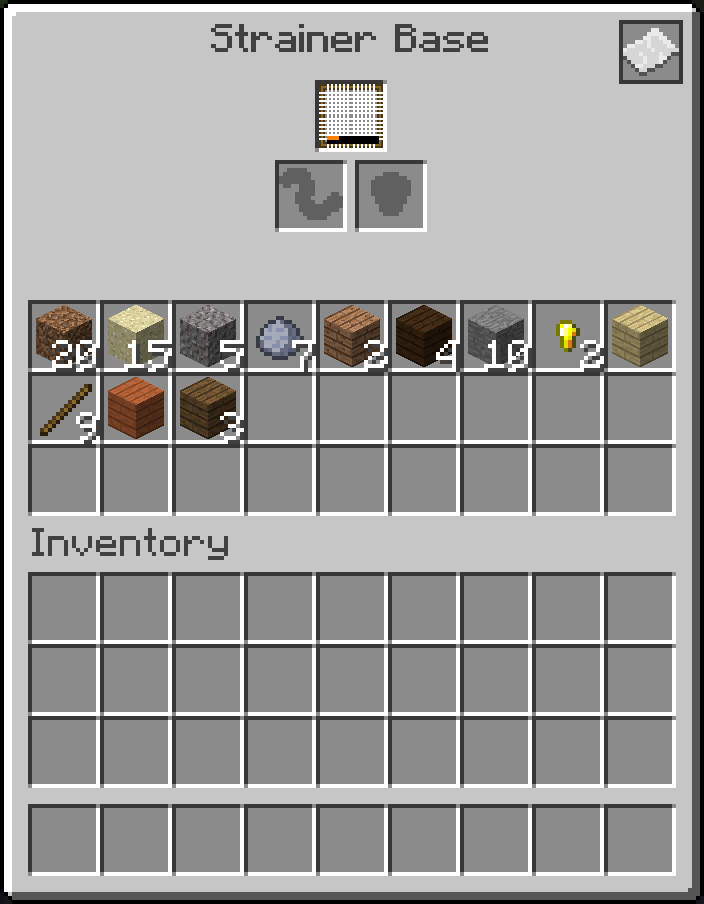
Сумісність: мод підтримує Just Enough Items (JEI).
Політика щодо збірок модів: вам дозволено додавати мод до будь-якої збірки модів. Вам не дозволено продавати мод або вміст моду (наприклад, предмети).
Як встановити Water Strainer
With Millida Launcher
Install Millida Launcher
The launcher is free: download it at millida.net/launcher and sign in with any nickname.
Click “Install” on this page
The launcher opens and installs the mod for Minecraft 1.12–1.19.4 on Forge automatically.
Launch the game
A profile with it appears in the launcher: click “Play”.
Manually
Install Forge
The loader must match the game version of the mod file, for example Minecraft 1.19.4. After installing it, a separate profile appears in your launcher.
Download the file for your version
In the version list above, pick the file WaterStrainer-1.19.4-16.0.0.jar (233 KB) for your game version.
Put it in the mods folder
The folder is inside .minecraft (Windows: %appdata%\.minecraft\mods). If it does not exist, create it.
Launch the loader profile
Open “Mods” in the main menu: Water Strainer should be in the list.
Minecraft 1.19.4 runs on Java 17: with a different Java version the game may close right after launch.
Версії
Із залежностями
| Minecraft | Завантажувач | Файл | Дата | Дії |
|---|---|---|---|---|
| 1.19.4 | Forge | WaterStrainer-1.19.4-16.0.0.jar233 КБ | ||
| 1.12.1 | Forge | WaterStrainer-1.12-3.3.0.jar120 КБ | ||
| 1.14.4 | — | WaterStrainer-1.14.4-7.0.0.jar216 КБ | ||
| 1.14.3 | — | WaterStrainer-1.14.3-6.1.0.jar190 КБ |
Часті питання
Which Minecraft versions does Water Strainer work on?
There are files for 1.19.4, 1.14.4, 1.14.3, 1.12.2, 1.12.1, 1.12. The newest is 1.19.4.
Is Water Strainer for Forge or Fabric?
Only for Forge: 1.12–1.19.4. There are no files for Fabric or NeoForge: a mod for another loader will not start.
Does Water Strainer need other mods?
The author lists no required dependencies: the Forge loader is enough.
Which Java does Water Strainer need?
Minecraft 1.19.4 runs on Java 17. If the game closes right after launch, the usual cause is the wrong Java version in the profile settings.
Where can I download Water Strainer safely?
On this page: the file WaterStrainer-1.19.4-16.0.0.jar (233 KB) is stored on Millida’s server, with no link shorteners. SHA-1 checksum: 80cd871030e40bb262269c2fcf6aaf103bed4f5e.
Відгуки
Станьте першим, хто оцінить Water Strainer


