

Valhelsia Structures Мод для Minecraft 1.20.1, 1.16.5
Додає нові структури та підземелля у ваш світ, при цьому належно інтегровані.
 NeoForge
 Forge
ForgeПро мод Valhelsia Structures
Valhelsia Structures — це мод, який генерує нові структури, як-от занедбані будівлі та підземелля, а деякі ванільні структури також перероблено й замінено нашою версією. Він також додає різні блоки, які можуть бути дуже корисними для оздоблення вашого дому. Valhelsia Structures сумісний і створений разом із Valhelsia Furniture. Мод отримуватиме нові структури, блоки, мобів, босів і функції з виходом оновлень.
Приєднуйтесь до нас на нашому сервері Discord, щоб дізнаватися останні новини, список змін і отримати підтримку, якщо у вас виникнуть проблеми. У нас також є надзвичайно активний канал чату та галерея зображень, надісланих учасниками спільноти.
BisectHosting пропонує швидкий, простий і високоякісний хостинг серверів із понад десятком локацій по всьому світу, що забезпечує низьку затримку. Після покупки сервер уже налаштований і готовий до використання.
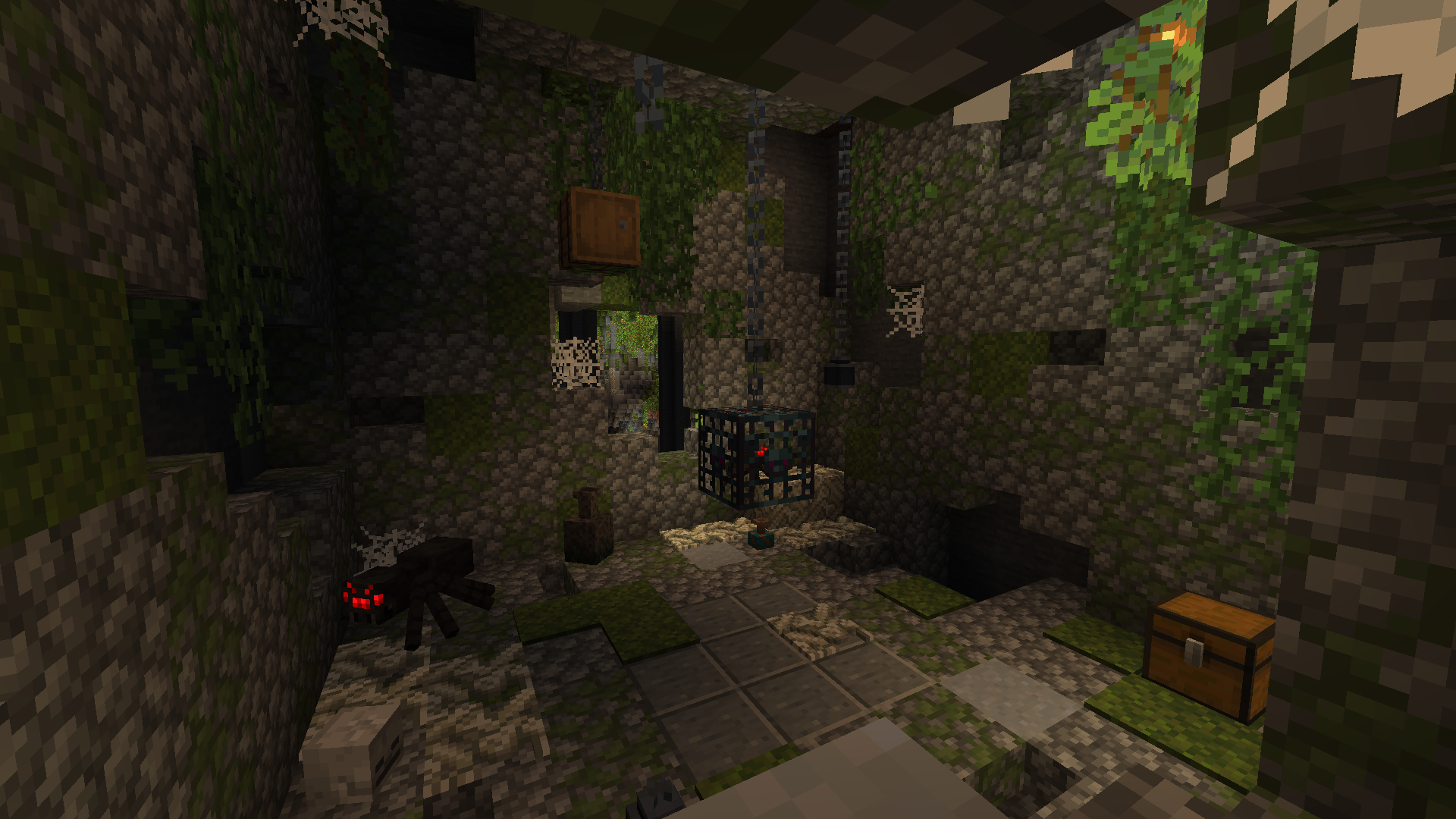
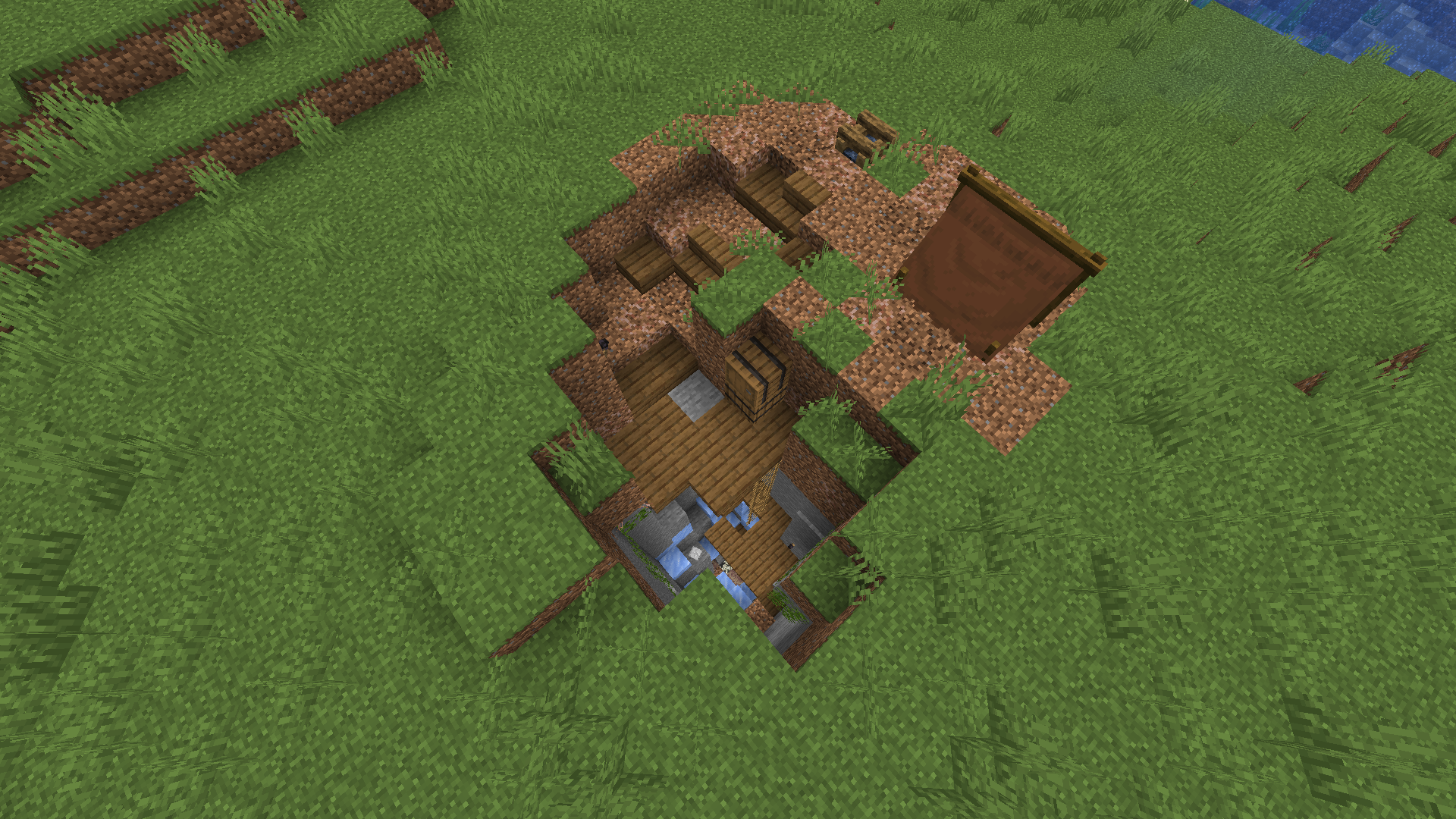
Ось кілька структур, які ви зможете знайти у своєму світі. На скриншотах ви також можете побачити деякі нові блоки, які додаються разом зі структурами, більше скриншотів доступно в галереї.
Нові функції додаватимуться з виходом оновлень, як-от кілька типів варіантів структур, щоб не натрапляти весь час на ті самі, нові структури, нові підземелля, нові боси та монстри.
Перегляньте наші проєкти:
Як встановити Valhelsia Structures
With Millida Launcher
Install Millida Launcher
The launcher is free: download it at millida.net/launcher and sign in with any nickname.
Click “Install” on this page
The launcher opens and installs the mod for Minecraft 1.16.1–1.21.9 on Forge or NeoForge automatically.
Launch the game
A profile with it appears in the launcher: click “Play”.
Manually
Install Forge or NeoForge
The loader must match the game version of the mod file, for example Minecraft 1.21.9. After installing it, a separate profile appears in your launcher.
Download the file for your version
In the version list above, pick the file valhelsia_structures-neoforge-1.21.9-1.1.0.jar (2.2 MB) for your game version and loader.
Put it in the mods folder
The folder is inside .minecraft (Windows: %appdata%\.minecraft\mods). If it does not exist, create it.
Launch the loader profile
Open “Mods” in the main menu: Valhelsia Structures should be in the list.
Minecraft 1.21.9 runs on Java 21: with a different Java version the game may close right after launch.
Версії
Із залежностями
| Minecraft | Завантажувач | Файл | Дата | Дії |
|---|---|---|---|---|
| 1.21.9 | NeoForge | [NeoForge] Valhelsia Structures - 1.1.02.2 МБ 1 | ||
| 1.20.1 | Forge | [Forge] Valhelsia Structures - 1.1.22.5 МБ 32 | ||
| 1.16.3 | — | Valhelsia Structures - 16.0.5600 КБ 4 | ||
| 1.16.1 | Forge | Valhelsia Structures - 16.0.1609 КБ |
Часті питання
Which Minecraft versions does Valhelsia Structures work on?
There are files for 1.21.9, 1.20.1, 1.16.5, 1.16.4, 1.16.3, 1.16.1. The newest is 1.21.9.
Is Valhelsia Structures for Forge or Fabric?
There are files for Forge: 1.16.1–1.20.1 and for NeoForge: 1.21.9. There are no files for Fabric: a mod for another loader will not start.
Does Valhelsia Structures need other mods?
The author lists no required dependencies: the Forge or NeoForge loader is enough.
Which Java does Valhelsia Structures need?
Minecraft 1.21.9 runs on Java 21. If the game closes right after launch, the usual cause is the wrong Java version in the profile settings.
Where can I download Valhelsia Structures safely?
On this page: the file valhelsia_structures-neoforge-1.21.9-1.1.0.jar (2.2 MB) is stored on Millida’s server, with no link shorteners. SHA-1 checksum: 100a6a7e18cba04a1ef360b8a97b8d53d6327b8e.
Відгуки
Станьте першим, хто оцінить Valhelsia Structures


