
Tetra Мод для Minecraft 1.20.1, 1.12.2
Модульні предмети, дослідження та технології
 Forge
Forge NeoForge
Про мод Tetra

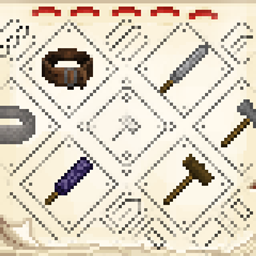
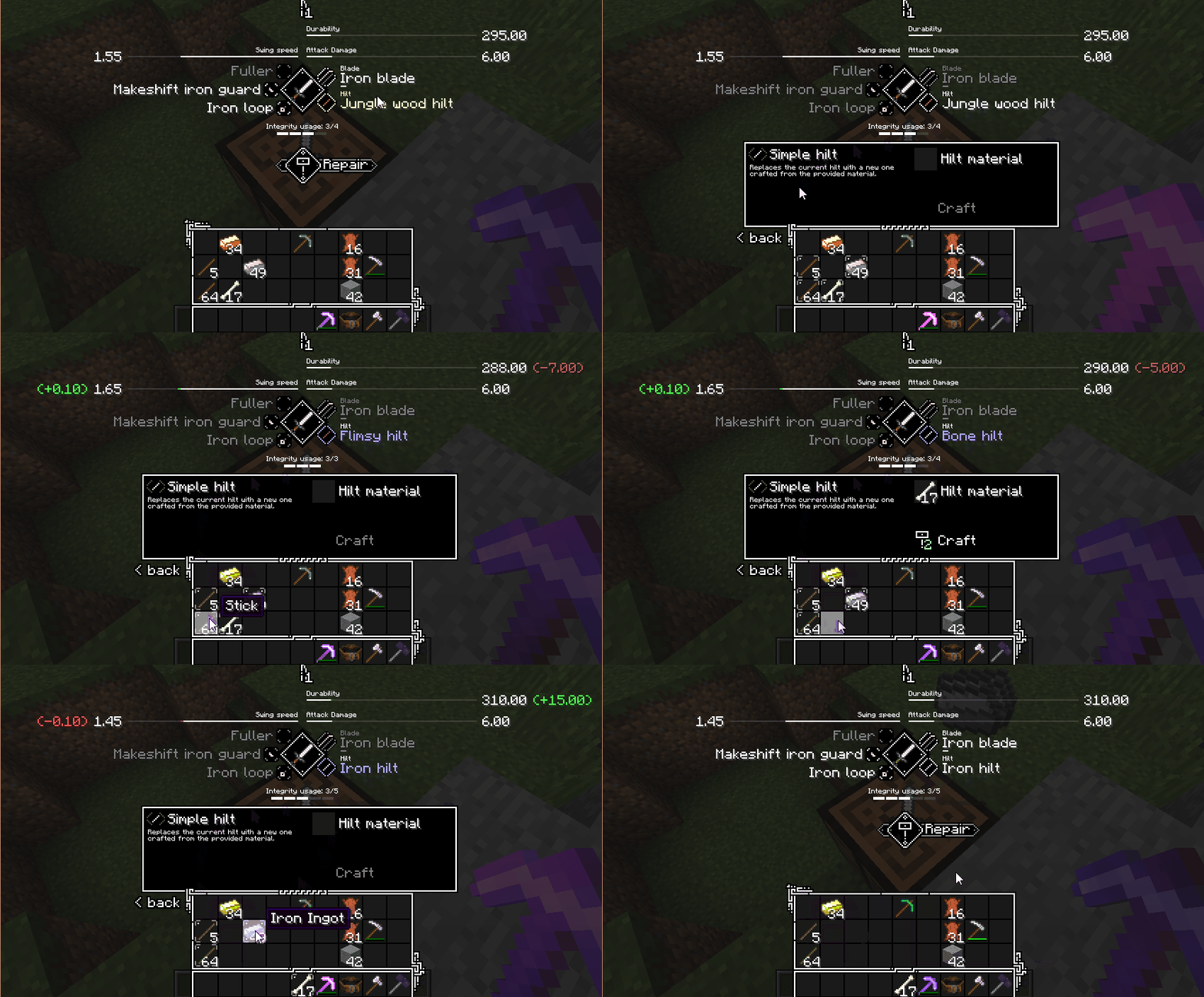
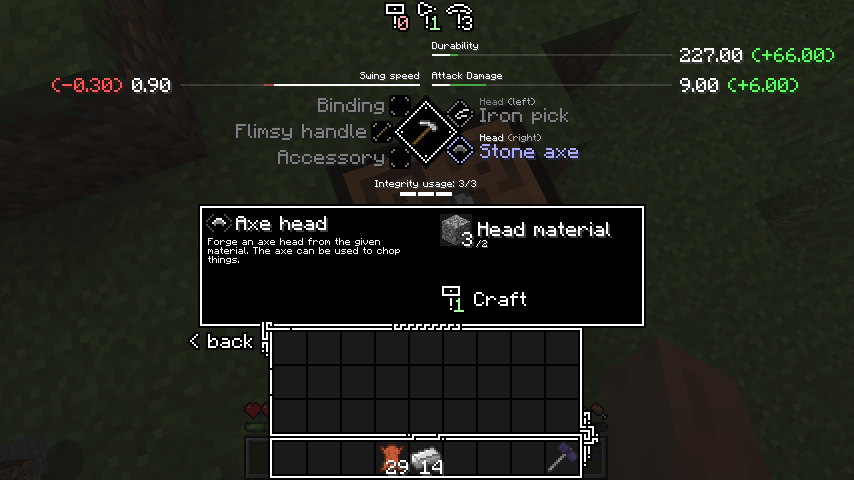
Tetra — це мод для Minecraft, який дозволяє гравцям змінювати та покращувати інструменти, зброю та інші види спорядження. Змінені предмети можна з часом покращувати через використання. Потужні частини інструментів і схеми можна знайти у світі, обшукуючи стародавні руїни або через торгівлю та обмін.
Tetra має дві вкладки досягнень, які охоплюють більшість доступного вмісту, а голосфера надає огляд характеристик модулів, покращень і матеріалів.
Більше інформації про tetra можна знайти на вебсайті tetra
Tetra використовує бібліотеку утиліт (mutil), її потрібно встановити вручну, якщо ви не використовуєте інсталятор curseforge.
📝 Початок роботи
- Створіть молоток із двох паличок і двох дощок
- Створіть і розмістіть ванільний верстат
- Клацніть правою кнопкою миші по верстату з молотком, щоб покращити його до робочого столу
- Створіть ванільну зброю, інструмент, щит або лук і розмістіть його на робочому столі
Перегляньте вікно досягнень, щоб дізнатися, як просуватися далі
🔌 Сумісність з модами
Tetra за замовчуванням має сумісність з curios (для поясу з інструментами), для більшої сумісності з модами ви можете звернути увагу на:
- tetracelium
- Список сумісності
🔗 Посилання
- Discord
- Patreon
- Технічна вікі
📜 Ліцензування та використання
Не соромтеся використовувати це в модпаках або збірках, якщо воно розповсюджується через modrinth або curseforge. Не соромтеся змінювати або додавати вміст за допомогою датапаків (або kubejs чи подібних), для отримання додаткової інформації про використання щодо аддонів та інтеграції модів загляньте до репозиторію github.
Як встановити Tetra
With Millida Launcher
Install Millida Launcher
The launcher is free: download it at millida.net/launcher and sign in with any nickname.
Click “Install” on this page
The launcher opens and installs the mod for Minecraft 1.12.2–1.20.1 on Forge or NeoForge automatically.
Launch the game
A profile with it appears in the launcher: click “Play”.
Manually
Install Forge or NeoForge
The loader must match the game version of the mod file, for example Minecraft 1.20.1. After installing it, a separate profile appears in your launcher.
Download the file for your version
In the version list above, pick the file tetra-1.20.1-6.17.0.jar (3.9 MB) for your game version and loader.
Put it in the mods folder
The folder is inside .minecraft (Windows: %appdata%\.minecraft\mods). If it does not exist, create it.
Launch the loader profile
Open “Mods” in the main menu: Tetra should be in the list.
Minecraft 1.20.1 runs on Java 17: with a different Java version the game may close right after launch.
Версії
Із залежностями
| Minecraft | Завантажувач | Файл | Дата | Дії |
|---|---|---|---|---|
| 1.20.1 | Forge, NeoForge | 6.17.03.9 МБ 4 | ||
| 1.20.1 | NeoForge, Forge | tetra-1.20.1-6.0.0.jar3.3 МБ | ||
| 1.19.2 | Forge | tetra-1.19.2-5.3.1.jar3.3 МБ | ||
| 1.16.3 | — | tetra-1.16.5-3.9.2.jar2.6 МБ 1 | ||
| 1.15.2 | — | tetra-1.15.2-2.18.0.jar2 МБ | ||
| 1.12.2 | — | tetra-1.12.2-0.27.2.jar2.2 МБ |
Часті питання
Which Minecraft versions does Tetra work on?
There are files for 1.12.2–1.20.1, 8 versions in total. The newest is 1.20.1.
Is Tetra for Forge or Fabric?
There are files for Forge: 1.19.1–1.20.1 and for NeoForge: 1.20.1. There are no files for Fabric: a mod for another loader will not start.
Does Tetra need other mods?
The author lists no required dependencies: the Forge or NeoForge loader is enough.
Which Java does Tetra need?
Minecraft 1.20.1 runs on Java 17. If the game closes right after launch, the usual cause is the wrong Java version in the profile settings.
Where can I download Tetra safely?
On this page: the file tetra-1.20.1-6.17.0.jar (3.9 MB) is stored on Millida’s server, with no link shorteners. SHA-1 checksum: 8da82a8f2c289fb1e731134a6af891503f2d1a4a.
Відгуки
Станьте першим, хто оцінить Tetra


