

Straw Statues Мод для Minecraft 1.19.2, 26.3
Оживіть свої будівлі статуями гравців ваших улюблених майнкрафтерів!
 Fabric
 NeoForge
 Forge
ForgeПро мод Straw Statues
         
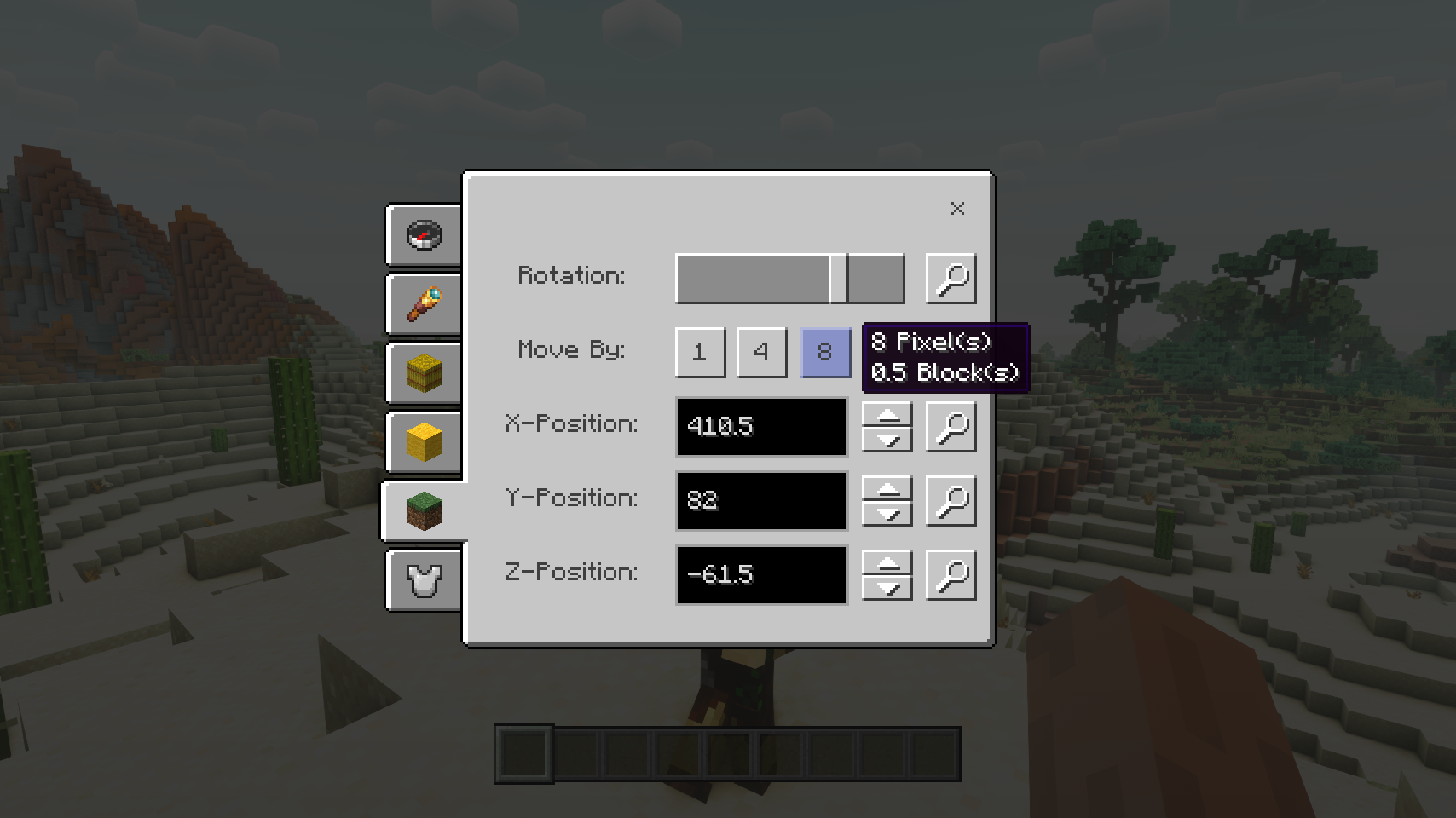
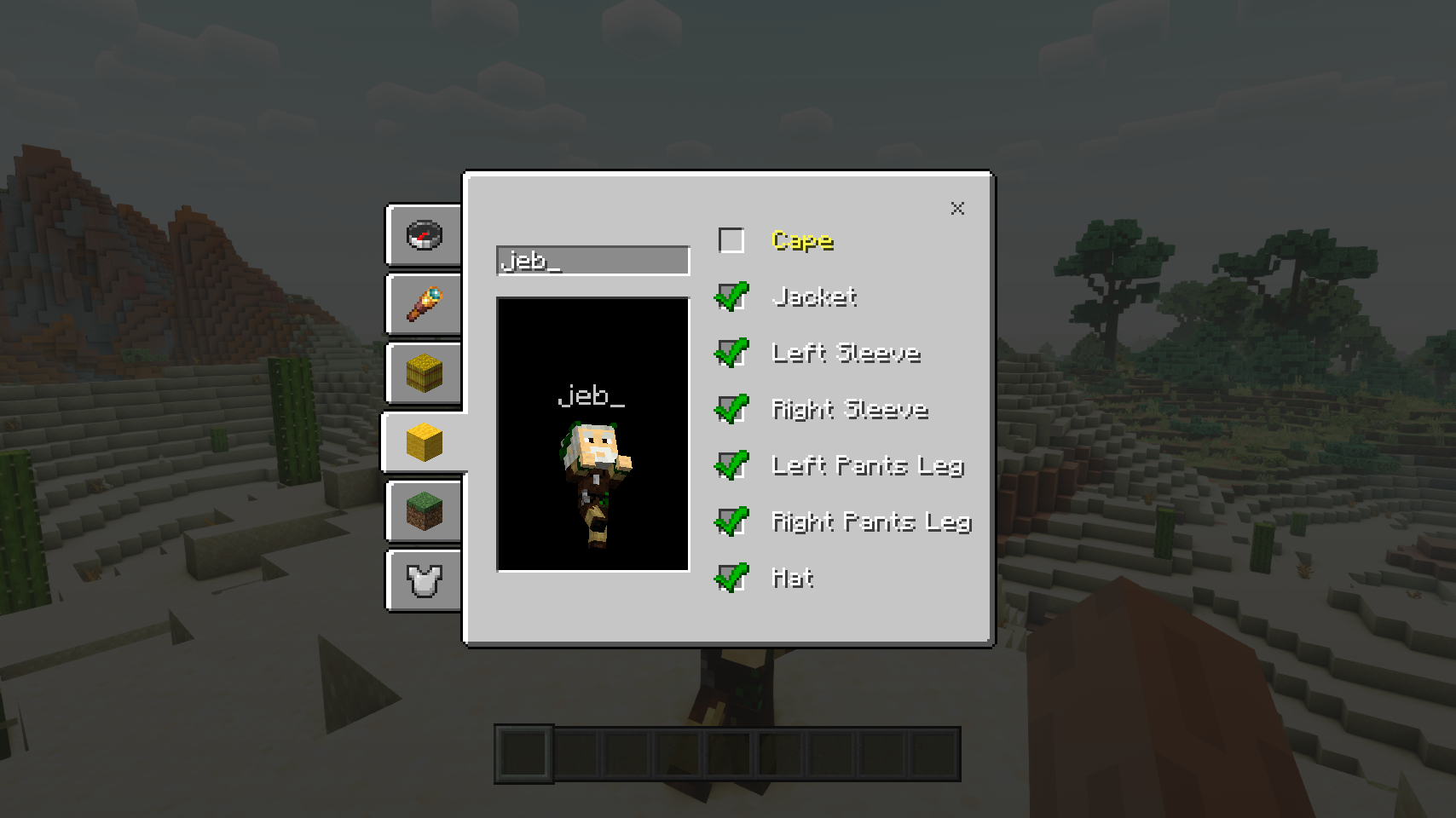
Straw Statues додає один простий предмет, який при розміщенні у світі виглядає точно як модель гравця, зроблена з соломи. І це не випадково! Відкрийте екран налаштування статуї, щоб вибрати будь-який скін, і раптом статуя виглядатиме точно як справжній гравець. І це лише початок: спорядіть статую gear, надайте їй будь-яку позу, легко переміщуйте статую та налаштовуйте безліч параметрів. Час оживити ваші будівлі!
⏩ ПОТРІБНА ВСТАНОВЛЕННЯ НА КЛІЄНТІ ТА ПОТРІБНА НА СЕРВЕРІ
⏩ ПОТРІБНА ВСТАНОВЛЕНА PUZZLES LIB (FABRIC & NEOFORGE)
⏩ ПОТРІБНА ВСТАНОВЛЕНА FABRIC API (FABRIC)
⏩ ПОТРІБНА ВСТАНОВЛЕНА FORGE CONFIG API PORT (FABRIC)
Якщо доступно для мода, налаштування можливе безпосередньо з гри через меню модів (потрібен Mod Menu від Prospector, встановлений на Fabric).
Для ручного налаштування за допомогою зовнішнього текстового редактора всі файли знаходяться в .minecraft/config, названі як MODID-client.toml, MODID-common.toml або MODID-server.toml, залежно від типу конфігурації. Не всі типи можуть існувати для мода, якщо взагалі існують.
🌟 Величезна подяка команді VanillaTweaks за їхній датапак Armor Statues, який сильно надихнув цей мод і надав деякі значення для певних функцій, як-от екран вирівнювання та багато вбудованих поз.
🌟 Дякую ForgeUser41096743 та їхньому моду Armor Stand Configurator за велике натхнення для цього моду.
🌟 Дякую AUTOMATICMAIDEN та їхньому моду Statues, на якому сильно базується екран обертань.
🌟 Дякую Finalbossblues за їхні чудові іконки, доступні на itch.io.


(c) 2026 @heyitsfuzs. Усі права захищено. Цю сторінку востаннє редагували 11 вересня 2026 року о 06:44 (UTC).
Як встановити Straw Statues
With Millida Launcher
Install Millida Launcher
The launcher is free: download it at millida.net/launcher and sign in with any nickname.
Click “Install” on this page
The launcher opens and installs the mod for Minecraft 1.19.2–26.3 on Fabric, Forge or NeoForge automatically.
Launch the game
A profile with it appears in the launcher: click “Play”.
Manually
Install Fabric, Forge or NeoForge
The loader must match the game version of the mod file, for example Minecraft 26.3. After installing it, a separate profile appears in your launcher.
Download the file for your version
In the version list above, pick the file strawstatues-v26.3.0-mc26.3.x+fabric.jar (347 KB) for your game version and loader.
Put it in the mods folder
The folder is inside .minecraft (Windows: %appdata%\.minecraft\mods). If it does not exist, create it.
Launch the loader profile
Open “Mods” in the main menu: Straw Statues should be in the list.
Версії
Із залежностями
| Minecraft | Завантажувач | Файл | Дата | Дії |
|---|---|---|---|---|
| 26.3 | Fabric | v26.3.0-mc26.3.x+fabric347 КБ 1 | ||
| 26.3 | NeoForge | v26.3.0-mc26.3.x+neoforge346 КБ | ||
| 1.19.2 | Forge | [FORGE] [1.19.2] StrawStatues-v4.0.13288 КБ |
Часті питання
Which Minecraft versions does Straw Statues work on?
There are files for 26.3, 1.19.2. The newest is 26.3.
Is Straw Statues for Forge or Fabric?
There are files for Fabric: 26.3, for Forge: 1.19.2 and for NeoForge: 26.3.
Does Straw Statues need other mods?
The author lists no required dependencies: the Fabric, Forge or NeoForge loader is enough.
Where can I download Straw Statues safely?
On this page: the file strawstatues-v26.3.0-mc26.3.x+fabric.jar (347 KB) is stored on Millida’s server, with no link shorteners. SHA-1 checksum: 8ce1b46c2aa2d1fd8bb80aba95086e59f740a6b8.
Відгуки
Станьте першим, хто оцінить Straw Statues


