
Про мод Runic Dungeons
У цьому моді ви знайдете в храмах рідкісний артефакт.
Цей артефакт, відомий як 'Magic Chalk', має дивні властивості.
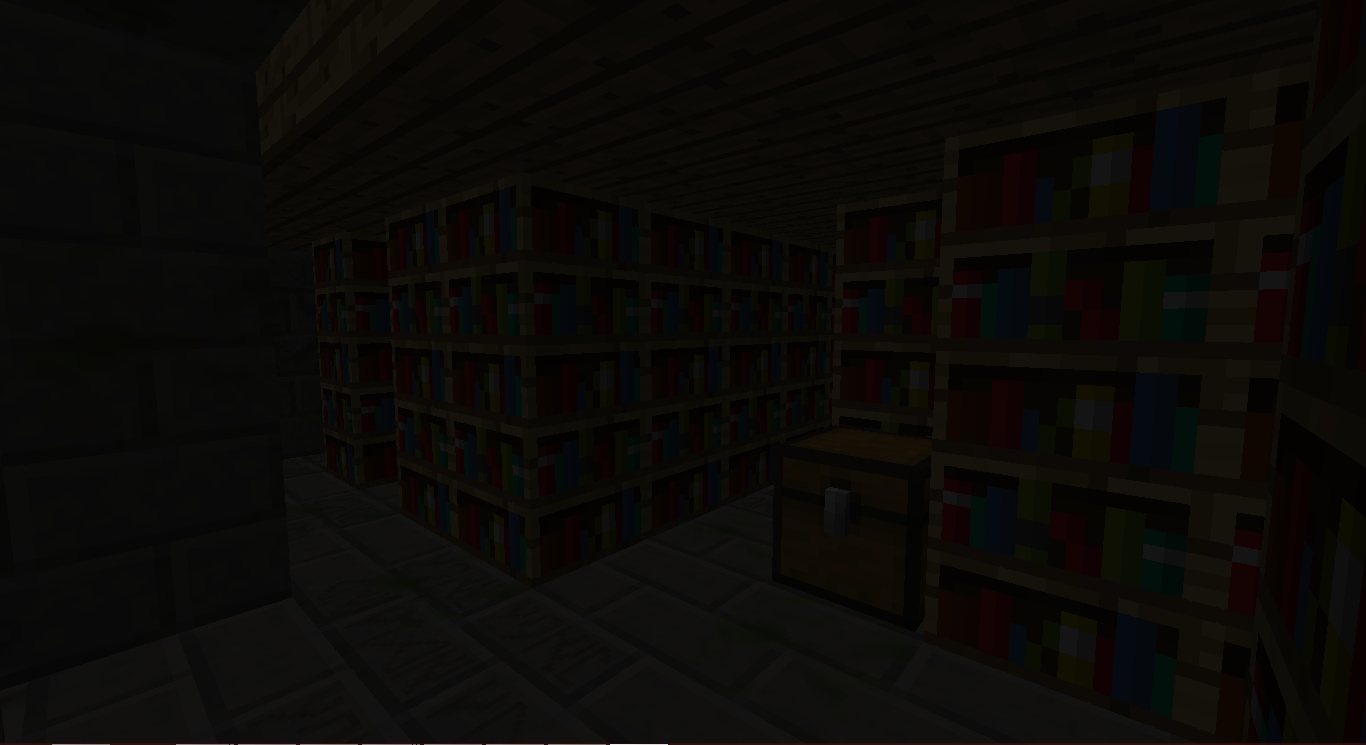
Ви замислюєтесь, для чого його взагалі можна використати...
Ваша пригода починається!
Як користуватися:
Знайдіть Magic Chalk у JungleTemple або DesertTemple.
Створіть Magical Staff.
Створіть один із порталів:
Клацніть правою кнопкою миші по одному з Chiseled Stone Bricks у споруді, тримаючи в руці Magical Staff.
Утвориться споруда.
Клацніть правою кнопкою миші по порталу посеред споруди, щоб перенестися до Runic Dungeons.
Опинившись там, ви можете знову клацнути правою кнопкою миші по порталу, щоб покинути вимір.
Клацання правою кнопкою миші по Keyholes з Dungeon Keys відкриватиме їх.
У кожній кімнаті підземелля є прихований Dungeon Key. НЕ ВИТРАЧАЙТЕ ЇХ ДАРЕМНО.
Бийтеся з мобами, збирайте здобич і ДОСЛІДЖУЙТЕ!
Предмети
Magical Chalk - Дозволяє вам подорожувати до Runic Dungeons
Dungeon Key - Використовується для відмикання Dungeon Keyholes
Baubles
Цей мод має інтеграцію з Azanor’s Baubles. Ці предмети працюватимуть лише якщо у вас встановлено Baubles, але отримувати їх не обов'язково для просування в моді. Однак я рекомендую додати його, адже вони досить класні.
Амулети:
Amulet of the Wind - Дає вам Speed
Amulet of the Earth - Дає вам Haste
Amulet of Strength - Дає вам Strength
Amulet of Leaping - Дає вам Jump Boost
Amulet of Healing - Дає вам Regeneration
Ironskin Amulet - Дає вам Resistance
Amulet of the Blaze - Дає вам Fire Resistance
Amulet of the Ocean - Дає вам Water Breathing
Amulet of the Night - Дає вам Night Vision
Пояси:
Dye Belts - Змінюють колір будь-якої вовни/барвника у вашому інвентарі на колір пояса (З БАГАМИ)
Arrow Belt - Будь-яка стріла у вас має невеликий шанс випасти, і ви отримаєте цю стрілу.
Belt of Flight - Дає вам Flight
Ender Belt - Коли ви отримуєте шкоду, ви телепортуєтеся геть. (Крім виміру Runic Dungeons)
Досягнення:
Off We Go! - Створіть портал Runic Dungeons
The Key to Progress! - Використайте Dungeon Key
Дозволи для модпаків:
Звісно! Питати не потрібно!
Хоча я був би радий, якби ви мені сказали, але це не обов'язково.
Runic Dungeons від MrComputerGhost ліцензовано за Creative Commons Attribution-NonCommercial-NoDerivatives 4.0 International License.
Як встановити Runic Dungeons
With Millida Launcher
Install Millida Launcher
The launcher is free: download it at millida.net/launcher and sign in with any nickname.
Click “Install” on this page
The launcher opens and installs the mod for Minecraft 1.7.10 automatically.
Launch the game
A profile with it appears in the launcher: click “Play”.
Manually
Download the file for your version
In the version list above, pick the file RunicDungeons-1.1.7b.jar (685 KB) for your game version.
Put it in the mods folder
The folder is inside .minecraft (Windows: %appdata%\.minecraft\mods). If it does not exist, create it.
Launch the loader profile
Open “Mods” in the main menu: Runic Dungeons should be in the list.
Minecraft 1.7.10 runs on Java 8: with a different Java version the game may close right after launch.
Версії
Із залежностями
| Minecraft | Завантажувач | Файл | Дата | Дії |
|---|---|---|---|---|
| 1.7.10 | — | Runic Dungeons v1.1.7b685 КБ | ||
| 1.7.10 | — | Runic Dungeons v0.9.7b406 КБ |
Часті питання
Which Minecraft versions does Runic Dungeons work on?
Only Minecraft 1.7.10: there are no files for other versions.
Which Java does Runic Dungeons need?
Minecraft 1.7.10 runs on Java 8. If the game closes right after launch, the usual cause is the wrong Java version in the profile settings.
Where can I download Runic Dungeons safely?
On this page: the file RunicDungeons-1.1.7b.jar (685 KB) is stored on Millida’s server, with no link shorteners. SHA-1 checksum: 1df562694aed00055a318b19fc9bb172ce157798.
Відгуки
Станьте першим, хто оцінить Runic Dungeons


