
Platforms Мод для Minecraft 1.21.1
Створюйте настили, мости, шахти або навіть дерев'яні американські гірки
 NeoForge
 Forge
ForgeПро мод Platforms
- Потрібен ShetiPhianCore!
Будуйте помости, мости, дахи, шахти або навіть дерев'яні гірки.
Поєднуйте майже будь-які 2 блоки або предмети (з модів чи ванільні).
Якщо один із використаних блоків випромінює світло, виготовлений предмет також буде.
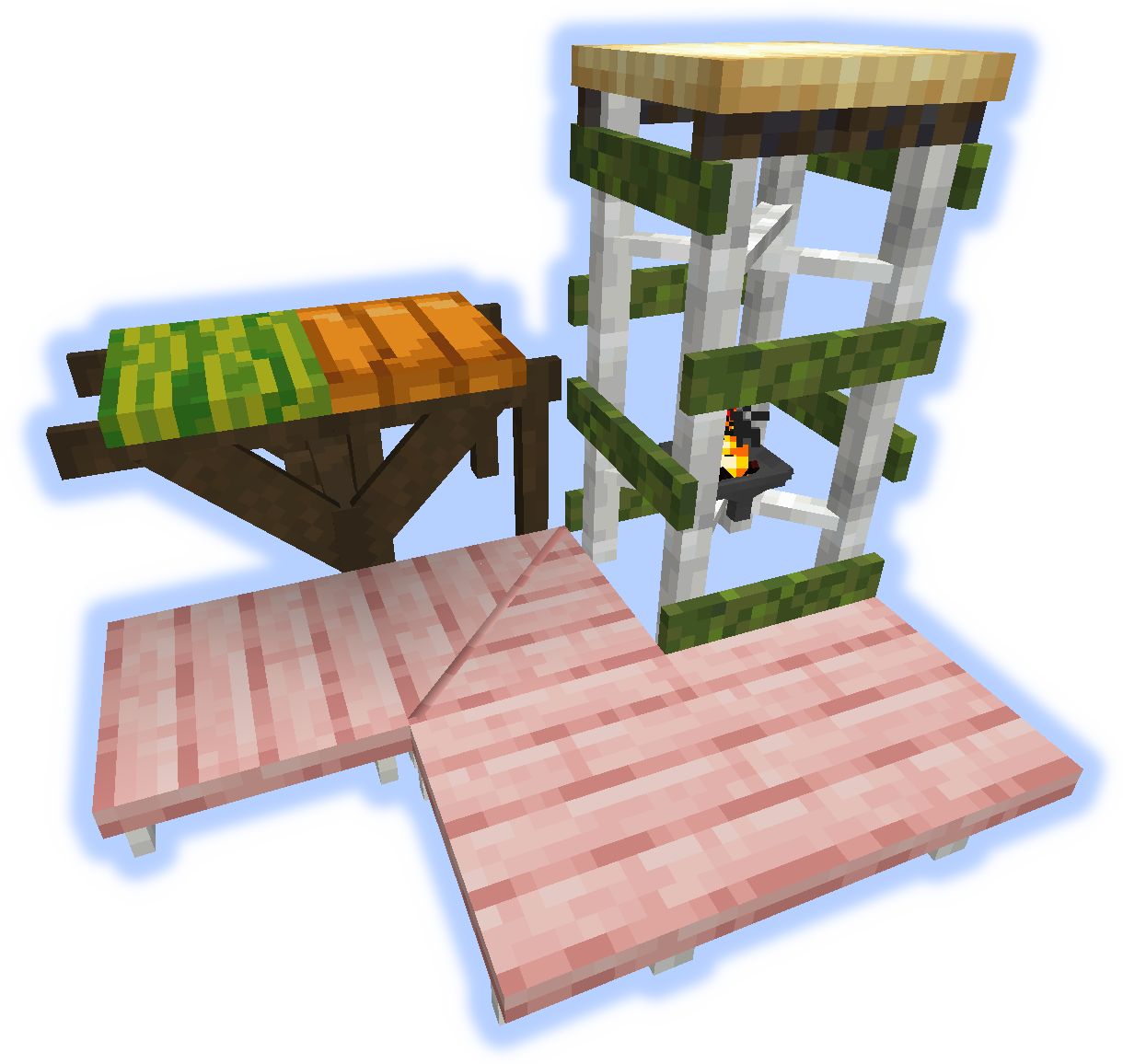
Каркаси, підлоги та платформи
До каркасів можна застосовувати душі/редстоун/факели.
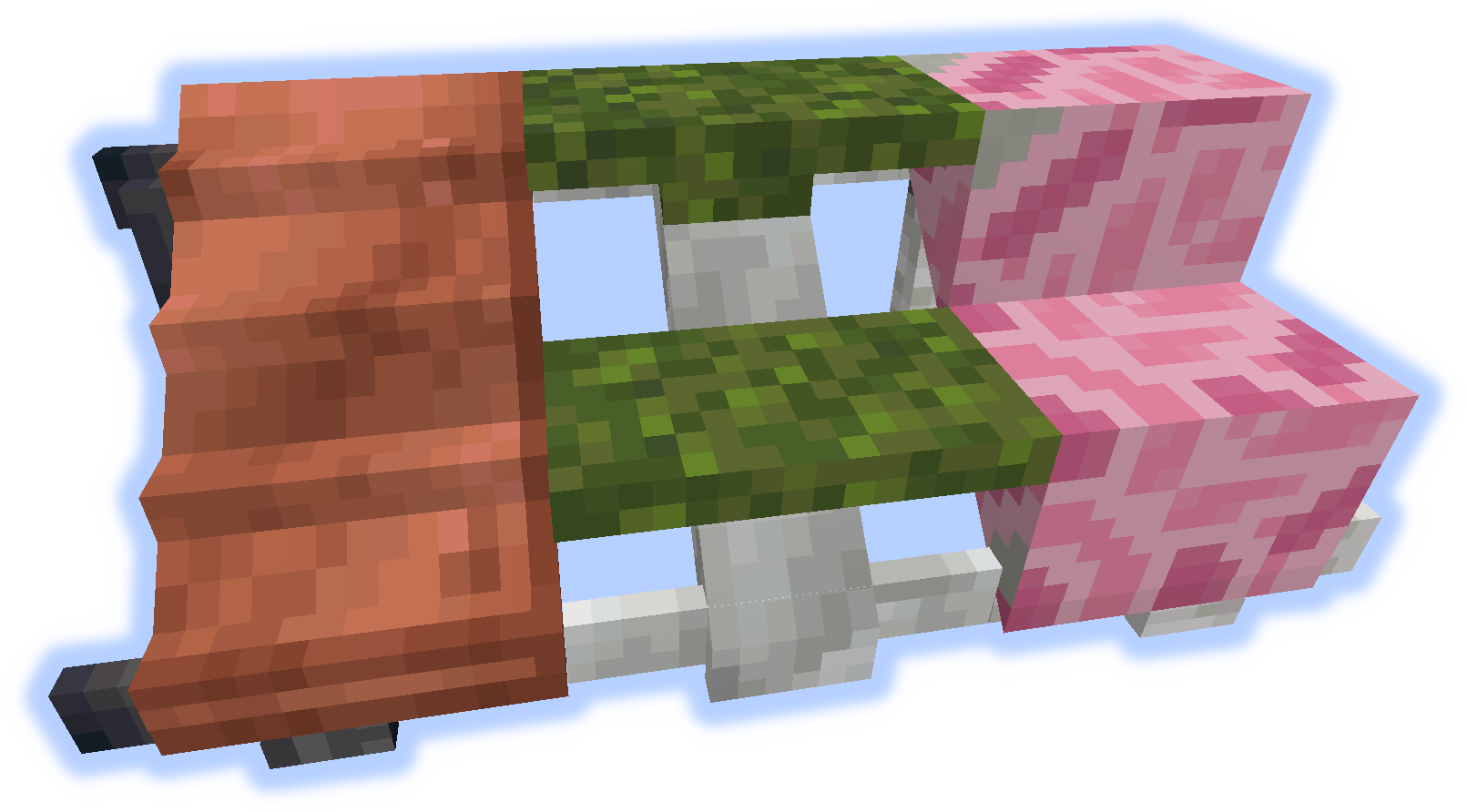
Пандуси, сходинки та сходи
Поручні та підйоми
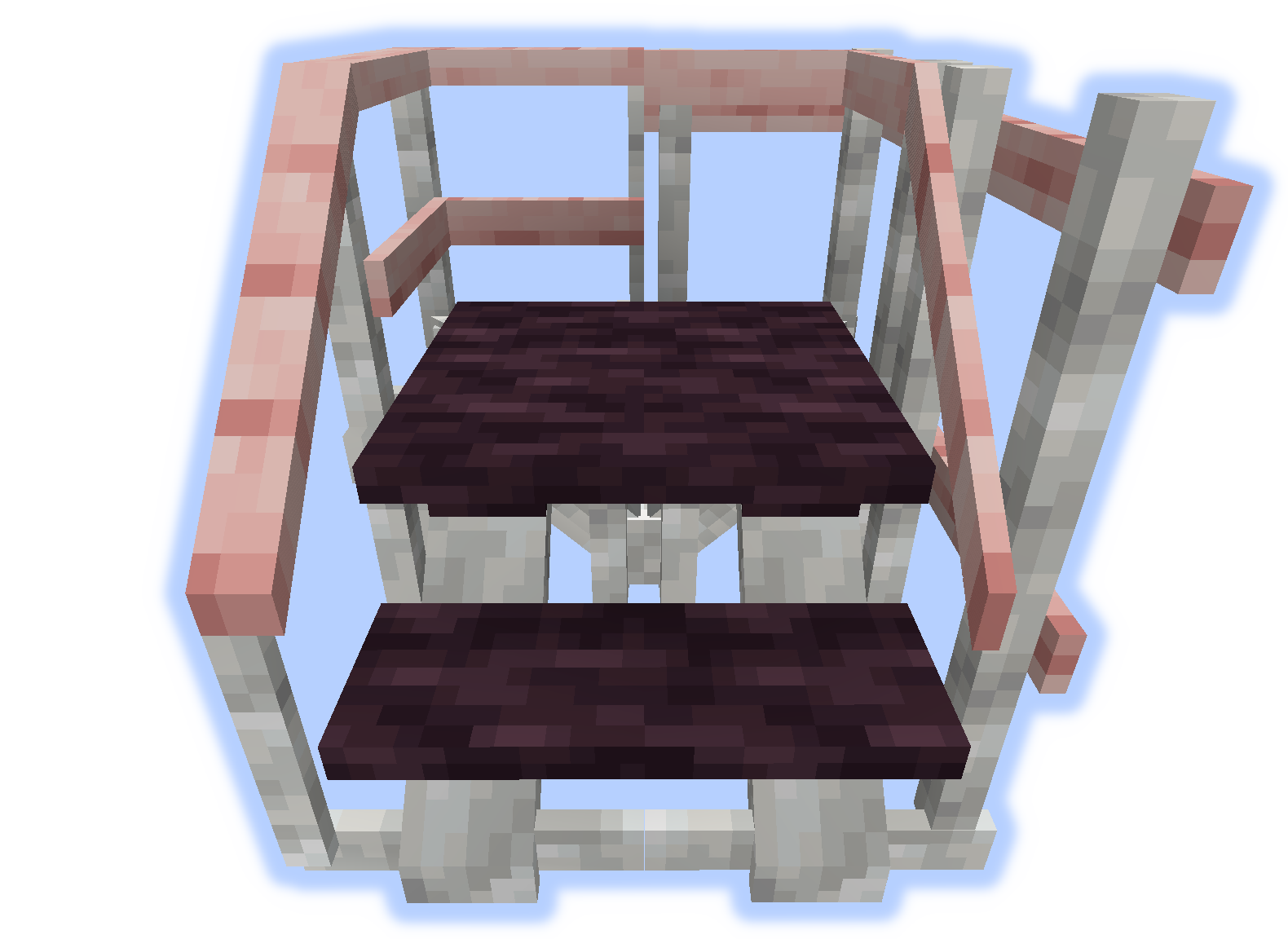
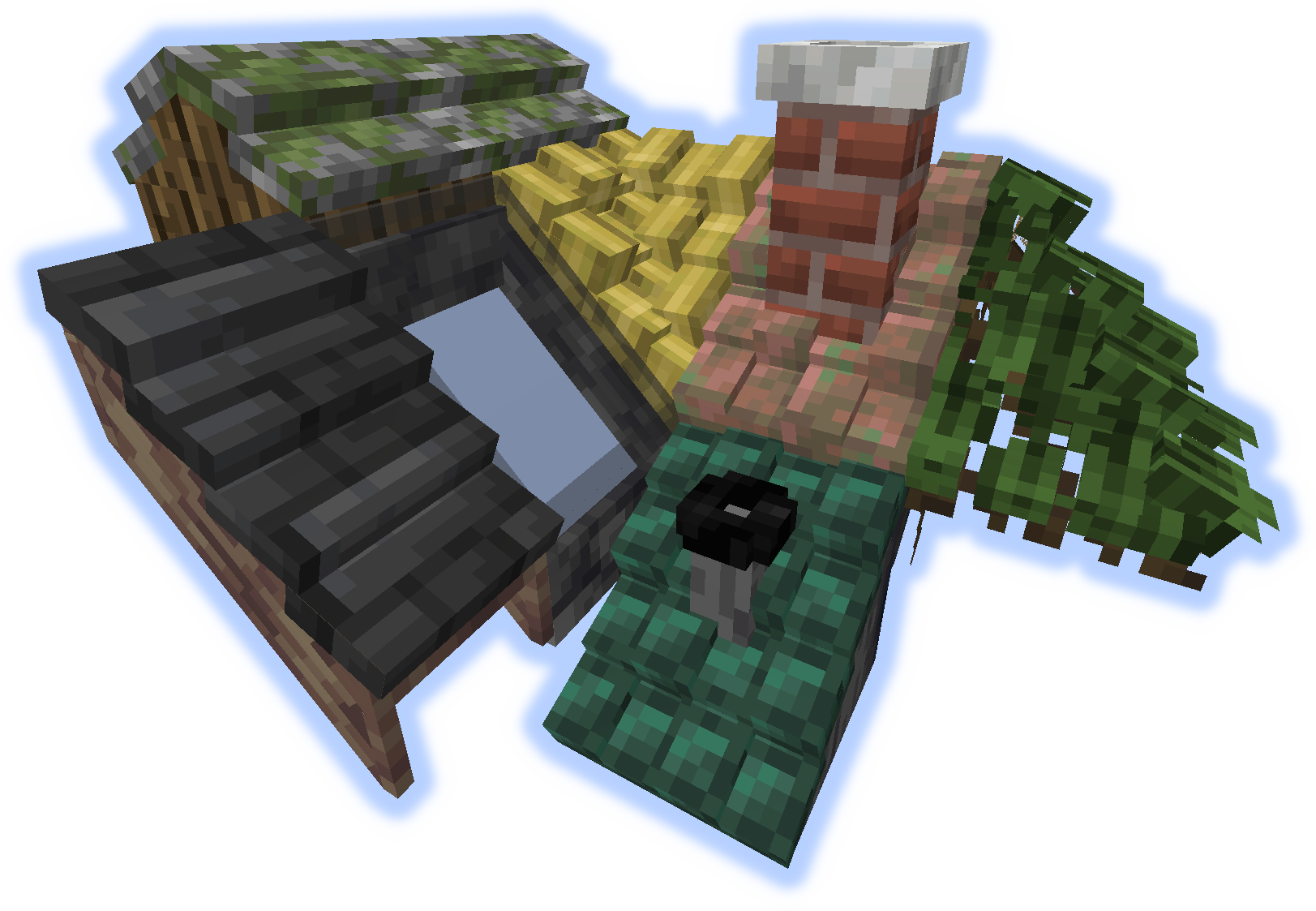
Дахи
Коли "підйом" або "поручень" розміщено на даху, вони стають димарем або трубою.
Інструменти
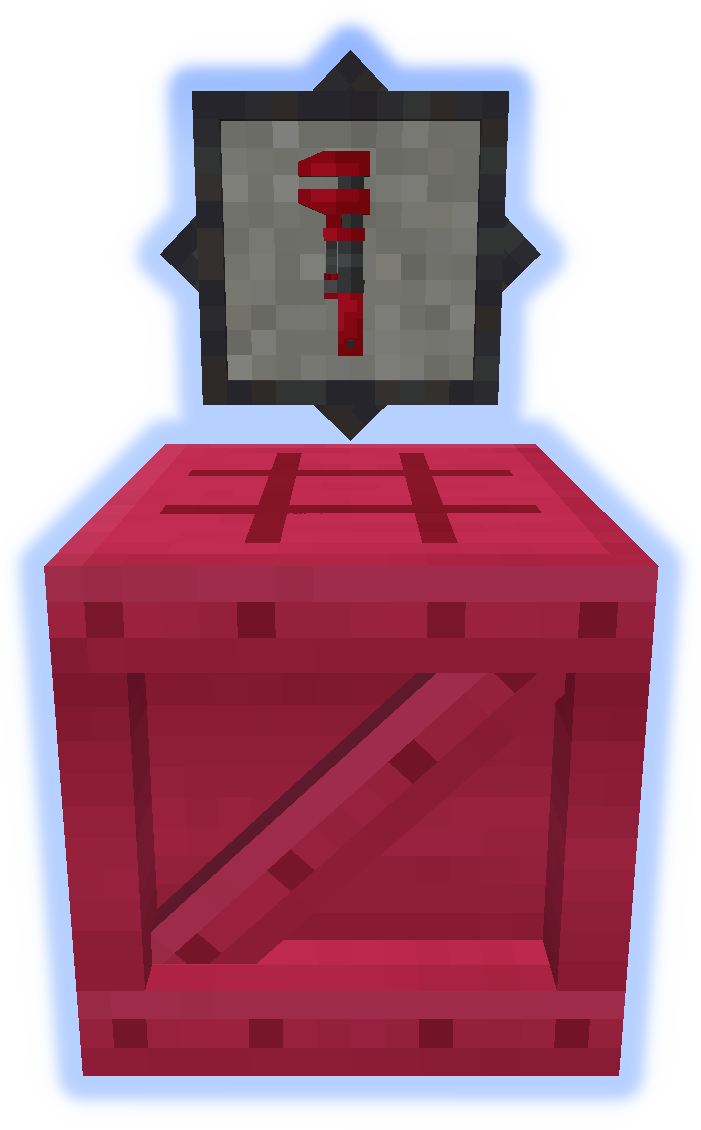
Гайковий ключ — дуже важливий інструмент. Спробуйте його в другій руці. (Більше інформації)
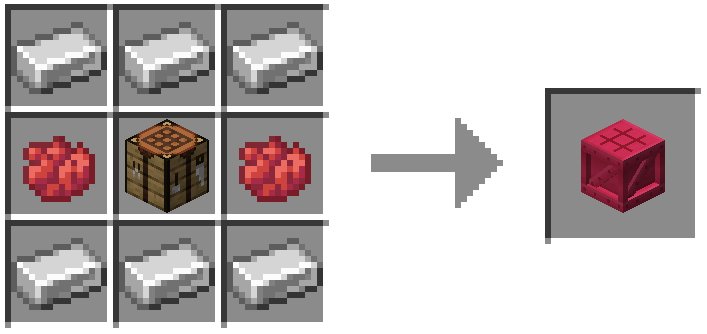
Платформер використовується для виготовлення всього іншого з моду. (Більше інформації)
Особливі функції
Килим можна розміщувати на платформах.
Сніг або пісок накопичуватимуться у відповідних біомах.
Димарі та труби випускають частинки (можна перемикати).
Надсилайте файли локалізації на github.
Не публікуйте помилки в коментарях, використовуйте трекер завдань.
Як встановити Platforms
With Millida Launcher
Install Millida Launcher
The launcher is free: download it at millida.net/launcher and sign in with any nickname.
Click “Install” on this page
The launcher opens and installs the mod for Minecraft 1.14.4–1.21.1 on Forge or NeoForge automatically.
Launch the game
A profile with it appears in the launcher: click “Play”.
Manually
Install Forge or NeoForge
The loader must match the game version of the mod file, for example Minecraft 1.21.1. After installing it, a separate profile appears in your launcher.
Download the file for your version
In the version list above, pick the file platforms-neoforge-1.21.1-1.0.jar (808 KB) for your game version and loader.
Put it in the mods folder
The folder is inside .minecraft (Windows: %appdata%\.minecraft\mods). If it does not exist, create it.
Launch the loader profile
Open “Mods” in the main menu: Platforms should be in the list.
Minecraft 1.21.1 runs on Java 21: with a different Java version the game may close right after launch.
Версії
Із залежностями
| Minecraft | Завантажувач | Файл | Дата | Дії |
|---|---|---|---|---|
| 1.21.1 | NeoForge | platforms-neoforge-1.21.1-1.0.jar808 КБ 2 | ||
| 1.21.1 | Forge | platforms-forge-1.21.1-1.0.jar804 КБ 4 | ||
| 1.21.1 | NeoForge | platforms-neoforge-1.21.1-0.1.jar808 КБ | ||
| 1.21.1 | Forge | platforms-forge-1.21.1-0.1.jar804 КБ | ||
| 1.14.4 | — | platforms-1.14-1.5.13.jar497 КБ 1 |
Часті питання
Which Minecraft versions does Platforms work on?
There are files for 1.21.1, 1.14.4. The newest is 1.21.1.
Is Platforms for Forge or Fabric?
There are files for Forge: 1.21.1 and for NeoForge: 1.21.1. There are no files for Fabric: a mod for another loader will not start.
Does Platforms need other mods?
The author lists no required dependencies: the Forge or NeoForge loader is enough.
Which Java does Platforms need?
Minecraft 1.21.1 runs on Java 21. If the game closes right after launch, the usual cause is the wrong Java version in the profile settings.
Where can I download Platforms safely?
On this page: the file platforms-neoforge-1.21.1-1.0.jar (808 KB) is stored on Millida’s server, with no link shorteners. SHA-1 checksum: 4597d439a87ed57aa38ddbe935071c9398057557.
Відгуки
Станьте першим, хто оцінить Platforms


