
No LAN Cheating Мод для Minecraft 1.20.1, 26.3
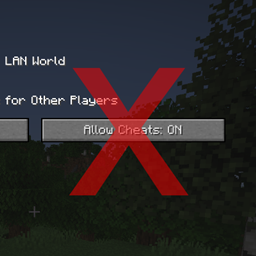
Видаляє кнопку «Дозволити чити» з меню «Відкрити для LAN».
 Fabric
 Quilt
Quilt NeoForge
 Forge
ForgeFunctionality
This mod removes the "Allow Cheats" button from the "Open to LAN" menu to disallow players from using cheats when opening their world to LAN. This can be useful if a player doesn't want to have an easy option to turn on cheats in their world. This mod is client side only, it does nothing when installed on a server.
No LAN Cheating also supports the LAN World Plug-n-Play mod, editing its screen to remove the relevant cheat buttons.
Configuration
There are two configuration options:
removeButtonInOpenToLANScreen - Removes the "Allow Cheats" button in the "Open to LAN" screen. (The button is removed by default) removeButtonInCreateNewWorldScreen - Removes the "Allow Cheats" button in the "Create New World" screen. (The button is shown by default)
Showcase
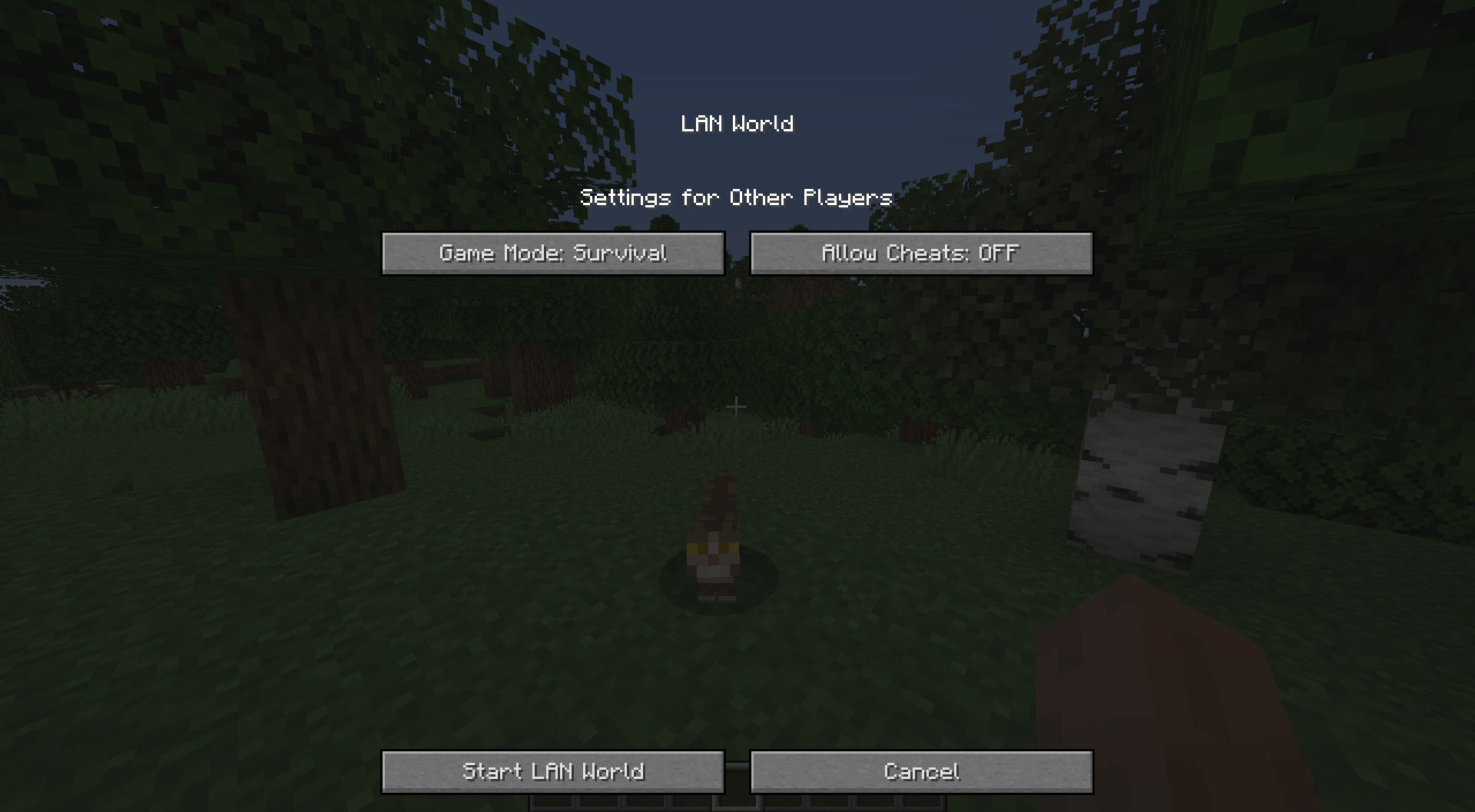
As of Minecraft 1.19.3, the Open to LAN screen looks a bit different. This does not change how the mod interacts with the screen, the Allow Cheats button is the one being removed.
With the mod installed:
Without the mod installed:
You are allowed to use this mod in any modpack.
Come join me on Discord! https://discord.gg/kgZUAxK
Follow me on Twitter for mod updates and other shenanigans! https://twitter.com/bl4ckscor3
Як встановити No LAN Cheating
With Millida Launcher
Install Millida Launcher
The launcher is free: download it at millida.net/launcher and sign in with any nickname.
Click “Install” on this page
The launcher opens and installs the mod for Minecraft 1.20.1–26.3 on Fabric, Forge, NeoForge or Quilt automatically.
Launch the game
A profile with it appears in the launcher: click “Play”.
Manually
Install Fabric, Forge, NeoForge or Quilt
The loader must match the game version of the mod file, for example Minecraft 26.3. After installing it, a separate profile appears in your launcher.
Download the file for your version
In the version list above, pick the file nolancheating-fabric-26.3-1.4.jar (119 KB) for your game version and loader.
Put it in the mods folder
The folder is inside .minecraft (Windows: %appdata%\.minecraft\mods). If it does not exist, create it.
Launch the loader profile
Open “Mods” in the main menu: No LAN Cheating should be in the list.
Версії
Із залежностями
| Minecraft | Завантажувач | Файл | Дата | Дії |
|---|---|---|---|---|
| 26.3 | Fabric, Quilt | nolancheating-fabric-26.3-1.4.jar119 КБ | ||
| 26.3 | NeoForge | nolancheating-neoforge-26.3-1.4.jar119 КБ | ||
| 1.20.1 | NeoForge, Forge | nolancheating-forge-1.20.1-1.2.jar8.4 КБ 2 |
Часті питання
Which Minecraft versions does No LAN Cheating work on?
There are files for 26.3, 1.20.1. The newest is 26.3.
Is No LAN Cheating for Forge or Fabric?
There are files for Fabric: 26.3, for Forge: 1.20.1, for NeoForge: 1.20.1–26.3 and for Quilt: 26.3.
Does No LAN Cheating need other mods?
The author lists no required dependencies: the Fabric, Forge, NeoForge or Quilt loader is enough.
Where can I download No LAN Cheating safely?
On this page: the file nolancheating-fabric-26.3-1.4.jar (119 KB) is stored on Millida’s server, with no link shorteners. SHA-1 checksum: 5bf9a37ef69128080d70cf5df5e7fec91896d20c.
Відгуки
Станьте першим, хто оцінить No LAN Cheating


