
NetherEx Мод для Minecraft 1.12.2, 26.1.2
NetherEx — це мод контенту Нижнього світу.
 NeoForge
 Fabric
 Forge
ForgeПро мод NetherEx
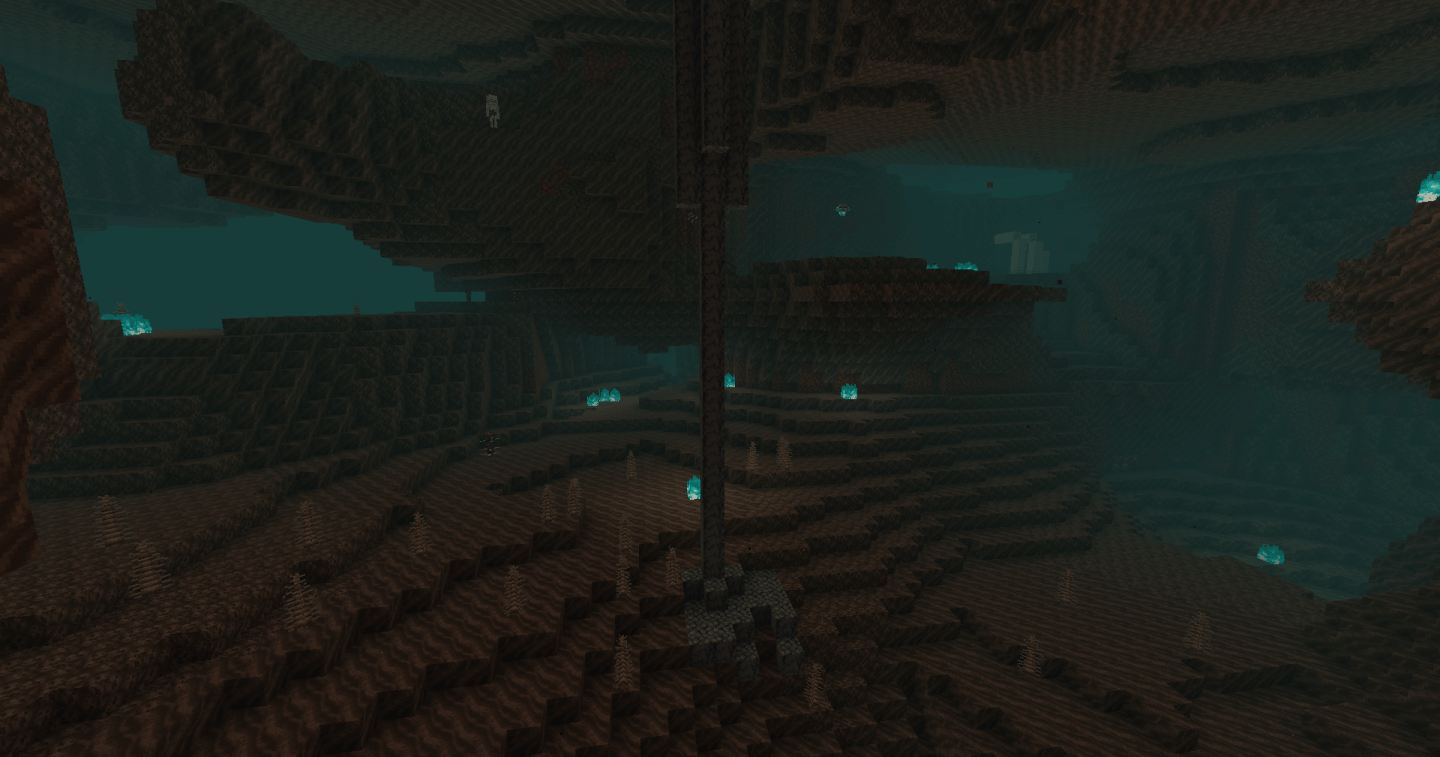
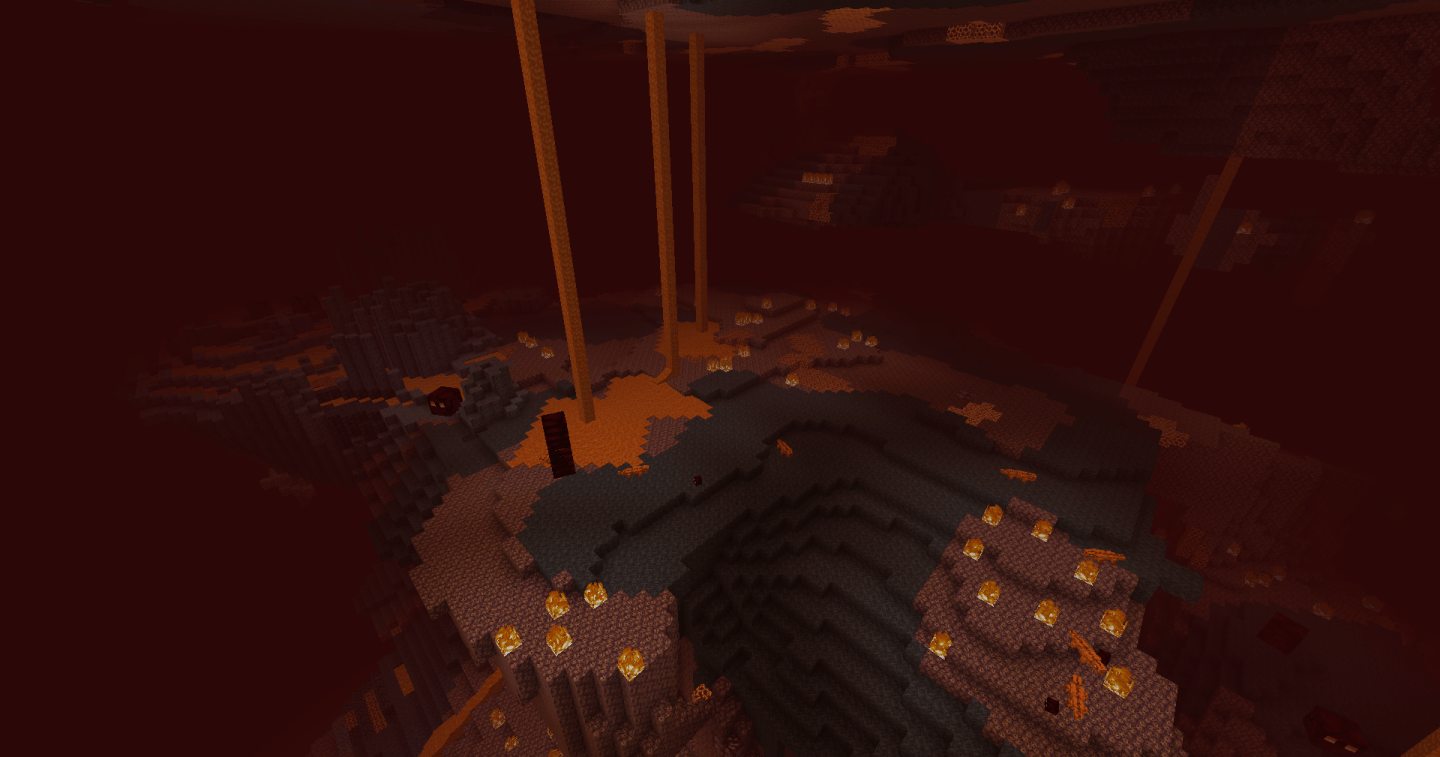
NetherEx — це мод, створений для розширення та покращення атмосфери Незеру. Він додає нові біоми, наповнені новими блоками, предметами та мобами. Він також додає новий вміст до вже наявних біомів Незеру.
Якщо у вас є запитання або ви хочете обговорити мод, долучайтеся до сервера моду в Discord тут.
Якщо ви хочете підтримати мене, відвідайте мою сторінку Ko-fi тут.
Натисніть на банер нижче, щоб отримати сервер із BisectHosting! Використайте код 'Logic', щоб підтримати мене та отримати знижку 25% на перший місяць. Не бачите банер? Тоді натисніть це посилання: https://bisecthosting.com/logic
Версії до 1.21.4 потребують бібліотечного моду під назвою LibraryEx, який можна знайти тут. Попередні версії NetherEx сумісні з Biomes O' Plenty (1.12, 1.14 та 1.15), Oh The Biomes You'll Go (1.15) та Extended Nether Backport (1.15).
Fish2, Eleazzaar, Nazenn, Angelz/Demonly, Vlakk, AnarchCassius, LapisWhovian, misterslime, Vivi, Cameron, rye, SnakeBlock, hatsondogs, Endergy, Farcr, Adeline, SirBaconFace, Yapetto, enri, crispytwig, Nitpick/Olive, ZucchiniByDay, JadenXgamer та Jamiscus.
Як встановити NetherEx
With Millida Launcher
Install Millida Launcher
The launcher is free: download it at millida.net/launcher and sign in with any nickname.
Click “Install” on this page
The launcher opens and installs the mod for Minecraft 1.12.2–26.1.2 on Fabric, Forge or NeoForge automatically.
Launch the game
A profile with it appears in the launcher: click “Play”.
Manually
Install Fabric, Forge or NeoForge
The loader must match the game version of the mod file, for example Minecraft 26.1.2. After installing it, a separate profile appears in your launcher.
Download the file for your version
In the version list above, pick the file NetherEx-neoforge-26.1.2-1.2.4.jar (1.7 MB) for your game version and loader.
Put it in the mods folder
The folder is inside .minecraft (Windows: %appdata%\.minecraft\mods). If it does not exist, create it.
Launch the loader profile
Open “Mods” in the main menu: NetherEx should be in the list.
Версії
Із залежностями
| Minecraft | Завантажувач | Файл | Дата | Дії |
|---|---|---|---|---|
| 26.1.2 | NeoForge | NetherEx 1.2.4 - NeoForge 26.1.21.7 МБ | ||
| 26.1.2 | Fabric | NetherEx 1.2.4 - Fabric 26.1.21.7 МБ 1 | ||
| 1.12.2 | Forge | NetherEx-1.12.2-2.2.5.jar2.5 МБ 4 | ||
| 1.12.2 | — | NetherEx-1.12.2-2.0.15.jar2.6 МБ |
Часті питання
Which Minecraft versions does NetherEx work on?
There are files for 26.1.2, 1.12.2. The newest is 26.1.2.
Is NetherEx for Forge or Fabric?
There are files for Fabric: 26.1.2, for Forge: 1.12.2 and for NeoForge: 26.1.2.
Does NetherEx need other mods?
The author lists no required dependencies: the Fabric, Forge or NeoForge loader is enough.
Where can I download NetherEx safely?
On this page: the file NetherEx-neoforge-26.1.2-1.2.4.jar (1.7 MB) is stored on Millida’s server, with no link shorteners. SHA-1 checksum: 53c25315cc8193c5b6431b4f30bd24fd5a66952a.
Відгуки
Станьте першим, хто оцінить NetherEx


