
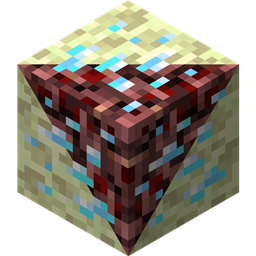
Netherending Ores Мод для Minecraft 1.12.2
Ванільні та модифіковані руди в Незері/Енді
Про мод Netherending Ores
Огляд Ще один мод, який додає руди та рецепти переплавки в печі для Незеру та Енду. Функції версії 1.4+:
- Руди, що вибухають
- Моб Netherfish
- Яйця монстрів для Netherfish та Endermite
- Руди тепер можуть випадати як предмети, включно з досвідом
- Руди тепер можна переплавляти одразу в предмети, включно з досвідом
- Переписаний конфіг
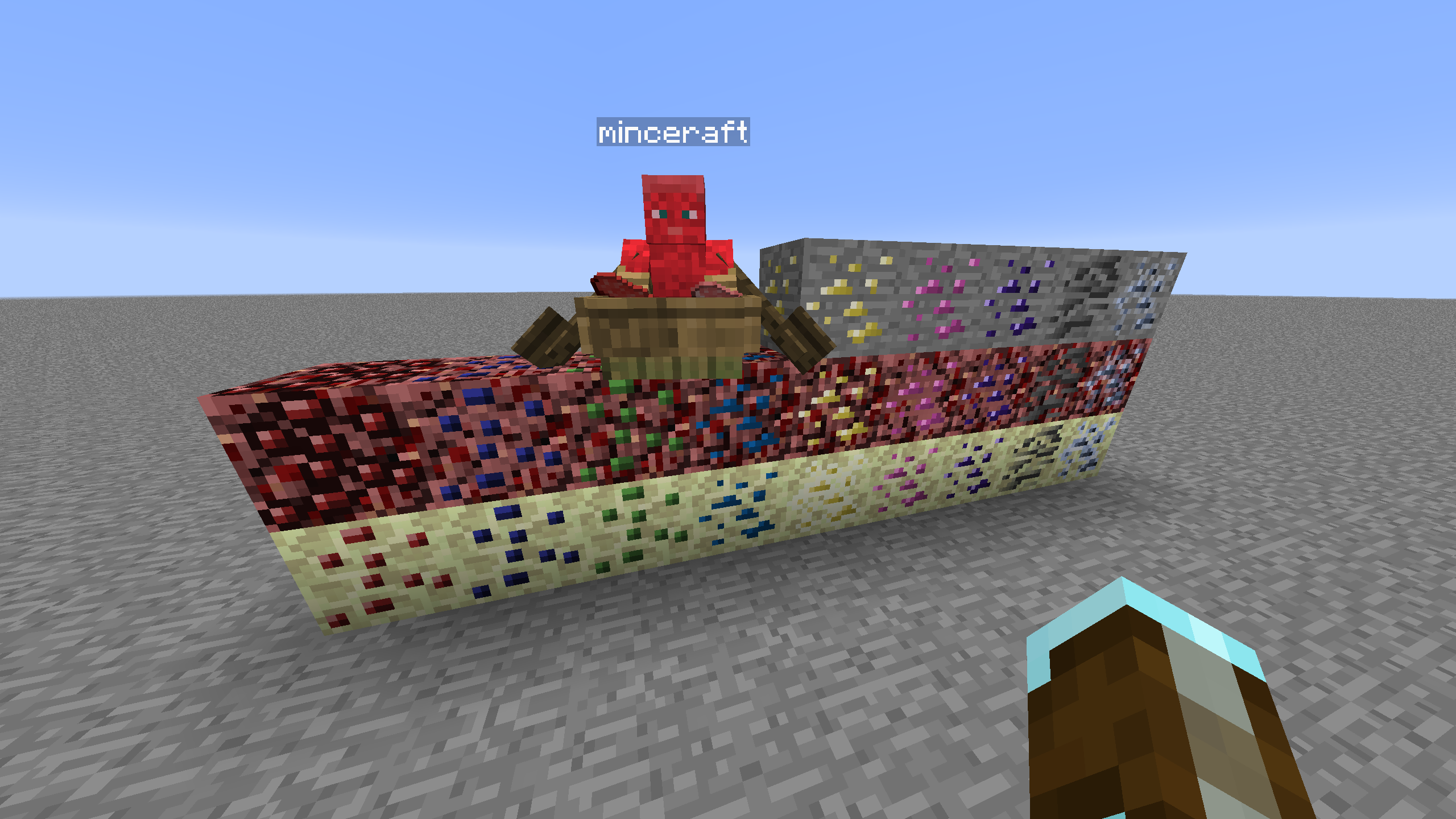
Генерація руд Для керування появою руд знадобляться інші моди, як-от CoFH World. Надано зразки конфігів для CoFH World, дивіться тут. Розпакуйте конфіги генерації руд із наданого zip-файлу до config\cofh\world\ вашого екземпляра модпаку, щоб скористатися ними. Генерація руд у Незері базується на налаштуваннях конфігу з останнього релізу моду Nether Ores від skyboy026/powercrystals для MC 1.7.10. Є деякі незначні зміни, зокрема додано руди, яких ніколи не було в тому моді. Енд використовує налаштування, подібні до Незеру, але зменшеного розміру/кількості, оскільки діапазон висот природно згенерованого End Stone значно менший.
Рецепти Рецепти в печі для переплавки руд Незеру/Енду в найближчу руду, що відповідає ore dictionary. Кількість вихідних блоків руди залежить від множника рецепта в конфігу. Руди, які не походять з Верхнього світу, поводяться як версії своїх руд Верхнього світу з шовковим дотиком у плані рецептів, це зроблено для балансу, але це можна переналаштувати.
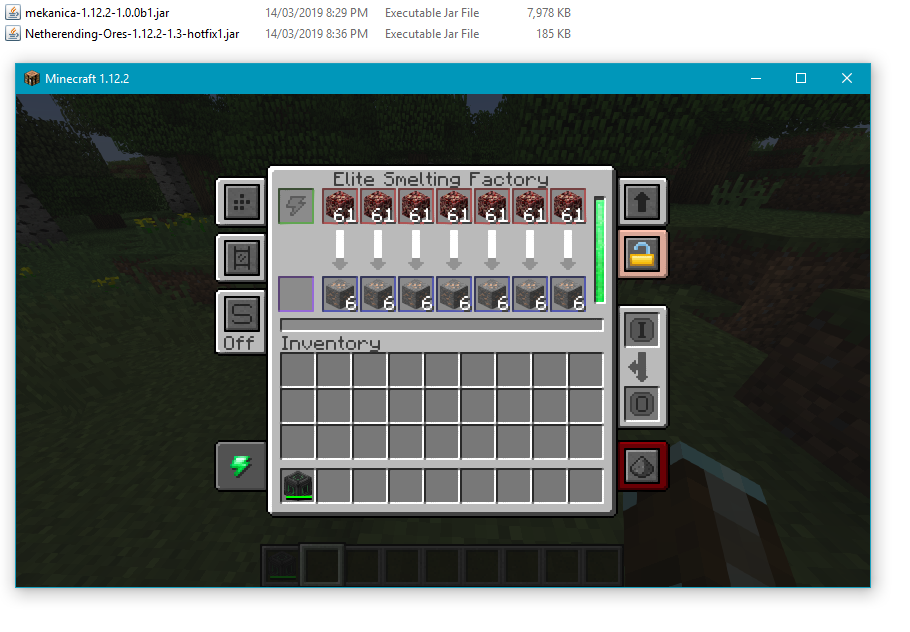
Обробка машинами Доступні базові рецепти для Tinkers' Construct, Thermal Expansion, IC2, Mekanism та Immersive Engineering для прямої обробки руд. Рецепти Thermal Expansion мають налаштування конфігу, які можуть компенсувати покращення для балансу. Інтеграцію можна вимкнути в конфігу, якщо вона не потрібна.
Список блоків Нижче наведено список наразі підтримуваних блоків, вимірів та джерела графіки руд.
- Coal | Nether/End | Vanilla
- Diamond | Nether/End | Vanilla
- Emerald | Nether/End | Vanilla
- Gold | Nether/End | Vanilla
- Iron | Nether/End | Vanilla
- Lapis | Nether/End | Vanilla
- Redstone | Nether/End | Vanilla
- Quartz | Overworld/End | Vanilla
- Aluminum | Nether/End | Thermal Foundation
- Copper | Nether/End | Thermal Foundation
- Iridium | Nether/End | Thermal Foundation
- Lead | Nether/End | Thermal Foundation
- Mithril | Nether/End | Thermal Foundation
- Nickel | Nether/End | Thermal Foundation
- Platinum | Nether/End | Thermal Foundation
- Silver | Nether/End | Thermal Foundation
- Tin | Nether/End | Thermal Foundation
- Certus Quartz | Nether/End | Applied Energistics
- Charged Certus Quartz | Nether/End | Applied Energistics
- Osmium | Nether/End | Mekanism
- Uranium | Nether/End | Original art (based off iron)
- Yellorite | Nether/End | Extreme Reactors
- Zinc | Nether/End | Railcraft
- Dilithium | Nether/End | Matter Overdrive
- Tritanium | Nether/End | Matter Overdrive
- Ruby | Nether/End | Project: Red
- Sapphire | Nether/End | Project: Red
- Peridot | Nether/End | Project: Red
- Electrotine | Nether/End | Project: Red
- Ardite | Overworld/End | Tinkers' Construct
- Cobalt | Overworld/End | Tinkers' Construct
- Ambrosium | Overworld/Nether/End | Aether II
- Gravitite | Overworld/Nether/End | Aether II
- Zanite | Overworld/Nether/End | Aether II
- Arkenium | Overworld/Nether/End | Aether II
- Icestone | Overworld/Nether/End | Aether II
- Netherfish Monster Egg | Nether | Vanilla (disguised as Netherrack)
- Endermite Monster Egg | End | Vanilla (disguised as End Stone)
Як встановити Netherending Ores
Install Millida Launcher
The launcher is free: download it at millida.net/launcher and sign in with any nickname.
Click “Install” on this page
The launcher opens and installs the mod for Minecraft 1.12.2 automatically.
Launch the game
A profile with it appears in the launcher: click “Play”.
Minecraft 1.12.2 runs on Java 8: with a different Java version the game may close right after launch.
Версії
Із залежностями
| Minecraft | Завантажувач | Файл | Дата | Дії |
|---|---|---|---|---|
| 1.12.2 | — | Netherending Ores 1.4.2359 КБ | ||
| 1.12.2 | — | Netherending Ores 1.1.2111 КБ |
Часті питання
Which Minecraft versions does Netherending Ores work on?
Only Minecraft 1.12.2: there are no files for other versions.
Which Java does Netherending Ores need?
Minecraft 1.12.2 runs on Java 8. If the game closes right after launch, the usual cause is the wrong Java version in the profile settings.
How do I download Netherending Ores?
With Millida Launcher: it installs Netherending Ores into a modpack by itself, for the right game version and loader. The launcher is free.
Відгуки
Станьте першим, хто оцінить Netherending Ores


