
 NeoForge
Про мод NauTec
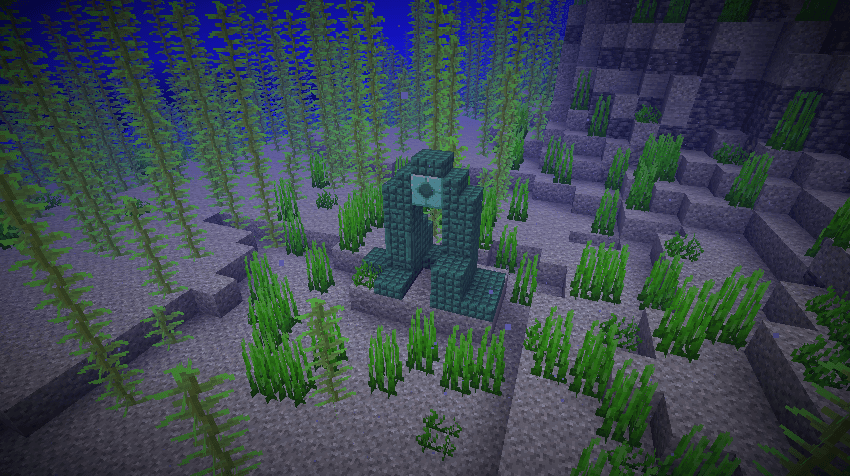
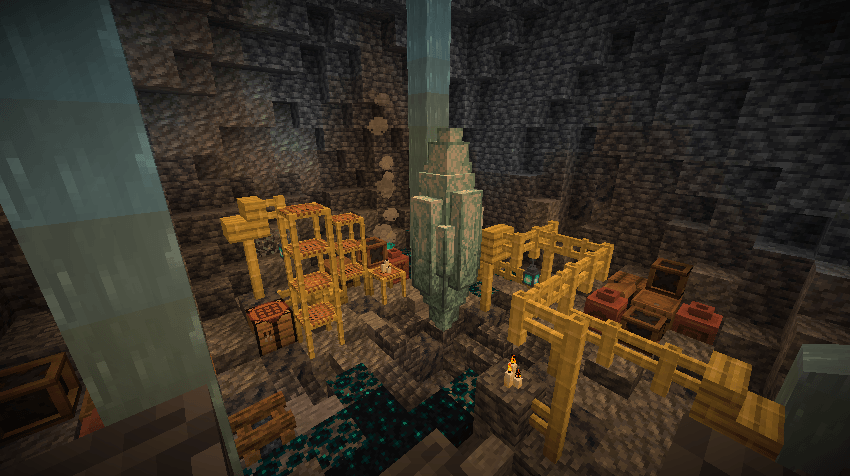
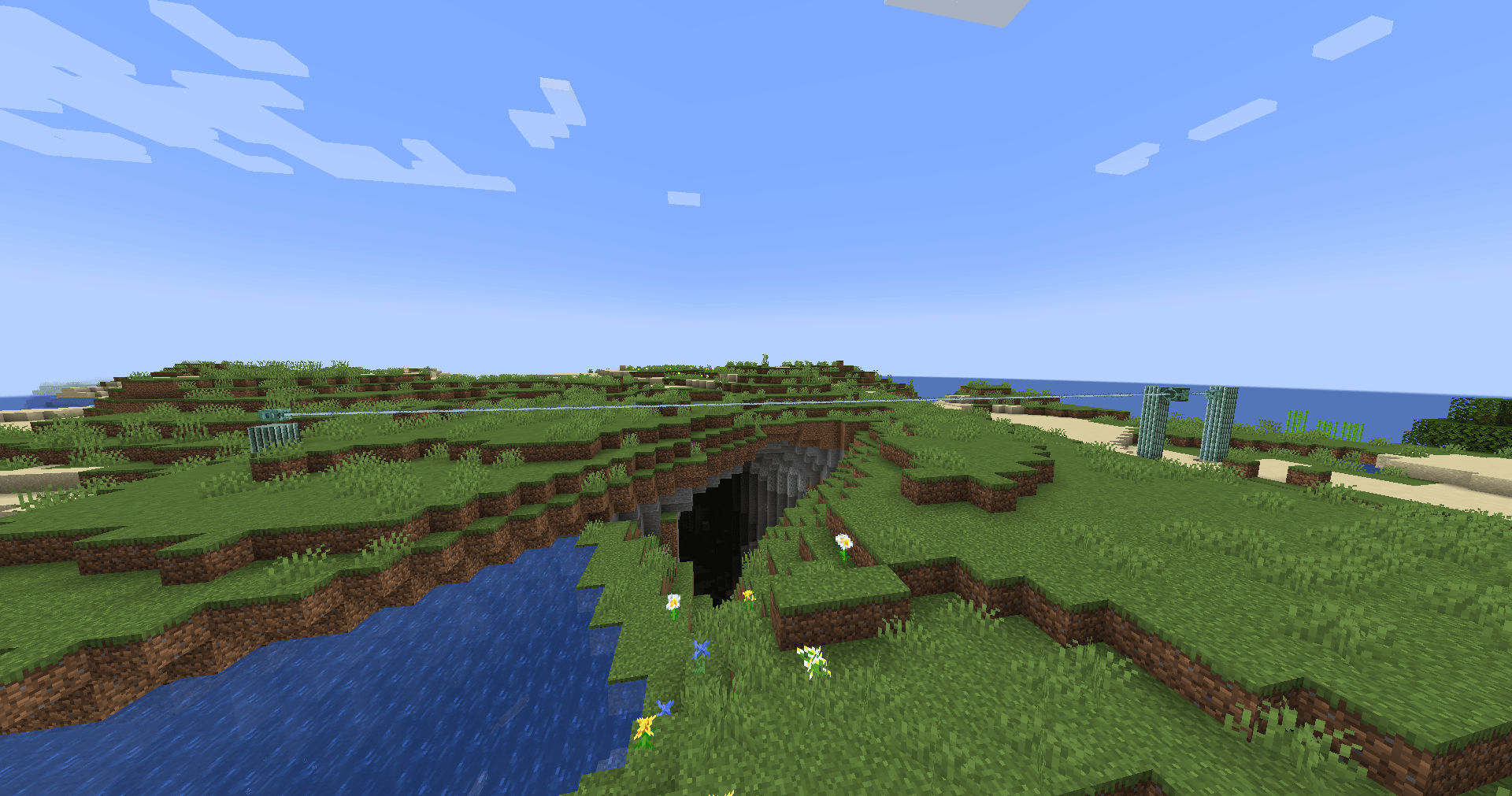
Nautec is a mod about exploring the depths of the ocean, discovering new technologies both powerful and dangerous. To begin your aquatic journey you will have to find a prismarine crystal geode, located underneath a dark prismarine ruin. This ruin also contains an Aquatic Catalyst that you can use to generate your first power.
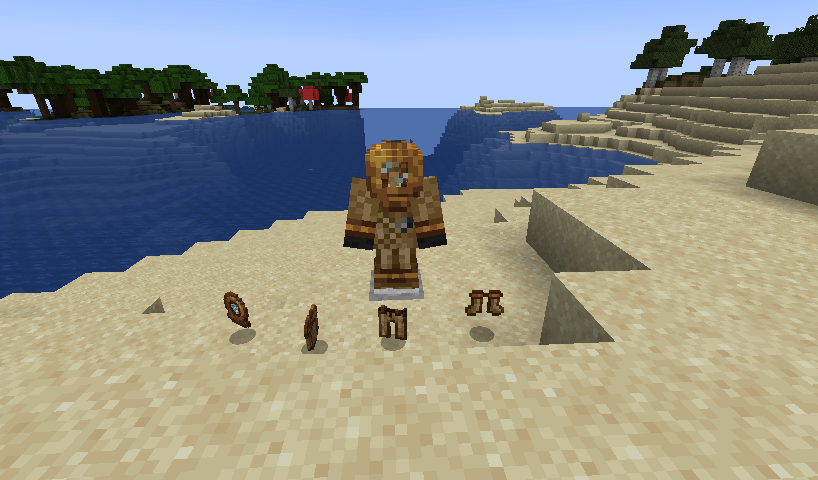
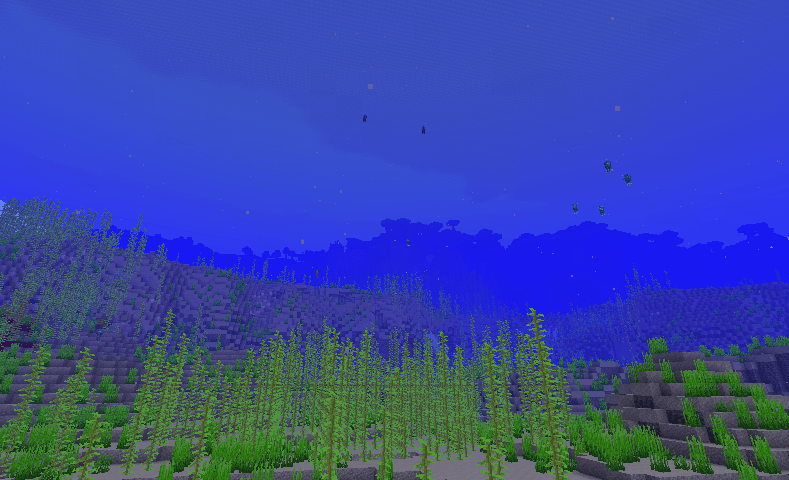
Due to the oceans being deeper than in vanilla minecraft it is highly recommended to craft a diving suit which also removes the underwater fog effect.
After filling the Catalyst with a fuel like primarine(requires a hopper) and activating it using a Heart of the sea, it will generate power and send a laser beam to any block in its way with a range of 15 blocks.
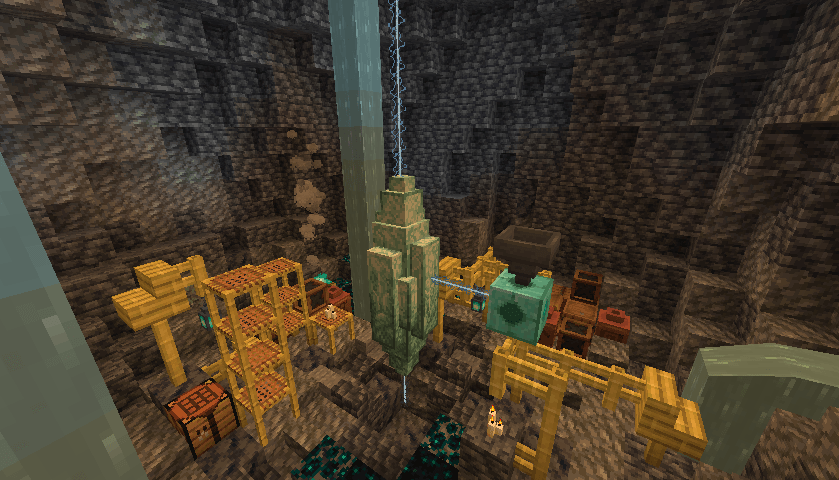
By shooting a beam into the crystal the beams purity will increase, allowing you to perform item transformtation using the laser. Item transformation is done by throwing an item in a laser.
Be careful tho, they can burn you!
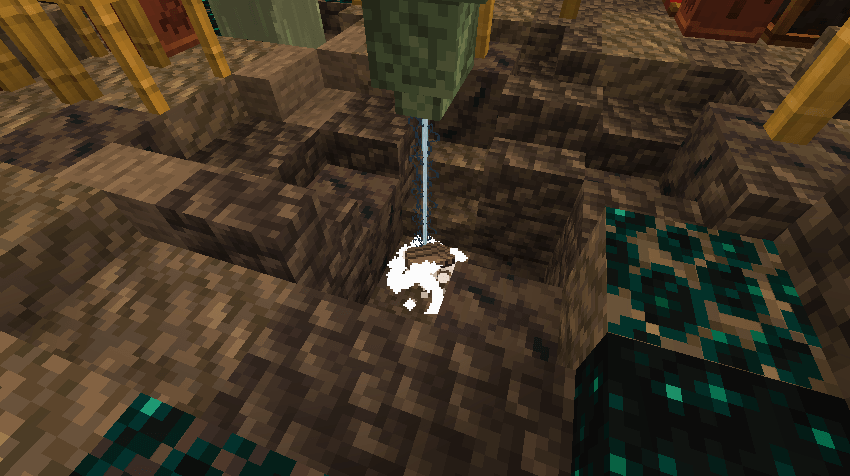
Throwing iron under a laser will transform it into Aquarine Steel, therefore unlocking the base material for the mod.
Congrats! You have completed the pre-early game and are now able to explore the mod on your own or with the help of the guide book. Don't forget to use JEI either!
Now that you have unlocked Aquarine Steel you can start building machines like the mixer to dive into deepsea chemistry, build a deep sea drain to accumulate tons of buckets of Salt Water and work towards building an augmentation station to augment your body with various
Як встановити NauTec
With Millida Launcher
Install Millida Launcher
The launcher is free: download it at millida.net/launcher and sign in with any nickname.
Click “Install” on this page
The launcher opens and installs the mod for Minecraft 1.21.1 on NeoForge automatically.
Launch the game
A profile with it appears in the launcher: click “Play”.
Manually
Install NeoForge
The loader must match the game version of the mod file, for example Minecraft 1.21.1. After installing it, a separate profile appears in your launcher.
Download the file for your version
In the version list above, pick the file nautec-1.21.1-NeoForge-0.4.1.jar (1.5 MB) for your game version.
Put it in the mods folder
The folder is inside .minecraft (Windows: %appdata%\.minecraft\mods). If it does not exist, create it.
Launch the loader profile
Open “Mods” in the main menu: NauTec should be in the list.
Minecraft 1.21.1 runs on Java 21: with a different Java version the game may close right after launch.
Версії
Із залежностями
| Minecraft | Завантажувач | Файл | Дата | Дії |
|---|---|---|---|---|
| 1.21.1 | NeoForge | nautec-1.21.1-NeoForge-0.4.1.jar1.5 МБ | ||
| 1.21.1 | NeoForge | nautec-0.1.4.jar1017 КБ |
Часті питання
Which Minecraft versions does NauTec work on?
Only Minecraft 1.21.1: there are no files for other versions.
Is NauTec for Forge or Fabric?
Only for NeoForge: 1.21.1. There are no files for Forge or Fabric: a mod for another loader will not start.
Does NauTec need other mods?
The author lists no required dependencies: the NeoForge loader is enough.
Which Java does NauTec need?
Minecraft 1.21.1 runs on Java 21. If the game closes right after launch, the usual cause is the wrong Java version in the profile settings.
Where can I download NauTec safely?
On this page: the file nautec-1.21.1-NeoForge-0.4.1.jar (1.5 MB) is stored on Millida’s server, with no link shorteners. SHA-1 checksum: a9fd05c94f8e536a62f66728493d353896dc6901.
Відгуки
Станьте першим, хто оцінить NauTec


