
MythicBotany Мод для Minecraft 1.20.1, 1.16.5
Пориньте глибше у світ botania
- завантажень
- 10 завантажень
- переглядів
- 56 переглядів
- Оновлено
- Оновлено 27.10.2026
- 1.16.3 — 1.20.1
 Forge
Forge
Про мод MythicBotany
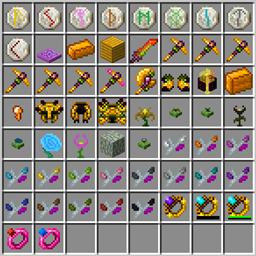
MythicBotany — це мод, який трохи розширює Botania. Деякі з його особливостей наведено нижче:
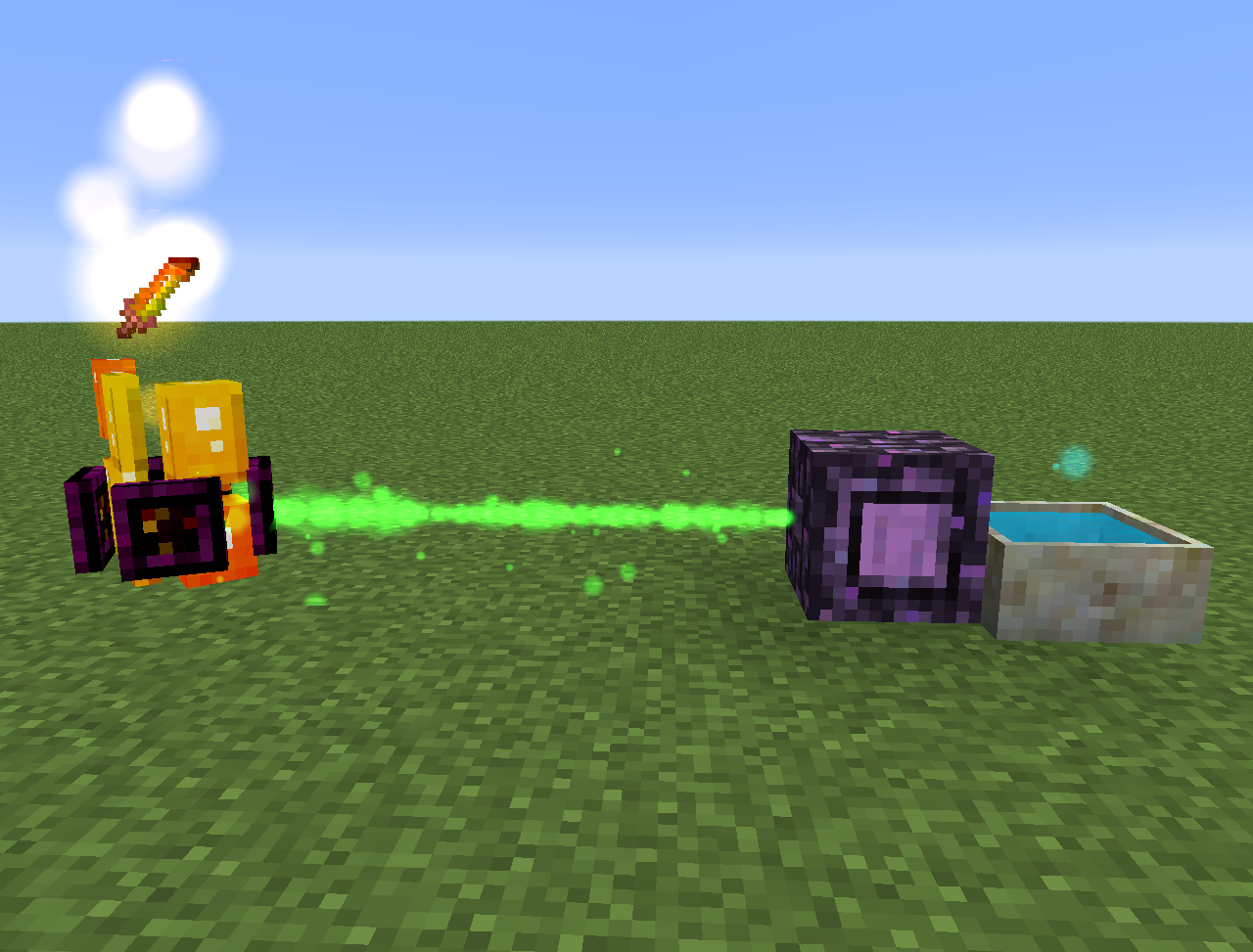
- Інфузер мани: покращення наземної плити агломерації, яке потребує золота та мерехтливого каменю знизу й поруч, а також террасталі, дозволяє створювати альфсталь.
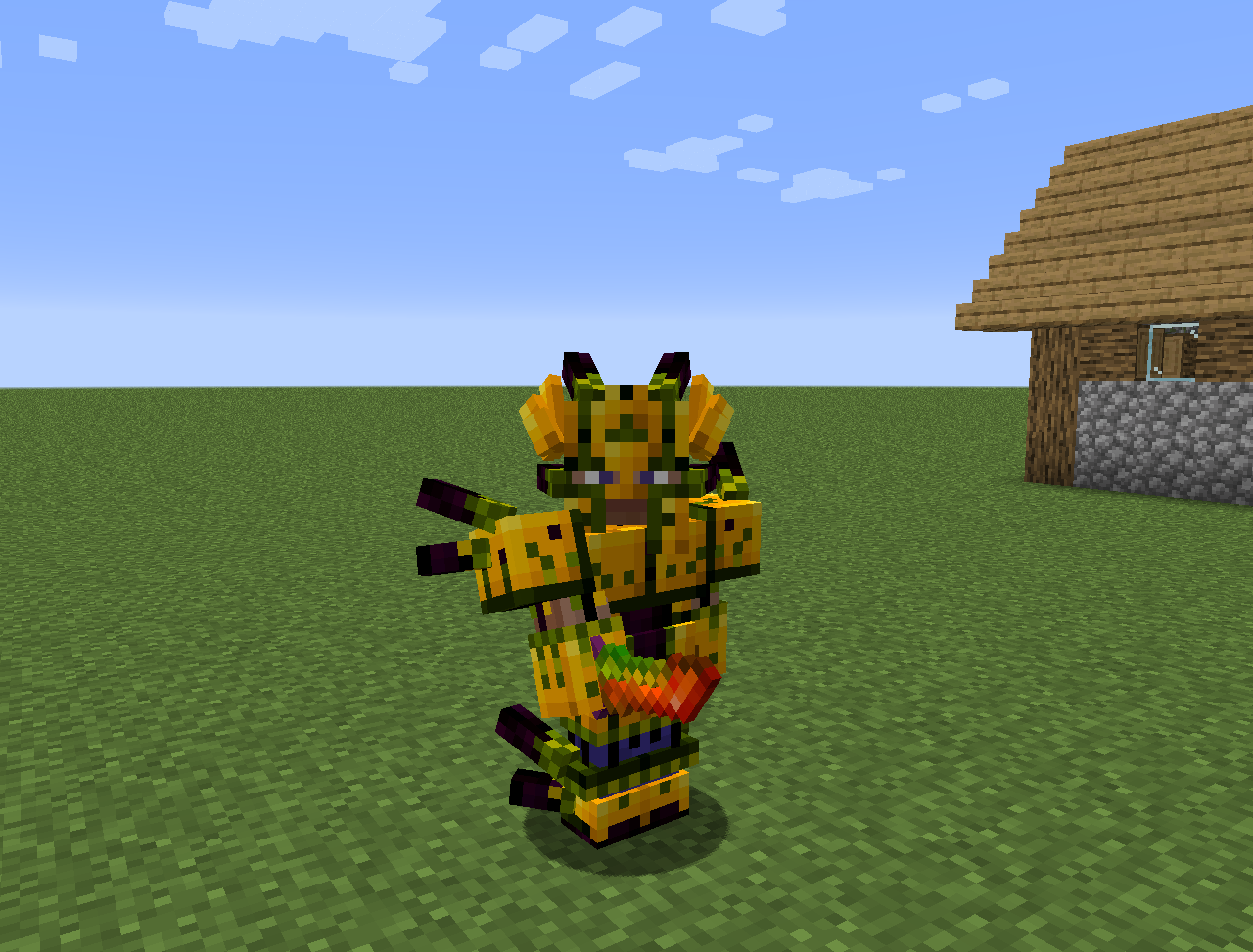
- Альфсталь: створюється так само, як террасталь, але з ресурсів Альфгейму. Може використовуватися для створення кращої броні, пілонів та інших речей.
- Кілька нових квітів:
- Аконіт висушування: створює ману з зірок Незеру
- Екзоблейз: наповнює пальне варильних стійок маною
- Чемериця: не дає піглінам і хоглінам зомбіфікуватися в надземному світі
- Аквапантус: наповнює квіткові аптеки та казани поблизу.
- Рейнделетія: створює ману, коли йде дощ. Повинна мати чистий вид на небо. Розмістіть її на яскравій траві або зачарованій землі, щоб вона виробляла більше мани.
- Він також додає вимір Альфгейм і деякий контент зі скандинавської міфології
Усе також можна знайти в Lexica Botania.
Як встановити MythicBotany
With Millida Launcher
Install Millida Launcher
The launcher is free: download it at millida.net/launcher and sign in with any nickname.
Click “Install” on this page
The launcher opens and installs the mod for Minecraft 1.16.3–1.20.1 on Forge automatically.
Launch the game
A profile with it appears in the launcher: click “Play”.
Manually
Install Forge
The loader must match the game version of the mod file, for example Minecraft 1.20.1. After installing it, a separate profile appears in your launcher.
Download the file for your version
In the version list above, pick the file MythicBotany-1.20.1-4.0.4.jar (2.1 MB) for your game version.
Put it in the mods folder
The folder is inside .minecraft (Windows: %appdata%\.minecraft\mods). If it does not exist, create it.
Launch the loader profile
Open “Mods” in the main menu: MythicBotany should be in the list.
Minecraft 1.20.1 runs on Java 17: with a different Java version the game may close right after launch.
Версії
Із залежностями
| Minecraft | Завантажувач | Файл | Дата | Дії |
|---|---|---|---|---|
| 1.20.1 | Forge | MythicBotany-1.20.1-4.0.4.jar2.1 МБ 8 | ||
| 1.18.1 | Forge | MythicBotany-1.18.1-2.0.2.jar2 МБ | ||
| 1.16.5 | Forge | MythicBotany-1.16.4-1.3.7.jar2 МБ 2 | ||
| 1.16.3 | — | MythicBotany-1.16.3-1.0.0.jar403 КБ |
Часті питання
Which Minecraft versions does MythicBotany work on?
There are files for 1.20.1, 1.18.1, 1.16.5, 1.16.4, 1.16.3. The newest is 1.20.1.
Is MythicBotany for Forge or Fabric?
Only for Forge: 1.16.4–1.20.1. There are no files for Fabric or NeoForge: a mod for another loader will not start.
Does MythicBotany need other mods?
The author lists no required dependencies: the Forge loader is enough.
Which Java does MythicBotany need?
Minecraft 1.20.1 runs on Java 17. If the game closes right after launch, the usual cause is the wrong Java version in the profile settings.
Where can I download MythicBotany safely?
On this page: the file MythicBotany-1.20.1-4.0.4.jar (2.1 MB) is stored on Millida’s server, with no link shorteners. SHA-1 checksum: b616c118d611459a0711931c51c9c4d41408abb4.
Відгуки
Станьте першим, хто оцінить MythicBotany


