
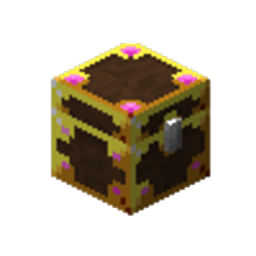
myLoot Мод для Minecraft 1.20.1
Інстансований лут для кожного гравця для кращого досвіду збору луту. Лут для всіх
 Fabric
 Quilt
QuiltDescription
myLoot replaces world-generated loot containers such as loot chests and barrels with a special myLoot container variant that has instanced loot per player. This means each player can loot whatever they want out of any loot chest and other players will still have access to the original loot - providing a better looting experience!
No more logging onto a multiplayer server to find chunks within a 5000 block radius have already been looted by your friends. Loot for all
myLoot is useful in singleplayer servers as well - you can visually see which loot chests you have already opened so you don't end up getting lost and re-looting areas
Features
All replacement works in modded structures as well as vanilla (dungeons, villages, strongholds, dimensions, etc.)
- Replaces loot chests (works for double chests!)
- Replaces loot barrels
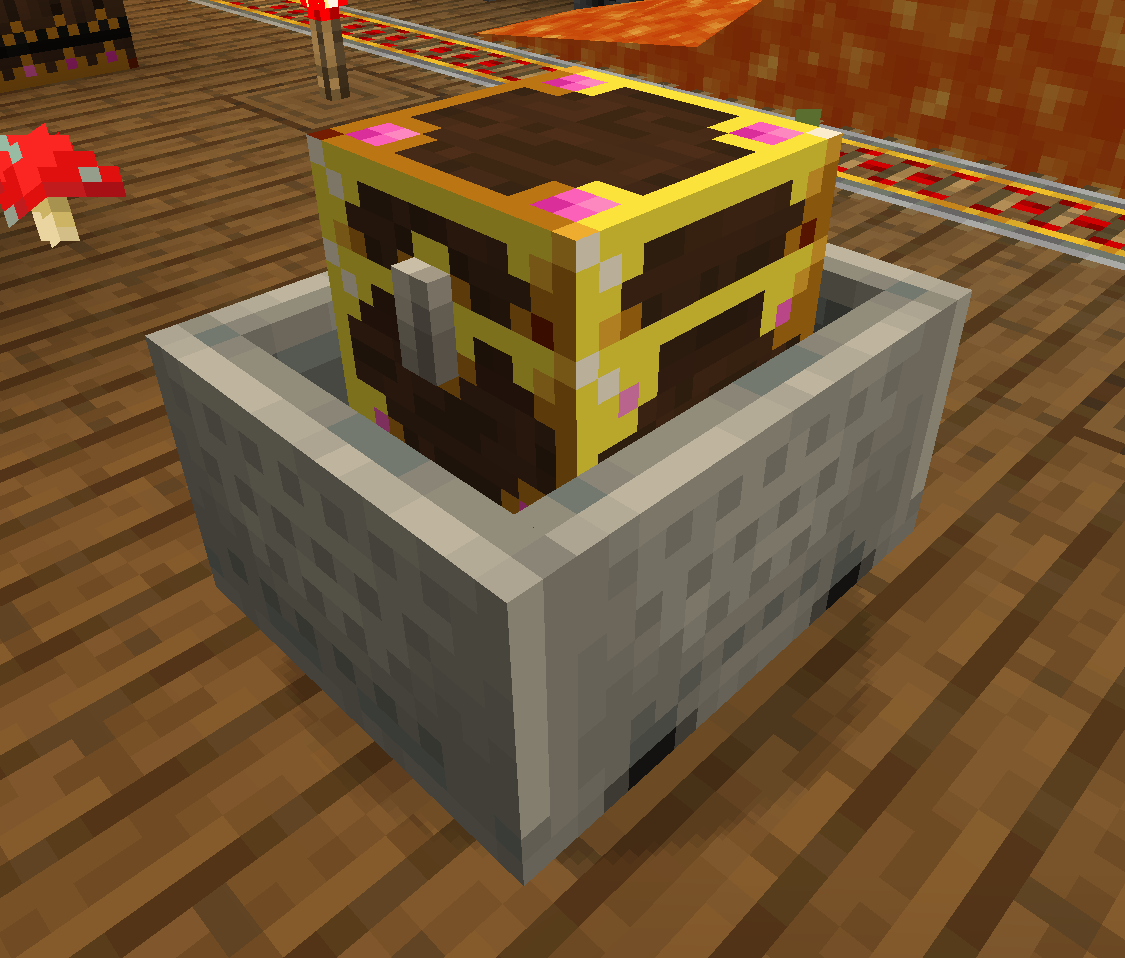
- Replaces chest Minecarts
- Replaces Shulker Boxes
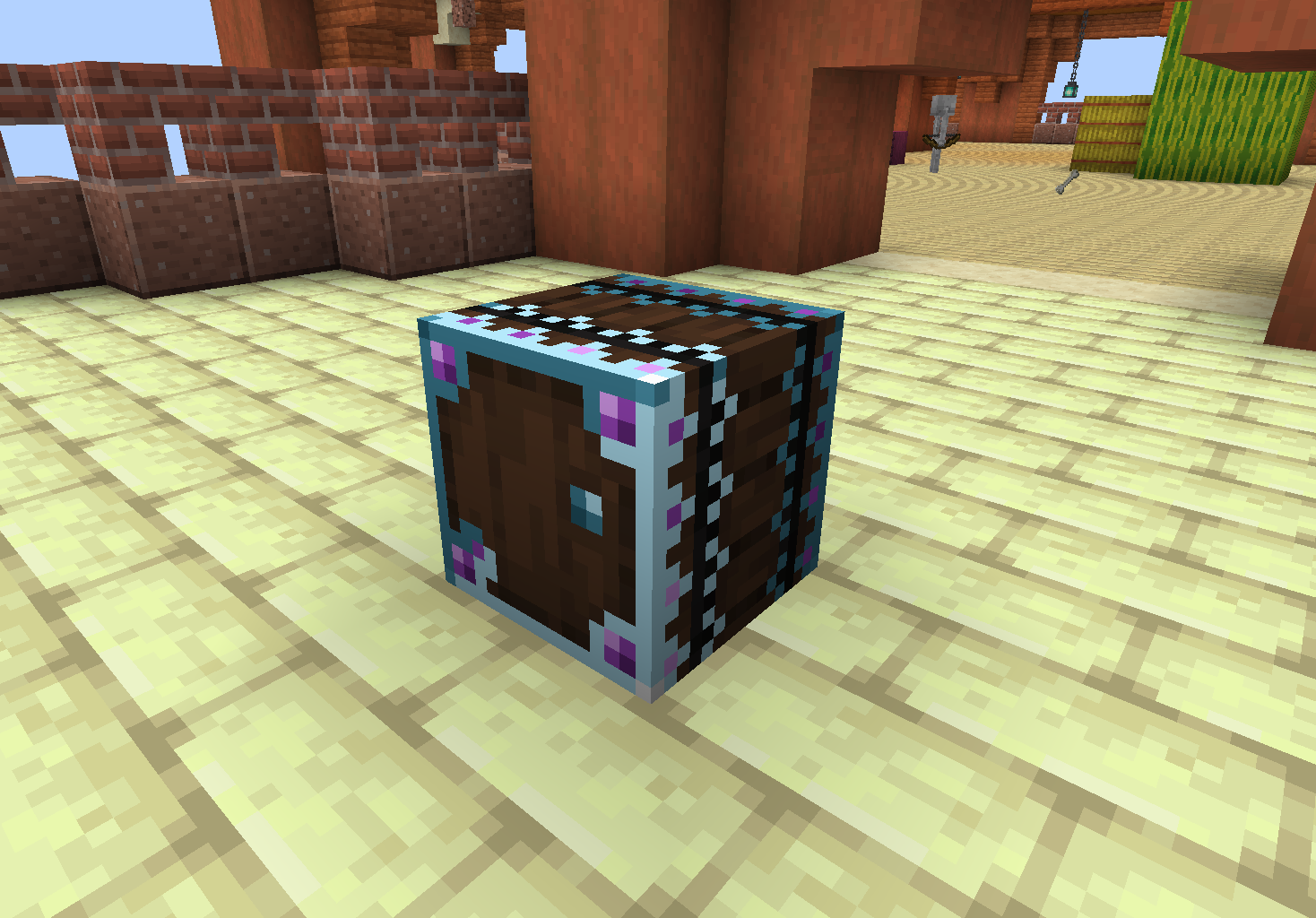
- myLoot containers will change in appearance to the player if they have opened it. This is client-side so other players will still see the unopened textures if they have not opened it.
- myLoot containers will warn the player that breaking it can affect other players. A player can still break myLoot containers by holding Sneak while breaking. Note: breaking a myLoot container by default will only drop the instanced loot of the player who broke it (plus the loot container item). This can be changed via the "dropBehavior" config to instead drop ALL players' loot
- This should work with modded items in the myLoot containers as well and with modded loot containers
- myLoot Chest is craftable with a regular Minecraft chest surrounded by enchanted apples (see images above)
- myLoot Chest can be combined into a double chest
- myLoot Chest Minecart is craftable with a myLoot chest and minecart
- myLoot Shulker Box when broken will drop a special myLoot Shulker Box Item that persists instanced inventories, so players can still access their instanced loot from the shulker box when it is placed back down. Essentially, it's a portable instanced shulker box!
Dependencies
This mod requires:
- SpoornPacks - https://www.curseforge.com/minecraft/mc-mods/spoornpacks
- Fabric API - https://www.curseforge.com/minecraft/mc-mods/fabric-api
- How does inserters/extractors such as hoppers/pipes affect the myLoot containers?
Modifying a myLoot container's inventory before player opening - such as using hoppers to add/remove items - should not affect the player's instanced inventory. The original rolled loot will persist so any player opening a myLoot container for the first time will still get the original loot.
Also, myLoot containers essentially have an invisible inventory that contains the original non-player instanced inventory. Modifying that inventory via inserters/extractors such as hoppers/pipes will work, but when a player breaks the myLoot container, only additions to the original rolled loot will drop (plus the player's instanced inventory who broke the myLoot container if applicable). This is to prevent mass duplication of loot (however duplication of the original loot one time is still possible... I haven't yet found a way to prevent this without being invasive i.e. I don't want to break any code, vanilla or modded, that has logic around a loot container's inventory so I can't just delete the original invisible inventory).
Credits
The mechanics of myLoot containers changing appearance when opened by a player, and the stylish glowing texture design are heavily inspired by the Forge Lootr mod - but everything else was originally made from scratch. myLoot is not a direct port of Lootr, and features will be different. An official port of Lootr to Fabric is in the works. Please see https://github.com/spoorn/myLoot/issues/1
Як встановити myLoot
With Millida Launcher
Install Millida Launcher
The launcher is free: download it at millida.net/launcher and sign in with any nickname.
Click “Install” on this page
The launcher opens and installs the mod for Minecraft 1.20–1.20.1 on Fabric or Quilt automatically.
Launch the game
A profile with it appears in the launcher: click “Play”.
Manually
Install Fabric or Quilt
The loader must match the game version of the mod file, for example Minecraft 1.20.1. After installing it, a separate profile appears in your launcher.
Download the file for your version
In the version list above, pick the file myloot-4.0.3-1.20.1.jar (228 KB) for your game version and loader.
Put it in the mods folder
The folder is inside .minecraft (Windows: %appdata%\.minecraft\mods). If it does not exist, create it.
Launch the loader profile
Open “Mods” in the main menu: myLoot should be in the list.
Minecraft 1.20.1 runs on Java 17: with a different Java version the game may close right after launch.
Версії
Із залежностями
| Minecraft | Завантажувач | Файл | Дата | Дії |
|---|---|---|---|---|
| 1.20.1 | Fabric, Quilt | myloot-4.0.3-1.20.1228 КБ |
Часті питання
Which Minecraft versions does myLoot work on?
There are files for 1.20.1, 1.20. The newest is 1.20.1.
Is myLoot for Forge or Fabric?
There are files for Fabric: 1.20–1.20.1 and for Quilt: 1.20–1.20.1. There are no files for Forge or NeoForge: a mod for another loader will not start.
Does myLoot need other mods?
The author lists no required dependencies: the Fabric or Quilt loader is enough.
Which Java does myLoot need?
Minecraft 1.20.1 runs on Java 17. If the game closes right after launch, the usual cause is the wrong Java version in the profile settings.
Where can I download myLoot safely?
On this page: the file myloot-4.0.3-1.20.1.jar (228 KB) is stored on Millida’s server, with no link shorteners. SHA-1 checksum: 4a8043b5d3e2fbb0c1feeb5ab0678eac4d581f16.
Відгуки
Станьте першим, хто оцінить myLoot


