
Environmental Materials Мод для Minecraft 1.20.1
Додає набір простих будівельних матеріалів.
 NeoForge
 Forge
Forge Fabric
Про мод
Environmental Materials — це супутній мод до Environmental Core/Tech, який додає величезний вибір нових будівельних блоків, сходів, плит і стін. Деякі базові блоки інтегровано в таблиці здобичі Void Miners, тож ви можете отримати їх без крафту, якщо встановлено Environmental Tech.

Як мені крафтити блоки?
Ви можете скрафтити основний блок кожного типу матеріалу в столі для крафту, а решту зробити за допомогою каменеріза.
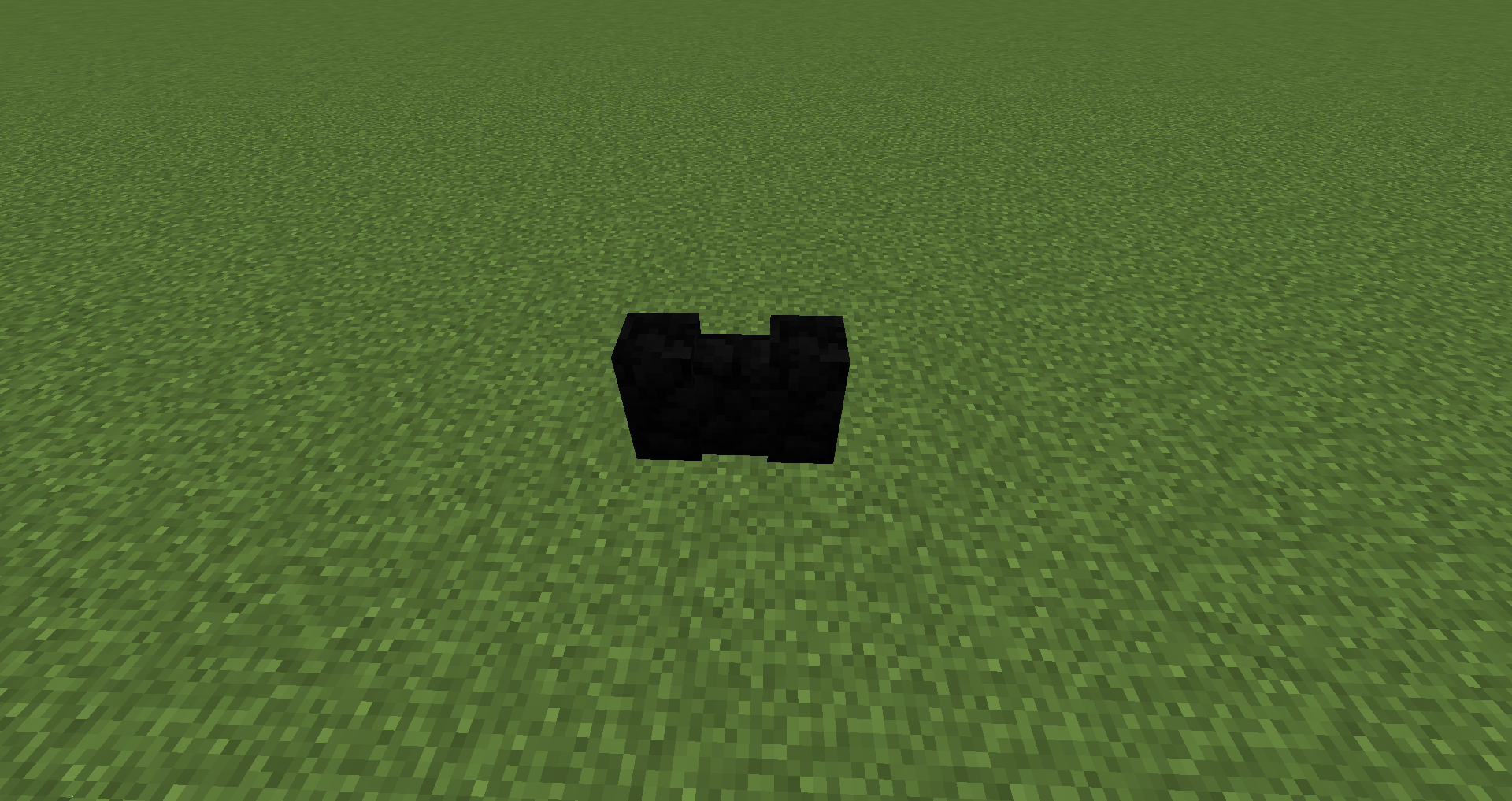
Додані блоки:
Алебастр усіх 16 кольорів: блоки, сходи, плити, стіни
Базальт: блоки, сходи, плити, стіни
Загартований камінь: блоки, сходи, плити, стіни
Гранодіорит: блоки, сходи, плити, стіни
Мармур: блоки, сходи, плити, стіни
Травертин: блоки, сходи, плити, стіни
Пемза: блоки, сходи, плити, стіни
Чи можу я використовувати це у своєму модпаку?
Модпаки Curesforge і FTB: сміливо :)
Збірки на зовнішніх сайтах: потрібно отримати мій дозвіл і потім додати посилання на цю сторінку проєкту.
Як встановити Environmental Materials
With Millida Launcher
Install Millida Launcher
The launcher is free: download it at millida.net/launcher and sign in with any nickname.
Click “Install” on this page
The launcher opens and installs the mod for Minecraft 1.16.4–1.20.1 on Fabric, Forge or NeoForge automatically.
Launch the game
A profile with it appears in the launcher: click “Play”.
Manually
Install Fabric, Forge or NeoForge
The loader must match the game version of the mod file, for example Minecraft 1.20.1. After installing it, a separate profile appears in your launcher.
Download the file for your version
In the version list above, pick the file enviromats-forge-1.20.1-2.1.5.0.jar (1.8 MB) for your game version and loader.
Put it in the mods folder
The folder is inside .minecraft (Windows: %appdata%\.minecraft\mods). If it does not exist, create it.
Launch the loader profile
Open “Mods” in the main menu: Environmental Materials should be in the list.
Minecraft 1.20.1 runs on Java 17: with a different Java version the game may close right after launch.
Версії
Із залежностями
| Minecraft | Завантажувач | Файл | Дата | Дії |
|---|---|---|---|---|
| 1.20.1 | NeoForge, Forge | enviromats-forge-1.20.1-2.1.5.0.jar1.8 МБ | ||
| 1.20.1 | Fabric | enviromats-fabric-1.20.1-2.1.4.2.jar1.9 МБ | ||
| 1.19.3 | Fabric | enviromats-fabric-1.19.3-2.1.3.0.jar1.9 МБ | ||
| 1.19.3 | Forge | enviromats-forge-1.19.3-2.1.3.0.jar1.7 МБ | ||
| 1.16.4 | — | enviromats-1.16.4-2.0.4.0.jar1.4 МБ |
Часті питання
Which Minecraft versions does Environmental Materials work on?
There are files for 1.20.1, 1.19.3, 1.16.4. The newest is 1.20.1.
Is Environmental Materials for Forge or Fabric?
There are files for Fabric: 1.19.3–1.20.1, for Forge: 1.19.3–1.20.1 and for NeoForge: 1.20.1.
Does Environmental Materials need other mods?
The author lists no required dependencies: the Fabric, Forge or NeoForge loader is enough.
Which Java does Environmental Materials need?
Minecraft 1.20.1 runs on Java 17. If the game closes right after launch, the usual cause is the wrong Java version in the profile settings.
Where can I download Environmental Materials safely?
On this page: the file enviromats-forge-1.20.1-2.1.5.0.jar (1.8 MB) is stored on Millida’s server, with no link shorteners. SHA-1 checksum: c7f705d3c999cdcede1d28bc3bf5aae73628715e.
Відгуки
Станьте першим, хто оцінить Environmental Materials


