

Я більше не працюю над цим модом, але ви можете переглянути мої інші роботи на lopcode.com і twitch.tv/carrot
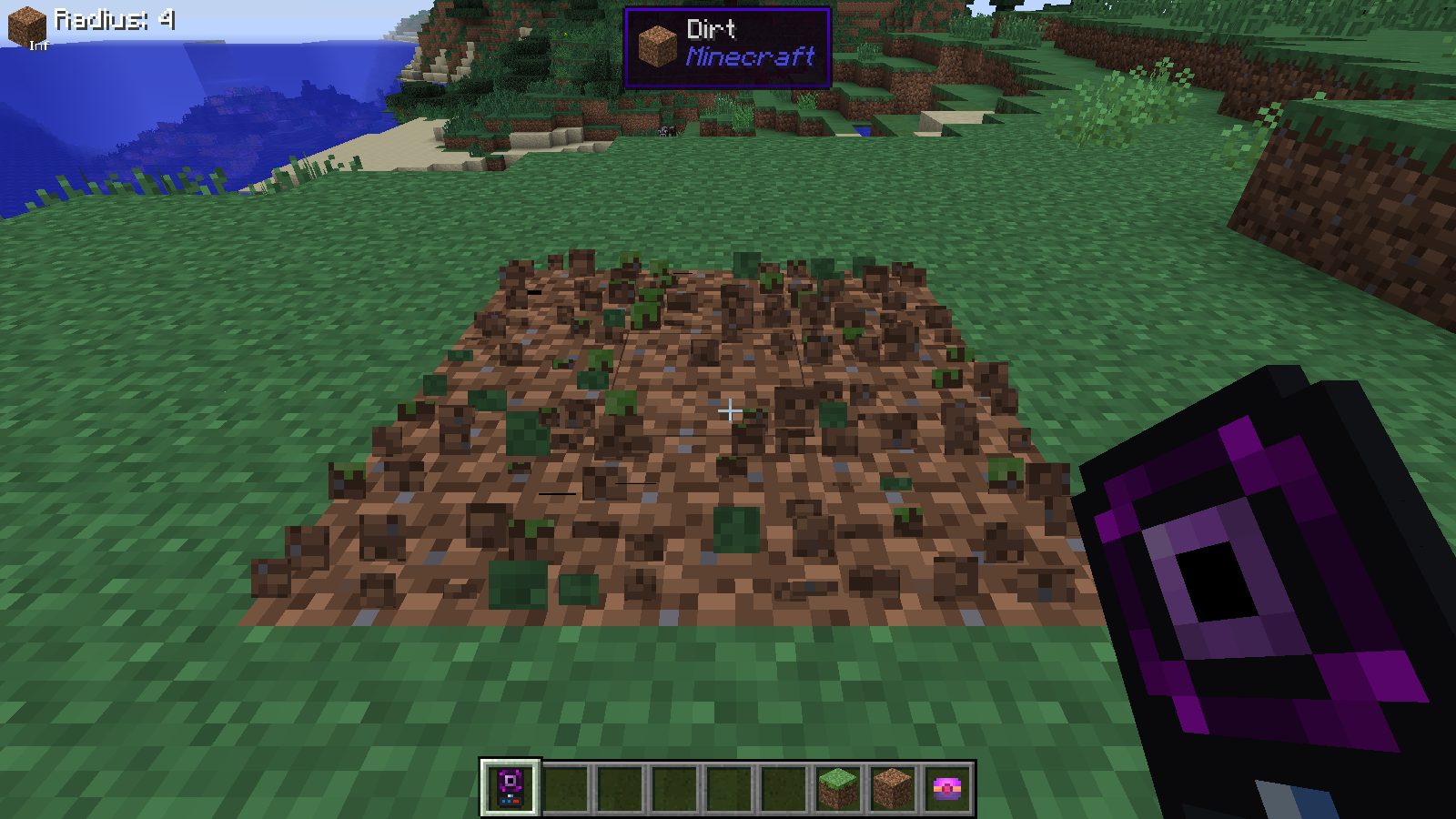
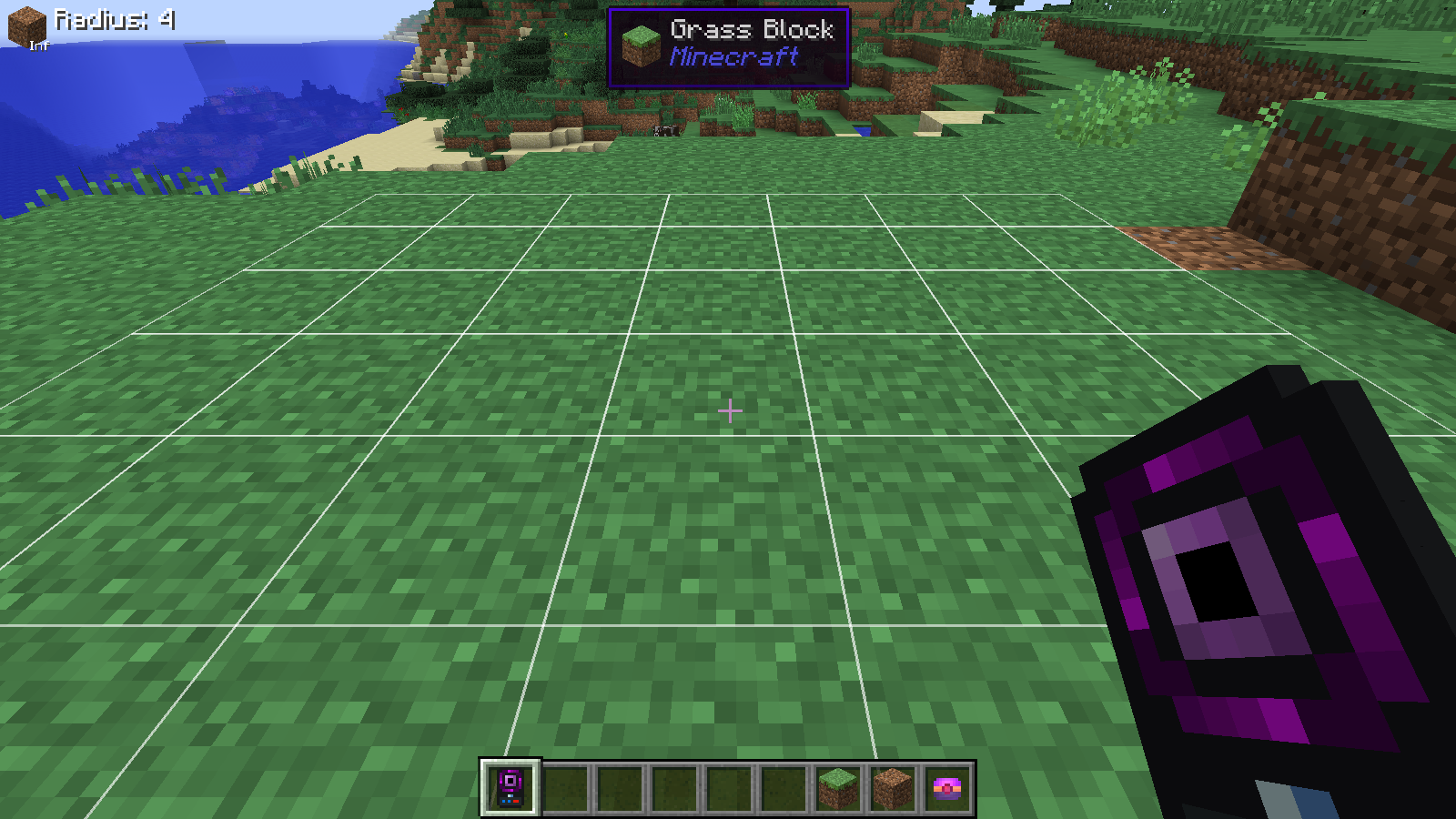
EnderTech задуманий як мод у тематиці технологій та Ендеру, що починається приблизно з кінцевої стадії Thermal Expansion. Він міститиме потужні, відносно дорогі механіки з певною можливістю налаштування. Типові налаштування підтримуватимуть баланс, який робить мою власну гру цікавішою.
Деякі функції часто перебувають у розробці, тож намагайтеся використовувати в своєму світі збірки Promoted. Це все одно не гарантія, що рецепт чи вартість не зміняться, але я намагатимусь подбати про те, щоб усе, де можливо, переносилося.
Посилання
- GitHub - https://github.com/CarrotCodes/EnderTech
- Wiki - https://github.com/CarrotCodes/EnderTech/wiki
Дозволи
Так, ви можете використовувати його у своєму (публічному) модпаку, за умови, що:
- Ви не стягуєте плату за доступ до предметів чи за сам мод (діє ToS Mojang),
- Ви не змінюєте Jar (він належно підписаний, і його зміна це порушить).
Не подобається баланс (наприклад, вважаєте, що він надто енерговитратний)? Змініть його в конфігурації!
Як встановити EnderTech
With Millida Launcher
Install Millida Launcher
The launcher is free: download it at millida.net/launcher and sign in with any nickname.
Click “Install” on this page
The launcher opens and installs the mod for Minecraft 1.7.10 automatically.
Launch the game
A profile with it appears in the launcher: click “Play”.
Manually
Download the file for your version
In the version list above, pick the file EnderTech-1.7.10-0.3.2.405.jar (708 KB) for your game version.
Put it in the mods folder
The folder is inside .minecraft (Windows: %appdata%\.minecraft\mods). If it does not exist, create it.
Launch the loader profile
Open “Mods” in the main menu: EnderTech should be in the list.
Minecraft 1.7.10 runs on Java 8: with a different Java version the game may close right after launch.
Версії
Із залежностями
| Minecraft | Завантажувач | Файл | Дата | Дії |
|---|---|---|---|---|
| 1.7.10 | — | EnderTech-1.7.10-0.3.2.405.jar708 КБ |
Часті питання
Which Minecraft versions does EnderTech work on?
Only Minecraft 1.7.10: there are no files for other versions.
Which Java does EnderTech need?
Minecraft 1.7.10 runs on Java 8. If the game closes right after launch, the usual cause is the wrong Java version in the profile settings.
Where can I download EnderTech safely?
On this page: the file EnderTech-1.7.10-0.3.2.405.jar (708 KB) is stored on Millida’s server, with no link shorteners. SHA-1 checksum: 46464ba96303f5439dbd5248fbde26ec91fd7a5e.
Відгуки
Станьте першим, хто оцінить EnderTech


