

Danger Close Мод для Minecraft 1.20.1, 1.21.1
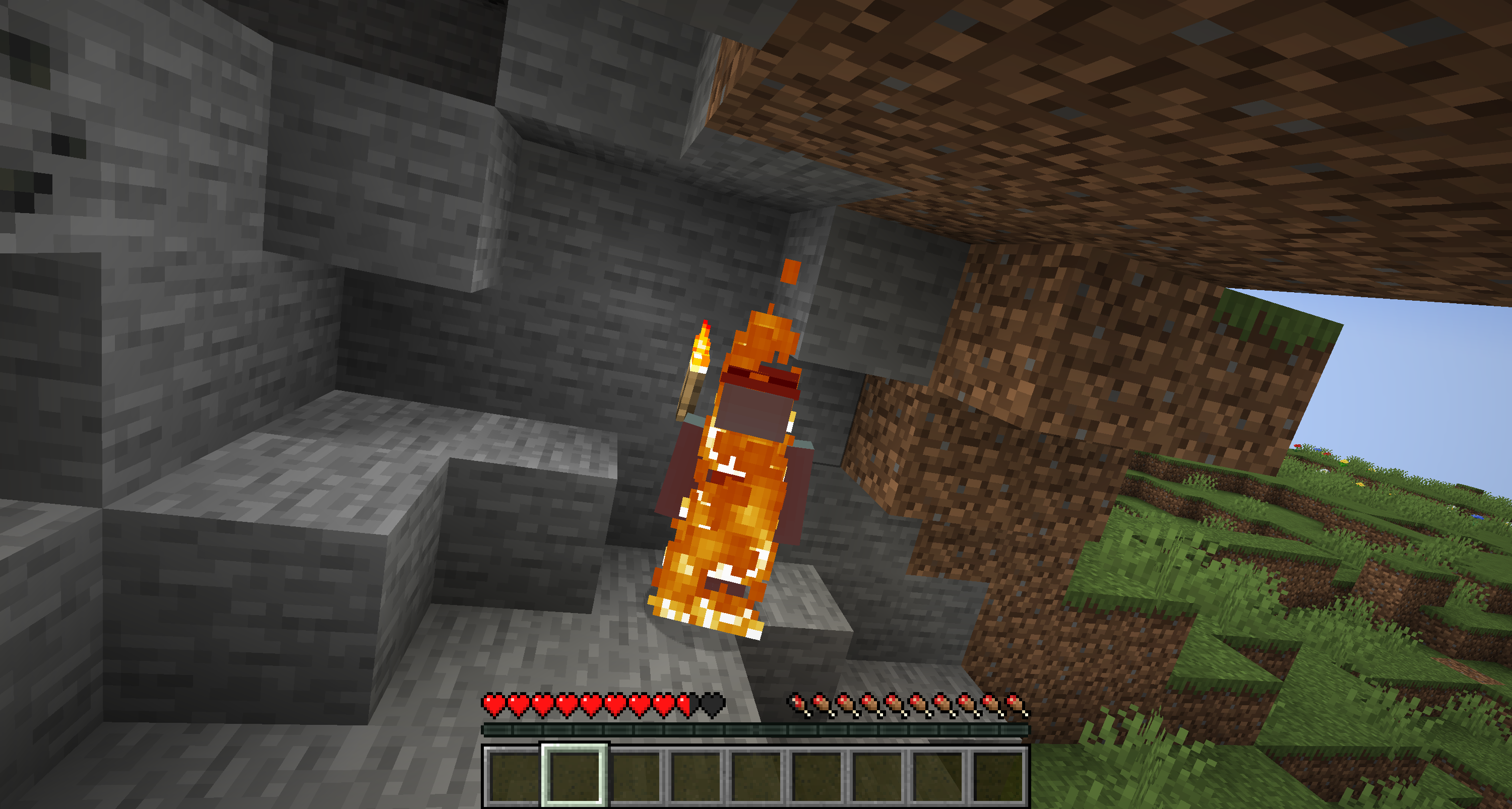
Факели, багаття та каменерізи тепер завдаватимуть шкоди гравцям, тваринам або ворогам, які на них наступають чи зачіпають їх. По суті, тепер гра стане реалістичнішою, адже, як і в реальному житті, ці предмети завдаватимуть невеликої шкоди.
 Fabric
 NeoForge
 Forge
ForgeПро мод Danger Close
Torches, campfires, and stonecutters will now deal damage to players, animals, or enemies that run over or brush against them. Basically, now the games will be more realistic, since just like in real life, these items will do a little damage.
The damage will depend on the element, and, therefore, it will not be the same to go over a stonecutter, than a torch.With the latest version, Magma Blocks, Magma Cubes, and Blazes now also catch fire.
Damages:
- Torch --> Half Heart
- Stonecutter --> Three Hearts
- Campfire --> Half Heart
- Magma Blocks --> Half Heart
- Magma Cubes --> Half Heart
- Blazes --> Half Heart

Do you need a server to play with your friends?
For exceptional server hosting services, look no further than BisectHosting. Of course, you can install all the mods or modpacks you want, and their support team is always available to help you.
With the code "Lupin" you will get a 25% discount! Click here!

Basically, the objective of this mod is to increase the difficulty of the games, as well as the realism. When players get too close to a torch, they will now take damage.
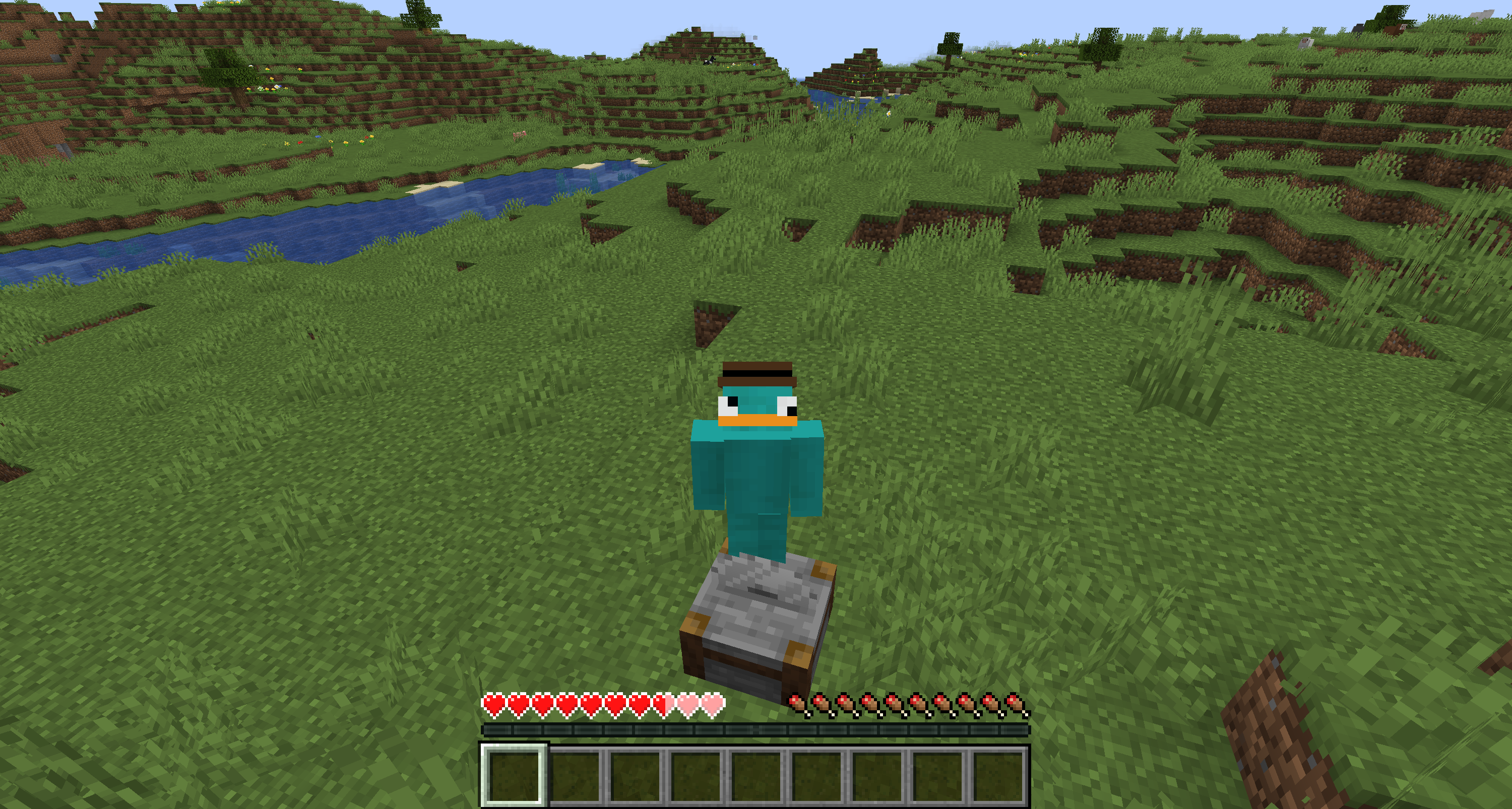
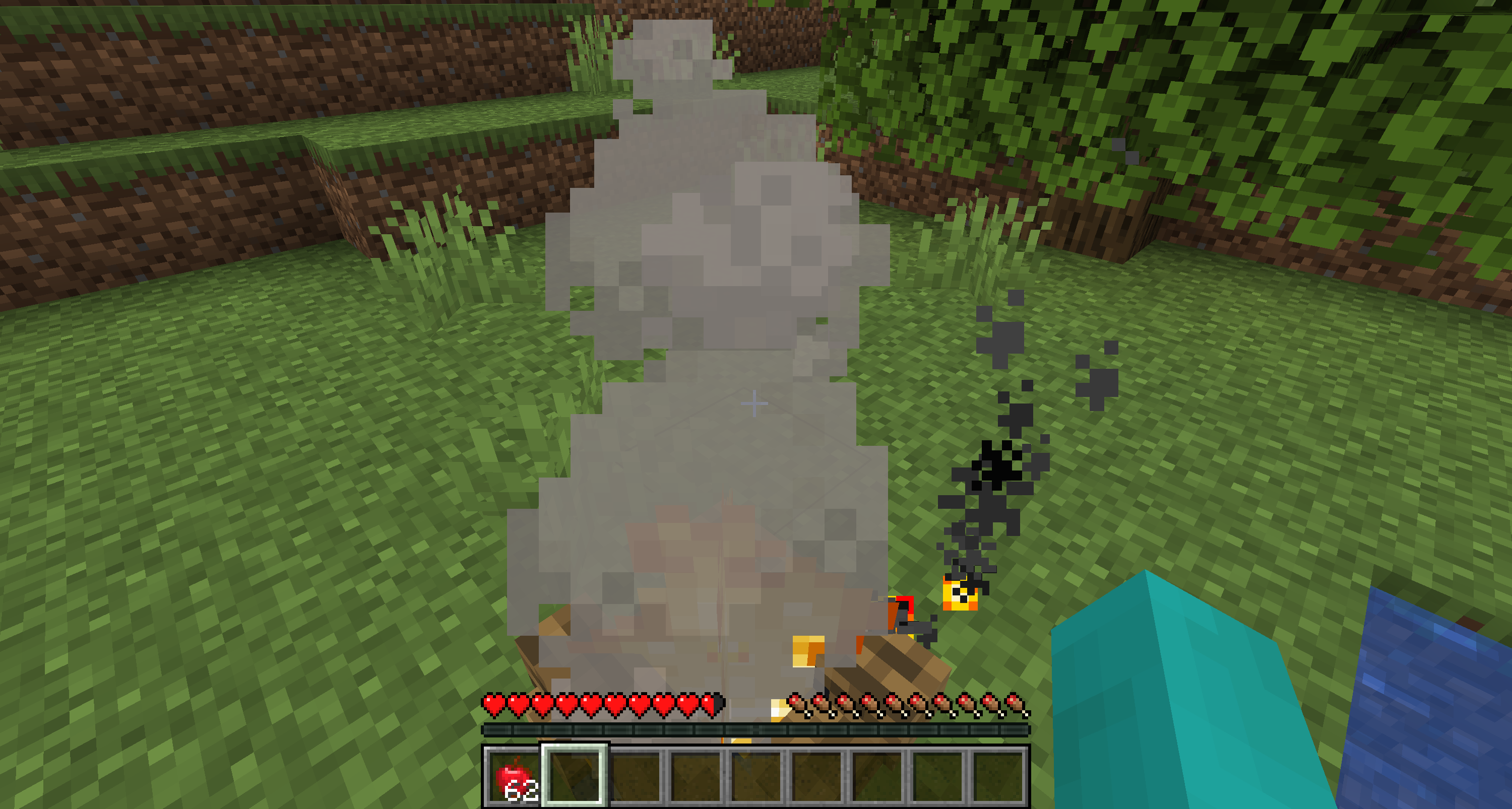
The same will happen with stone cutters, which will obviously do a lot more damage.Torches and bonfires a priori do the same damage, but it is true that the damage from torches can be more annoying.

Is it compatible with other mods that add torches?
It is perfectly compatible with the vast majority of mods that add torches, campfires or even stone cutters. It is highly recommended to use this mod together with More Beautiful Torches.

How can you disable the damage from torches, campfires or stone cutters?
After starting the game once, a configuration file will be created inside the "config" folder, it's just as easy as changing the option from "true" to "false".
Does it work on servers?
### Sure! Remember that the best way to play with mods and friends is with BisectHosting, and by clicking on this link you can get a 25% discount.
Can this mod be used in modpacks?
### Of course! As long as it is published only on Modrinth or CurseForge. Uploading it to any other platform would be violating our rights and is not allowed at all.
However, we are really grateful if you consider adding it to your Modrinth or CurseForge modpack. If you need any small changes or have any questions, contact us!

Як встановити Danger Close
With Millida Launcher
Install Millida Launcher
The launcher is free: download it at millida.net/launcher and sign in with any nickname.
Click “Install” on this page
The launcher opens and installs the mod for Minecraft 1.20.1–26.1.2 on Fabric, Forge or NeoForge automatically, together with its dependencies: MonoLib.
Launch the game
A profile with it appears in the launcher: click “Play”.
Manually
Install Fabric, Forge or NeoForge
The loader must match the game version of the mod file, for example Minecraft 26.1.2. After installing it, a separate profile appears in your launcher.
Download the file for your version
In the version list above, pick the file danger_close-merged-26.1.2-3.2.1.jar (270 KB) for your game version and loader.
Put it in the mods folder
The folder is inside .minecraft (Windows: %appdata%\.minecraft\mods). If it does not exist, create it. Required dependencies go there too: MonoLib.
Launch the loader profile
Open “Mods” in the main menu: Danger Close should be in the list.
On a server
A server on Fabric, Forge or NeoForge
The mod only works on a server with the same loader and game version, for example 26.1.2.
File goes into the server’s mods folder
Stop the server, put the mod file into the mods folder and start the server again.
Use the “To server” button
On Millida Hosting, the button at the top of the page uploads the file to your server and restarts it for you.
Версії
Із залежностями
| Minecraft | Завантажувач | Файл | Дата | Дії |
|---|---|---|---|---|
| 26.1.2 | Fabric, NeoForge | 26.1.2270 КБ | ||
| 1.21.1 | Fabric, NeoForge | 1.21.1270 КБ | ||
| 1.20.1 | Fabric, Forge | 1.20.1889 КБ | ||
| 1.21.1 | NeoForge | 1.21.133.7 КБ | ||
| 1.21.1 | Fabric | 1.21.135.8 КБ | ||
| 1.21.1 | Forge | 1.21.136 КБ | ||
| 1.20.1 | Fabric, Forge | 1.20.163.4 КБ | ||
| 1.20.1 | Fabric, Forge | 1.20.163.4 КБ |
Що потрібно для запуску
- MonoLibобов'язково
Часті питання
Is Danger Close for Forge or Fabric?
There are files for Fabric: 1.20.1–26.1.2, for Forge: 1.20.1–1.21.1 and for NeoForge: 1.21–26.1.2.
Where can I download Danger Close safely?
On this page: the file danger_close-merged-26.1.2-3.2.1.jar (270 KB) is stored on Millida’s server, with no link shorteners. SHA-1 checksum: 3f665f443c2879a6329d78b87b9f14b40881c819.
Відгуки
Станьте першим, хто оцінить Danger Close


