

Create: Metallurgy Мод для Minecraft 1.20.1, 1.21.1
Create Metallurgy — це аддон до Create Mod, який додає нові металургійні процеси.
 NeoForge
 Forge
Про мод Create: Metallurgy
This update consists of two parts in order to gather as much feedback as possible to improve Ladle's features in the next part. So feel free to write your suggestions on Github!
Create Metallurgy is a Create Mod Addon developped by Luc_Creeper74, introducing new way of refining ores or create alloys by melting them using a new raw ore processing system which can duplicate your ores up to x2.33 (removed for now). Enough to make your factory stylish!
Supported Versions: See the wiki page (No Fabric Port planned)
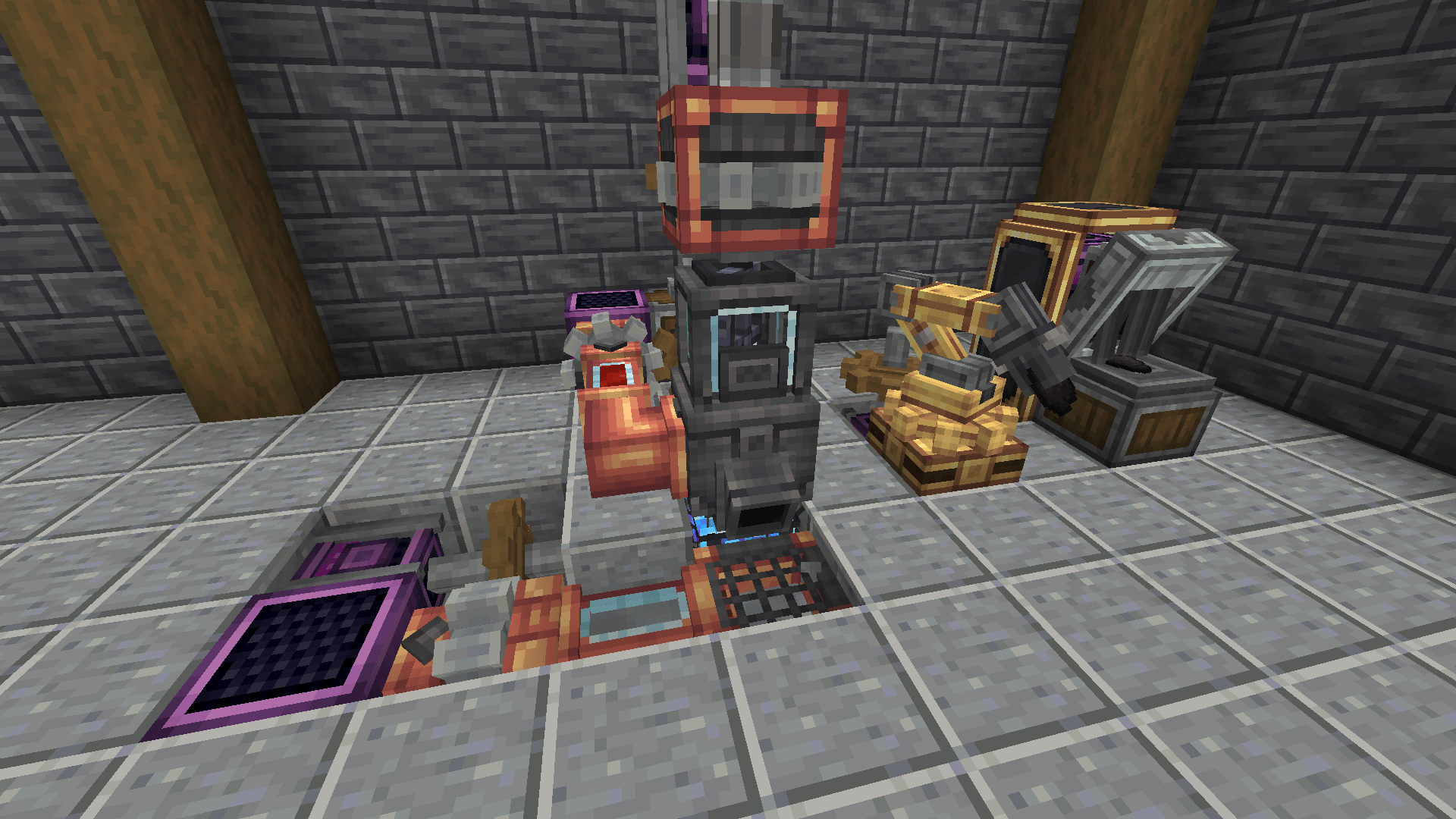
About
⚠️ IMPORTANT ⚠️ : In order to see all recipes and mechanics of this mod, please install JEI.
Note 🐜: This is under developpement, expect to encounter several bugs. Before updating this mod, make backups of your worlds.
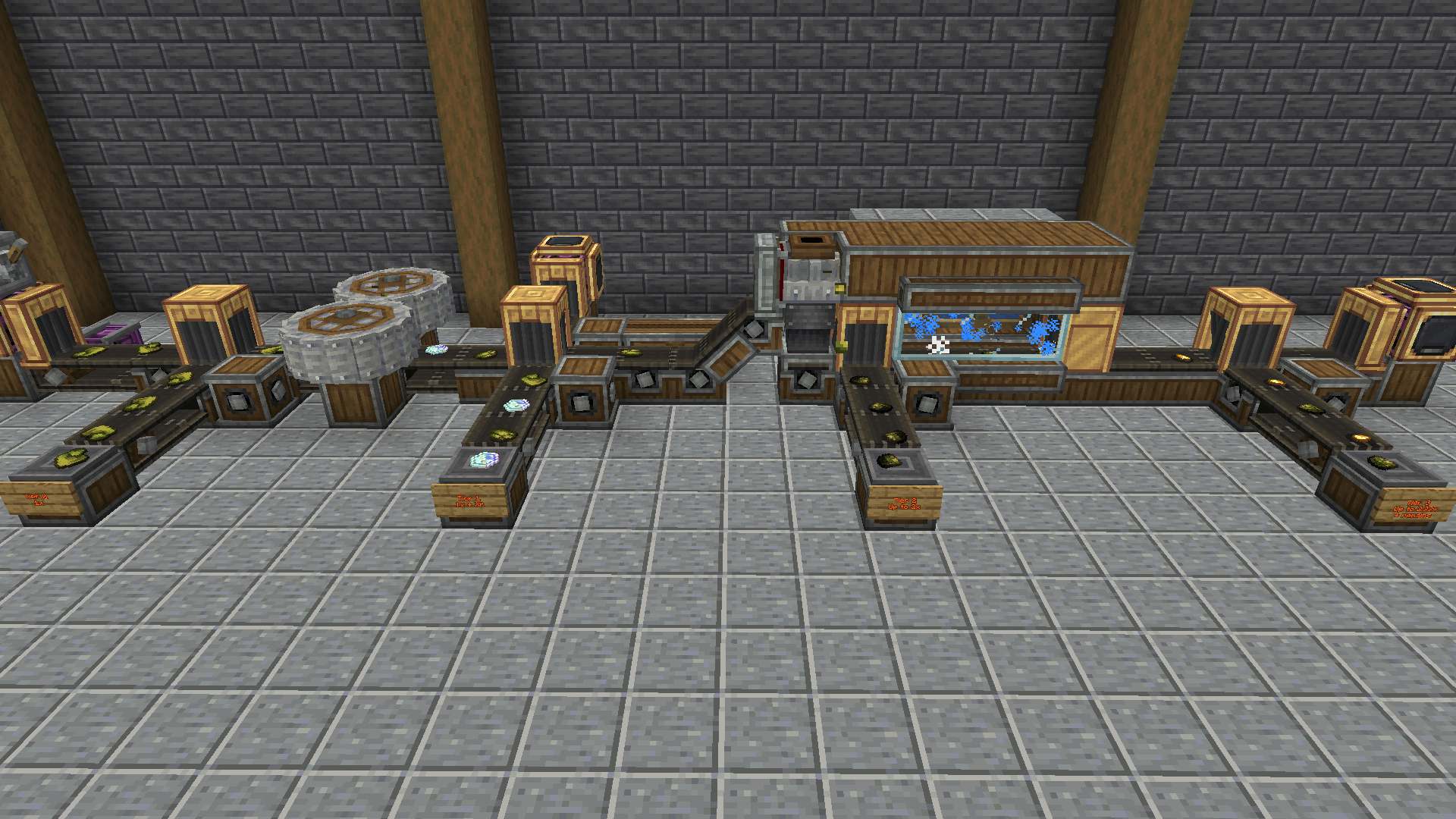
Current Content:
- Foundry Basin - Foundry Mixer - Foundry Top - Glassed Alloyer Top - Casting Table - Casting Basin - Light Bulb - Wolframite / Tungsten
Planned Content:
- More Advanced Ores Processing
- Others Languages Translation
- Configuration File
💡 Feel free to share your ideas in Forum section of the Discord !
Links
Credits
Developers
Luc_Creeper74
Contributors
MrGhastien
Artists
- lev -> Logo
- FracturedGradient -> Some Items Textures
- Janko -> Industrial Crucible textures
Translation
- Zavdfer / Priklen -> Russian localization
- Tellurium -> Chinese localization
- Albertosaurio65 -> Spanish localization
- TinxLD -> German localization
- restingphantom131 -> Dutch localization
- Janko -> Croatian localization
- CrazyBarkley -> Polish localization
Як встановити Create: Metallurgy
With Millida Launcher
Install Millida Launcher
The launcher is free: download it at millida.net/launcher and sign in with any nickname.
Click “Install” on this page
The launcher opens and installs the mod for Minecraft 1.20.1–1.21.1 on Forge or NeoForge automatically.
Launch the game
A profile with it appears in the launcher: click “Play”.
Manually
Install Forge or NeoForge
The loader must match the game version of the mod file, for example Minecraft 1.21.1. After installing it, a separate profile appears in your launcher.
Download the file for your version
In the version list above, pick the file createmetallurgy-1.0.3-1.21.1.jar (1.9 MB) for your game version and loader.
Put it in the mods folder
The folder is inside .minecraft (Windows: %appdata%\.minecraft\mods). If it does not exist, create it.
Launch the loader profile
Open “Mods” in the main menu: Create: Metallurgy should be in the list.
Minecraft 1.21.1 runs on Java 21: with a different Java version the game may close right after launch.
Версії
Із залежностями
| Minecraft | Завантажувач | Файл | Дата | Дії |
|---|---|---|---|---|
| 1.21.1 | NeoForge | Create Metallurgy 1.0.3-1.21.1 for Create 6.0.101.9 МБ 65 | ||
| 1.21.1 | NeoForge | Create Metallurgy 1.0.2-1.21.1 for Create 6.0.101.9 МБ | ||
| 1.20.1 | Forge | Create Metallurgy 1.0.1-1.20.1 for Create 6.0.82.5 МБ 25 | ||
| 1.20.1 | Forge | Create Metallurgy 0.0.7-C6-1.20.11.7 МБ |
Часті питання
Which Minecraft versions does Create: Metallurgy work on?
There are files for 1.21.1, 1.20.1. The newest is 1.21.1.
Is Create: Metallurgy for Forge or Fabric?
There are files for Forge: 1.20.1 and for NeoForge: 1.21.1. There are no files for Fabric: a mod for another loader will not start.
Does Create: Metallurgy need other mods?
The author lists no required dependencies: the Forge or NeoForge loader is enough.
Which Java does Create: Metallurgy need?
Minecraft 1.21.1 runs on Java 21. If the game closes right after launch, the usual cause is the wrong Java version in the profile settings.
Where can I download Create: Metallurgy safely?
On this page: the file createmetallurgy-1.0.3-1.21.1.jar (1.9 MB) is stored on Millida’s server, with no link shorteners. SHA-1 checksum: ece75dfa1eb907bce3ace729c0144df0b2451673.
Відгуки
Станьте першим, хто оцінить Create: Metallurgy


