

Colormatic Мод для Minecraft 1.20.1
Тепер ви можете налаштовувати захардкоджені кольори Minecraft за допомогою ресурспаку.
 Fabric
 Quilt
QuiltПро мод Colormatic
Colormatic — це незалежна реалізація, сумісна з ресурспаками оригінального моду Custom Colors для Minecraft на Fabric. Він повністю сумісний із ресурспаками, які використовують функцію власних кольорів Optifine. Colormatic має майже всі функції оригінального моду Custom Colors і додає кілька власних. Серед функцій:
- - Біомні колірні карти для води, листя, підводного середовища, під лавою, неба та туману
- - Власні біомні колірні карти для будь-якого блоку
- - Власні карти освітлення для будь-якого виміру (включно з вимірами з датапаків)
- - Власні кольори барвників
- - Власні кольори чату
Colormatic підтримує завантаження ресурспаків із файлами власних кольорів Optifine як є. Він також підтримує (і надає перевагу) завантаження еквівалентних файлів у форматі json із простору назв colormatic.
Примітка: Colormatic сам не додає жодних власних кольорів до Minecraft. Він лише надає ресурспакам можливість додавати власні кольори.
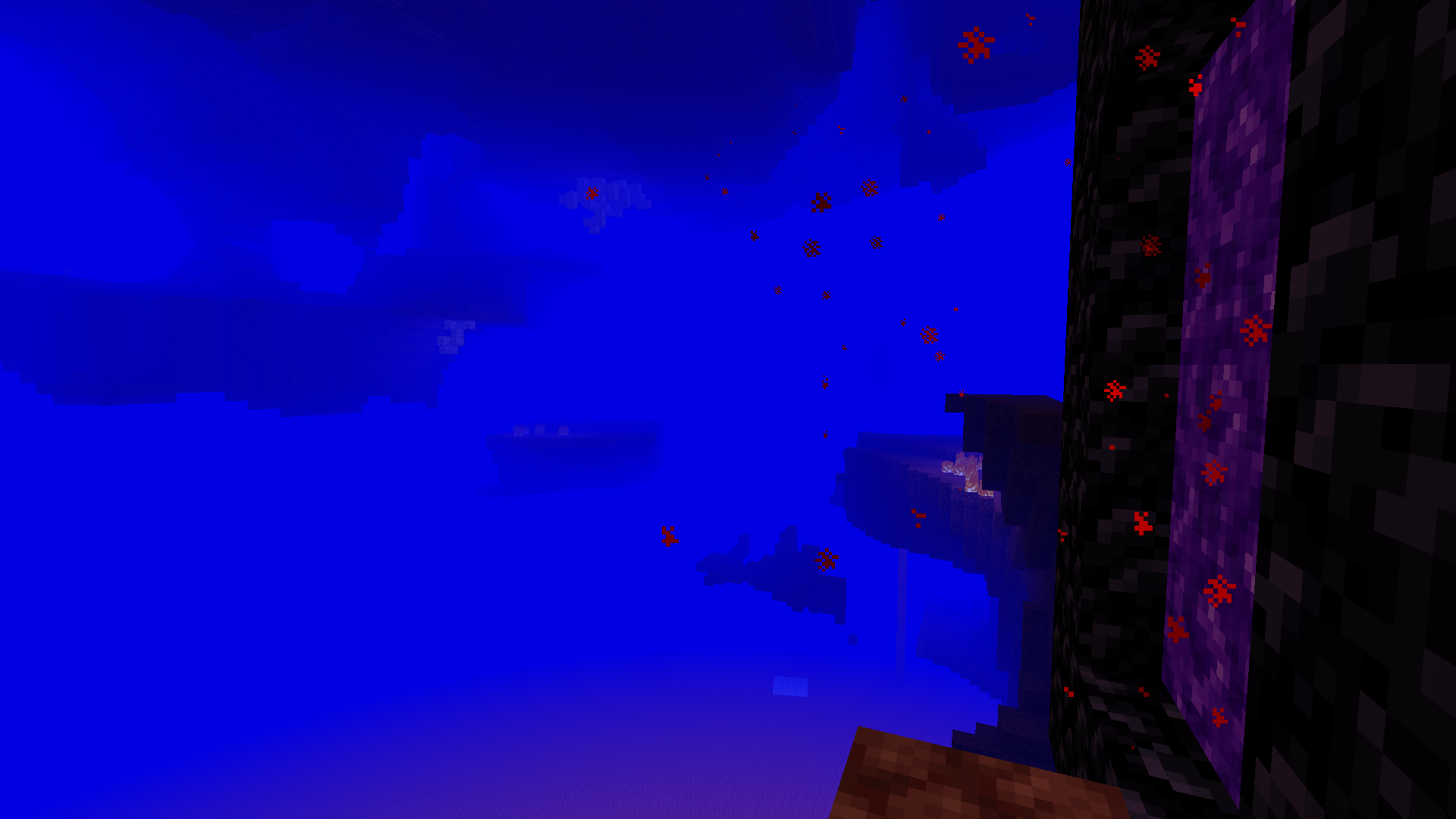
Дивіться більше кумедних зображень.
Як встановити Colormatic
With Millida Launcher
Install Millida Launcher
The launcher is free: download it at millida.net/launcher and sign in with any nickname.
Click “Install” on this page
The launcher opens and installs the mod for Minecraft 1.16–1.20.1 on Fabric or Quilt automatically.
Launch the game
A profile with it appears in the launcher: click “Play”.
Manually
Install Fabric or Quilt
The loader must match the game version of the mod file, for example Minecraft 1.20.1. After installing it, a separate profile appears in your launcher.
Download the file for your version
In the version list above, pick the file colormatic-3.1.3+mc.1.20.1.jar (216 KB) for your game version and loader.
Put it in the mods folder
The folder is inside .minecraft (Windows: %appdata%\.minecraft\mods). If it does not exist, create it.
Launch the loader profile
Open “Mods” in the main menu: Colormatic should be in the list.
Minecraft 1.20.1 runs on Java 17: with a different Java version the game may close right after launch.
Версії
Із залежностями
| Minecraft | Завантажувач | Файл | Дата | Дії |
|---|---|---|---|---|
| 1.20.1 | Fabric, Quilt | colormatic-3.1.3+mc.1.20.1.jar216 КБ 1 | ||
| 1.16.1 | — | colormatic-2.2.1+mc.1.16.1.jar498 КБ |
Часті питання
Which Minecraft versions does Colormatic work on?
There are files for 1.20.1, 1.16.1, 1.16. The newest is 1.20.1.
Is Colormatic for Forge or Fabric?
There are files for Fabric: 1.20.1 and for Quilt: 1.20.1. There are no files for Forge or NeoForge: a mod for another loader will not start.
Does Colormatic need other mods?
The author lists no required dependencies: the Fabric or Quilt loader is enough.
Which Java does Colormatic need?
Minecraft 1.20.1 runs on Java 17. If the game closes right after launch, the usual cause is the wrong Java version in the profile settings.
Where can I download Colormatic safely?
On this page: the file colormatic-3.1.3+mc.1.20.1.jar (216 KB) is stored on Millida’s server, with no link shorteners. SHA-1 checksum: 021e7326a3f49d438968f1ea859d7208b69e1dce.
Відгуки
Станьте першим, хто оцінить Colormatic


