

Про мод Classy Hats
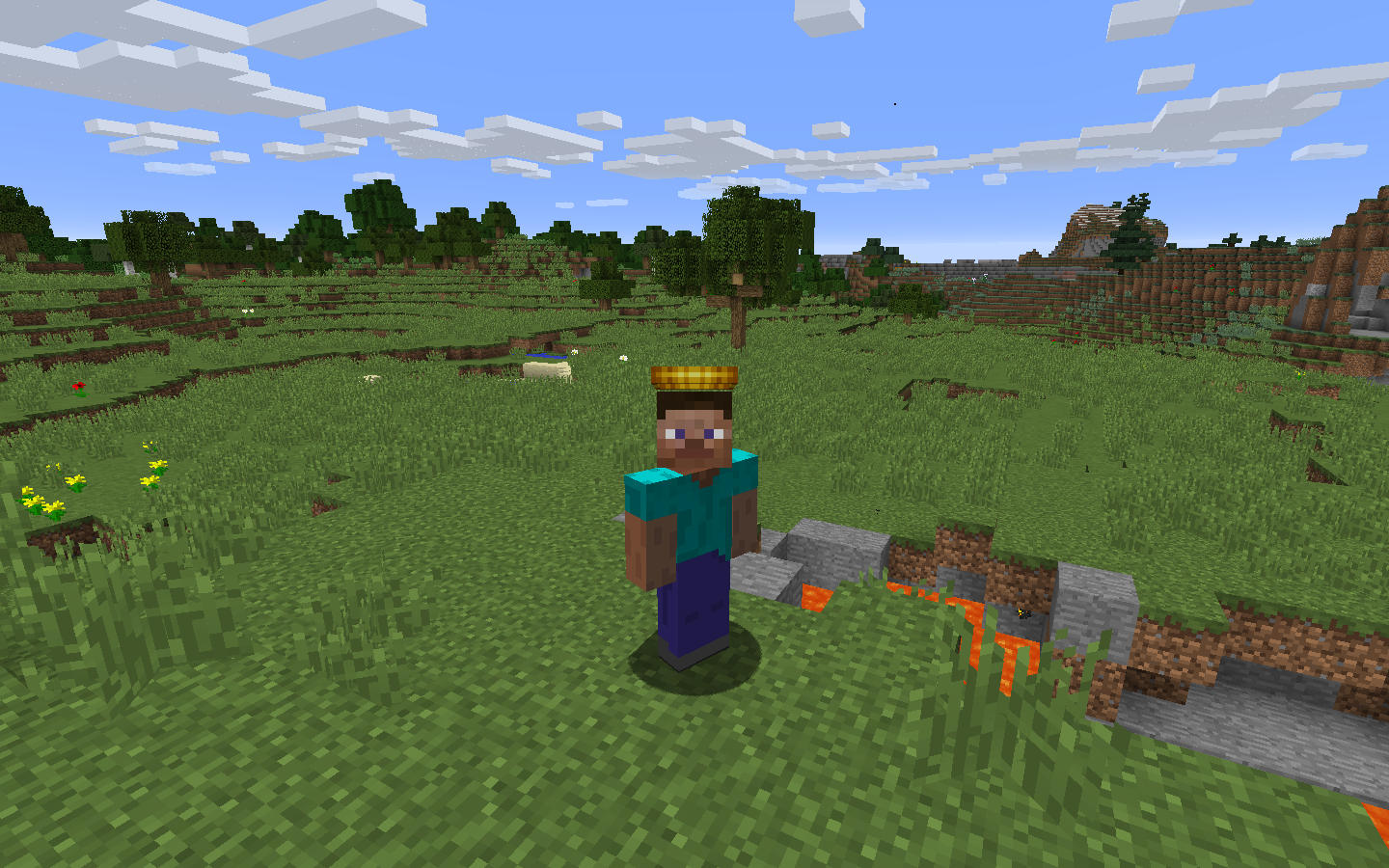
Цей мод додає капелюхи! Для вашої голови!
За допомогою інвентарю капелюхів (H) ви можете вдягати капелюхи та отримати доступ до 1000 слотів для зберігання. Капелюхи генеруються в здобичі, випадають з босів і рідко з мобів, тож їх збирання стане справжнім викликом! Вбирайтеся до свого задоволення та пильнуйте Невловимі капелюхи, які трапляються у 20 разів рідше за звичайні.
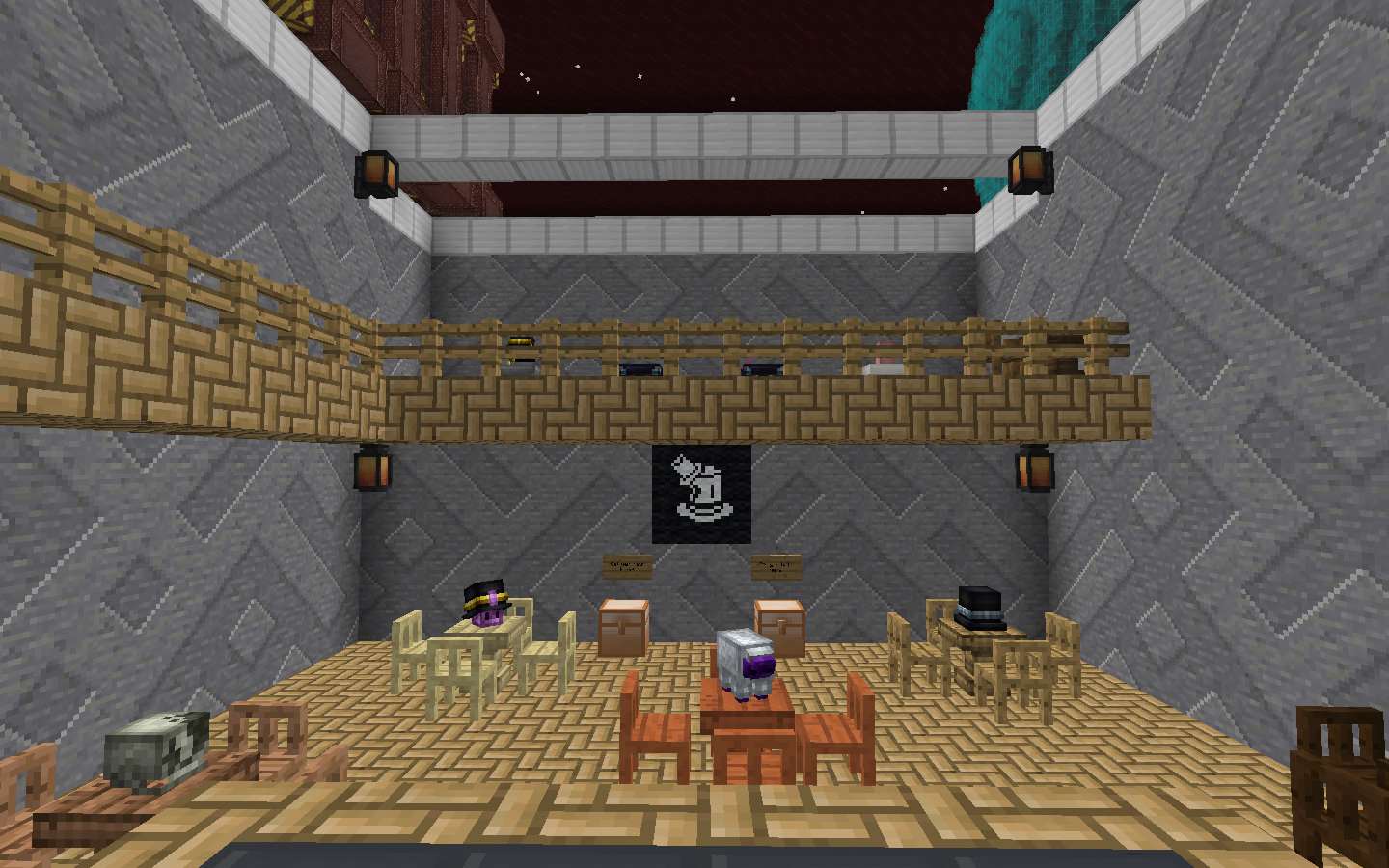
Зберігайте свої капелюхи на підставках! Вони виглядають вишукано, і їх можна розміщувати майже так само, як голови мобів.
Мод також має потужні можливості налаштування, що дозволяє будь-кому створювати власні капелюхи для свого модпаку з власними ресурсами!
Додаткова особливість — Фантомна нитка, предмет, який дозволяє приховати вашу броню, щоб краще показати свої капелюхи. Виготовляється дешево: просто поєднайте її з бронею у верстаті, щоб зробити броню невидимою.
Як встановити Classy Hats
With Millida Launcher
Install Millida Launcher
The launcher is free: download it at millida.net/launcher and sign in with any nickname.
Click “Install” on this page
The launcher opens and installs the mod for Minecraft 1.12.2 automatically.
Launch the game
A profile with it appears in the launcher: click “Play”.
Manually
Download the file for your version
In the version list above, pick the file classyhats-1.6.0.jar (318 KB) for your game version.
Put it in the mods folder
The folder is inside .minecraft (Windows: %appdata%\.minecraft\mods). If it does not exist, create it.
Launch the loader profile
Open “Mods” in the main menu: Classy Hats should be in the list.
Minecraft 1.12.2 runs on Java 8: with a different Java version the game may close right after launch.
Версії
Із залежностями
| Minecraft | Завантажувач | Файл | Дата | Дії |
|---|---|---|---|---|
| 1.12.2 | — | classyhats-1.6.0.jar318 КБ | ||
| 1.12.2 | — | ClassyHats-1.4.jar295 КБ |
Часті питання
Which Minecraft versions does Classy Hats work on?
Only Minecraft 1.12.2: there are no files for other versions.
Which Java does Classy Hats need?
Minecraft 1.12.2 runs on Java 8. If the game closes right after launch, the usual cause is the wrong Java version in the profile settings.
Where can I download Classy Hats safely?
On this page: the file classyhats-1.6.0.jar (318 KB) is stored on Millida’s server, with no link shorteners. SHA-1 checksum: 8c7f05c8fbd2cc1dbbb591310cfde12d8b5fabbc.
Відгуки
Станьте першим, хто оцінить Classy Hats


