
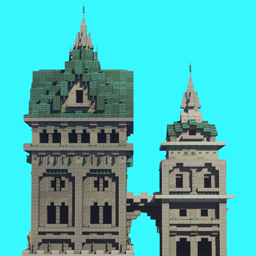
ATi Structures Мод для Minecraft 1.20.1, 26.3
Пак, що додає різноманітні структури, знайдені у верхньому світі
 Fabric
 Forge
Forge NeoForge
 Quilt
QuiltПро мод ATi Structures




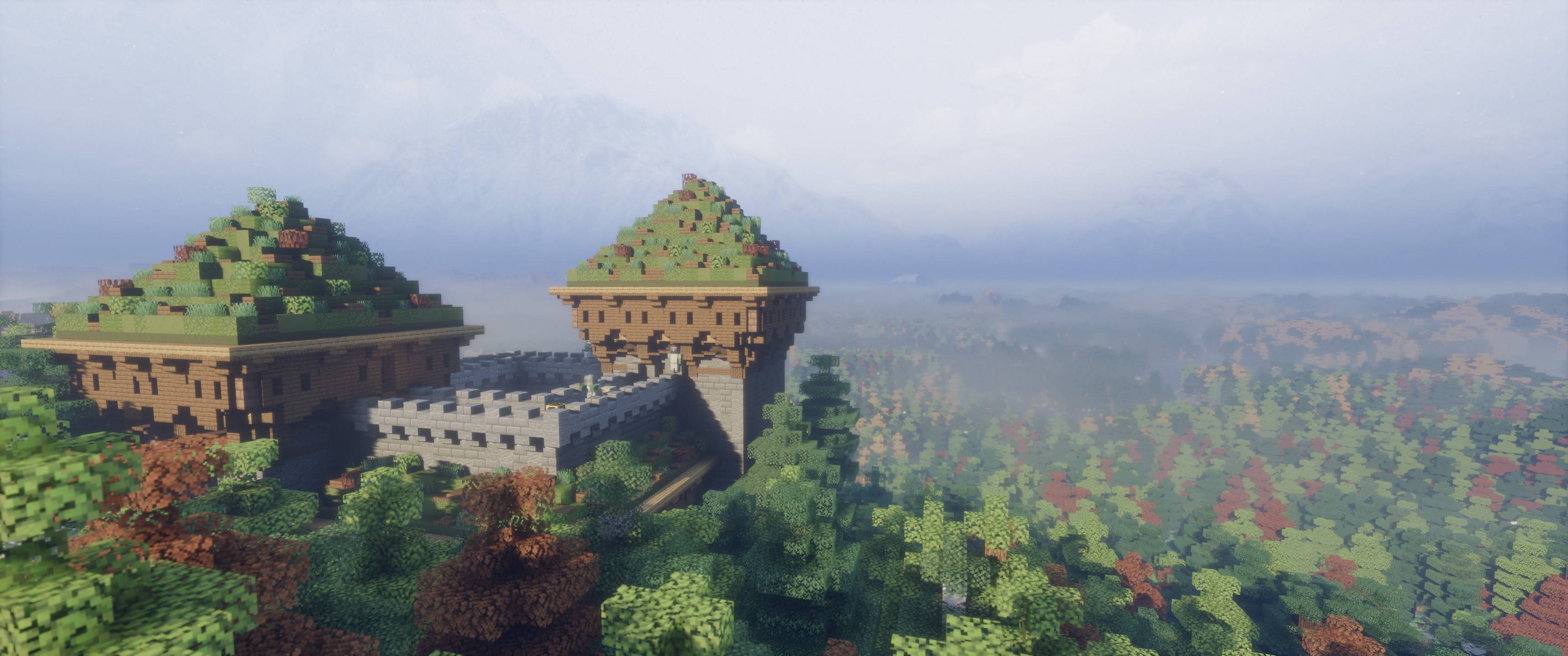
----- ЦЯ ВЕРСІЯ МІСТИТЬ КОРИСТУВАЦЬКІ ПРЕДМЕТИ ТА ЗМІНЕНИХ МОБІВ ----- ATi Structures додає 56 вручну створених фентезійних і середньовічних структур та підземель у ваш світ Minecraft. Ці структури можуть з'являтися як над землею, так і під нею, і всі вони побудовані лише з ванільних елементів, без користувацьких блоків чи сутностей (СМІЛИВО ДОДАВАЙТЕ ДО БУДЬ-ЯКОГО МОДПАКУ)

- 🆕 7 нових структур
- 🌍 Додано сумісність з Terralith + підтримку інших модів на рельєф
- 🛠 Значні зміни в генерації структур (більше жодних ширяючих споруд!)
- ⚖ Покращений розподіл структур для кращої появи у світі
- 🎁 Перебалансовані таблиці здобичі

Вийшла нова серія модів! Тепер завантажено оновлену версію Vanilla Edition.

- ✅ Повністю сумісний з Terralith
- ✅ Повністю сумісний з Geophilic
- ✅ Повністю сумісний з JJ Thunder to the Max
- ✅ Повністю сумісний з William Wythers’ Overhauled Overworld
- ✅ Повністю сумісний з William Wythers' Expanded Ecosphere
- ✅ Повністю сумісний з Biomes O' Plenty
- ✅ Повністю сумісний з Oh The Biomes We've Gone
Як встановити ATi Structures
With Millida Launcher
Install Millida Launcher
The launcher is free: download it at millida.net/launcher and sign in with any nickname.
Click “Install” on this page
The launcher opens and installs the mod for Minecraft 1.19.4–26.3 on Fabric, Forge, NeoForge or Quilt automatically.
Launch the game
A profile with it appears in the launcher: click “Play”.
Manually
Install Fabric, Forge, NeoForge or Quilt
The loader must match the game version of the mod file, for example Minecraft 26.3. After installing it, a separate profile appears in your launcher.
Download the file for your version
In the version list above, pick the file ATi Structure V1.4.7 (26.3).jar (5.7 MB) for your game version and loader.
Put it in the mods folder
The folder is inside .minecraft (Windows: %appdata%\.minecraft\mods). If it does not exist, create it.
Launch the loader profile
Open “Mods” in the main menu: ATi Structures should be in the list.
Версії
Із залежностями
| Minecraft | Завантажувач | Файл | Дата | Дії |
|---|---|---|---|---|
| 26.3 | Fabric, Forge, NeoForge, Quilt | ATi Structure V1.4.7 (26.3).jar5.7 МБ 70 | ||
| 1.19.4 | Forge | ATi Structures V1.4.0 (1.19.4) FORGE.jar3 МБ | ||
| 1.20.2 | NeoForge | ATi Structures v1.3.0 NEOFORGE 1.20+2.5 МБ | ||
| 1.20.2 | Forge | ATi Structures Forge - 1.20+1.2 МБ 31 | ||
| 1.20.2 | Fabric | ATi_Structures Fabric - 1.20+1.2 МБ 19 |
Часті питання
Which Minecraft versions does ATi Structures work on?
There are files for 26.3, 1.20.3, 1.20.2, 1.20.1, 1.20, 1.19.4. The newest is 26.3.
Is ATi Structures for Forge or Fabric?
There are files for Fabric: 1.20–26.3, for Forge: 1.19.4–26.3, for NeoForge: 1.20–26.3 and for Quilt: 26.3.
Does ATi Structures need other mods?
The author lists no required dependencies: the Fabric, Forge, NeoForge or Quilt loader is enough.
Where can I download ATi Structures safely?
On this page: the file ATi Structure V1.4.7 (26.3).jar (5.7 MB) is stored on Millida’s server, with no link shorteners. SHA-1 checksum: ec386fff151fe12e54403da07e42e8bb3ec9817b.
Відгуки
Станьте першим, хто оцінить ATi Structures


