

CS Mine Збірка для Minecraft 1.20.1
Грайте на кшталт CS GO прямо в Minecraft! Є близько 17 видів зброї та різні розміри патронів на вибір!
- переглядів
- 11 переглядів
- Оновлено
- Оновлено 04.10.2026
- 1.20.1
 Forge
Forge- Клієнт і сервер
Modpack description
In this modpack, you will immerse yourself in the world of CS GO, where there are about 17 types of weapons, a lot of ammunition, the opportunity to purchase at the beginning of the game, and maps from CS GO! Play with friends, kill rivals in order to get money to buy more expensive weapons!!!

How to start the game?
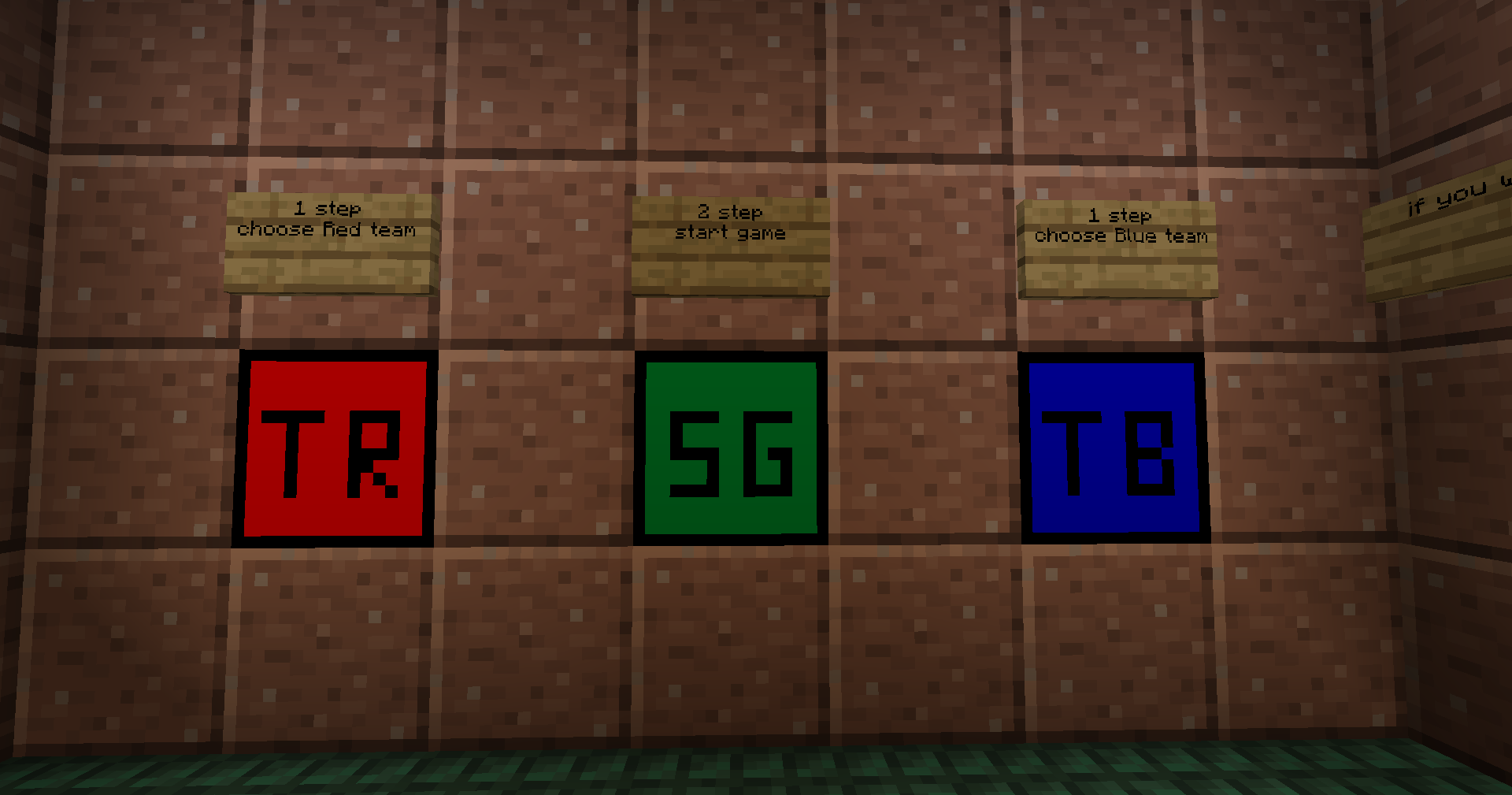
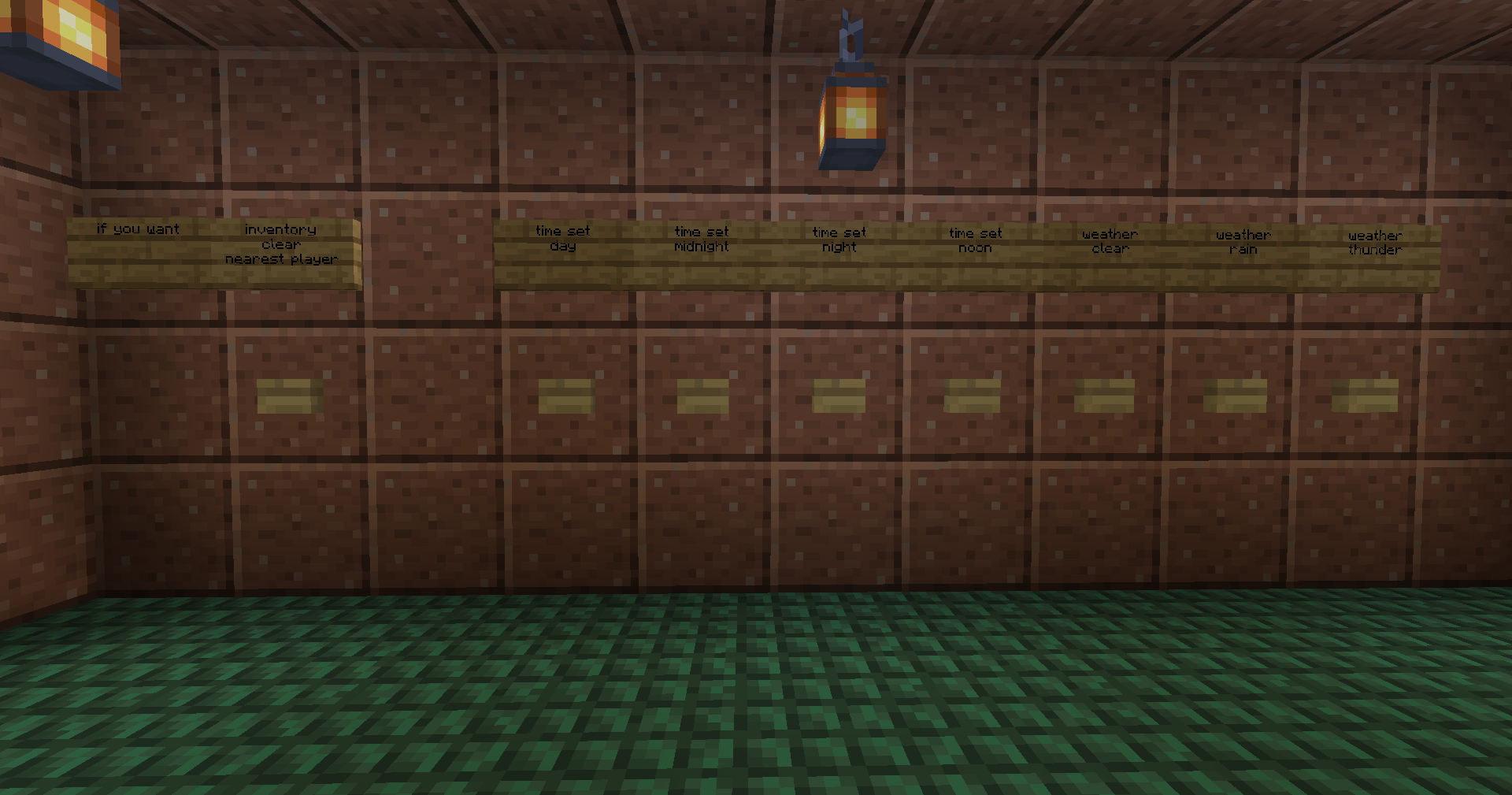
- When you enter the world, you will find yourself in a room where you can customize the game (weather, friendly fire, time of day).
- After setting up, select a team using the TR (team red) or TB (team blue) block, and then start the game using the SG (start game) block.
- When you click on the game start block, teleport to your team's spawn point and get coins to buy ammunition.
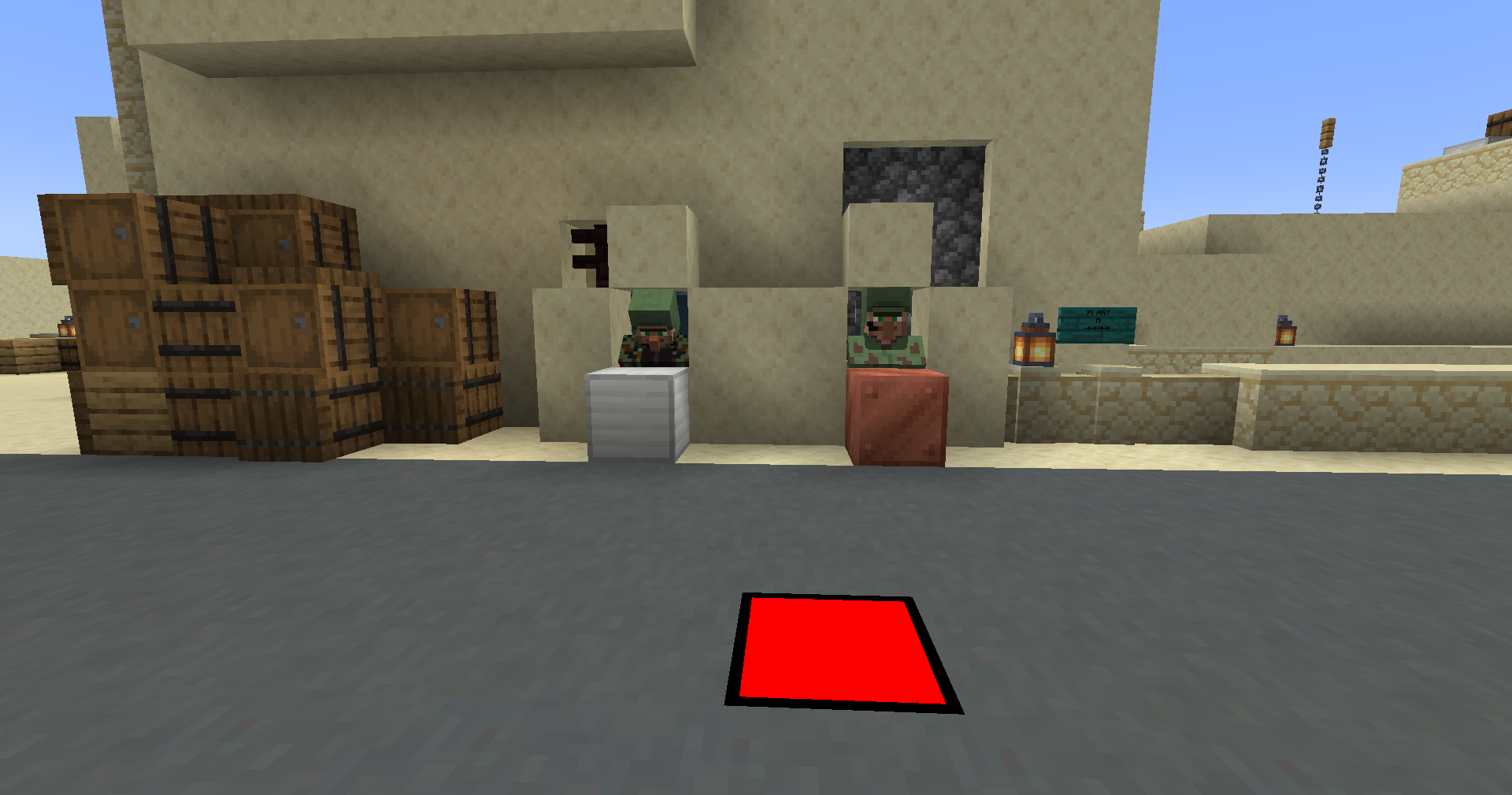
- On spawn, buy from merchants (merchants sell: weapons, ammunition, armor, etc.).
- Play and kill enemies from the opposing team!
- When all the players of any team are killed, the game will end and everything will start over.
What resources does the modpack have?
- At the moment, the modpack features several worlds with pre-configured maps. I want to highlight that the spawn of mobs, automatic day and night change, as well as weather are disabled in the maps. The default game mode in the worlds is adventure.
- I also want to note that in config files I have configured the mods that are present in the modpack.
- I also made a resource pack for the modpack to work.

Please, attention
- Only more than 1 people can play.
- You decide for yourself who will be the host or you can transfer worlds, mods and config files to your server that you have created.
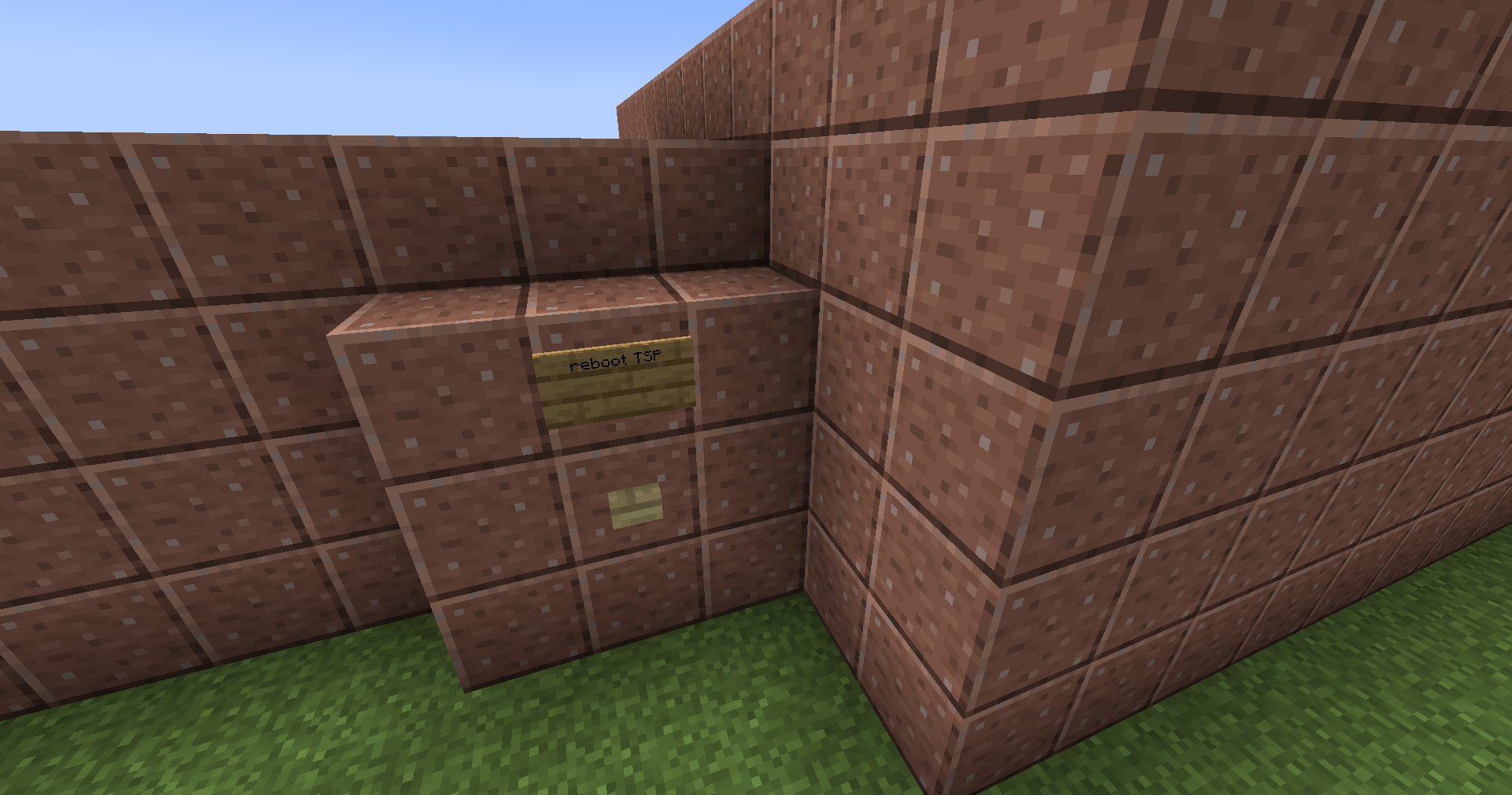
- If you are the server administrator, you can reset the game state using the "reboot TSP" button, which is located on each map from the outside of the game start room. But be careful with her!
- You can also set up the transition to different maps using command blocks. But you have to edit them!
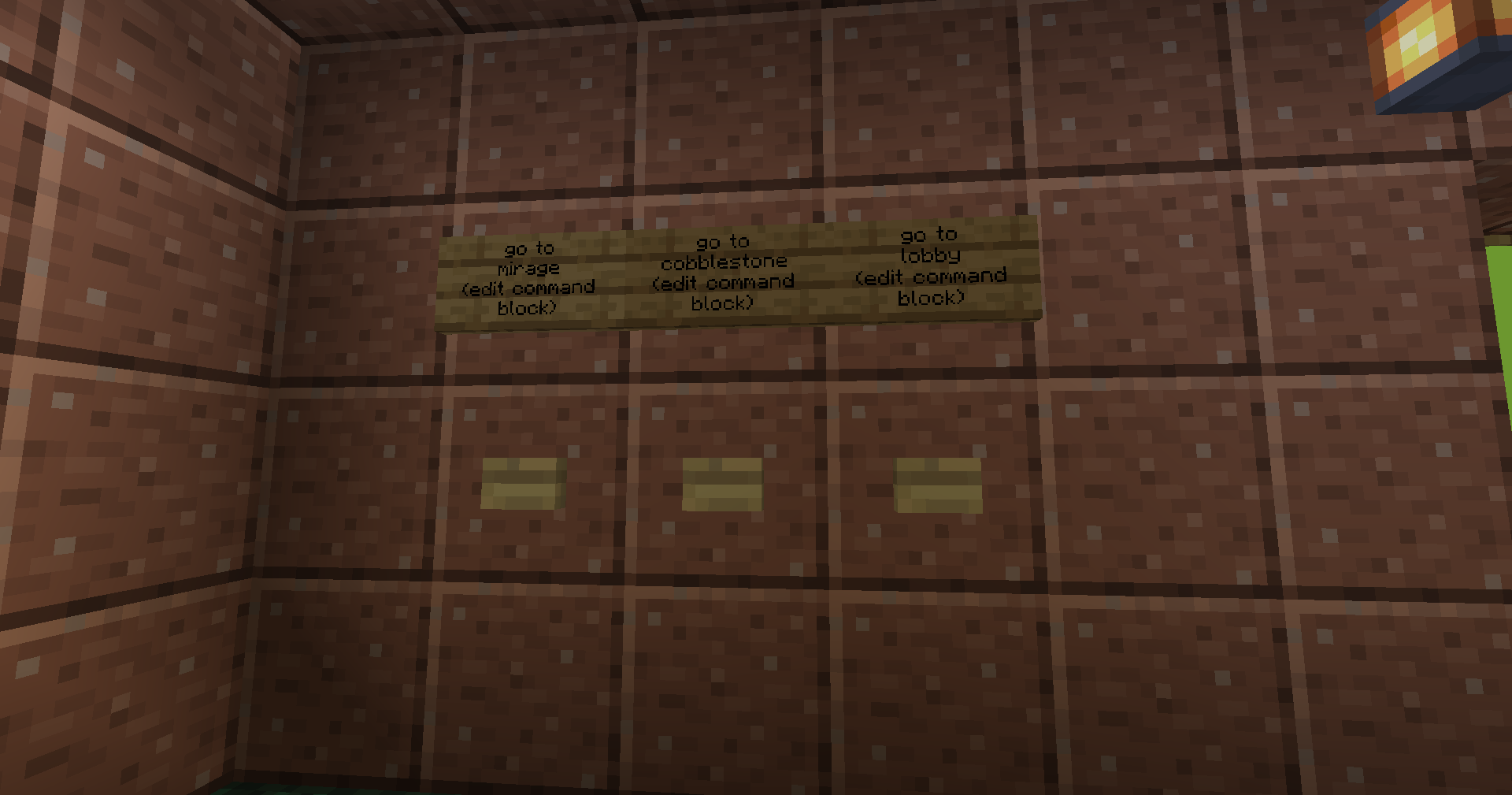
- I also want to note that the skin system does not work in this build, because it is occupied by another mod that gives out the skin of a terrorist and a counter-terrorist.
Mod list
- Custom Villager Trades by SpaceCat97
- Re:Skin by Sekwah
- Server Redirect by KaiNoMood
- Teams spawn points by Sivel
- SekC Lib by Sekwah
- Custom Villager Professions by SpaceCat97
- Timeless & Classics Guns: Zero by Serene Wave Studio | Timeless Squad
- Architectury by shedaniel
Additional info
- Teams spawn points mod is my mod! You can to configure this (see mod page on Modrinth or Curseforge)
- This modpack on Modrinth and Curseforge
- If you need help: Git issue
- If you want to support me: Donate
Thanks this people:
- Kaptouka1 - for testing modpack
- Forgur - for testing modpack
- _KOT_STREAM (Котя#4057)_ - for creating the de_dust2 map
Як встановити CS Mine
With Millida Launcher
Install Millida Launcher
The launcher is free: download it at millida.net/launcher and sign in with any nickname.
Click “Install” on this page
The launcher opens and installs the modpack for Minecraft 1.20.1 on Forge automatically.
Launch the game
A profile with it appears in the launcher: click “Play”.
Manually
Download the modpack archive
In the version list above, pick the file CS Mine 1.0.0.mrpack (40 MB).
Import it into a launcher
A launcher that supports modpacks (Millida Launcher, Prism) takes the archive via “Add modpack”, then “From file”. No need to unpack it yourself.
Allocate memory
Modpacks need more memory than the plain game: set 4–6 GB in the profile settings.
On a server
Use the “To server” button
On Millida Hosting, the button at the top of the page uploads the file to your server and restarts it for you.
Invite friends: they install the same modpack
To join the server, every player needs the same modpack version.
Minecraft 1.20.1 runs on Java 17: with a different Java version the game may close right after launch.
Версії
Із залежностями
| Minecraft | Завантажувач | Файл | Дата | Дії |
|---|---|---|---|---|
| 1.20.1 | Forge | 1.20.139.7 МБ |
Що потрібно для запуску
- Dependencyуже включено
- [TaCZ] Timeless and Classics Zeroуже включено
- Dependencyуже включено
- Dependencyуже включено
- Server Redirectуже включено
- Dependencyуже включено
- Architectury APIуже включено
- Dependencyуже включено
Часті питання
Which Minecraft versions does CS Mine work on?
Only Minecraft 1.20.1: there are no files for other versions.
Is CS Mine for Forge or Fabric?
Only for Forge: 1.20.1.
Which mods are in the CS Mine modpack?
Mods in the modpack include Dependency, [TaCZ] Timeless and Classics Zero, Server Redirect, Architectury API.
Which Java does CS Mine need?
Minecraft 1.20.1 runs on Java 17. If the game closes right after launch, the usual cause is the wrong Java version in the profile settings.
Where can I download CS Mine safely?
On this page: the file CS Mine 1.0.0.mrpack (40 MB) is stored on Millida’s server, with no link shorteners. SHA-1 checksum: cf4e53b9d49f2d761d2328cc2ff705f6c73ee5c0.
Відгуки
Станьте першим, хто оцінить CS Mine


