

Clockwerk Pixelmon Збірка для Minecraft 1.12.2
Модпак, зосереджений на Pixelmon, з трохи стімпанкової техніки, власними селами та структурами світу, а також деякими інструментами для RP.
- завантажень
- 1 завантажень
- переглядів
- 22 переглядів
- Оновлено
- Оновлено 22.10.2026
- 1.12.2
 Forge
Forge
Про збірку модів Clockwerk Pixelmon
Author's Note: The newest update (1.9 FINAL) is INCOMPATIBLE with old (1.8 and below) worlds. I highly recommend installing the update to a new instance to avoid any potential issues. If you want to continue playing on your old worlds, do not update! Also, the Pixelmon mod is included in version 1.9 FINAL. If you're playing 1.8 or lower, you'll still need to manually download it.
This modpack was originally created for a private server. My goal was to present a true, yet enhanced Pixelmon experience, while also giving the player additional non-Pixelmon play options. To this end, I chose "steampunk-ish" as the theme. This pack can also be enjoyed in singleplayer.
Immersive Engineering is currently the main tech mod. Immersive Petroleum and Industrial Wires are also in to extend gameplay. Apricorn Tree Farm was added to give additional pokeball automation options, including the use of the Immersive Engineering Metal Press. As of version 1.9, Mystical Mechanics, Mystical Gears, and Mechanical Crafting were also added. Build the factories of your dreams!
For storage, I decided to use Simple Storage Network which allows you to create a storage network which grows along with your progression. It also has wireless access and some automation capabilities late-game. Quark Oddities adds simple pipes for item transport, as well as a complete overhaul of the enchanting system.
Exploration is something which is pretty much required by Pixelmon for progression. To make it fun, I added Biomes o' Plenty, and Climatic Biome Placement. The underground is also more exciting thanks to Quark, and YUNG's various mods. Dynamic Surroundings and Better Foliage round the exploration out by making everyone look and sound more beautiful. As of version 1.9, Pixelmon GO was also added.
Version 1.9 added Pam's Harvestcraft and Pam's Brewcraft to give players more options for farming, eating, and "roleplay". Pam's also adds a bit of early game difficulty to survival.
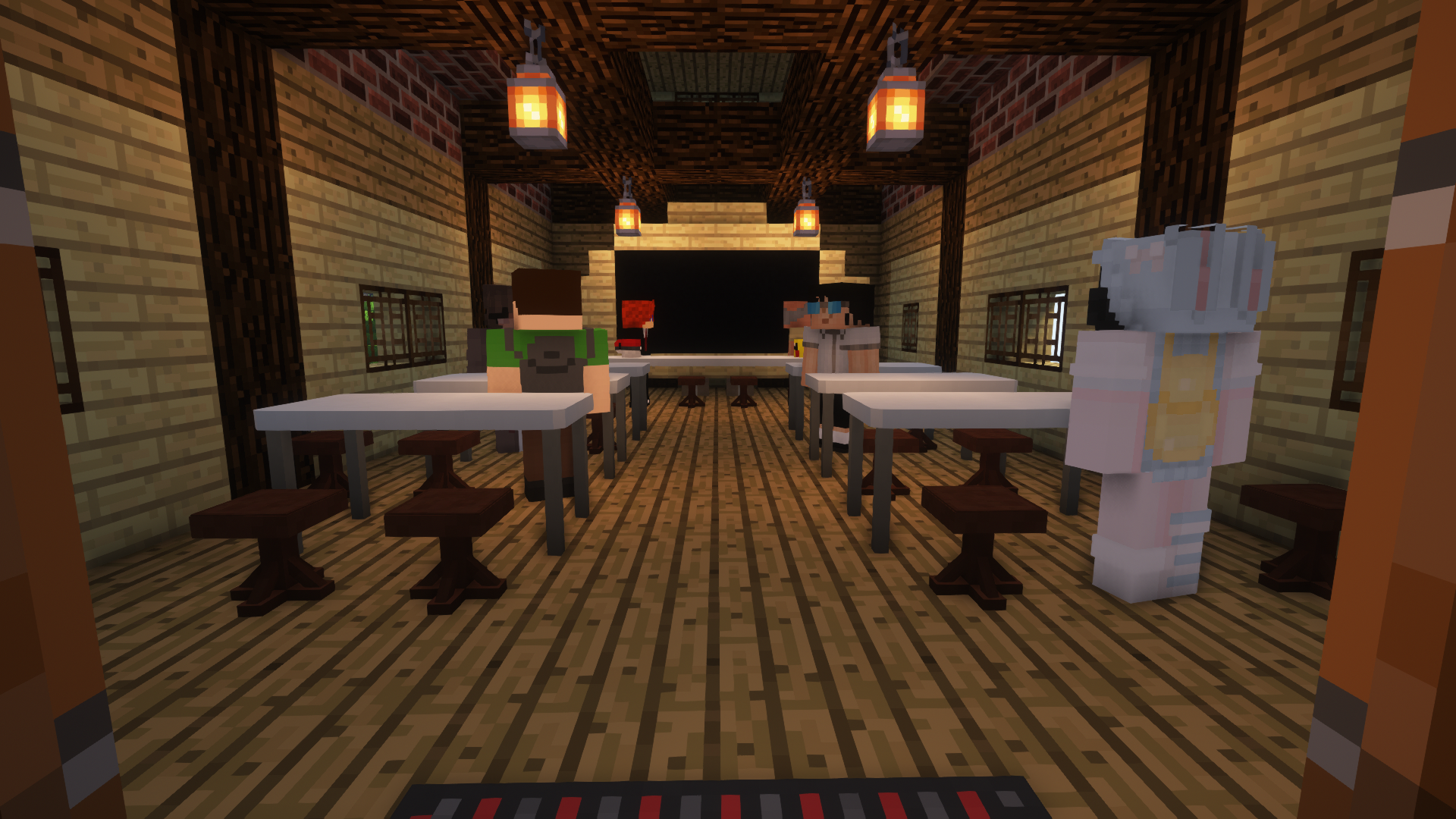
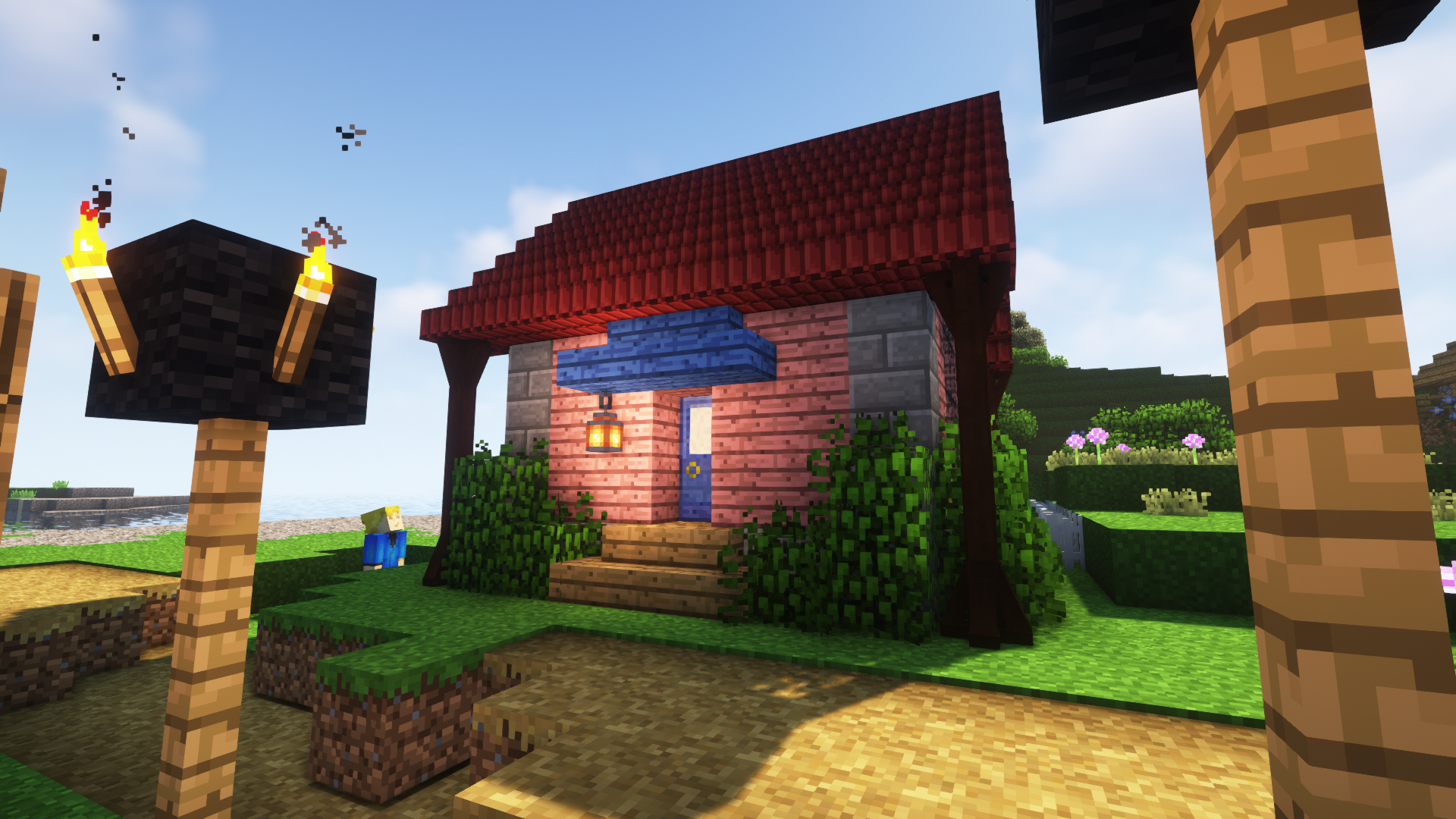
Custom Structures have begun to be added as of modpack version 1.2, and have been finalized in version 1.9. These structures include Pokemon Schools, Parks, Pokeball Smithies, Daycares, and some designated Special Pokemon Spawning areas. Some structures have hidden easter eggs and/or loot. Try to find them! A list of all the custom structures in the pack can be found on THIS PAGE.
The mod-list is pretty much finalized. I will only update this pack if it will fix any reported game-breaking issues, or to apply groups of minor mod updates which fix bugs. Otherwise, I am looking forward to moving away from 1.12.2 entirely. There will be a 1.16.5 "remake" of this pack once Pixelmon 9+ is stable.
If you run into any game-breaking issues with this pack, please report them to the Issue Tracker.
From modpack version 1.8+, server files are available under "additional files" for each version.
Як встановити Clockwerk Pixelmon
With Millida Launcher
Install Millida Launcher
The launcher is free: download it at millida.net/launcher and sign in with any nickname.
Click “Install” on this page
The launcher opens and installs the modpack for Minecraft 1.12.2 on Forge automatically.
Launch the game
A profile with it appears in the launcher: click “Play”.
Manually
Download the modpack archive
In the version list above, pick the file Clockwerk Pixelmon-1.9 FINAL - NEW INSTANCES ONLY.zip (208 MB).
Import it into a launcher
A launcher that supports modpacks (Millida Launcher, Prism) takes the archive via “Add modpack”, then “From file”. No need to unpack it yourself.
Allocate memory
Modpacks need more memory than the plain game: set 4–6 GB in the profile settings.
On a server
Use the “To server” button
On Millida Hosting, the button at the top of the page uploads the file to your server and restarts it for you.
Invite friends: they install the same modpack
To join the server, every player needs the same modpack version.
Minecraft 1.12.2 runs on Java 8: with a different Java version the game may close right after launch.
Версії
Із залежностями
| Minecraft | Завантажувач | Файл | Дата | Дії |
|---|---|---|---|---|
| 1.12.2 | Forge | Clockwerk Pixelmon-1.9 FINAL - NEW INSTANCES ONLY.zip208 МБ 1 | ||
| 1.12.2 | — | Clockwerk Pixelmon-1.8.zip6.6 МБ |
Часті питання
Which Minecraft versions does Clockwerk Pixelmon work on?
Only Minecraft 1.12.2: there are no files for other versions.
Is Clockwerk Pixelmon for Forge or Fabric?
Only for Forge: 1.12.2.
Which Java does Clockwerk Pixelmon need?
Minecraft 1.12.2 runs on Java 8. If the game closes right after launch, the usual cause is the wrong Java version in the profile settings.
Where can I download Clockwerk Pixelmon safely?
On this page: the file Clockwerk Pixelmon-1.9 FINAL - NEW INSTANCES ONLY.zip (208 MB) is stored on Millida’s server, with no link shorteners. SHA-1 checksum: 8b69e0d16087358c3985c73a2309764fdb25a41d.
Відгуки
Станьте першим, хто оцінить Clockwerk Pixelmon


