

Escape From The Prison Мапа для Minecraft 1.21
Одна з найбільш високооцінених карт Escape Room на MCPEDL.
About the map:
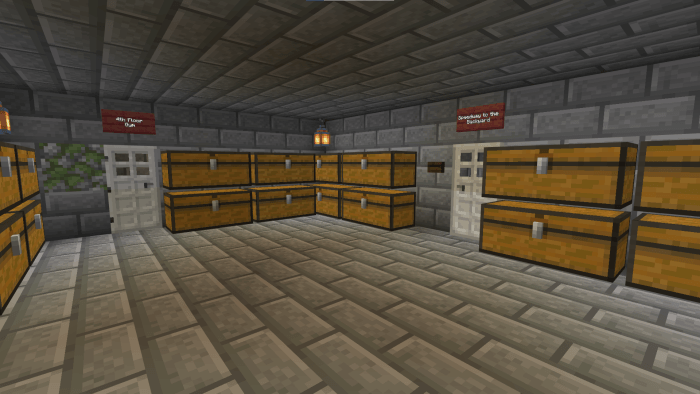
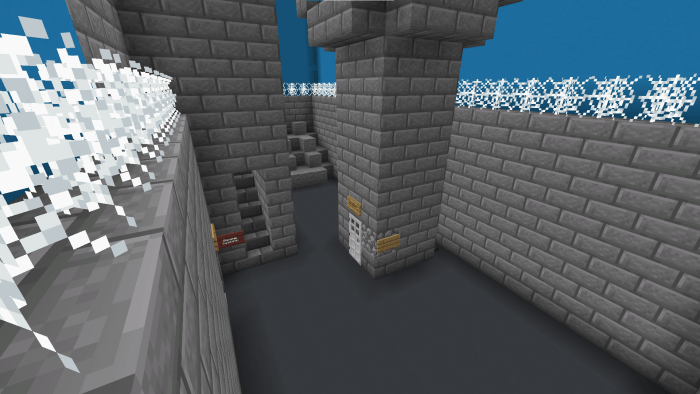
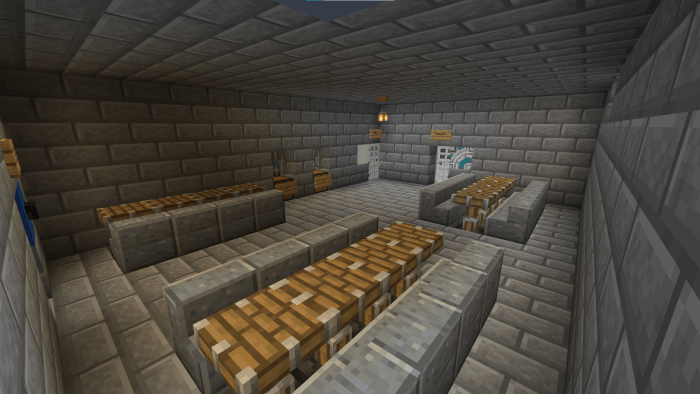
- Escape From The Prison is an escape room puzzle map based on a Minecraft prison. There are some jails, a kitchen, a big cafeteria, a big backyard, four floors and much more. Explore them all for getting new items and clues. Good luck!
- Required at least Minecraft: Bedrock Edition 1.20.81 or above (Beta/Preview versions supports this map).
Map screenshots:
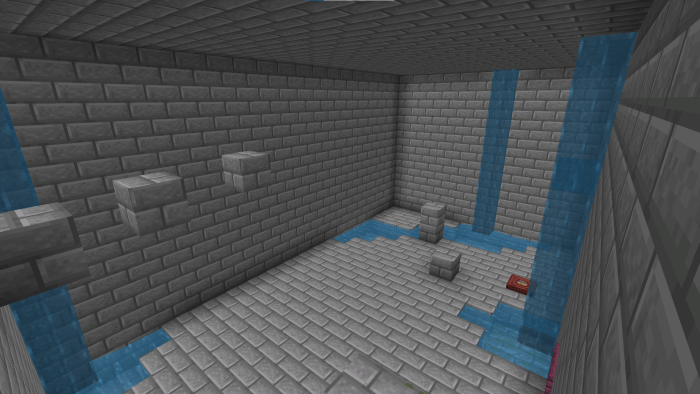
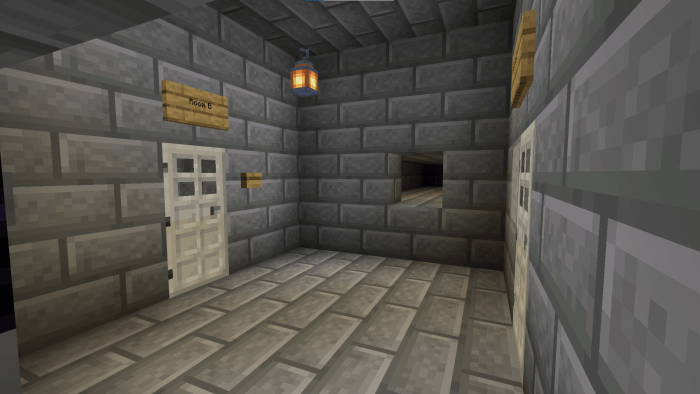
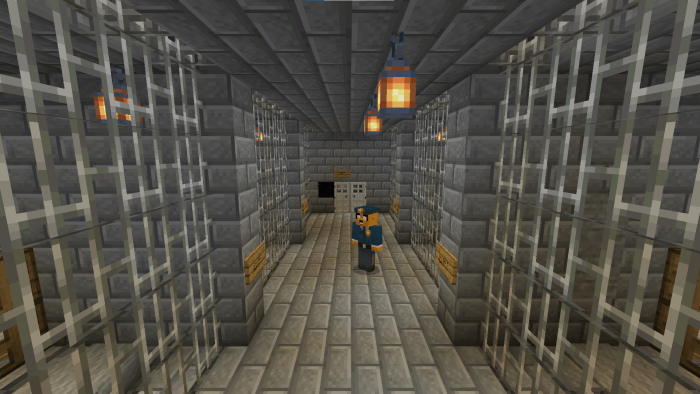
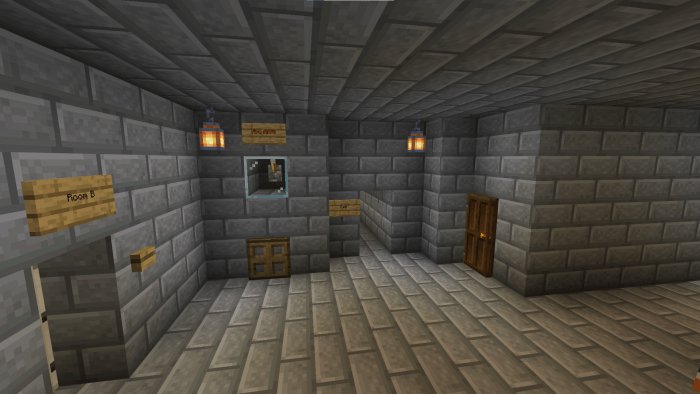
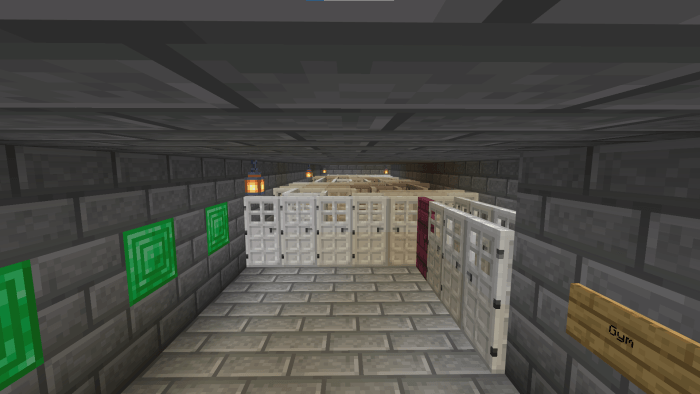
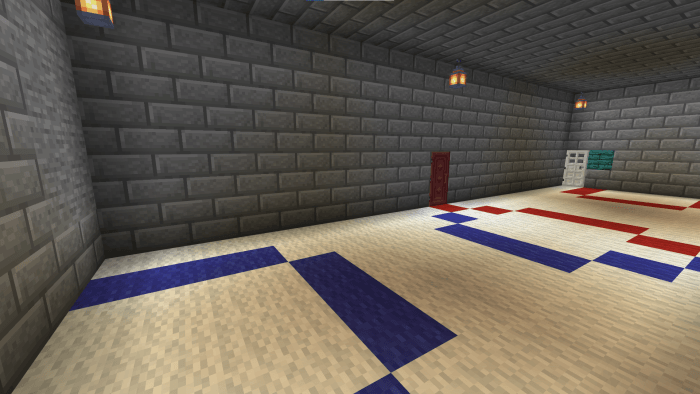
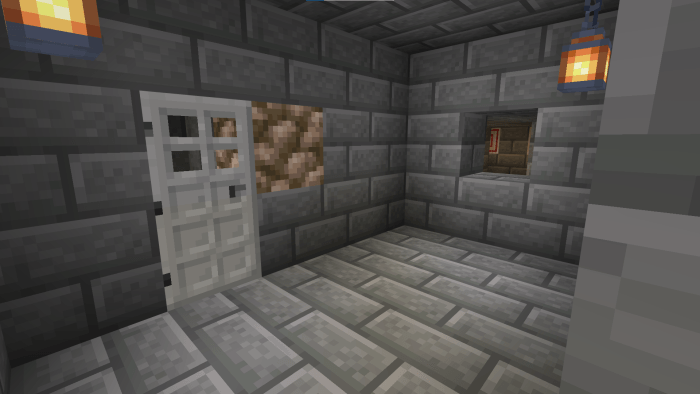
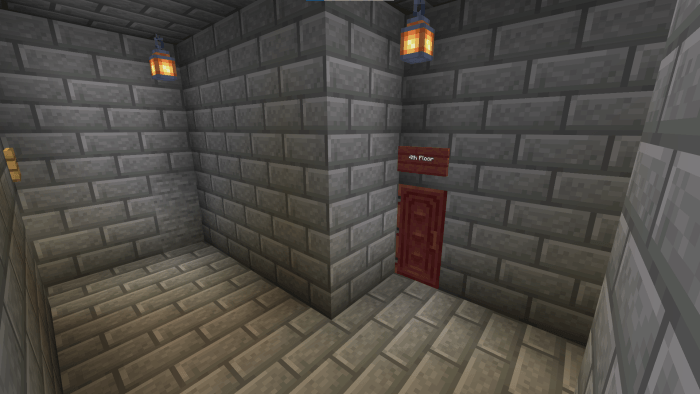
Walkthrough:
If you're stuck with some puzzles or areas, you can watch the walkthrough video uploaded to the creator's official YouTube channel:
Credits:
- Creator: MCM Tuber.
How to install to Minecraft?
- Importing this map to Minecraft Bedrock is easy. When you click the .mcworld file, automatically opens Minecraft Bedrock and imports it on Android, iOS and Windows.
- NOTE: Some devices might transform the mcworld file into a ZIP one automatically. OneUI devices might require a PC to import the map, because you might have not access to the Android folder.
License:
- This creation is licensed under a CC-BY-NC-SA 4.0 license.
- Users are allowed to play the map (solo or with people) and record videos and upload them to YouTube, always giving credit to the creator at the title or the description of the video.
The download links (CurseForge, MCPEDL or the creator's website) are also allowed as giving credit.
- Users aren't allowed to distribute or re-import the map or its content to other websites, apps or else without the creator's permission.
Як встановити Escape From The Prison
With Millida Launcher
Install Millida Launcher
The launcher is free: download it at millida.net/launcher and sign in with any nickname.
Click “Install” on this page
The launcher opens and installs the map for Minecraft 1.21 automatically.
Launch the game
A profile with it appears in the launcher: click “Play”.
Manually
Download the map archive
Pick the file Escape From The Prison (Español) (v2.1) - MCM Tuber.mcworld (354 KB).
Unpack it into the saves folder
The world folder (with level.dat inside) must sit directly in .minecraft/saves.
Open the world
“Singleplayer”: the map will be in your world list.
On a server
Replace the world folder
Stop the server and put the map folder in place of world (or set its name in level-name).
Use the “To server” button
On Millida Hosting, the button at the top of the page uploads the file to your server and restarts it for you.
Версії
Із залежностями
| Minecraft | Завантажувач | Файл | Дата | Дії |
|---|---|---|---|---|
| 1.21 | — | Download (v2.1 - Spanish)354 КБ | ||
| 1.21 | — | Download (v2.1 - English)364 КБ |
Часті питання
Which Minecraft versions does Escape From The Prison work on?
Only Minecraft 1.21: there are no files for other versions.
Where can I download Escape From The Prison safely?
On this page: the file Escape From The Prison (Español) (v2.1) - MCM Tuber.mcworld (354 KB) is stored on Millida’s server, with no link shorteners. SHA-1 checksum: 4b9eef387d50744b306fc6f75ca9f4f7f4739d1c.
Відгуки
Станьте першим, хто оцінить Escape From The Prison



