

 Fabric
 OptiFine
Voxel vibes [ALPHA]
Simple shader with focus on keeping vanilla look

Main features
- Pixel aligned shadows
- Improved skybox rendering
- Improved fog
- Basic Distant Horizons support

Gallery
For more images check out Gallery
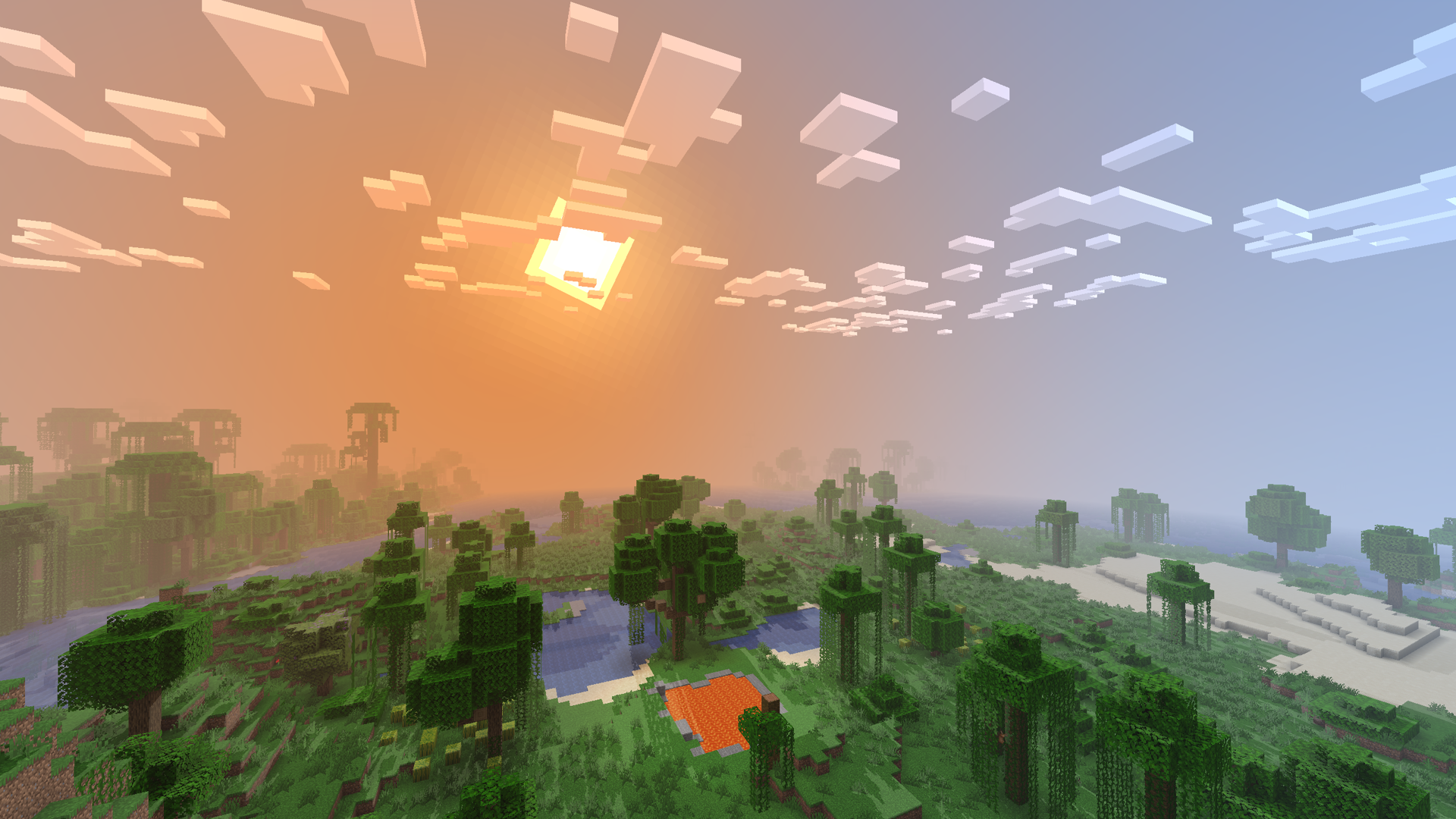
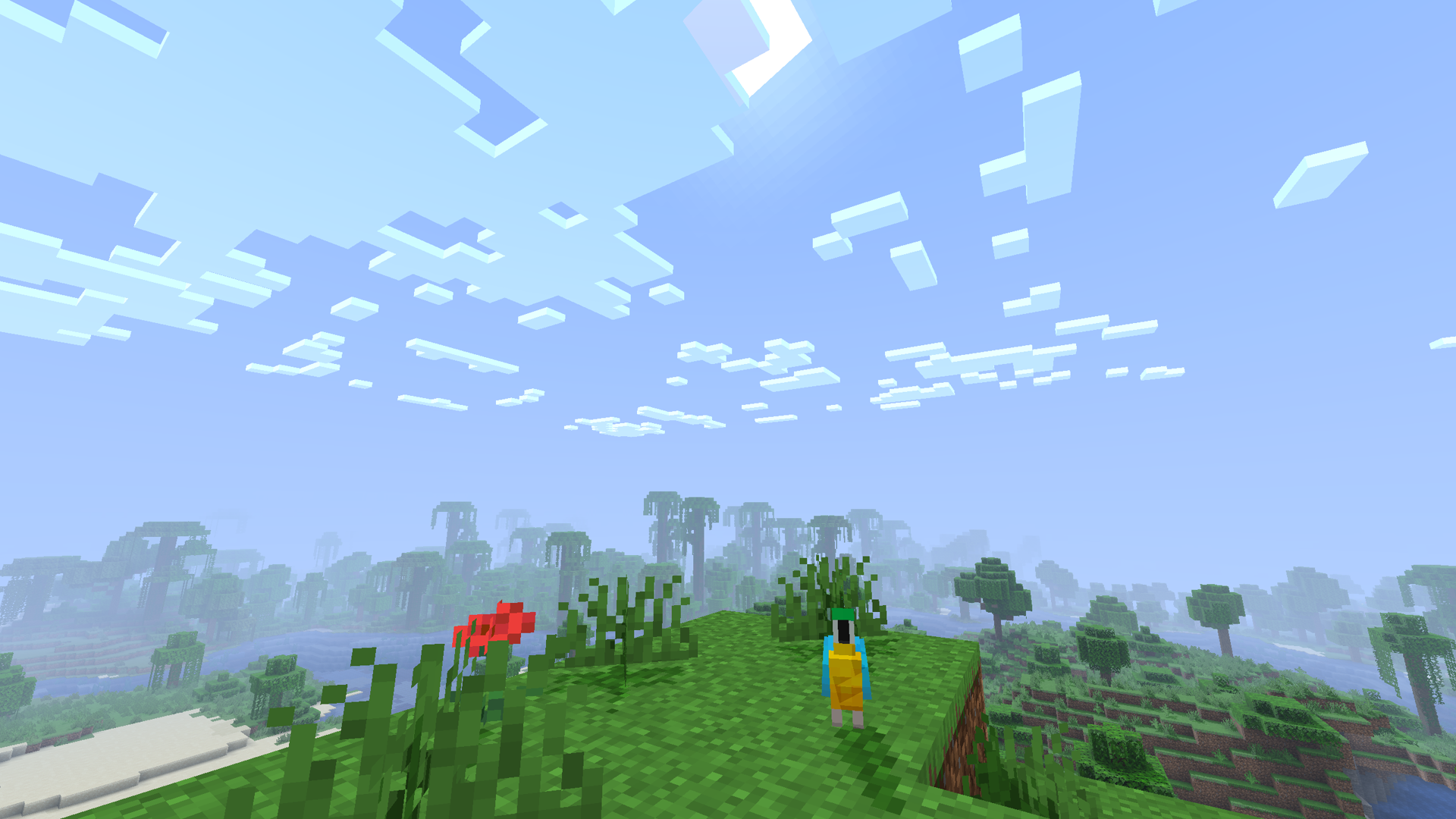
Currently this shader is only test and not guaranteed to be supported, everything is subject to chamnge and its further development depends on your feedback. Bugs are expected, report them on issues page.
Based on XorDevs Default Shaderpack
Voxel Vibes ఎలా ఇన్స్టాల్ చేయాలి
With Millida Launcher
Install Millida Launcher
The launcher is free: download it at millida.net/launcher and sign in with any nickname.
Click “Install” on this page
The launcher opens and installs the shaders for Minecraft 1.16.2–1.21.5 automatically.
Launch the game
A profile with it appears in the launcher: click “Play”.
Manually
Install Iris or OptiFine
Without a shader mod the game cannot see shaders. Install it for the same Minecraft version.
Download the shader archive
Pick the file Voxel Vibes Alpha 2.zip (34 KB) and do not unpack it.
Put it in the shaderpacks folder
“Options”, then “Video Settings”, then “Shader Packs”, then “Open Shader Pack Folder”, and drag the archive there.
Select the shaders
In the same window, click the pack name and “Apply”.
వెర్షన్లు
డిపెండెన్సీలతో
| Minecraft | లోడర్ | ఫైల్ | తేదీ | చర్యలు |
|---|---|---|---|---|
| 1.17.1 | Iris, OptiFine | 1.17.133.6 KB | ||
| 1.21 | Iris, OptiFine | 1.2133.6 KB | — | |
| 1.20.1 | Iris, OptiFine | 1.20.133.6 KB | — | |
| 1.19.2 | Iris, OptiFine | 1.19.233.6 KB | — | |
| 1.18.2 | Iris, OptiFine | 1.18.233.6 KB | — | |
| 1.16.5 | Iris, OptiFine | 1.16.533.6 KB | — |
సమీక్షలు
Voxel Vibesకు మొదటి రేటింగ్ ఇవ్వండి


