
Plugins for Minecraft 26.3
306 ఐటమ్లుప్లగిన్లు: జాబితా


Let Me Despawn
Improves performance by tweaking mob despawn rules. Say bye to pesky unintentional persistent mobs.సర్వర్లో

VeinMiner Enchantment
Veinminer Addon - Adds vineminer enchantment to enchanting tables. Only tools with the enchantment can veinmineసర్వర్లో

JourneyMap
Real-time map used for mapping in-game or your browser as you explore.సర్వర్లో

WorldEdit
A Minecraft Map Editor... that runs in-game! With selections, schematics, copy and paste, brushes, and scripting. Use it in creative, or use it temporarily in survival.సర్వర్లో

Emotecraft
Create your own emotes in Minecraft.సర్వర్లో

Common Network
Forge and Fabric Unified Networking Solutionసర్వర్లో

Plasmo Voice
A proximity voice chat mod with audio positioning and lots of featuresసర్వర్లోOpenInv
Open anyone's inventory as a chest in real time!సర్వర్లో

ViaVersion
Allow newer Java Edition clients to connect to older servers.సర్వర్లో

Shopkeepers
Set up custom villager shopkeepersసర్వర్లో

ViaBackwards
Allow older Java Edition clients to connect to newer servers.సర్వర్లో

SkinsRestorer
🎨 Ability to restore/change skins on servers! (Offline and Online Mode)సర్వర్లో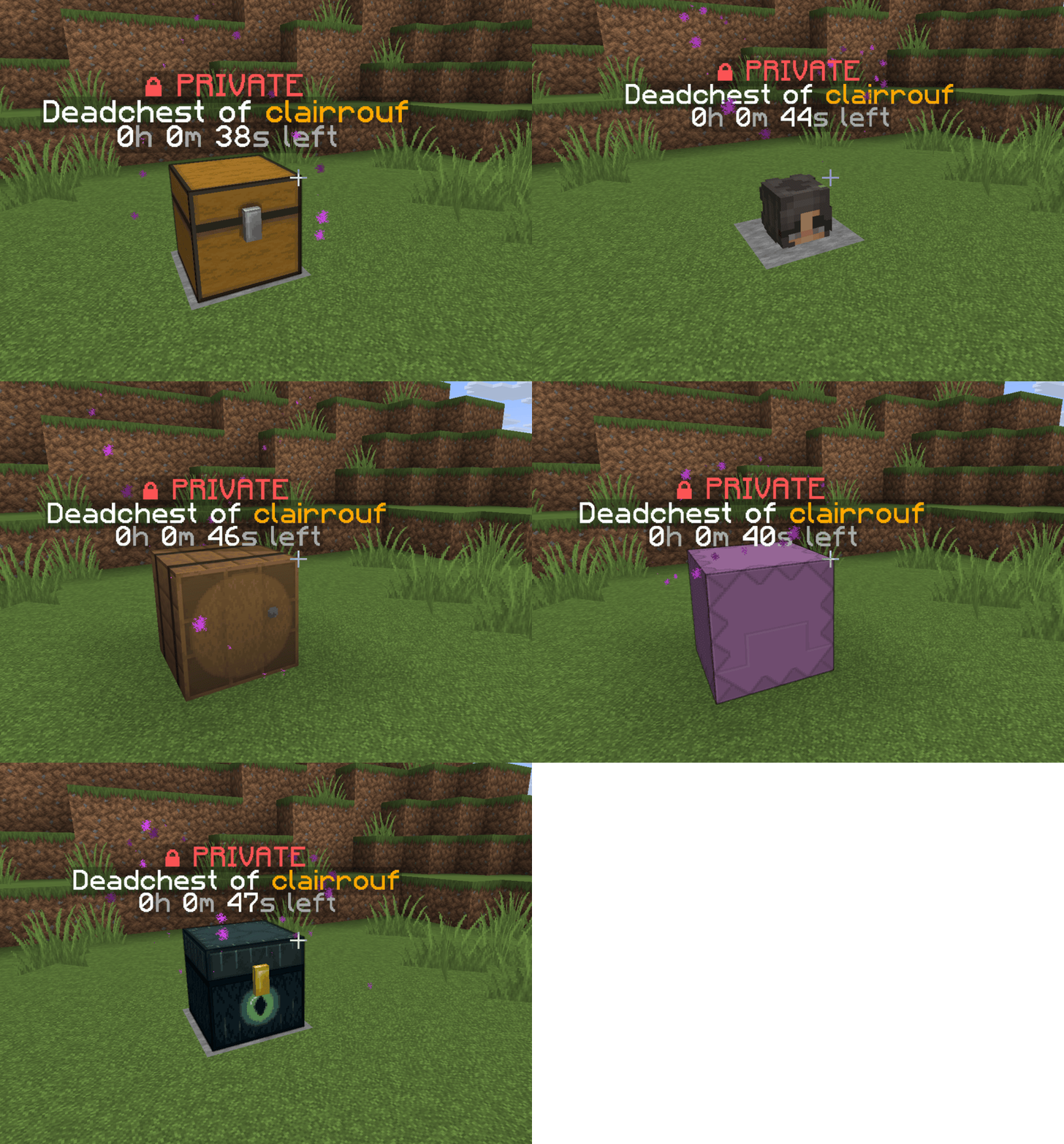

DeadChest
Modern Minecraft death chest plugin for Bukkit, Spigot, and Paper servers.సర్వర్లో

TAB
An all-in-one solution that worksసర్వర్లో

WorldGuard
WorldGuard lets you and players guard areas of land against griefers and undesirables as well as tweak and disable various gameplay features of Minecraft.సర్వర్లో

Multiverse-Core
The Bukkit World Management Plugin.సర్వర్లో

PacketEvents
PacketEvents is a protocol library tailored to Minecraft Java Edition, designed to facilitate the processing and transmission of packets.సర్వర్లో

Grim Anticheat
Fully async, multithreaded, predictive, open source, 3.01 reach, 1.005 timer, 0.01% speed, 99.99% antikb, "bypassable" 1.8-1.21 anticheatసర్వర్లో

ViaBackwards
Allow Java Edition clients with older versions to connect to your Minecraft serverసర్వర్లో
Simple Voice Chat
A working voice chat in Minecraft!సర్వర్లో

ViaRewind
ViaVersion addon to allow 1.8.x and 1.7.x clients on newer server versions.సర్వర్లో

BlueMap
A Minecraft mapping tool that creates 3D models of your Minecraft worlds and displays them in a web viewer.సర్వర్లో

FastAsyncWorldEdit
Blazingly fast world manipulation for artists, builders and everyone elseసర్వర్లోFAQ
ప్లగిన్ మోడ్ నుండి ఎలా భిన్నం?
ప్లగిన్ సర్వర్లో మాత్రమే నడుస్తుంది మరియు ప్లేయర్ల నుండి ఏమీ అడగదు: క్లయింట్ వనిల్లాగానే ఉంటుంది. మోడ్ను అందరూ ఇన్స్టాల్ చేయాలి, మరియు అది గేమ్ను స్వయంగా మారుస్తుంది.
ప్లగిన్ను ఎక్కడ ఉంచాలి?
.jar ఫైల్ను సర్వర్లోని plugins ఫోల్డర్లో ఉంచి, సర్వర్ను రీస్టార్ట్ చేయండి. ప్లగిన్ మొదటి లాంచ్లో దాని కాన్ఫిగ్ను సృష్టిస్తుంది.
Spigot ప్లగిన్ Paper లో పనిచేస్తుందా?
సాధారణంగా అవును: Paper మరియు Purpur Spigot పై నిర్మించబడ్డాయి మరియు దాని ప్లగిన్లతో అనుకూలంగా ఉంటాయి. దీనికి విరుద్ధం నిజం కాదు — Paper ఫీచర్లను ఉపయోగించే ప్లగిన్ సాధారణ Spigot లో పనిచేయదు.
Aternos లో ప్లగిన్ను ఎలా ఇన్స్టాల్ చేయాలి?
Aternos లో, ప్లగిన్లు ప్యానెల్లోని “Plugins” విభాగంలోని అంతర్నిర్మిత జాబితా నుండి మాత్రమే ఇన్స్టాల్ చేయవచ్చు. మీరు మీ స్వంత .jar ఫైల్ను అప్లోడ్ చేయలేరు, కాబట్టి పెయిడ్ మరియు అరుదైన ప్లగిన్లను Aternos లో ఇన్స్టాల్ చేయలేరు. మీకు కావాల్సిన ప్లగిన్ జాబితాలో లేకపోతే, plugins ఫోల్డర్కు యాక్సెస్ ఉన్న హోస్టింగ్ అవసరం: ఫైల్ను అక్కడ ఉంచి సర్వర్ను రీస్టార్ట్ చేయండి.
సర్వర్లో మొదట ఏ ప్లగిన్లు ఇన్స్టాల్ చేయాలి?
సాధారణంగా నాలుగుతో మొదలుపెడతారు: EssentialsX (హోమ్లు, వార్ప్లు, కిట్లు, టెలిపోర్ట్), LuckPerms (గ్రూపులు మరియు అనుమతులు), WorldGuard తో పాటు WorldEdit (స్పాన్ మరియు ప్రాంత రక్షణ) మరియు ViaVersion (ఇతర గేమ్ వెర్షన్ల నుండి చేరడం). నిక్నేమ్ లాగిన్ ఉన్న సర్వర్ కోసం, పాస్వర్డ్ల కోసం AuthMe మరియు స్కిన్ల కోసం SkinsRestorer జోడించండి.
స్నేహితులతో ఆడేందుకు సర్వర్లో ఏ ప్లగిన్లు ఇన్స్టాల్ చేయాలి?
స్నేహితుల కోసం చిన్న సర్వర్కు కొన్ని మాత్రమే అవసరం: EssentialsX (హోమ్, స్నేహితుడి దగ్గరకు టెలిపోర్ట్, వార్ప్లు), CoreProtect (గ్రీఫింగ్ను వెనక్కి తిప్పడం మరియు బ్లాక్ ఎవరు పగలగొట్టారో కనుగొనడం) మరియు వాయిస్ చాట్ కోసం Simple Voice Chat, దీనికి ప్లేయర్ల వైపు అదే పేరుతో మోడ్ అవసరం. అలాంటి సర్వర్లో అనుమతులు మరియు ప్రాంత రక్షణ సాధారణంగా అనవసరం.
Paper లో ప్లగిన్ను ఎలా ఇన్స్టాల్ చేయాలి?
మీ Paper వెర్షన్ కోసం ప్లగిన్ ఫైల్ను డౌన్లోడ్ చేయండి, .jar ను plugins ఫోల్డర్లో ఉంచి సర్వర్ను రీస్టార్ట్ చేయండి — /plugins కమాండ్ దానిని జాబితా చేస్తుంది. Millida Hosting లో ప్లగిన్ పేజీలోని On a server బటన్ అదే చేస్తుంది.
Plugins for Minecraft 26.3
Plugins for Minecraft 26.3: ప్లగిన్లు విభాగంలో 306 ఐటమ్లు. సరిపోలిక ఫైళ్ల ఆధారంగా తనిఖీ చేయబడుతుంది, వివరణ ఆధారంగా కాదు: సరిగ్గా ఈ షరతుల కోసం బిల్డ్ ఉన్న ఐటమ్లు మాత్రమే జాబితాలో ఉంటాయి.
సర్వర్లో తెరవెనుక దాదాపు అన్నింటినీ ప్లగిన్లు నిర్వహిస్తాయి: ర్యాంక్లు మరియు అనుమతులు, భూమి రక్షణ, ఆర్థిక వ్యవస్థ మరియు షాపులు, యాంటీ-చీట్, మ్యాప్ రొటేషన్, మెనూలు మరియు ఓటింగ్. మీరు .jar ఫైల్ను plugins ఫోల్డర్లోకి కాపీ చేసి సర్వర్ను రీస్టార్ట్ చేయడం ద్వారా వాటిని ఇన్స్టాల్ చేస్తారు; చాలా వరకు మొదటి లాంచ్లో తమ స్వంత కాన్ఫిగ్ను సృష్టిస్తాయి, దానినే మీరు తర్వాత ఎడిట్ చేస్తారు. కార్డ్ మద్దతు ఉన్న కోర్లు మరియు గేమ్ వెర్షన్లు, రచయిత మరియు లైసెన్స్ను జాబితా చేస్తుంది, మరియు అన్ని రిలీజ్లు ఒక పేజీలో సేకరించబడతాయి — అక్కడి నుండే ప్లగిన్ను అప్డేట్ చేయవచ్చు.