

Lum Resurs pak za Minecraft 1.19
Emisivne teksture za BetterNether, BetterEnd i Enderscape modove
O Lum resurs paku
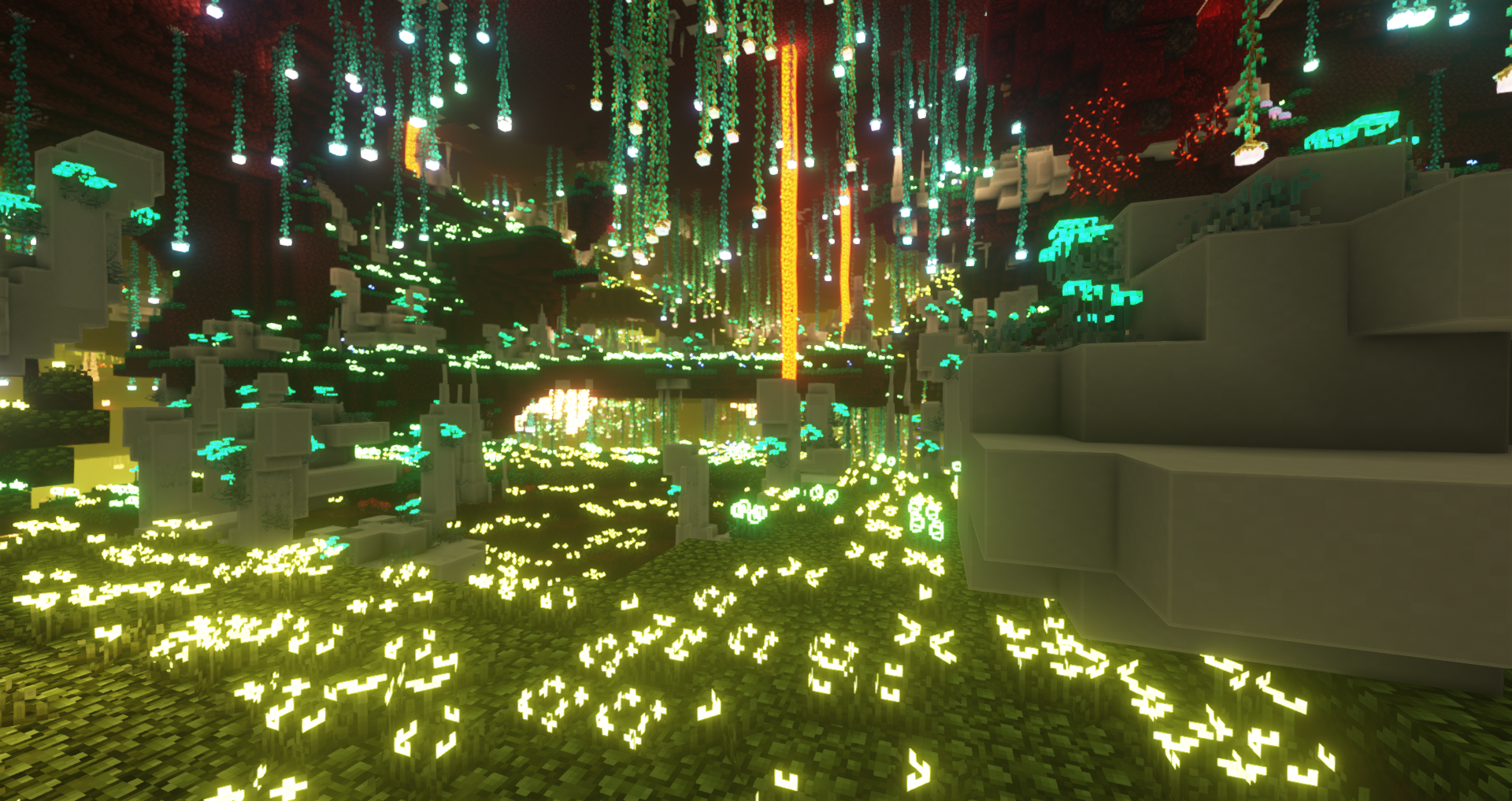
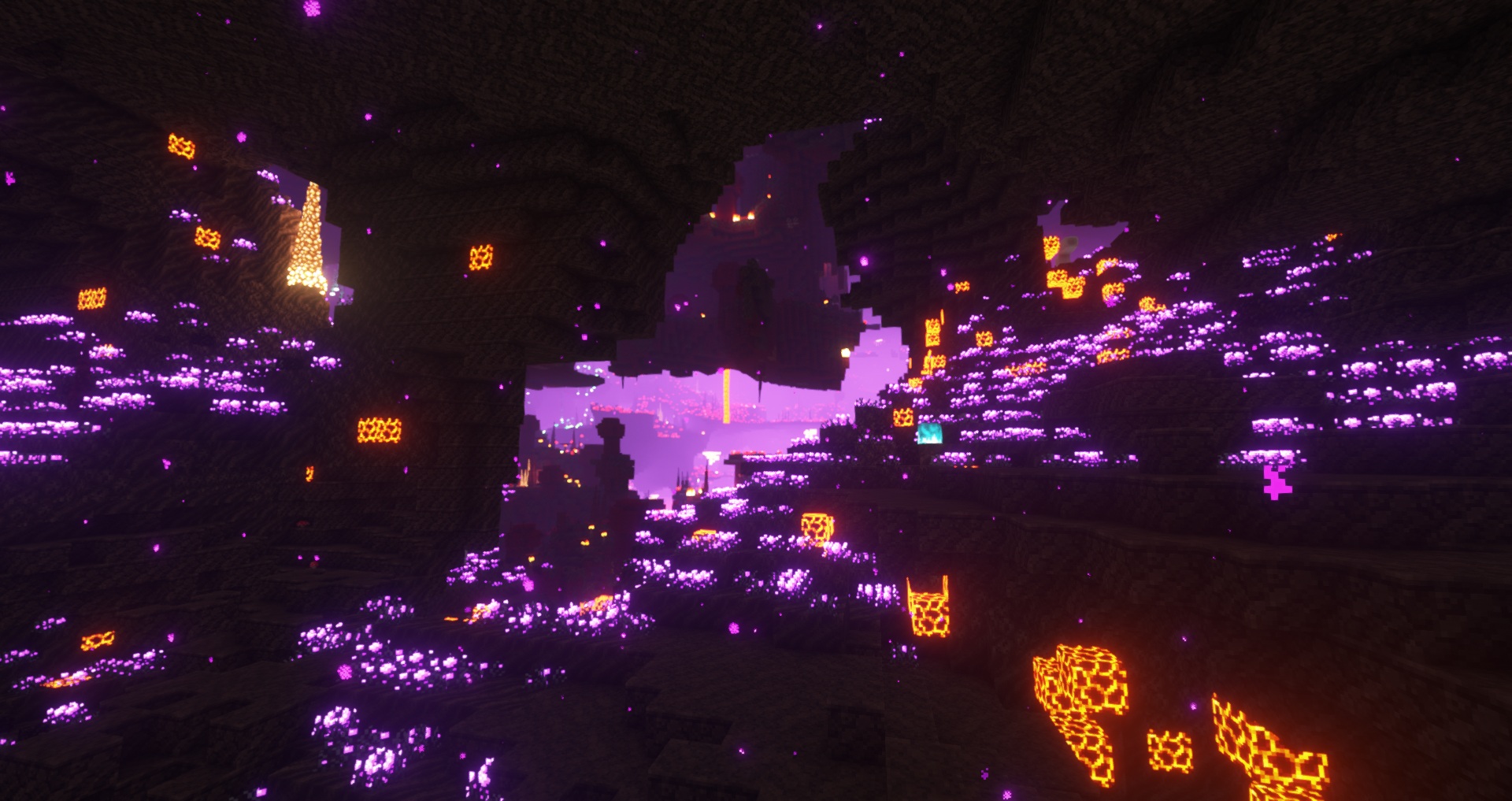
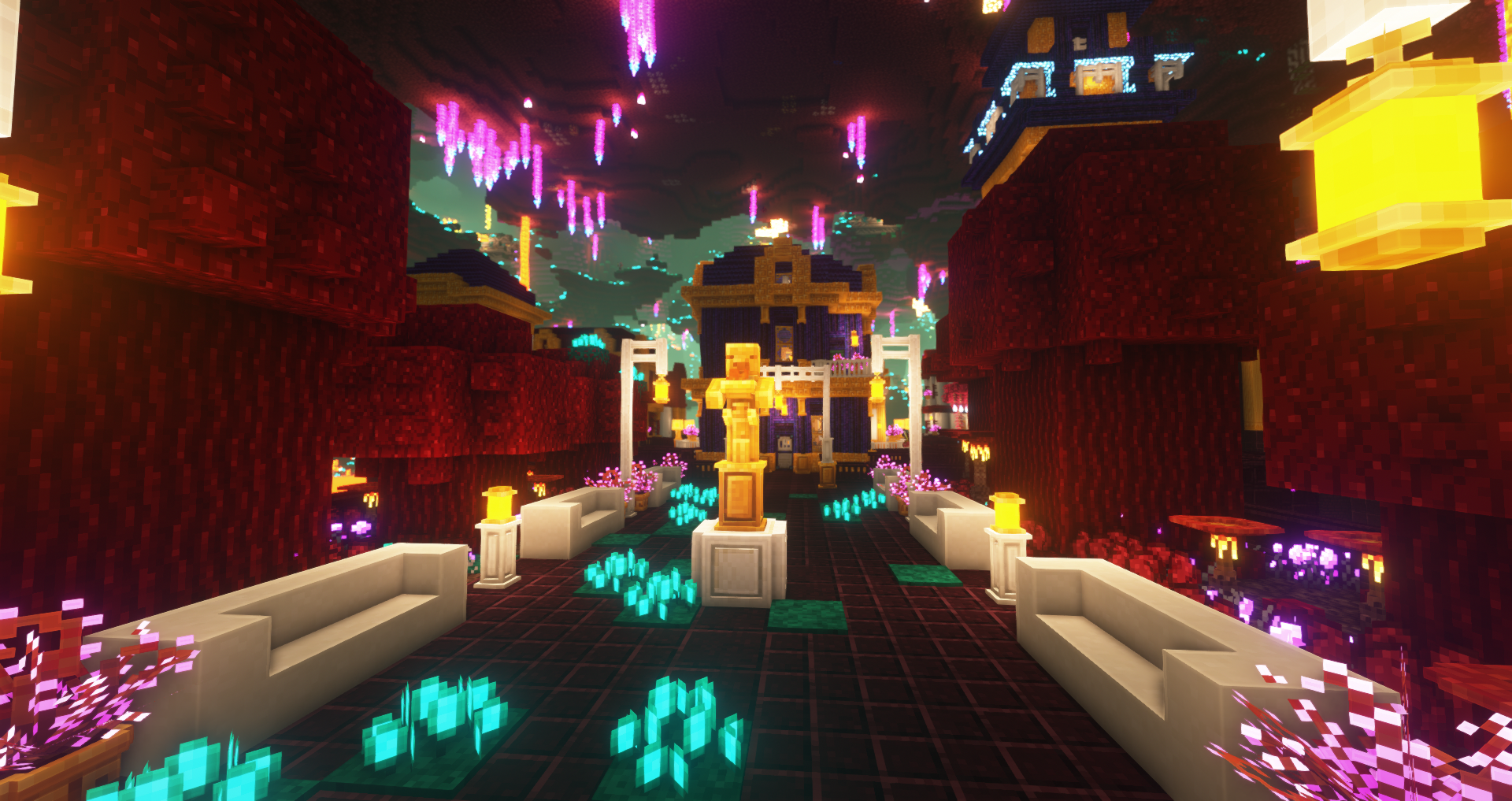
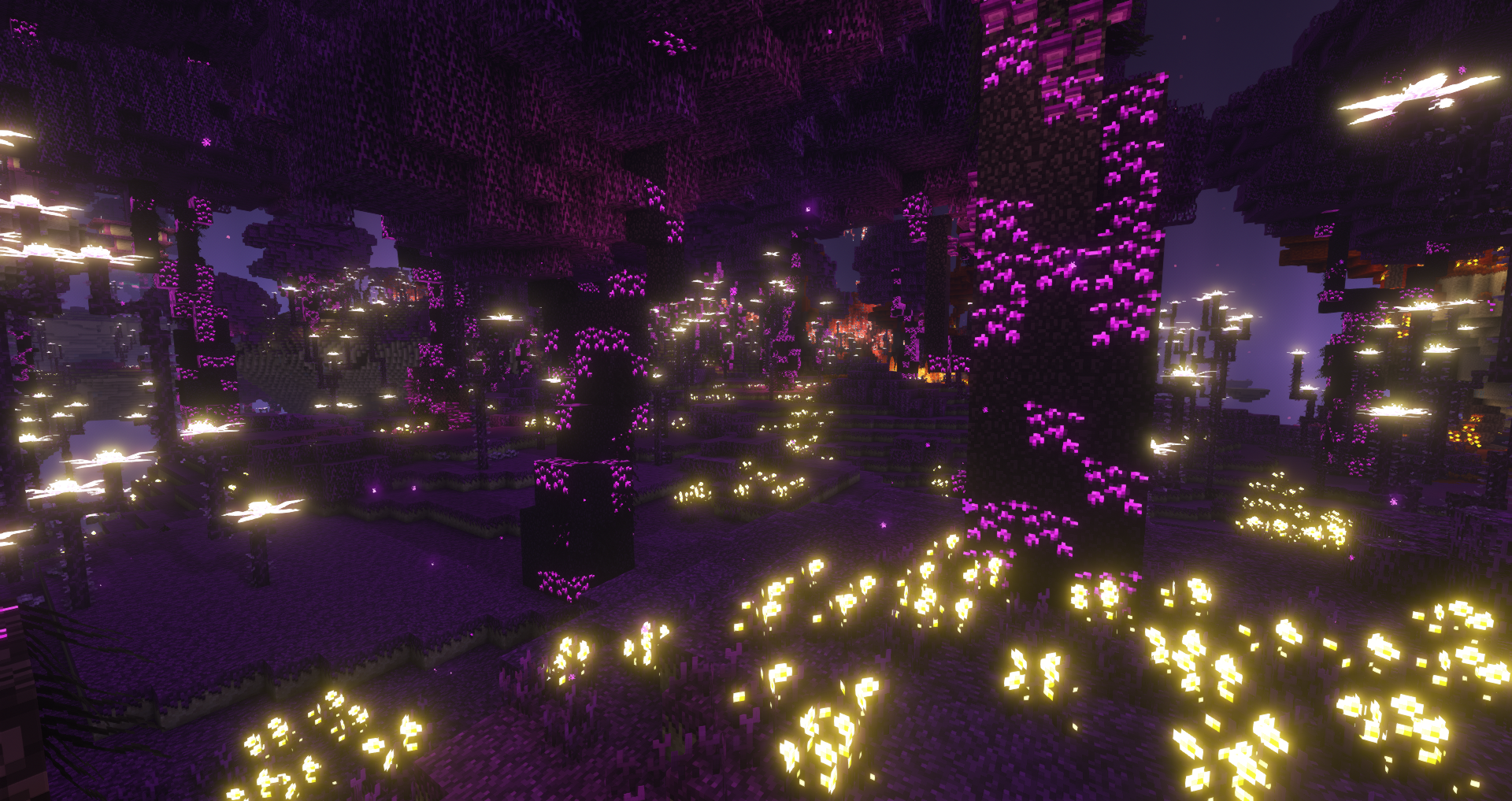
This pack adds more emissive textures for BetterX mods and Enderscape.
Supported Mods:


Compatible with:
- Vanilla - mods require BCLib that provides vanilla shaders for emissive textures
- Optifine - resourcepack use same emission format as Optifine require
Incompatible with Iris and Sodium (will work if you will use Continuity or with Iris and shaders if you will modify them to accept BCLib emissive textures. You can know how to do it in our Discord server)
Screenshots (Complementary shaders edit):
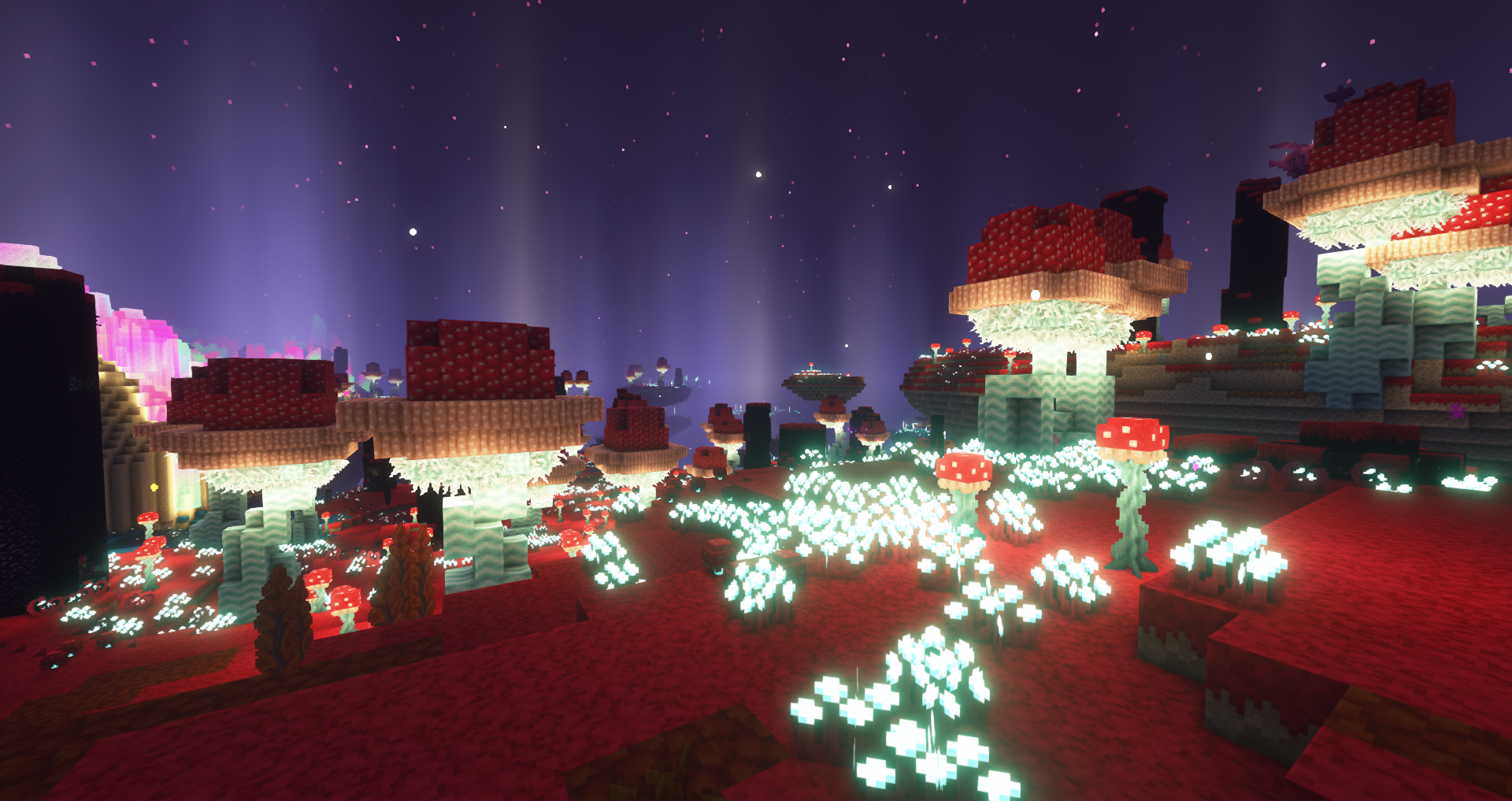
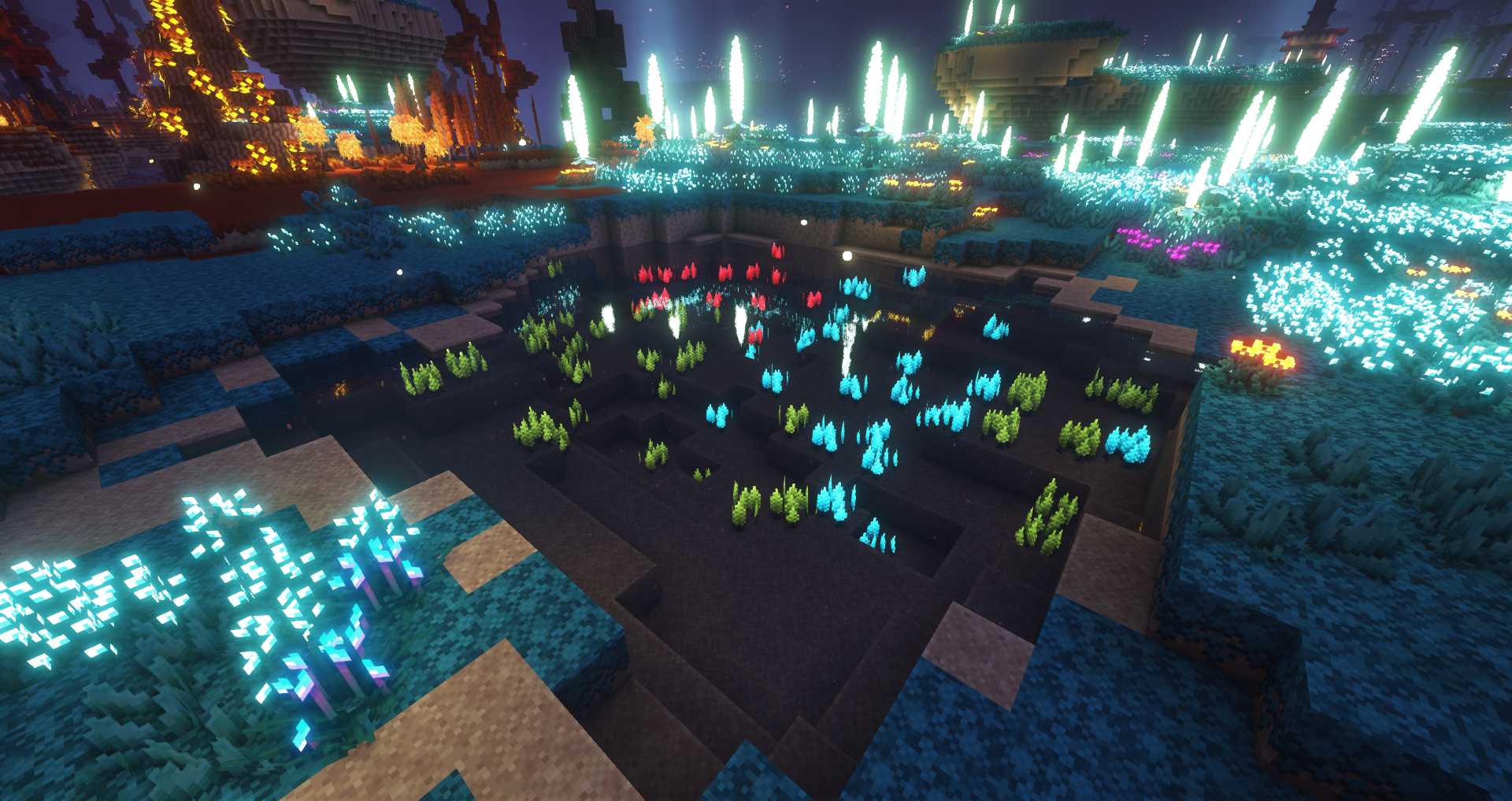
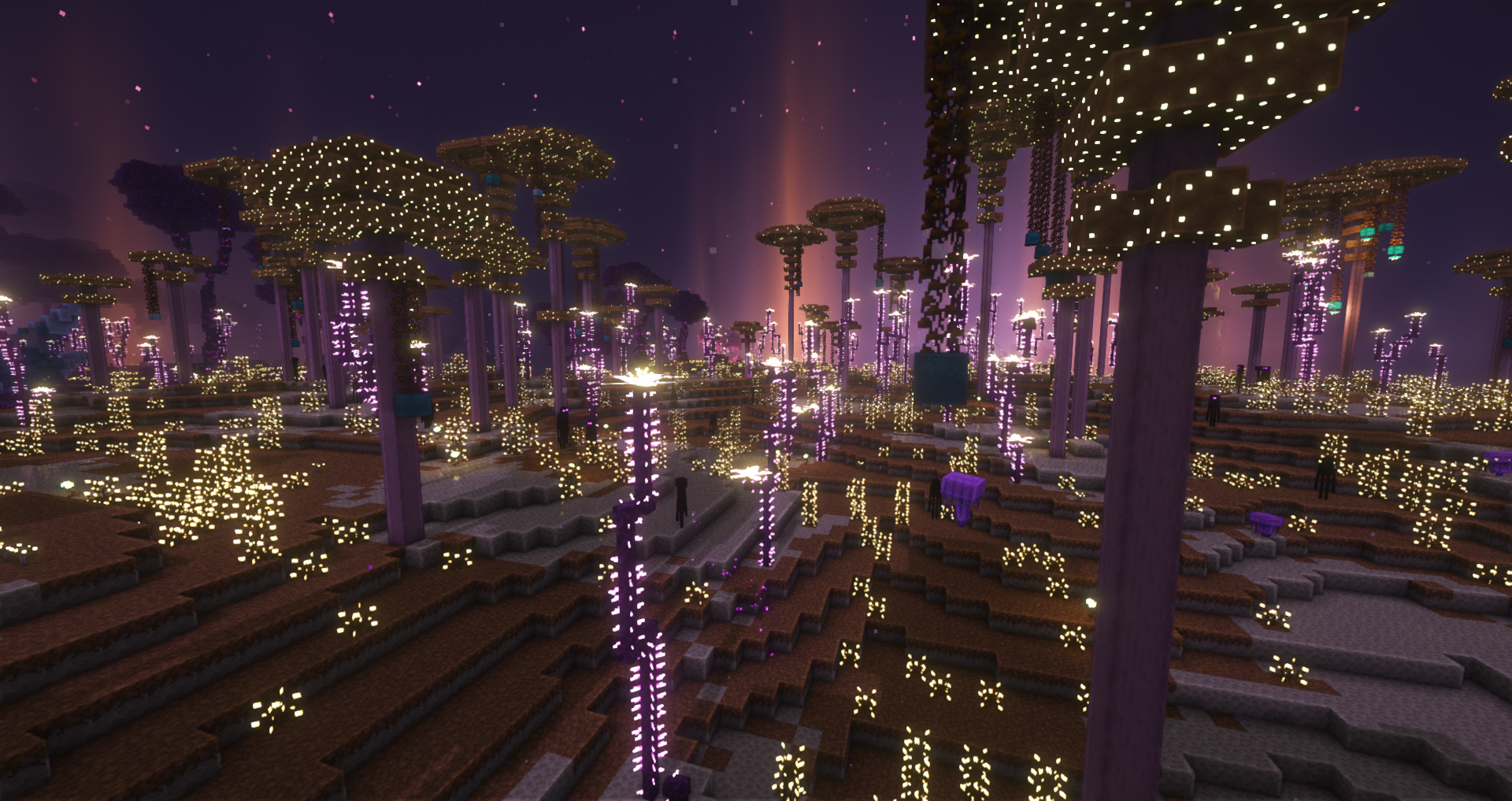
Old Screenshots (Vanilla and BSL shaders):
Kako instalirati Lum
With Millida Launcher
Install Millida Launcher
The launcher is free: download it at millida.net/launcher and sign in with any nickname.
Click “Install” on this page
The launcher opens and installs the resource pack for Minecraft 1.19 automatically.
Launch the game
A profile with it appears in the launcher: click “Play”.
Manually
Download the archive
Pick the file Lum-5.2-1.19.zip (225 KB) for your game version. No need to unpack it.
Put it in the resourcepacks folder
The easiest way: “Options”, then “Resource Packs”, then “Open Pack Folder”, and drag the archive there.
Enable the pack
In the same window, move the pack to the right-hand “Selected” column and click “Done”.
Verzije
Sa zavisnostima
| Minecraft | Loader | Fajl | Datum | Akcije |
|---|---|---|---|---|
| 1.19 | — | Lum-5.2-1.19225 KB |
Česta pitanja
Which Minecraft versions does Lum work on?
Only Minecraft 1.19: there are no files for other versions.
Where can I download Lum safely?
On this page: the file Lum-5.2-1.19.zip (225 KB) is stored on Millida’s server, with no link shorteners. SHA-1 checksum: d4a0c7f03f8a782147e902ec8dcc7b78b841679a.
Recenzije
Budi prvi koji će oceniti Lum


