

Ultra Lite Shadows Šejderi za Minecraft 1.20.1, 1.21.1
Shader pack visokih performansi i prilagođen slabijim/krompir računarima.
- preuzimanja
- 4 preuzimanja
- pregleda
- 75 pregleda
- Ažurirano
- Ažurirano 04.09.2026
- 1.20 — 1.21.11
 Fabric
- Klijent
Works even on an low end pc
Features
- True Cave Shadows: Adds depth and darkness to underground areas.
- Warm Amber Torchlight: Custom light math that creates cozy, natural interiors without overexposing your screen.
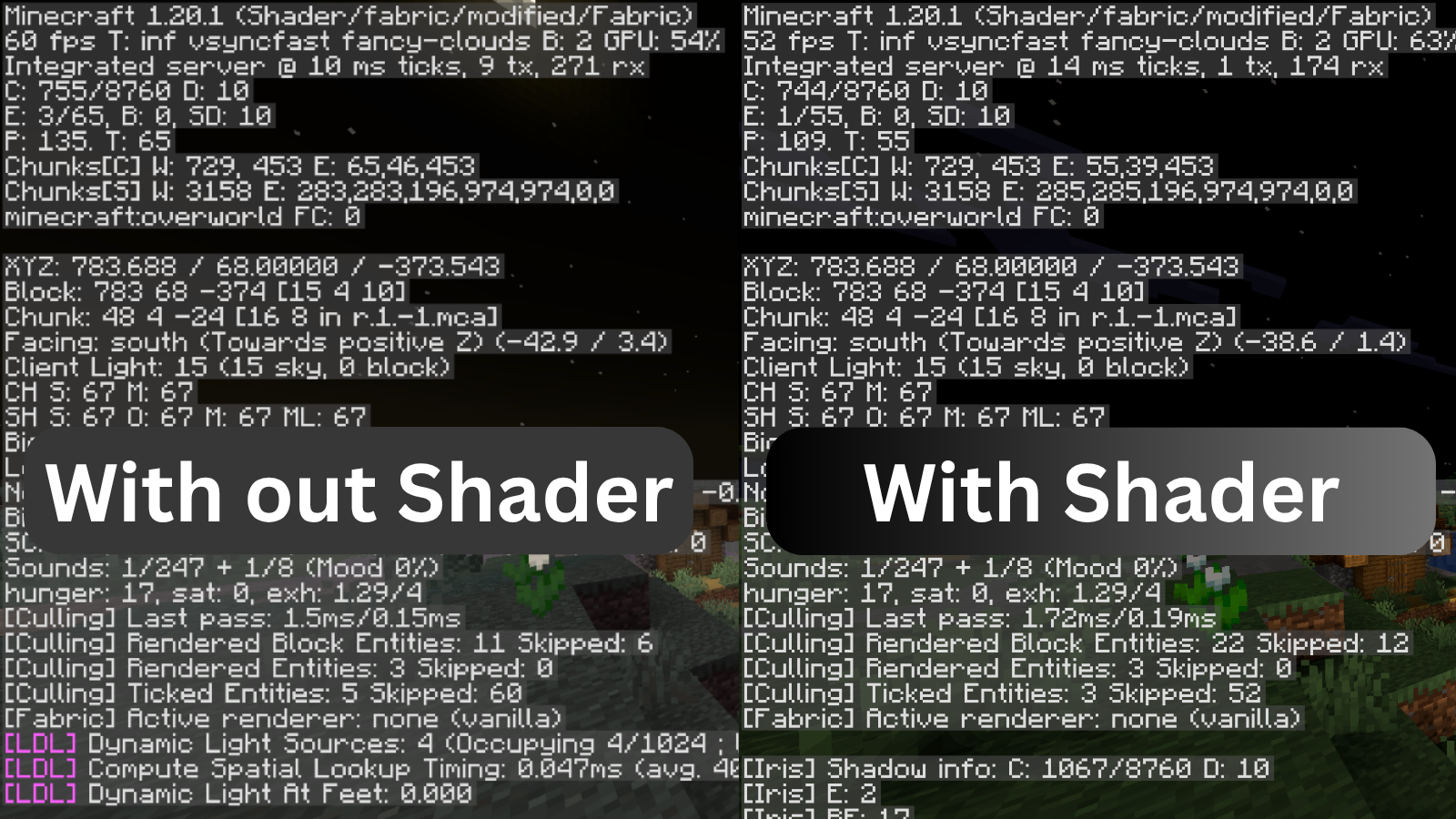
- Potato-PC Optimized: Engineered to run smoothly on integrated graphics (50+ FPS).

Requirements
- Requires Iris"

Kako instalirati Ultra Lite Shadows
With Millida Launcher
Install Millida Launcher
The launcher is free: download it at millida.net/launcher and sign in with any nickname.
Click “Install” on this page
The launcher opens and installs the shaders for Minecraft 1.20–1.21.11 automatically.
Launch the game
A profile with it appears in the launcher: click “Play”.
Manually
Install Iris
Without a shader mod the game cannot see shaders. Install it for the same Minecraft version.
Download the shader archive
Pick the file Ultra-Lite-Shadows.zip (12 KB) and do not unpack it.
Put it in the shaderpacks folder
“Options”, then “Video Settings”, then “Shader Packs”, then “Open Shader Pack Folder”, and drag the archive there.
Select the shaders
In the same window, click the pack name and “Apply”.
Verzije
Sa zavisnostima
| Minecraft | Loader | Fajl | Datum | Akcije |
|---|---|---|---|---|
| 1.21 | Iris | 1.2112.4 KB 3 | ||
| 1.20.1 | Iris | 1.20.112.4 KB 1 | ||
| 1.21.11 | Iris | 1.21.1112.4 KB | — |
Česta pitanja
Which Minecraft versions does Ultra Lite Shadows work on?
There are files for 1.20–1.21.11, 19 versions in total. The newest is 1.21.11.
What do I need to run Ultra Lite Shadows?
Shaders are loaded through Iris: without it the game cannot see them.
Where can I download Ultra Lite Shadows safely?
On this page: the file Ultra-Lite-Shadows.zip (12 KB) is stored on Millida’s server, with no link shorteners. SHA-1 checksum: 463bf8436f99f84e327f07b1c305c8b0c3ce1acd.
Recenzije
Budi prvi koji će oceniti Ultra Lite Shadows


