

 Fabric
 OptiFine
O Toon Shades šejderima
A lightweight, cartoon-inspired shader that breathes life into your Minecraft world with those old school pixelated toon graphics.

🎨 Features :
Bring your world to life without sacrificing your framerate. This shader focuses on clean, cartoon-style aesthetics and stable performance.
- 🌿 Living Nature: Beautiful, gentle swaying effects for leaves, grass, tall grass, ferns, and all flowers.
- 💥 Dynamic Particles: Block-breaking and swimming particles have a stylized wobble effect.
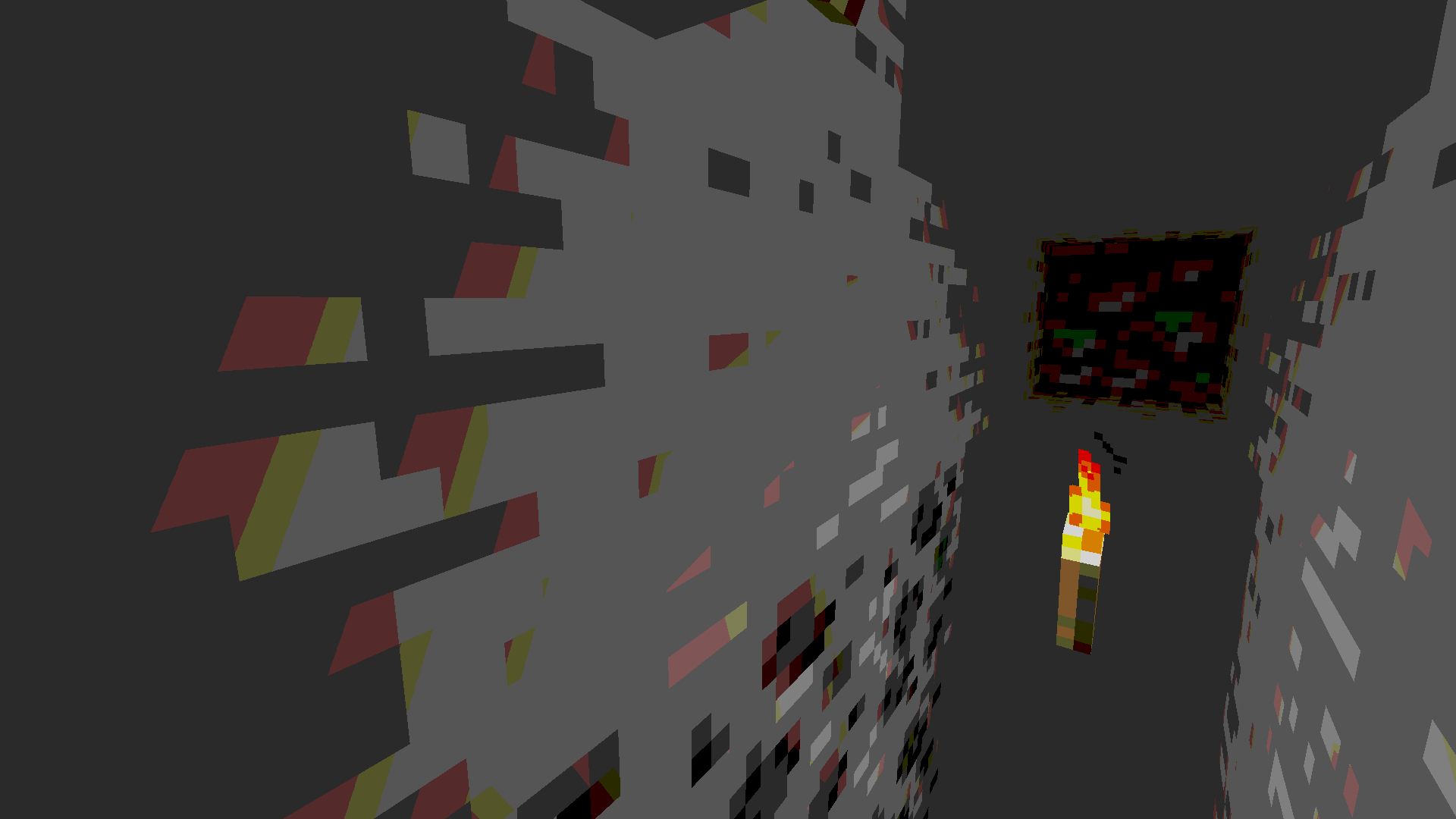
- ✨ Optimized Performance: High-precision math ensures no unnecessary lag during fast movement or combat.
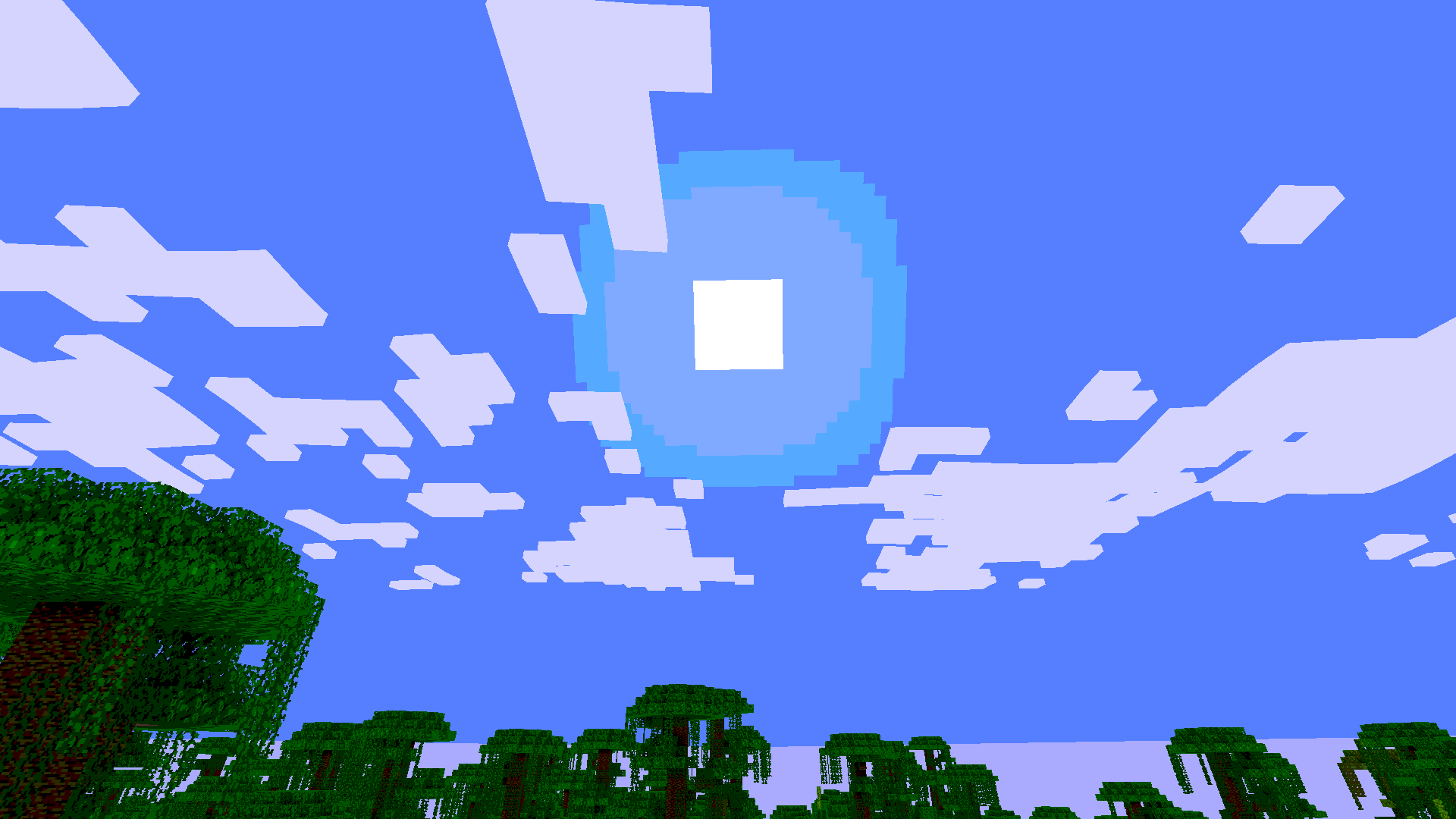
- 🌙 Atmospheric Nights: Enhanced moonlight with a cool blue tint to make your nights look magical, not just dark.
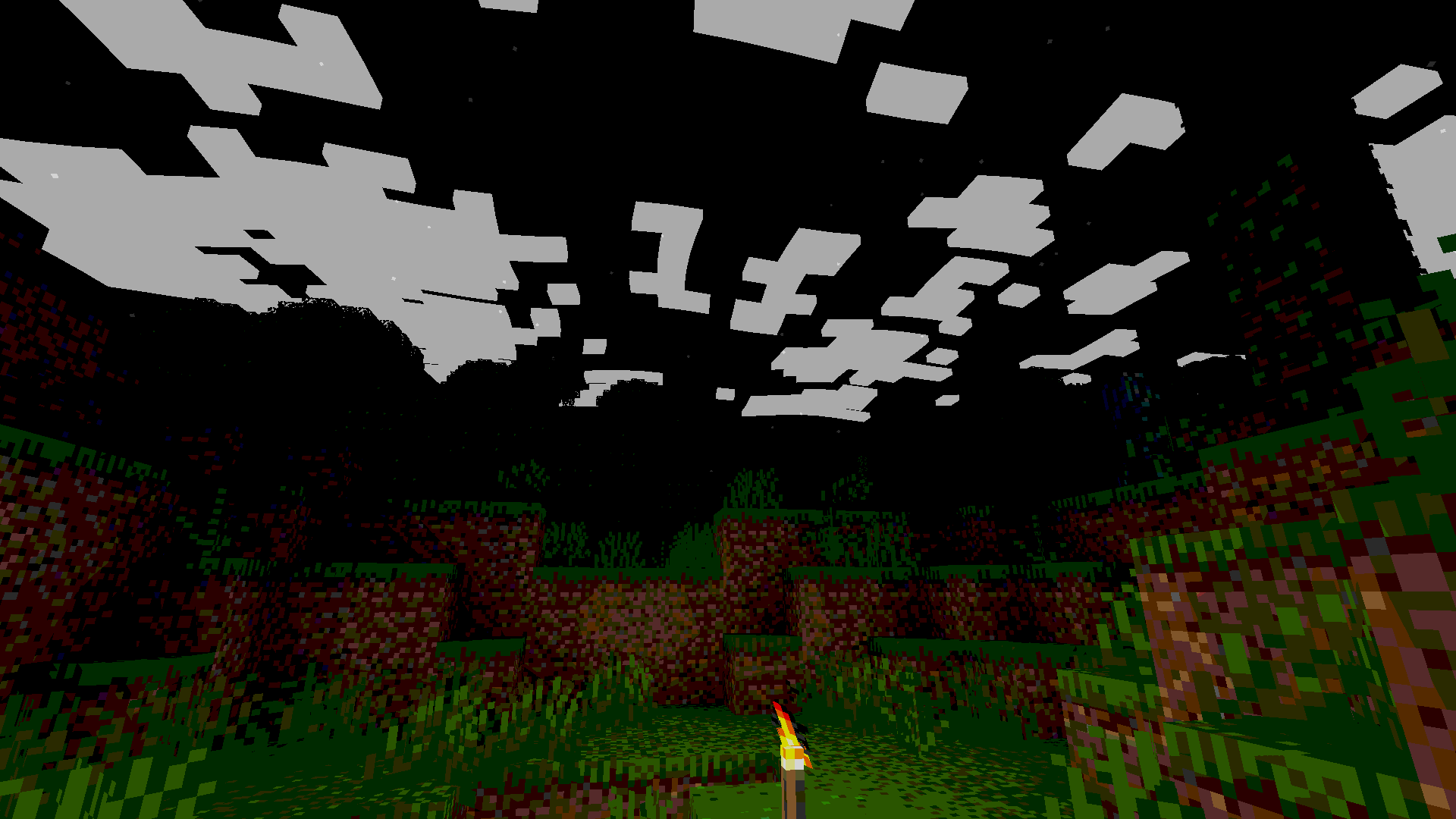
- ☁️ Vanilla-Friendly: Keeps Minecraft’s iconic square cloud aesthetic while ensuring they stay bright at night.
- ⭕ Corrected Skies: Proper moon and sun rendering—no more half-cut textures or strange clipping.
- 🔧 Stable Mechanics: Specifically designed not to affect other foliages and elements of the game.
💻 System Requirements:
Because this shader is designed for performance, it is very lightweight.
Graphics Card: Any GPU that supports OpenGL 3.3 or higher. Shader Loader: Requires or OptiFine. (Iris is highly recommended for best performance). Memory: No additional RAM requirements beyond what standard Minecraft uses.
📦 Installation
- Download the .zip file from the "Versions" tab.
- Locate your Minecraft instance folder (.minecraft).
- Open the shaderpacks folder.
- Drag and drop the downloaded .zip file into this folder.
- Launch Minecraft, go to Options > Video Settings > Shader Packs, and select minecraft-shader-template 0.1.0-shaderpack file.
Make sure your zip file is structured correctly so the game can detect it.
Kako instalirati Toon Shades
With Millida Launcher
Install Millida Launcher
The launcher is free: download it at millida.net/launcher and sign in with any nickname.
Click “Install” on this page
The launcher opens and installs the shaders for Minecraft 1.21.5 automatically, together with its dependencies: Iris Shaders.
Launch the game
A profile with it appears in the launcher: click “Play”.
Manually
Install Iris or OptiFine
Without a shader mod the game cannot see shaders. Install it for the same Minecraft version.
Download the shader archive
Pick the file minecraft-shader-template-0.1.0-shaderpack.zip (14 KB) and do not unpack it.
Put it in the shaderpacks folder
“Options”, then “Video Settings”, then “Shader Packs”, then “Open Shader Pack Folder”, and drag the archive there.
Select the shaders
In the same window, click the pack name and “Apply”.
Verzije
Sa zavisnostima
| Minecraft | Loader | Fajl | Datum | Akcije |
|---|---|---|---|---|
| 1.21.5 | Iris, OptiFine | 1.21.513.5 KB |
Šta je potrebno za pokretanje
- Iris Shadersobavezno
Česta pitanja
Which Minecraft versions does Toon Shades work on?
Only Minecraft 1.21.5: there are no files for other versions.
What do I need to run Toon Shades?
Shaders are loaded through Iris or OptiFine: without one of them the game cannot see them.
What does Toon Shades need to work?
Required: Iris Shaders. Without it the shaders will not start.
Where can I download Toon Shades safely?
On this page: the file minecraft-shader-template-0.1.0-shaderpack.zip (14 KB) is stored on Millida’s server, with no link shorteners. SHA-1 checksum: 20980d09ce46d32305f530e36028e219cd06eb0d.
Recenzije
Budi prvi koji će oceniti Toon Shades


