

Quanta Shader za Minecraft 1.20.1, 1.21.1
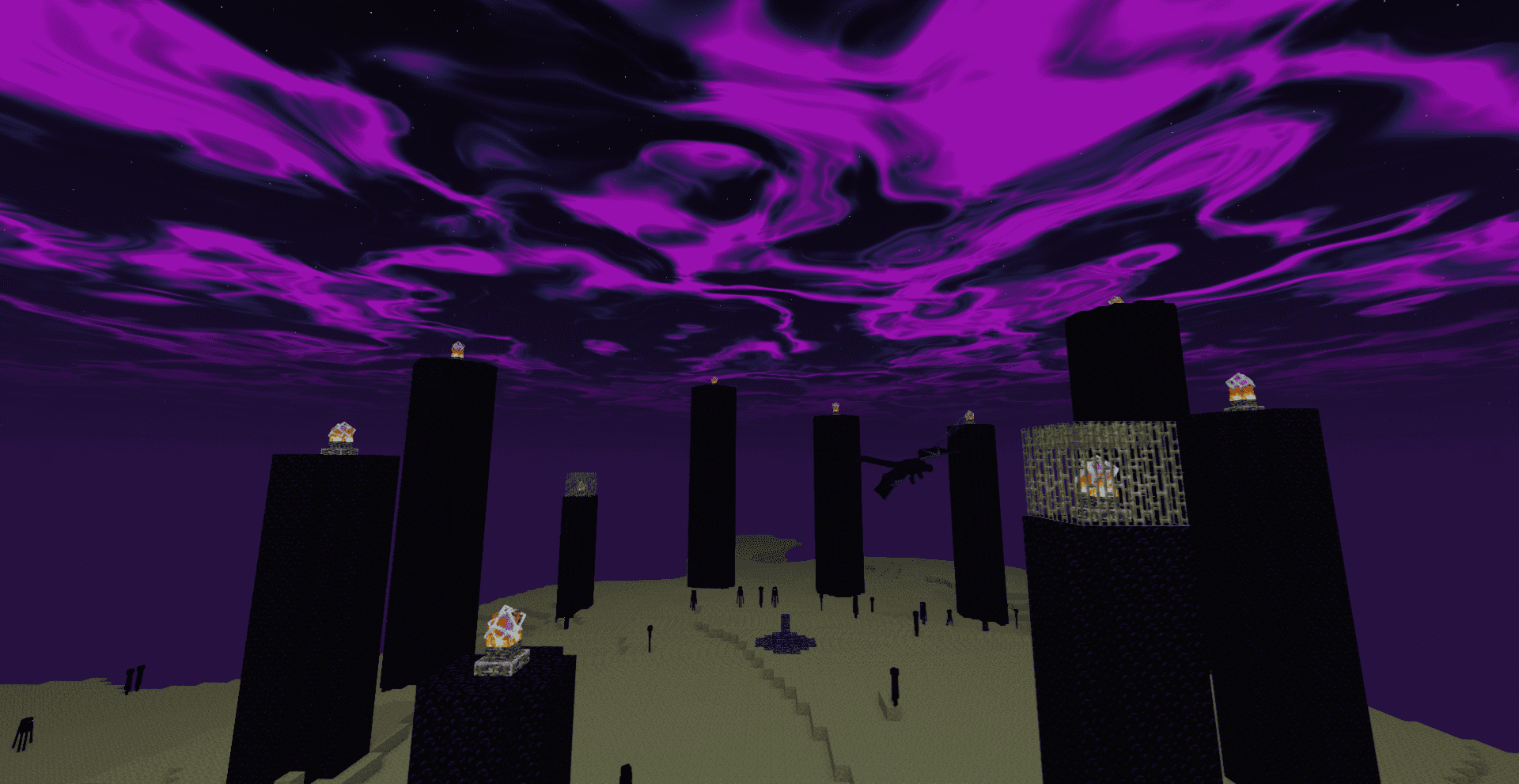
Brzi, prelepi Minecraft vizuali. Meke senke, dinamički oblaci, reflektujuća voda i bogato nebo, optimizovano za igranje sa visokim FPS-om.
Quanta Shader
A simple, fast and beautiful Minecraft shader for Iris/OptiFine.
Soft sunlight, gentle bloom, real shadows, dynamic clouds and lively
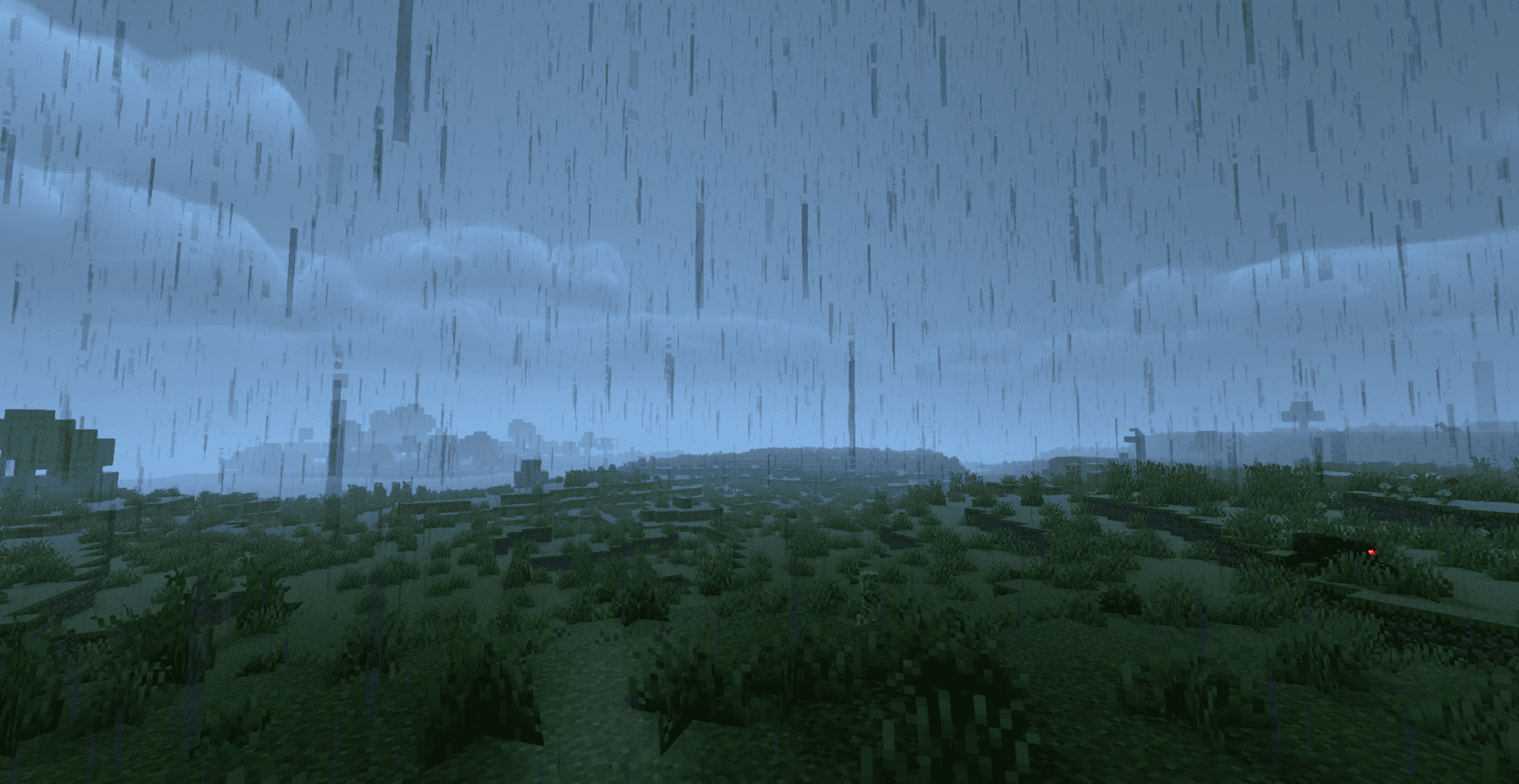
water - tuned to look great while staying smooth on modest hardware.
A huge thank you 🙏
Quanta Shader exists only thanks to Javier G. Cimarras (javiergcim)
and his amazing project [MakeUp Ultra Fast].
All the heavy lifting - the lighting model, the shadows, the water,
the sky, the clouds, every clever optimization that makes this shader
fast - is his work. This project is just a small, respectful fork:
renamed, cleaned up, and slightly tweaked.
If you like Quanta Shader, please go and support the original author
first. He deserves all the credit. ❤️
- Original project: <https://github.com/javiergcim/MakeUpUltraFast>
- Original author: javiergcim
Kako instalirati Quanta Shader
With Millida Launcher
Install Millida Launcher
The launcher is free: download it at millida.net/launcher and sign in with any nickname.
Click “Install” on this page
The launcher opens and installs the shaders for Minecraft 1.19–26.3 automatically.
Launch the game
A profile with it appears in the launcher: click “Play”.
Manually
Install Iris or OptiFine
Without a shader mod the game cannot see shaders. Install it for the same Minecraft version.
Download the shader archive
Pick the file Quanta Shader.zip (1.3 MB) and do not unpack it.
Put it in the shaderpacks folder
“Options”, then “Video Settings”, then “Shader Packs”, then “Open Shader Pack Folder”, and drag the archive there.
Select the shaders
In the same window, click the pack name and “Apply”.
Verzije
Sa zavisnostima
| Minecraft | Loader | Fajl | Datum | Akcije |
|---|---|---|---|---|
| 1.21 | — | Quanta Shader.zip1.3 MB 16 |
Recenzije
Budi prvi koji će oceniti Quanta Shader


