

ESSENTIALS Shader za Minecraft 1.20.1, 1.21.1
Lagani Minecraft shader sa samo osnovnim VFX-om za simulaciju realističnih efekata kao što su senke, zraci itd., za pokretanje na integrisanim GPU-ima.
 Fabric
 OptiFine
ESSENTIALS Shader
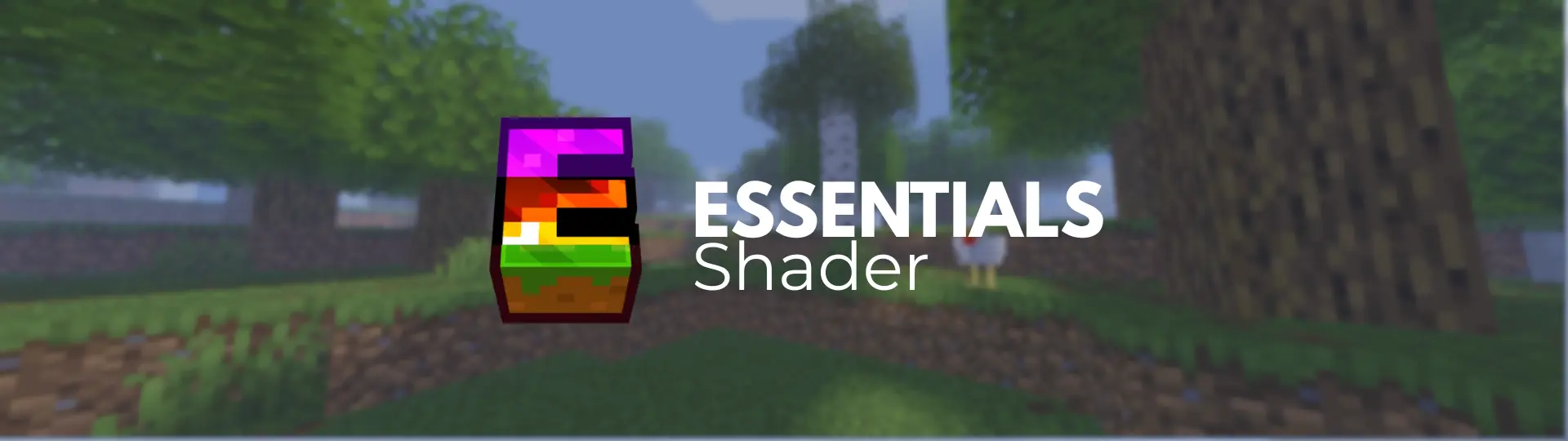
A lightweight Minecraft shader with only essential VFX to simulate realistic effects such as shadows, sun rays, etc., to run on integrated GPUs.
There are lots of lightweight shaders, and they are said to preserve FPS well, but ESSENTIALS shader takes it to the BARE BONES next level with fake sunrays/moonrays, semi-realistic water, depth-based fogs, and much more. Yeah, it's probably the worst shader you have come across, but it will surely do what it was made for.

TARGET: The main target of this project is to make shaders also for iGPU users by BRUTALLY optimizing all the visual effects.
✨ Features
Lighting
- Warm sunlight, cool skylight
- Dynamic day/night cycle
- Nether specific lighting
- Fake sun rays & moon rays
Shadows
- Soft shadows
- Shadow distortion optimization
Atmosphere
- End dimension support
- Nether dimension support
- Simple fog
- Aurora effect (End)
Water
- Fresnel transparency effect
- Subtle wave animation
- Deep/shallow color mixing
- Sun specular highlight

⚙️ Benchmarks
The shader was tested on a HP Pro office computer from 2012 to prove the point of it's performance. Component - Spec - Dimension - 8 chunks - 12 chunks
CPU - Intel Core i5-3340 @ 3.10GHz - Overworld - 76 fps - 64 fps RAM - 4 GB DDR3 (1 GB allocated) - Nether - 63 fps - 55 fps GPU - Intel HD Graphics 2500 (iGPU) - End - 119 fps - 102 fps
📦 Installation
- Download the shader zip
- Open Minecraft and go to Options → Video Settings → Shader Packs
- Click Open Shader Pack Folder
- Drop the downloaded zip into the folder
- Select ESSENTIALS Shader from the list
- Done
Compatible with OptiFine 1.17+ and Iris (Higly Reccomended) 1.17+. Click to visit the download page.
Kako instalirati ESSENTIALS Shader
With Millida Launcher
Install Millida Launcher
The launcher is free: download it at millida.net/launcher and sign in with any nickname.
Click “Install” on this page
The launcher opens and installs the shaders for Minecraft 1.17–26.2 automatically.
Launch the game
A profile with it appears in the launcher: click “Play”.
Manually
Install Iris or OptiFine
Without a shader mod the game cannot see shaders. Install it for the same Minecraft version.
Download the shader archive
Pick the file ESSENTIALS Shader.zip (22 KB) and do not unpack it.
Put it in the shaderpacks folder
“Options”, then “Video Settings”, then “Shader Packs”, then “Open Shader Pack Folder”, and drag the archive there.
Select the shaders
In the same window, click the pack name and “Apply”.
Verzije
Sa zavisnostima
| Minecraft | Loader | Fajl | Datum | Akcije |
|---|---|---|---|---|
| 1.21 | Iris, OptiFine | 1.2121.7 KB 1 | ||
| 1.20.1 | Iris, OptiFine | 1.20.121.7 KB | ||
| 1.17.1 | Iris, OptiFine | 1.17.121.7 KB | ||
| 26.2 | Iris, OptiFine | 26.221.7 KB | — | |
| 26.1 | Iris, OptiFine | 26.121.7 KB | — | |
| 1.21.11 | Iris, OptiFine | 1.21.1121.7 KB | — | |
| 1.19.2 | Iris, OptiFine | 1.19.221.7 KB | — | |
| 1.18.2 | Iris, OptiFine | 1.18.221.7 KB | — |
Recenzije
Budi prvi koji će oceniti ESSENTIALS Shader


