

Baseline Shader za Minecraft 1.21.5
Poboljšani vanilla shaderpack sa obojenim osvetljenjem
- pregleda
- 23 pregleda
- Ažurirano
- Ažurirano 29.09.2026
- 1.21.5
 Fabric
- Klijent
BASELINE SHADER
Baseline Shader is a lightweight shaderpack designed to enhance visual immersion without straying far from the vanilla aesthetics.
JoaquiX Note:
It's just my first shaderpack, it might be unstable in its current state. With my current knowledge I only intend to make a shaderpack that's Vanilla Like.

Added:
- Shadows
- Subsurface Scattering
- Auto Exposure
- Border Fog
- Atmospheric Fog
- Bloom
- Depth Of Field
- Motion Blur
- Bloom Based Colored Lighting
- Health Based Fisheye Effect
- Health Vignette
- Lottes Tonemap
- Nether Dimension Support
- End Dimension Support
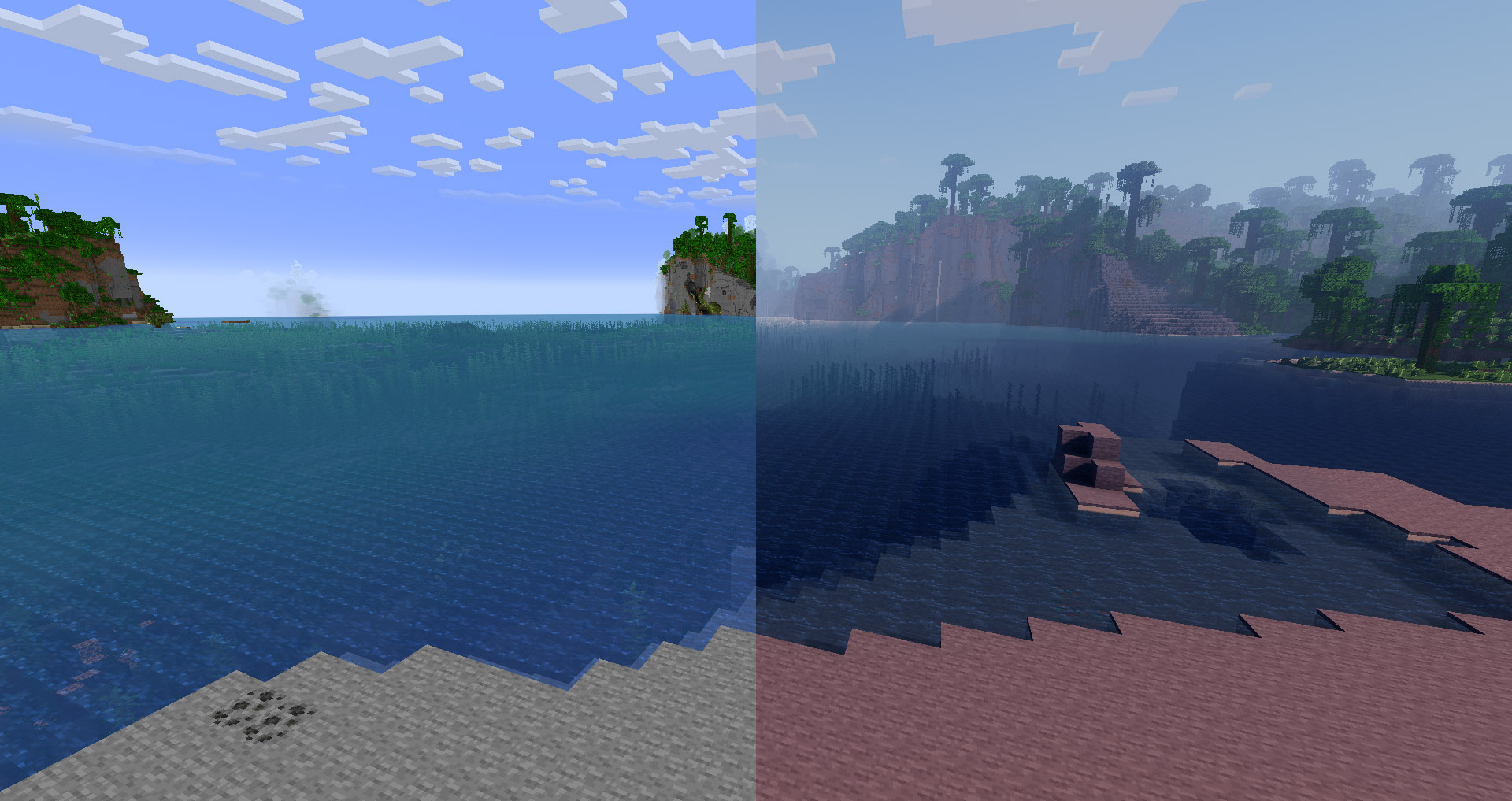
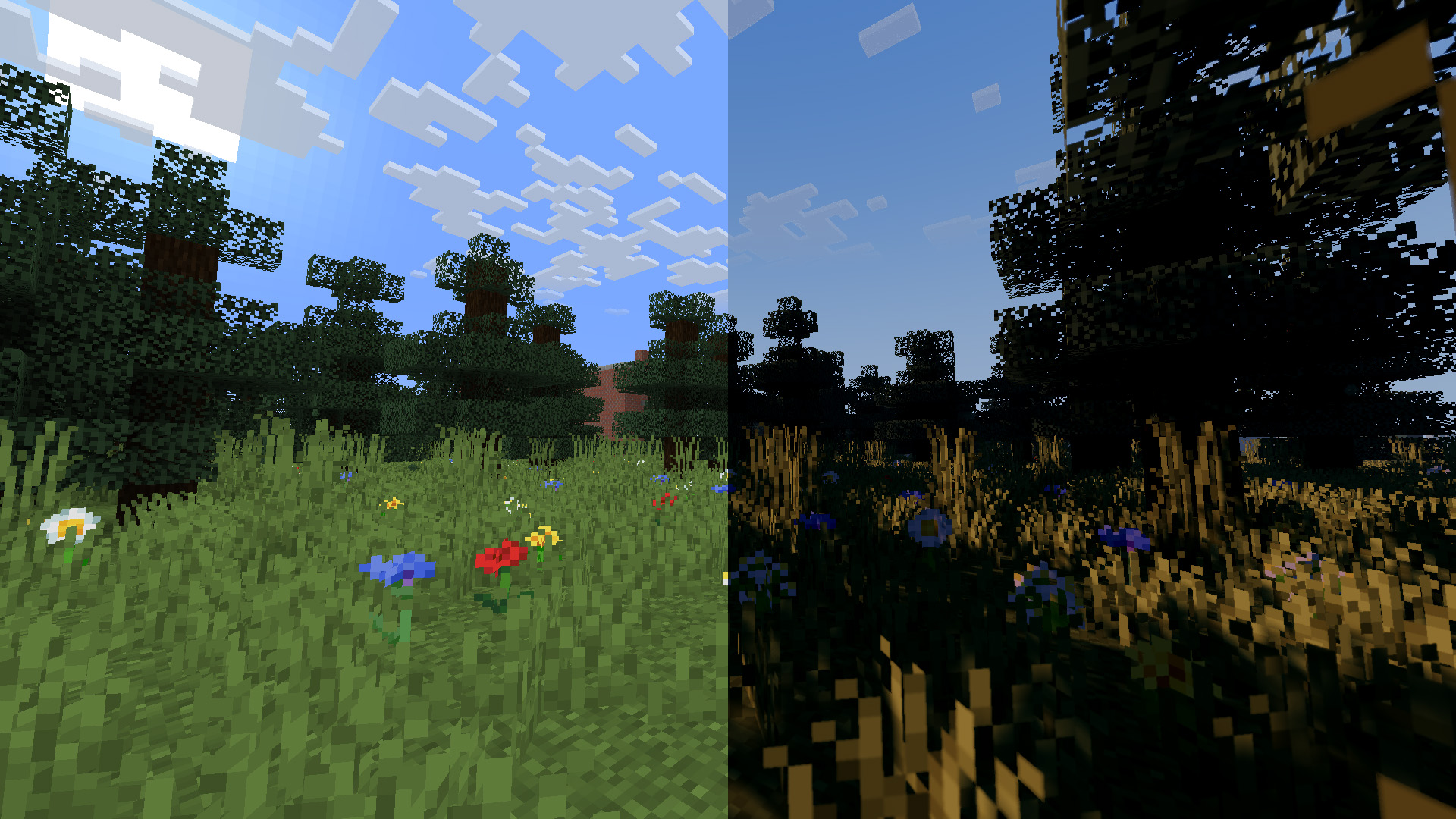
This shader does not support OptiFine. It relies on Iris(1.7+) exclusive features for light detection and bloom-based colored lighting.

Kako instalirati Baseline Shader
With Millida Launcher
Install Millida Launcher
The launcher is free: download it at millida.net/launcher and sign in with any nickname.
Click “Install” on this page
The launcher opens and installs the shaders for Minecraft 1.21.5 automatically.
Launch the game
A profile with it appears in the launcher: click “Play”.
Manually
Install Iris
Without a shader mod the game cannot see shaders. Install it for the same Minecraft version.
Download the shader archive
Pick the file Baseline Shader-1.0.zip (53 KB) and do not unpack it.
Put it in the shaderpacks folder
“Options”, then “Video Settings”, then “Shader Packs”, then “Open Shader Pack Folder”, and drag the archive there.
Select the shaders
In the same window, click the pack name and “Apply”.
Verzije
Sa zavisnostima
| Minecraft | Loader | Fajl | Datum | Akcije |
|---|---|---|---|---|
| 1.21.5 | Iris | 1.21.552.8 KB |
Recenzije
Budi prvi koji će oceniti Baseline Shader


