
 NeoForge
 Forge
ForgeO XyCraft: World modu
Generisanje sveta i rude su ovde! Kroz svet postoje misterije koje treba otkriti, a jedna od njih je luminiscentni Xychorium!
Sažetak:
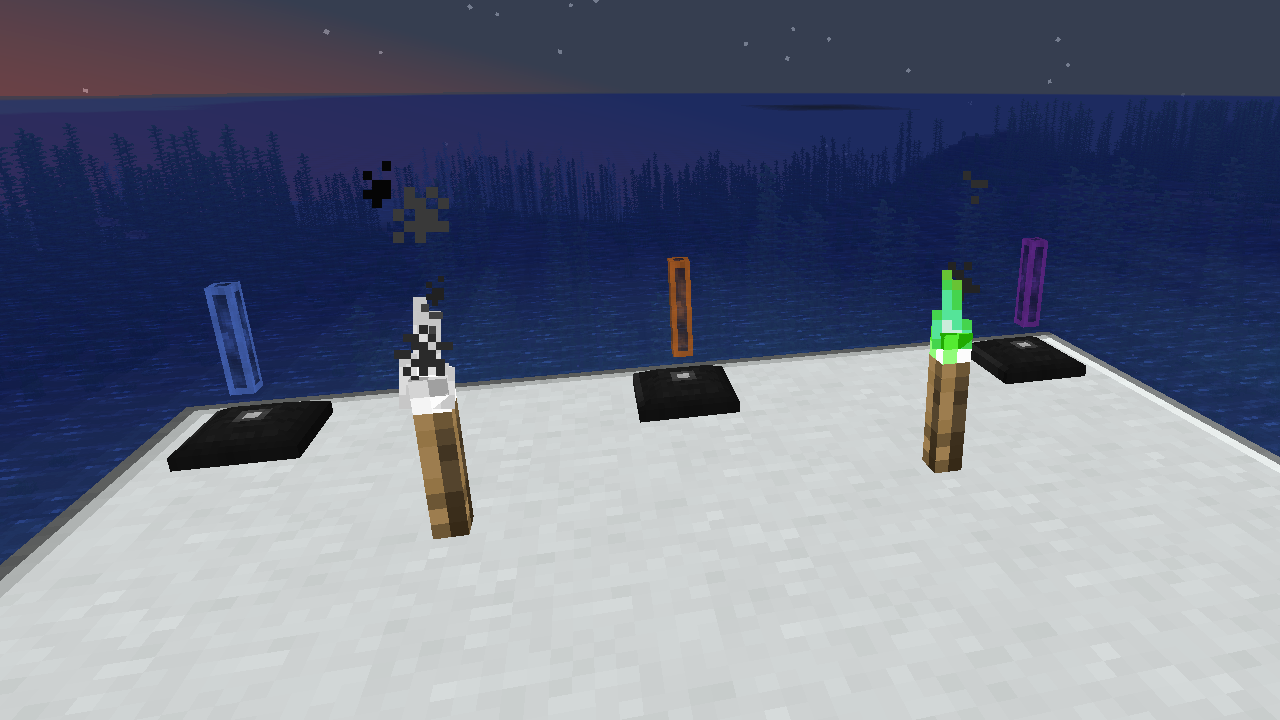
XyCraft World je obavezna komponenta većine modova, i iako je verovatno mogla biti upakovana u Core, bilo je rasprave o pružanju alata eksternim programerima bez zahteva za generisanje sveta. Upravo iz tog razloga je ovo izdvojeno. Svako generisanje sveta ili istraživanje će se nalaziti u ovom modulu.
Karakteristike:
- Pruža generisanje sveta za sve XyCraft module
- Materijali kao što su Xychorium i aluminijum sa odgovarajućim oznakama
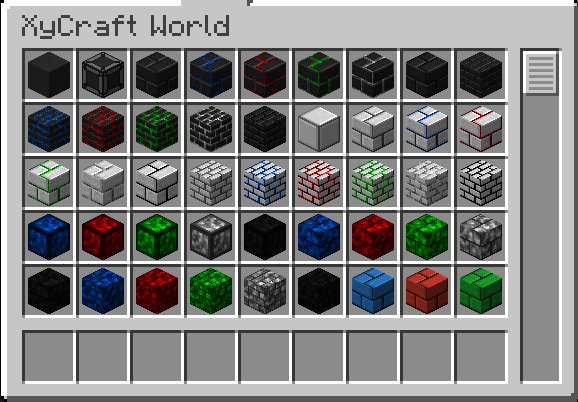
- Dodaje dekorativne blokove koristeći ikonični XyCraft oblak i efekat sjaja
Planirano:
- Rudne naslage slične Satisfactory u nekom konceptu.
- Više nagrada za istraživanje za igrača
- Uputstva u igri gde pronaći materijale i šta raditi sa njima.
- Predmeti hrane/biljaka kao što su kukuruz i paradajz.
- Moguće dimenzija, ali to nije na trenutnom planu ako se ipak desi.
- Iskustvo koje ispada iz rudarenja ruda.
- Više varijacija blokova i opcija.
Kako instalirati XyCraft: World
With Millida Launcher
Install Millida Launcher
The launcher is free: download it at millida.net/launcher and sign in with any nickname.
Click “Install” on this page
The launcher opens and installs the mod for Minecraft 1.20.1–26.1.2 on Forge or NeoForge automatically.
Launch the game
A profile with it appears in the launcher: click “Play”.
Manually
Install Forge or NeoForge
The loader must match the game version of the mod file, for example Minecraft 26.1.2. After installing it, a separate profile appears in your launcher.
Download the file for your version
In the version list above, pick the file xycraft-world-0.9.2.jar (1.8 MB) for your game version and loader.
Put it in the mods folder
The folder is inside .minecraft (Windows: %appdata%\.minecraft\mods). If it does not exist, create it.
Launch the loader profile
Open “Mods” in the main menu: XyCraft: World should be in the list.
Verzije
Sa zavisnostima
| Minecraft | Loader | Fajl | Datum | Akcije |
|---|---|---|---|---|
| 26.1.2 | NeoForge | XyCraft World 0.9.21.8 MB | ||
| 26.1.2 | NeoForge | XyCraft World 0.9.0-beta.211.8 MB | ||
| 1.20.1 | NeoForge, Forge | XyCraft World v0.6.222.7 MB |
Česta pitanja
Which Minecraft versions does XyCraft: World work on?
There are files for 26.1.2, 1.20.1. The newest is 26.1.2.
Is XyCraft: World for Forge or Fabric?
There are files for Forge: 1.20.1 and for NeoForge: 1.20.1–26.1.2. There are no files for Fabric: a mod for another loader will not start.
Does XyCraft: World need other mods?
The author lists no required dependencies: the Forge or NeoForge loader is enough.
Where can I download XyCraft: World safely?
On this page: the file xycraft-world-0.9.2.jar (1.8 MB) is stored on Millida’s server, with no link shorteners. SHA-1 checksum: 7ecf6a0a0efb57e97b1b768e264f444259a325d0.
Recenzije
Budi prvi koji će oceniti XyCraft: World


