

Valhelsia Structures Mod za Minecraft 1.20.1, 1.16.5
Dodaje nove strukture i tamnice u vaš svet uz pravilnu integraciju.
 NeoForge
 Forge
ForgeO Valhelsia Structures modu
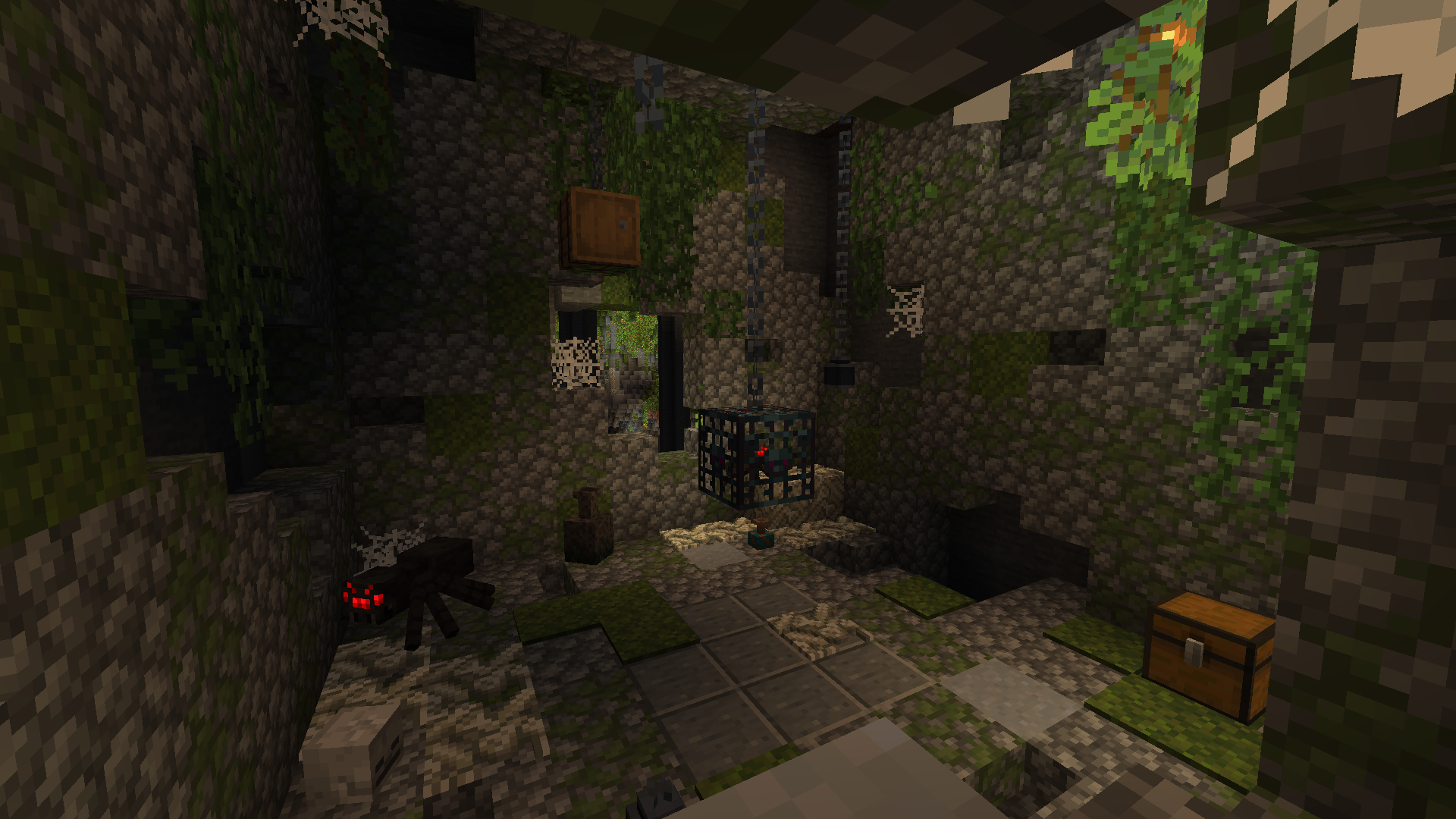
Valhelsia Structures je mod koji generiše nove strukture kao što su napuštene zgrade i tamnice, a neke vanilla strukture su takođe prerađene i zamenjene našom verzijom. Takođe dodaje različite blokove koji mogu biti veoma korisni za dekoraciju vašeg doma. Valhelsia Structures je kompatibilan i napravljen sa Valhelsia Furniture. Mod će dobijati nove strukture, blokove, mobove, bosove i funkcije kako budu izlazila ažuriranja.
Pridružite nam se na našem Discord serveru da biste dobili najnovije vesti, listu promena i podršku ako imate bilo kakvih problema. Takođe imamo izuzetno aktivan kanal za ćaskanje i galeriju slika koju su poslali članovi zajednice.
BisectHosting nudi brzo, jednostavno i visokokvalitetno hostovanje servera sa više od desetak lokacija širom sveta, što obezbeđuje nisku latenciju. Nakon kupovine, server je već konfigurisan i spreman za upotrebu.
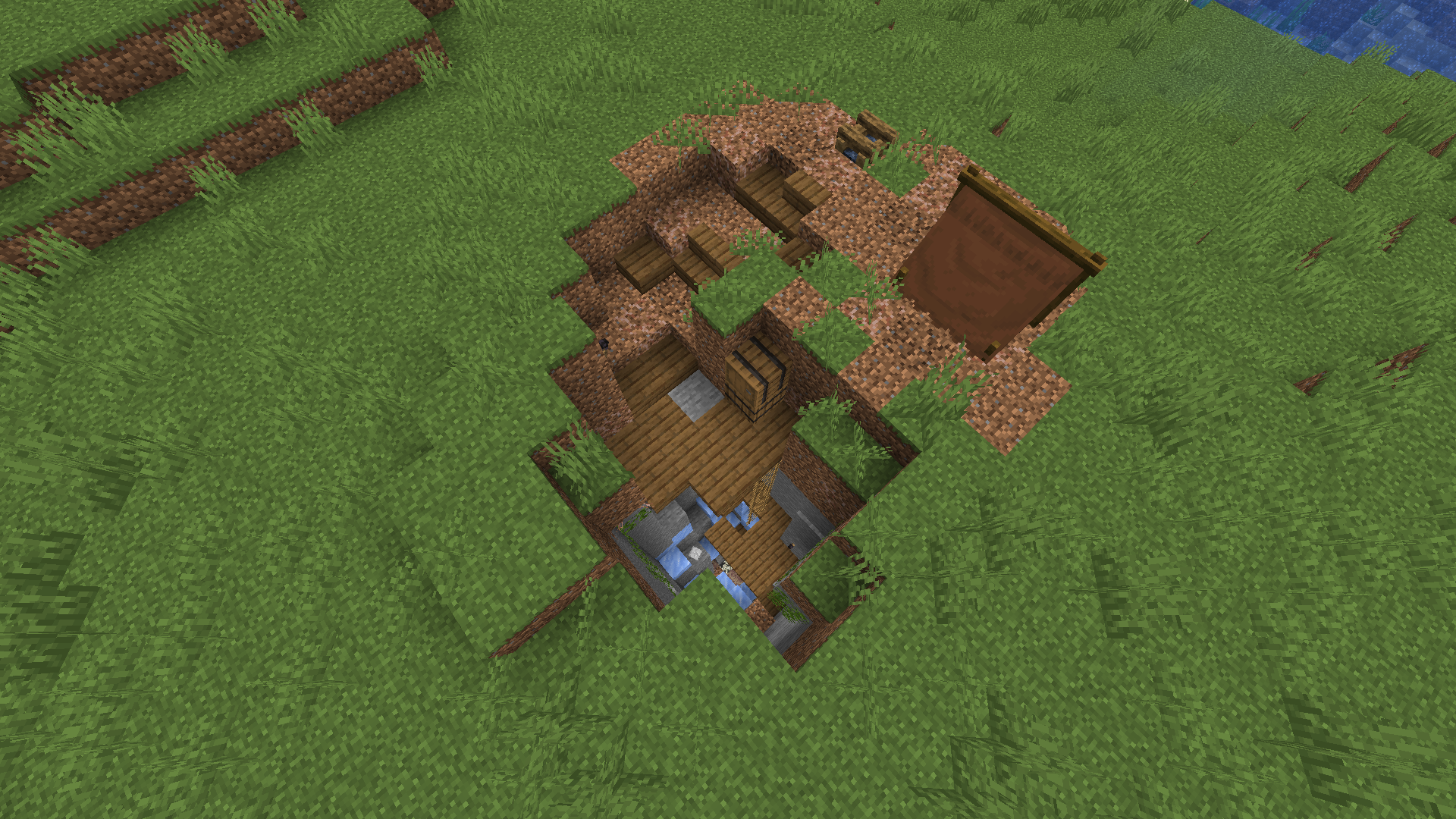
Evo nekih struktura koje ćete moći da pronađete u svom svetu. Na snimcima ekrana možete pronaći i neke nove blokove koji se dodaju uz strukture, a više snimaka ekrana je dostupno u galeriji.
Nove funkcije će biti dodate kako budu izlazila ažuriranja, kao što su različiti tipovi varijanti struktura kako biste izbegli da stalno nailazite na iste, nove strukture, nove tamnice, novi bosovi i čudovišta.
Pogledajte naše projekte:
Kako instalirati Valhelsia Structures
With Millida Launcher
Install Millida Launcher
The launcher is free: download it at millida.net/launcher and sign in with any nickname.
Click “Install” on this page
The launcher opens and installs the mod for Minecraft 1.16.1–1.21.9 on Forge or NeoForge automatically.
Launch the game
A profile with it appears in the launcher: click “Play”.
Manually
Install Forge or NeoForge
The loader must match the game version of the mod file, for example Minecraft 1.21.9. After installing it, a separate profile appears in your launcher.
Download the file for your version
In the version list above, pick the file valhelsia_structures-neoforge-1.21.9-1.1.0.jar (2.2 MB) for your game version and loader.
Put it in the mods folder
The folder is inside .minecraft (Windows: %appdata%\.minecraft\mods). If it does not exist, create it.
Launch the loader profile
Open “Mods” in the main menu: Valhelsia Structures should be in the list.
Minecraft 1.21.9 runs on Java 21: with a different Java version the game may close right after launch.
Verzije
Sa zavisnostima
| Minecraft | Loader | Fajl | Datum | Akcije |
|---|---|---|---|---|
| 1.21.9 | NeoForge | [NeoForge] Valhelsia Structures - 1.1.02.2 MB 1 | ||
| 1.20.1 | Forge | [Forge] Valhelsia Structures - 1.1.22.5 MB 32 | ||
| 1.16.3 | — | Valhelsia Structures - 16.0.5600 KB 4 | ||
| 1.16.1 | Forge | Valhelsia Structures - 16.0.1609 KB |
Česta pitanja
Which Minecraft versions does Valhelsia Structures work on?
There are files for 1.21.9, 1.20.1, 1.16.5, 1.16.4, 1.16.3, 1.16.1. The newest is 1.21.9.
Is Valhelsia Structures for Forge or Fabric?
There are files for Forge: 1.16.1–1.20.1 and for NeoForge: 1.21.9. There are no files for Fabric: a mod for another loader will not start.
Does Valhelsia Structures need other mods?
The author lists no required dependencies: the Forge or NeoForge loader is enough.
Which Java does Valhelsia Structures need?
Minecraft 1.21.9 runs on Java 21. If the game closes right after launch, the usual cause is the wrong Java version in the profile settings.
Where can I download Valhelsia Structures safely?
On this page: the file valhelsia_structures-neoforge-1.21.9-1.1.0.jar (2.2 MB) is stored on Millida’s server, with no link shorteners. SHA-1 checksum: 100a6a7e18cba04a1ef360b8a97b8d53d6327b8e.
Recenzije
Budi prvi koji će oceniti Valhelsia Structures


