
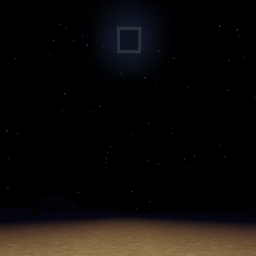
True Darkness Mod za Minecraft 1.19.3
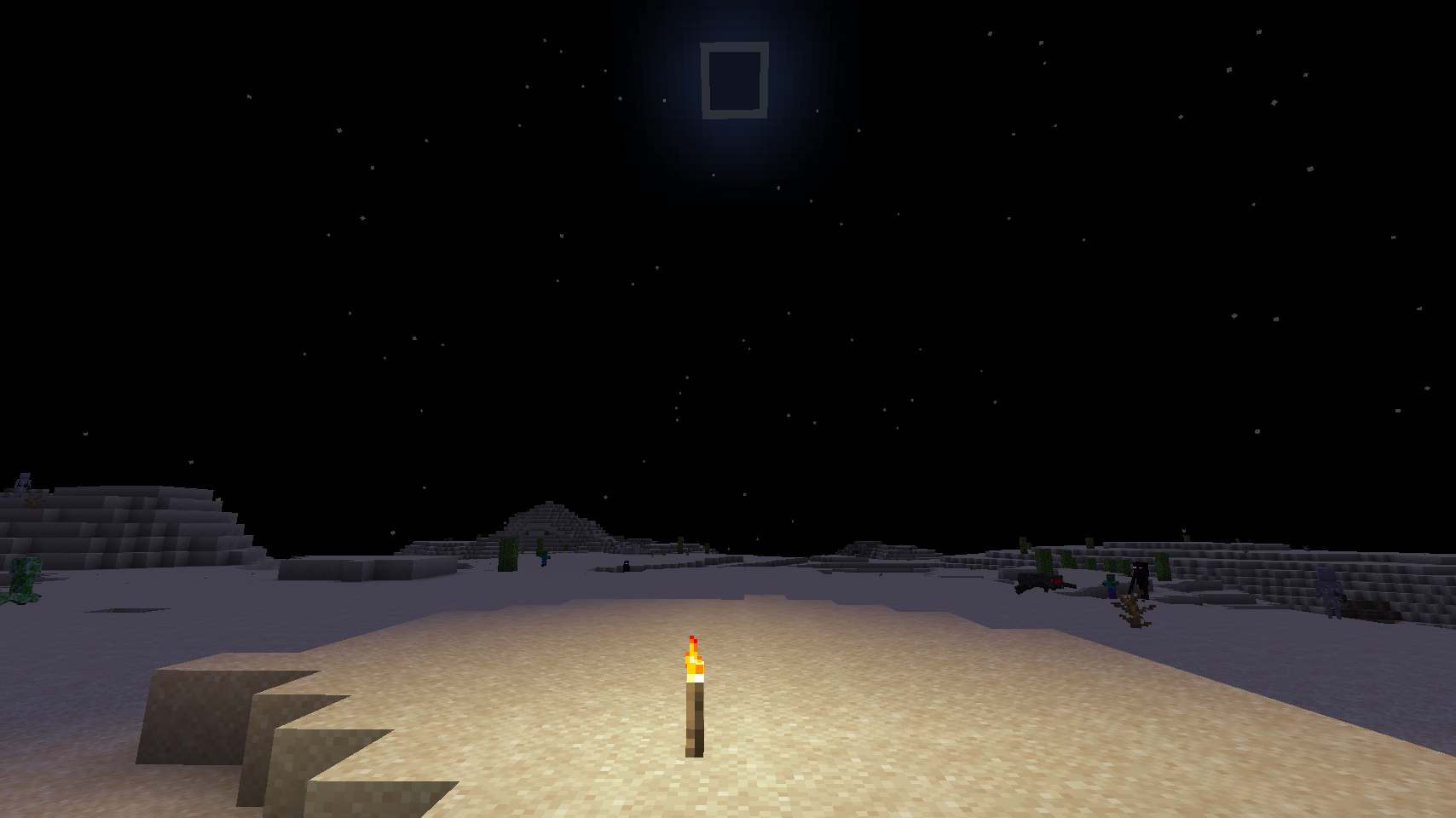
Noći bez meseca i zatvoreni prostori su zaista mračni. (Fabric i Forge)
 Fabric
 Quilt
Quilt Forge
ForgeO True Darkness modu
Moody osvetljenje nije dovoljno mračno? Želite li noći bez meseca i neosvetljene pećine da budu potpuno crne? Ovaj mod je za vas!
Discord: https://discord.gg/7NaqR2e
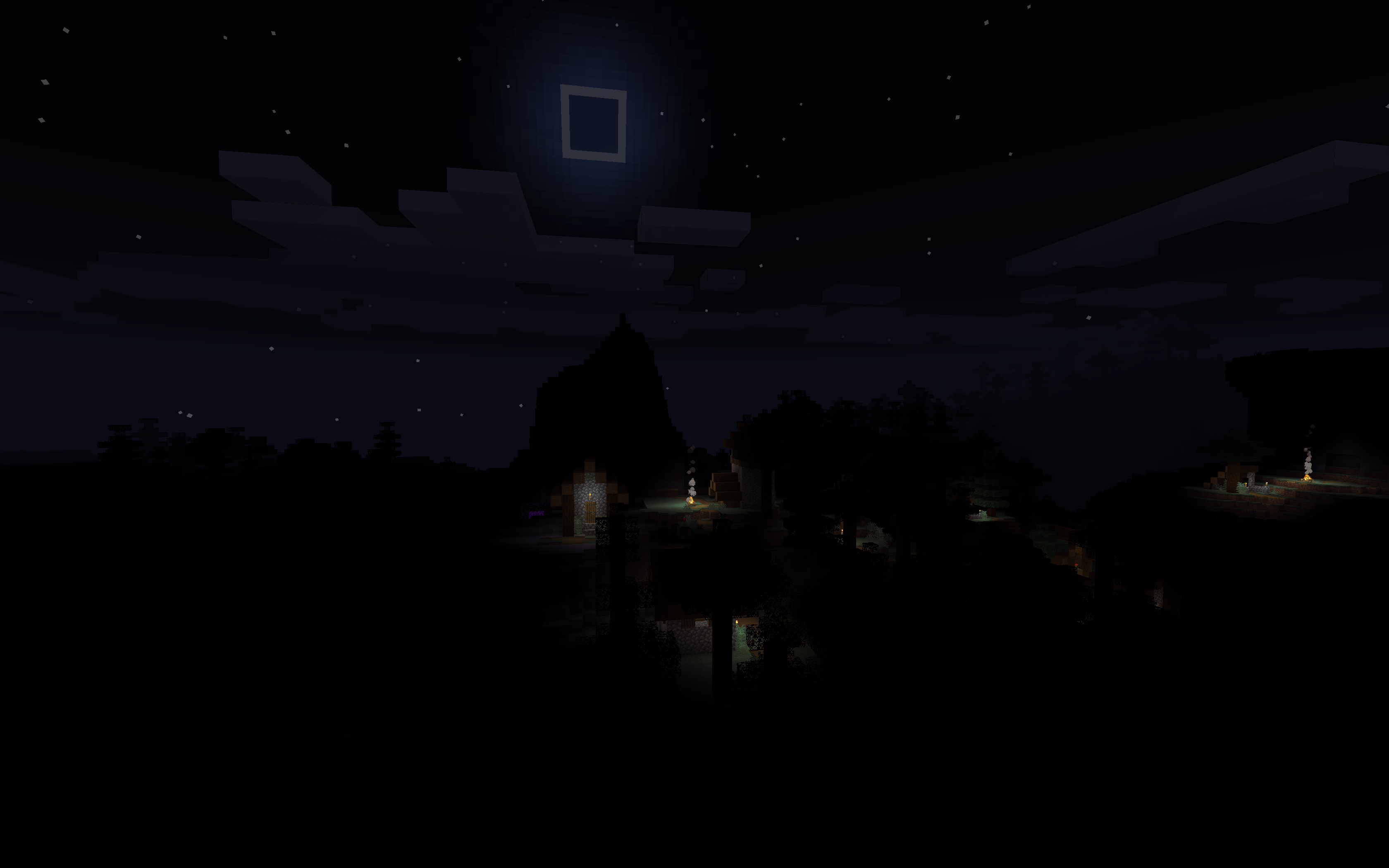
Dostupno za Forge počevši od Minecraft verzije 1.17
Postoji i Forge port za verziju 1.16.
Brze činjenice
- Pun mesec = normalno Minecraft osvetljenje
- Mlad mesec = nema svetla uopšte
- Bez svetla baklje i bez nebeskog svetla = potpuno crno, bez obzira na mesečevu fazu
- Za Fabric Mod Loader
- Samo na strani klijenta
- Bez zavisnosti
Konfiguracija
Konfiguracija se nalazi u config/darkness.properties
darkoverworld: omogući u Overworld (podrazumevano: true)
darkdefault: omogući u modovanim dimenzijama sa nebom, kao što je Overworld (podrazumevano: true)
darknether: omogući u Nether (podrazumevano: true)
darkend: omogući u End (podrazumevano: true)
darkskyless: omogući u modovanim dimenzijama bez neba, kao što su End i Nether (podrazumevano: true)
darknetherfog: Postavite na vrednost između 0.0 i 1.0 (uključujući) da bi Nether magla bila tamnija (podrazumevano: 0.5)
darkendfog: Postavite na vrednost između 0.0 i 1.0 (uključujući) da bi End magla bila tamnija (podrazumevano: 0.0)
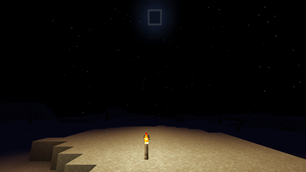
Bez
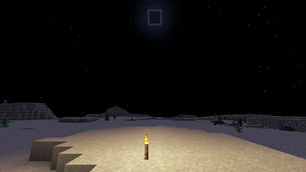
Sa
Slobodno koristite ovaj mod u mod paketima.
Kako instalirati True Darkness
With Millida Launcher
Install Millida Launcher
The launcher is free: download it at millida.net/launcher and sign in with any nickname.
Click “Install” on this page
The launcher opens and installs the mod for Minecraft 1.17–1.19.3 on Fabric, Forge or Quilt automatically.
Launch the game
A profile with it appears in the launcher: click “Play”.
Manually
Install Fabric, Forge or Quilt
The loader must match the game version of the mod file, for example Minecraft 1.19.3. After installing it, a separate profile appears in your launcher.
Download the file for your version
In the version list above, pick the file darkness-fabric-mc119-2.0.103.jar (27 KB) for your game version and loader.
Put it in the mods folder
The folder is inside .minecraft (Windows: %appdata%\.minecraft\mods). If it does not exist, create it.
Launch the loader profile
Open “Mods” in the main menu: True Darkness should be in the list.
Minecraft 1.19.3 runs on Java 17: with a different Java version the game may close right after launch.
Verzije
Sa zavisnostima
| Minecraft | Loader | Fajl | Datum | Akcije |
|---|---|---|---|---|
| 1.19.3 | Fabric, Quilt | darkness-fabric-mc119-2.0.103.jar27 KB 4 | ||
| 1.19.3 | Forge | darkness-forge-mc119-2.0.103.jar29 KB | ||
| 1.17 | Fabric | darkness-mc117-1.6.72.jar28.9 KB |
Česta pitanja
Which Minecraft versions does True Darkness work on?
There are files for 1.19.3, 1.17. The newest is 1.19.3.
Is True Darkness for Forge or Fabric?
There are files for Fabric: 1.17–1.19.3, for Forge: 1.19.3 and for Quilt: 1.19.3. There are no files for NeoForge: a mod for another loader will not start.
Does True Darkness need other mods?
The author lists no required dependencies: the Fabric, Forge or Quilt loader is enough.
Which Java does True Darkness need?
Minecraft 1.19.3 runs on Java 17. If the game closes right after launch, the usual cause is the wrong Java version in the profile settings.
Where can I download True Darkness safely?
On this page: the file darkness-fabric-mc119-2.0.103.jar (27 KB) is stored on Millida’s server, with no link shorteners. SHA-1 checksum: 23a307f8be02857aa95b7349a014890a3da68201.
Recenzije
Budi prvi koji će oceniti True Darkness


