

Straw Statues Mod za Minecraft 1.19.2, 26.3
Unesi malo života u svoje gradnje sa statuama igrača tvojih omiljenih Minecraft igrača!
 Fabric
 NeoForge
 Forge
ForgeO Straw Statues modu
         
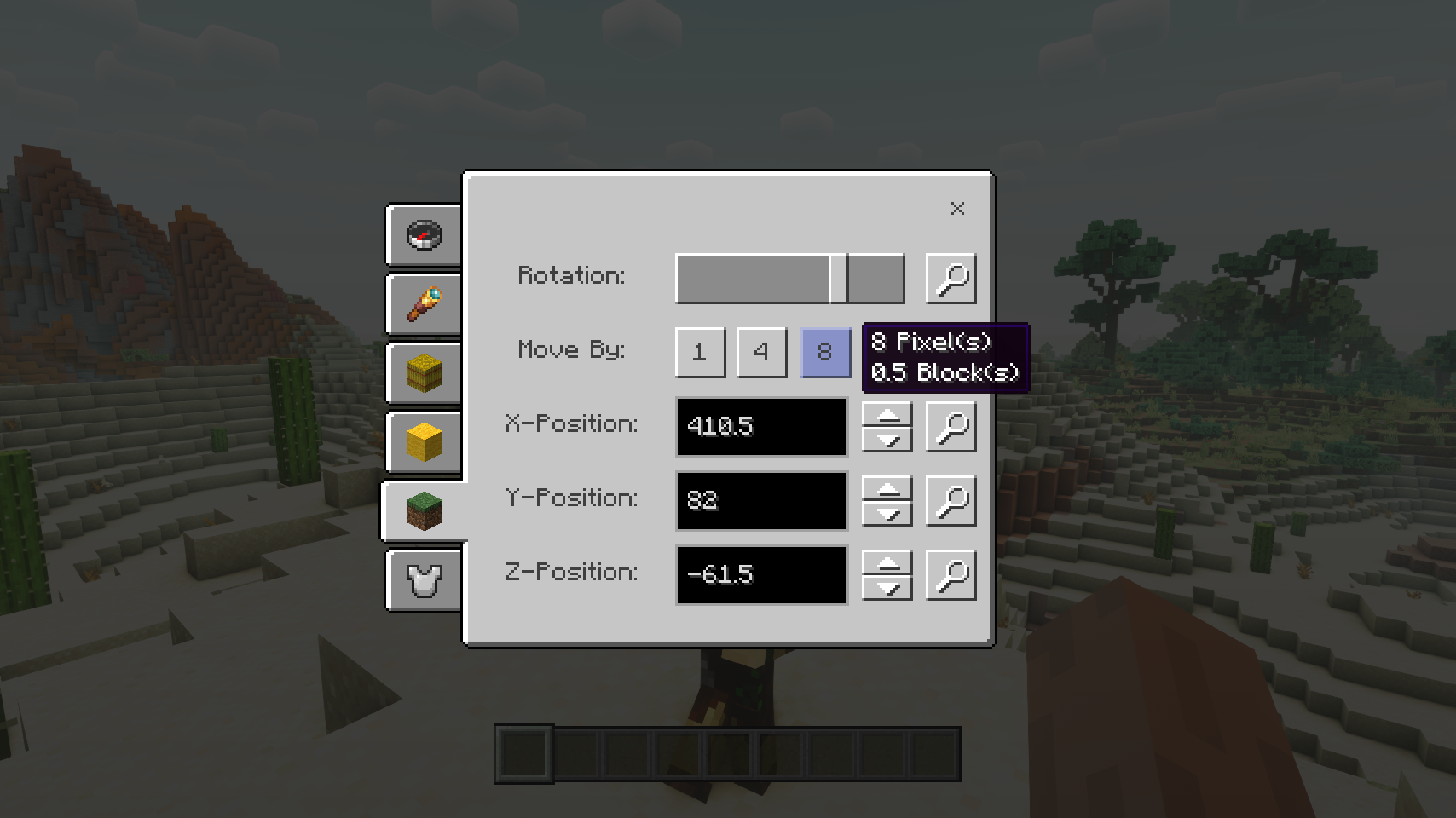
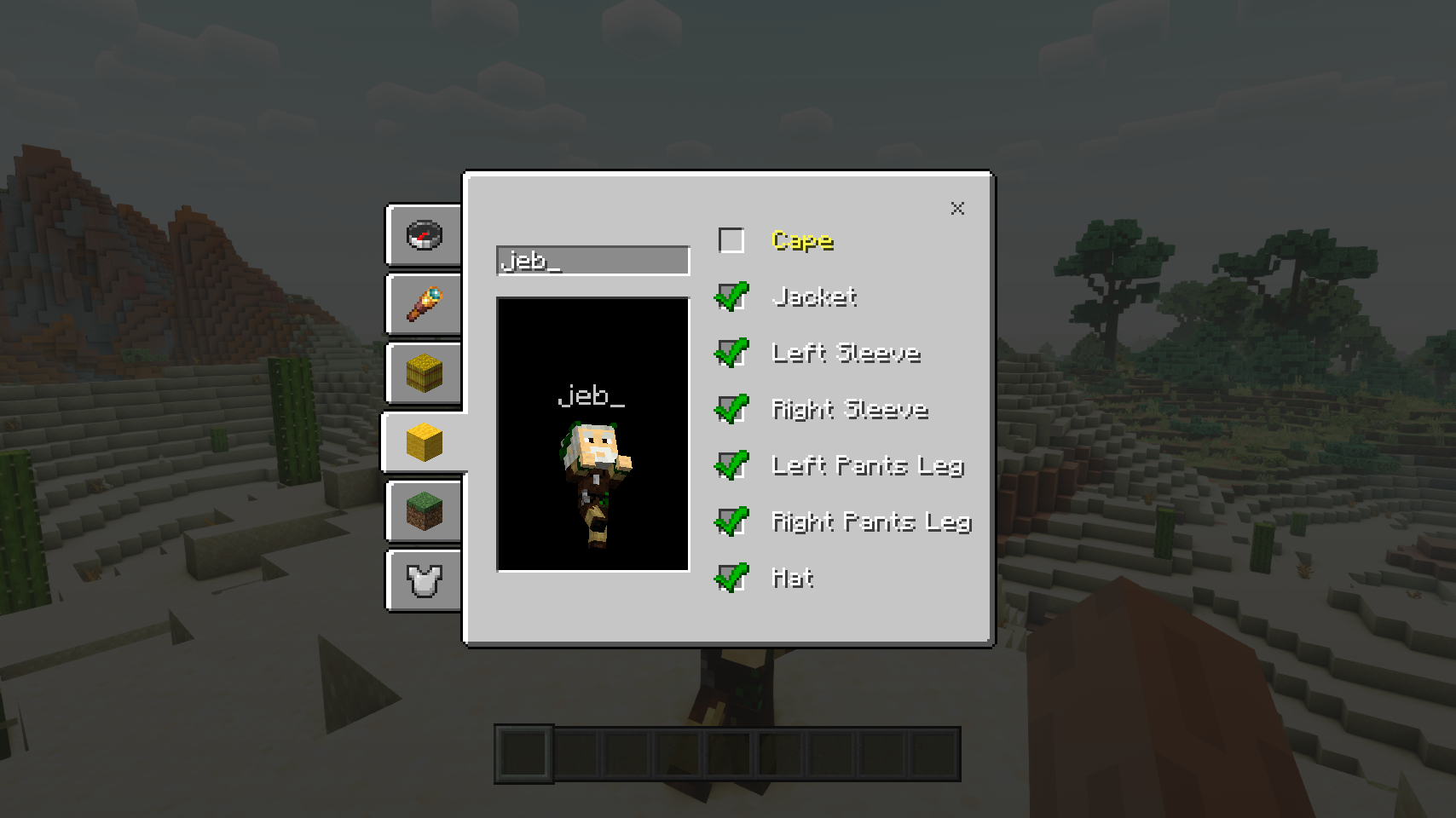
Straw Statues dodaje jedan jednostavan predmet koji, kada se postavi u svet, izgleda baš kao model igrača napravljen od slame. I to nije slučajnost! Otvori ekran za konfiguraciju statue da izabereš bilo koji skin i statua će odjednom izgledati tačno kao pravi igrač. A to je tek početak: opremi statuu opremom, postavi je u pozu po želji, lako je pomeraj i podesi mnoge opcije. Vreme je da udahneš malo života svojim gradnjama!
⏩ POTREBNA INSTALACIJA NA KLIJENTU I NA SERVERU
⏩ ZAHTEVA INSTALIRAN PUZZLES LIB (FABRIC I NEOFORGE)
⏩ ZAHTEVA INSTALIRAN FABRIC API (FABRIC)
⏩ ZAHTEVA INSTALIRAN FORGE CONFIG API PORT (FABRIC)
Ako je dostupna za neki mod, konfiguracija je moguća direktno iz igre preko mod menija (zahteva Mod Menu od Prospectora instaliran na Fabric-u).
Za ručnu konfiguraciju pomoću eksternog tekstualnog editora svi fajlovi se nalaze u .minecraft/config, pod nazivima MODID-client.toml, MODID-common.toml ili MODID-server.toml, u zavisnosti od tipa konfiguracije. Nisu svi tipovi možda prisutni za neki mod, ako ih uopšte ima.
🌟 Ogromno hvala timu VanillaTweaks za njihov data pack Armor Statues, koji je u velikoj meri inspirisao ceo ovaj mod i pružio neke vrednosti za određene funkcije kao što su ekran za poravnanje i mnoge ugrađene poze.
🌟 Hvala ForgeUser41096743 i njihovom modu Armor Stand Configurator za veliku inspiraciju iza ovog moda.
🌟 Hvala AUTOMATICMAIDEN i njihovom modu Statues na kojem se ekran za rotacije u velikoj meri zasniva.
🌟 Hvala Finalbossblues za njihove neverovatne ikone dostupne na itch.io.


(c) 2026 @heyitsfuzs. Sva prava zadržana. Ova stranica je poslednji put izmenjena 11. septembra 2026, u 06:44 (UTC).
Kako instalirati Straw Statues
With Millida Launcher
Install Millida Launcher
The launcher is free: download it at millida.net/launcher and sign in with any nickname.
Click “Install” on this page
The launcher opens and installs the mod for Minecraft 1.19.2–26.3 on Fabric, Forge or NeoForge automatically.
Launch the game
A profile with it appears in the launcher: click “Play”.
Manually
Install Fabric, Forge or NeoForge
The loader must match the game version of the mod file, for example Minecraft 26.3. After installing it, a separate profile appears in your launcher.
Download the file for your version
In the version list above, pick the file strawstatues-v26.3.0-mc26.3.x+fabric.jar (347 KB) for your game version and loader.
Put it in the mods folder
The folder is inside .minecraft (Windows: %appdata%\.minecraft\mods). If it does not exist, create it.
Launch the loader profile
Open “Mods” in the main menu: Straw Statues should be in the list.
Verzije
Sa zavisnostima
| Minecraft | Loader | Fajl | Datum | Akcije |
|---|---|---|---|---|
| 26.3 | Fabric | v26.3.0-mc26.3.x+fabric347 KB 1 | ||
| 26.3 | NeoForge | v26.3.0-mc26.3.x+neoforge346 KB | ||
| 1.19.2 | Forge | [FORGE] [1.19.2] StrawStatues-v4.0.13288 KB |
Česta pitanja
Which Minecraft versions does Straw Statues work on?
There are files for 26.3, 1.19.2. The newest is 26.3.
Is Straw Statues for Forge or Fabric?
There are files for Fabric: 26.3, for Forge: 1.19.2 and for NeoForge: 26.3.
Does Straw Statues need other mods?
The author lists no required dependencies: the Fabric, Forge or NeoForge loader is enough.
Where can I download Straw Statues safely?
On this page: the file strawstatues-v26.3.0-mc26.3.x+fabric.jar (347 KB) is stored on Millida’s server, with no link shorteners. SHA-1 checksum: 8ce1b46c2aa2d1fd8bb80aba95086e59f740a6b8.
Recenzije
Budi prvi koji će oceniti Straw Statues


