
Starry Skies Mod za Minecraft 26.2
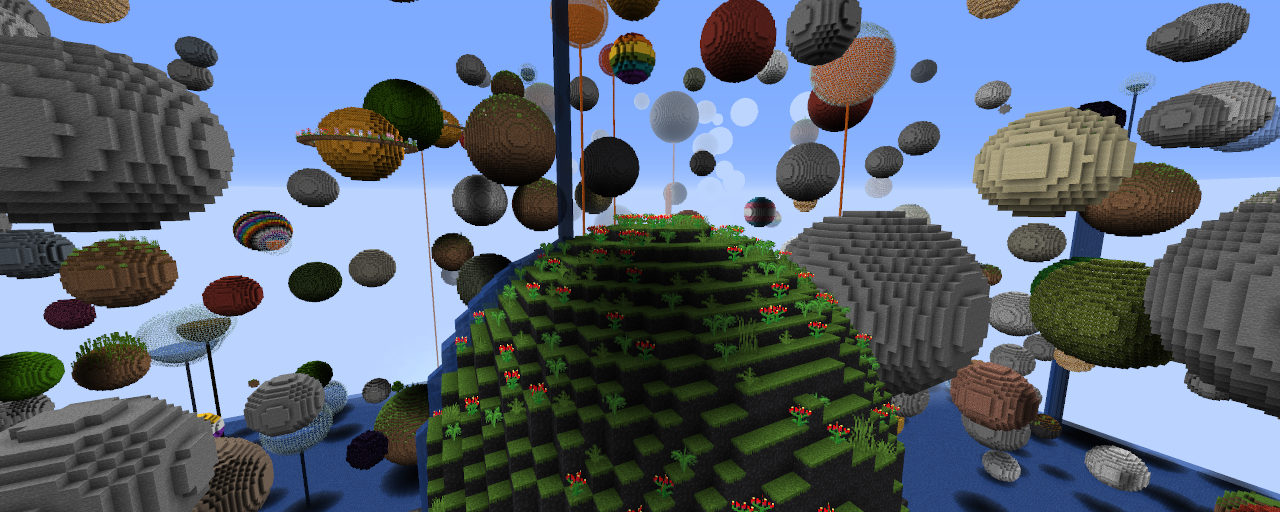
Starry Skies je moderno osveženje generatora sveta "planetoids" iz MC Beta 1.2.5 - iako MNOGO obimnije i sa podrškom za modove.
 NeoForge
 Fabric
About
Starry Skies is a dimension mod that adds a dimension with that same name (and a matching Nether and End!). It is inspired by the "planetoids" world generator by Seibai for Minecraft 1.2.5 back in 2012 - although a LOT more extensive and fully data driven.
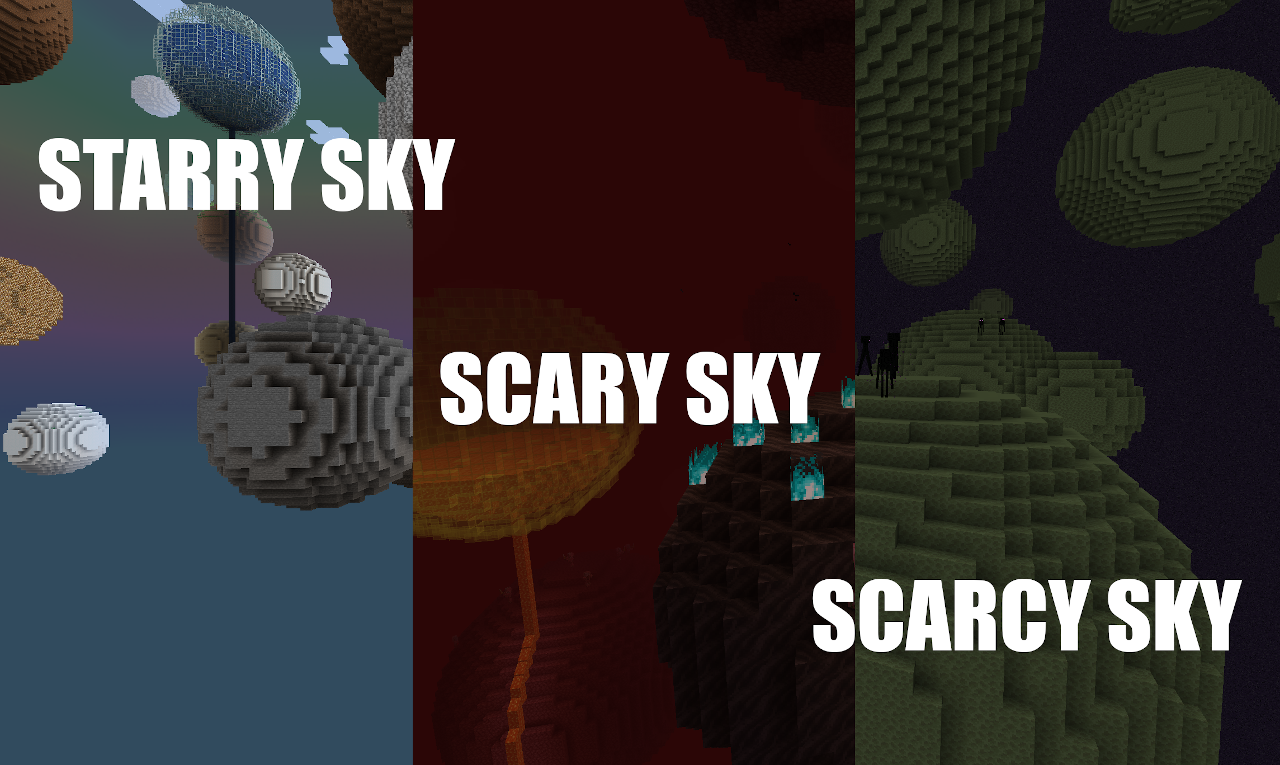
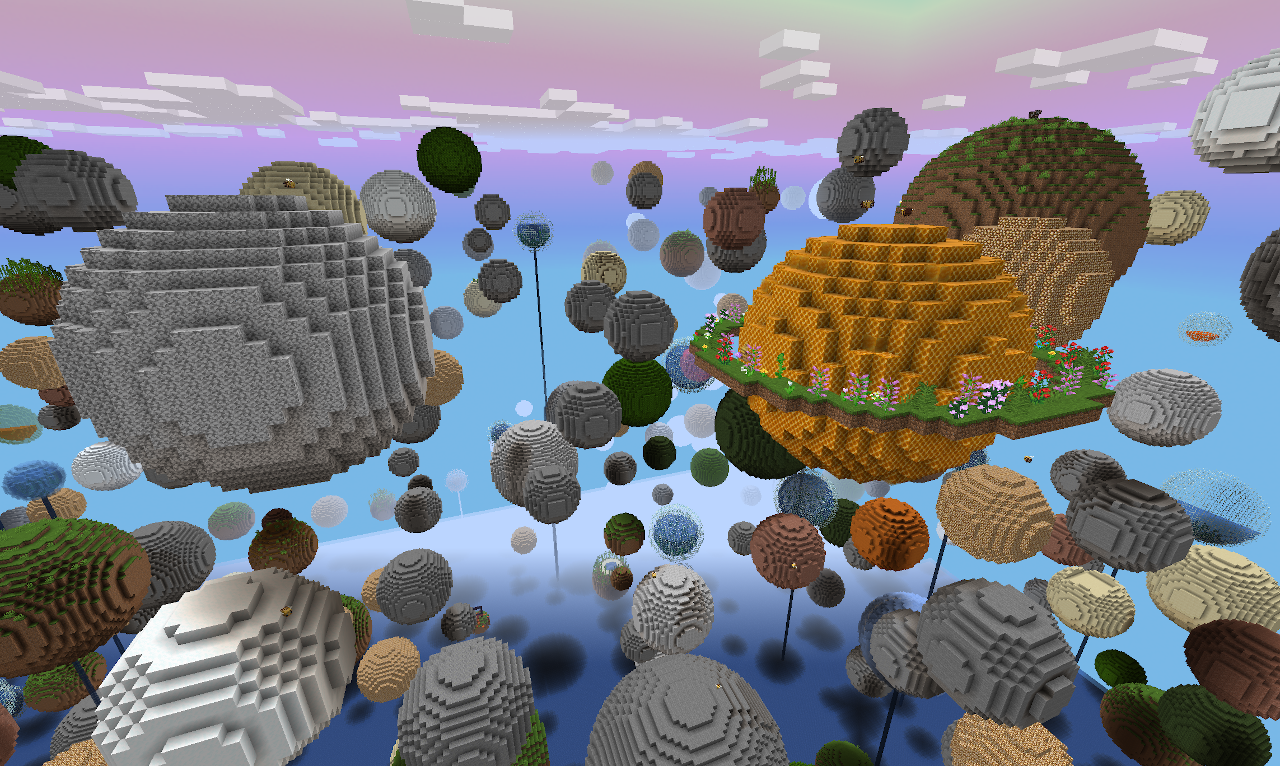
The Starry Sky dimension consists out of never ending floating spheres floating in the sky. They can be filled with precious ores or dungeons. But watch out! If you're careless you could very well burn in lava. By default Starry Sky generates with a water floor, but ground height and blocks are completely configurable, so if you prefer more of a skyblock experience: no problem!
Pretty much everything vanilla can be found in Starry Sky, too. Including dungeons, stongholds, end cities and so forth.
How to enter the Starry Skies dimensions?
To switch from the Overworld to the Starry Sky build a portal out of packed ice and light it with a Wind Charge (NeoForge) / Flint & Steel (Fabric). Scary Sky ("Nether") and Scarcy Sky ("End") can be accessed like their vanilla counterparts, just from the Starry Sky dimension.
Want to start your journey in the Starry Sky?
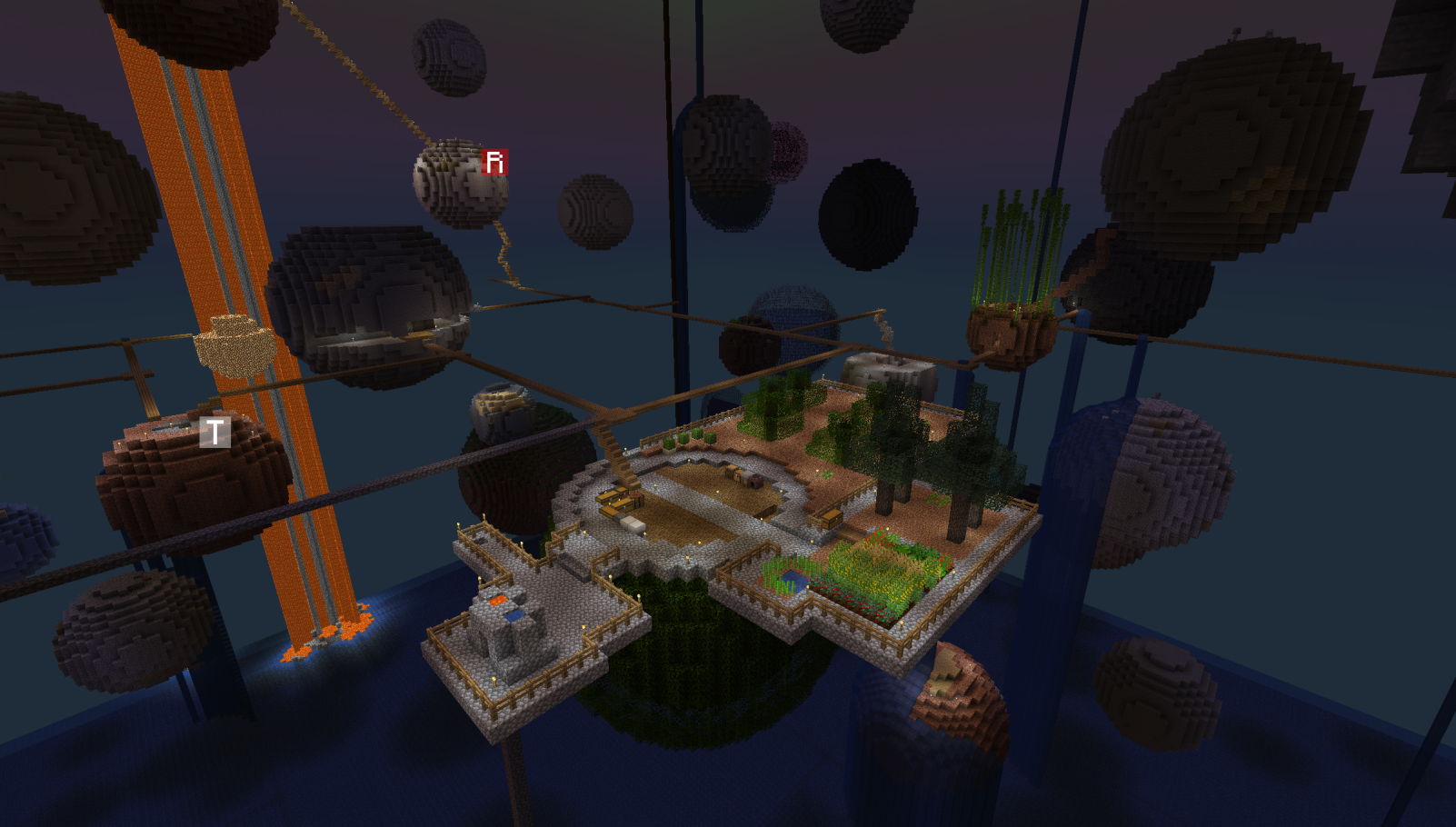
Take a look at my other mod GlobalSpawn to configure your spawn dimension. At x:16 y:90 z:16 will always be a wooden sphere, so that will be a great starting point for your adventure.
Alternatively you can use a data pack to replace the vanilla dimension generation with Starry's altogether!
Kako instalirati Starry Skies
With Millida Launcher
Install Millida Launcher
The launcher is free: download it at millida.net/launcher and sign in with any nickname.
Click “Install” on this page
The launcher opens and installs the mod for Minecraft 1.16.4–26.2 on Fabric or NeoForge automatically.
Launch the game
A profile with it appears in the launcher: click “Play”.
Manually
Install Fabric or NeoForge
The loader must match the game version of the mod file, for example Minecraft 26.2. After installing it, a separate profile appears in your launcher.
Download the file for your version
In the version list above, pick the file StarrySkies-5.1.0+26.2-neoforge.jar (1.0 MB) for your game version and loader.
Put it in the mods folder
The folder is inside .minecraft (Windows: %appdata%\.minecraft\mods). If it does not exist, create it.
Launch the loader profile
Open “Mods” in the main menu: Starry Skies should be in the list.
Verzije
Sa zavisnostima
| Minecraft | Loader | Fajl | Datum | Akcije |
|---|---|---|---|---|
| 26.2 | NeoForge | 5.1.0+26.2-neoforge1 MB | ||
| 26.2 | Fabric | 5.1.0+26.21 MB | ||
| 1.16.4 | — | 1.0.42.3 MB |
Česta pitanja
Which Minecraft versions does Starry Skies work on?
There are files for 26.2, 1.16.4. The newest is 26.2.
Is Starry Skies for Forge or Fabric?
There are files for Fabric: 26.2 and for NeoForge: 26.2. There are no files for Forge: a mod for another loader will not start.
Does Starry Skies need other mods?
The author lists no required dependencies: the Fabric or NeoForge loader is enough.
Where can I download Starry Skies safely?
On this page: the file StarrySkies-5.1.0+26.2-neoforge.jar (1.0 MB) is stored on Millida’s server, with no link shorteners. SHA-1 checksum: 72549dc9dc497005dc9dbf91d1f5da77cd106927.
Recenzije
Budi prvi koji će oceniti Starry Skies


