
Snow Under Trees Mod za Minecraft 1.20.1, 26.3
Dodaje sneg ispod drveća u snežnim biomima
 Fabric
 Quilt
Quilt NeoForge
 Forge
ForgeO Snow Under Trees modu
Ovaj mod je napravljen tokom MMD WinterJam 2019!
Funkcionalnost
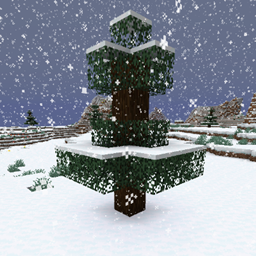
Snow Under Trees dodaje, ko bi rekao, sneg ispod drveća. To će se desiti kad god se generišu novi čankovi, ili kada pada sneg. Imajte na umu da su pogođeni samo biomi u kojima je dovoljno hladno da pada sneg. Na primer, obične šume neće biti pogođene.
Podrška za modove
- Modovani biomi
- Terralith
- Oh The Biomes You'll Go
- Oh The Biomes We've Gone
- Biomes O' Plenty
- …
- Snow! Real Magic!
- Serene Seasons
- Eternal Winter
- Dynamic Trees
- Moonrise
Ako želite da vidite podršku za druge modove ili ako neka ovde navedena podrška ne radi, slobodno otvorite issue na GitHub-u.
Prikaz
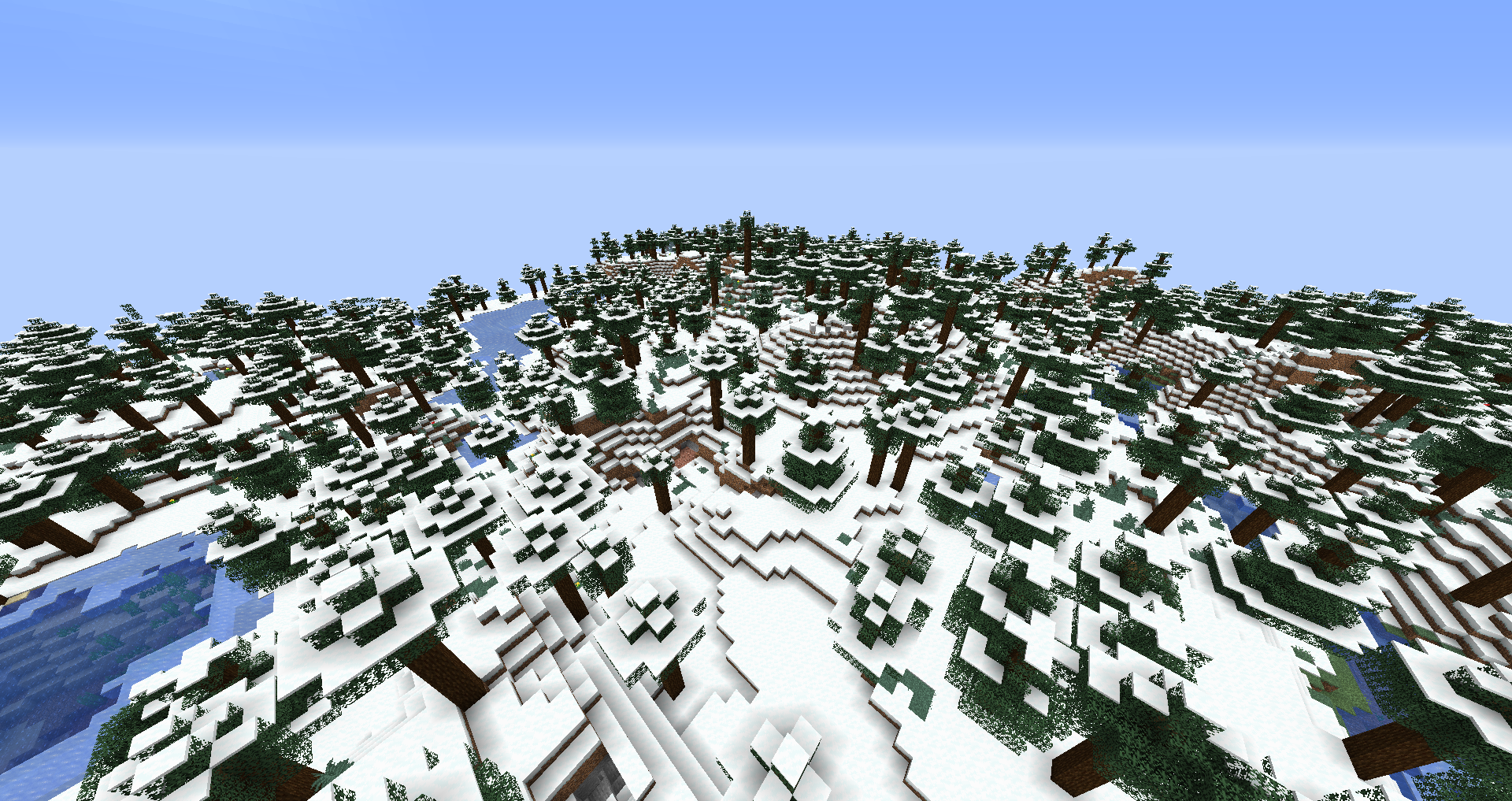
Ovde možete videti poređenje između istog vanilla Snowy Taiga bioma generisanog bez (pre) i sa (posle) ovim modom instaliranim:
Konfiguracija
enablebiomefeature - Postavljanje na false onemogućiće generisanje snega ispod drveća kada se generišu novi čankovi. enablewhensnowing - Postavljanje na false onemogućiće generisanje snega ispod drveća kada pada sneg u svetu. filteredbiomes - Svi biomi čiji su ID-ovi biomova dodati ovde neće biti pogođeni ovim modom na bilo koji način. ID bioma u kom se trenutno nalazite možete pronaći na F3 ekranu. Na primer, ID bioma plains izgleda ovako: minecraft:plains
Dozvoljeno vam je da koristite ovaj mod u bilo kom modpaku.
Pridružite mi se na Discord-u! https://discord.gg/kgZUAxK
Pratite me na Twitter-u za ažuriranja modova i druge šale! https://twitter.com/bl4ckscor3
Kako instalirati Snow Under Trees
With Millida Launcher
Install Millida Launcher
The launcher is free: download it at millida.net/launcher and sign in with any nickname.
Click “Install” on this page
The launcher opens and installs the mod for Minecraft 1.16.2–26.3 on Fabric, Forge, NeoForge or Quilt automatically.
Launch the game
A profile with it appears in the launcher: click “Play”.
Manually
Install Fabric, Forge, NeoForge or Quilt
The loader must match the game version of the mod file, for example Minecraft 26.3. After installing it, a separate profile appears in your launcher.
Download the file for your version
In the version list above, pick the file snowundertrees-fabric-26.3-1.6.1.jar (245 KB) for your game version and loader.
Put it in the mods folder
The folder is inside .minecraft (Windows: %appdata%\.minecraft\mods). If it does not exist, create it.
Launch the loader profile
Open “Mods” in the main menu: Snow Under Trees should be in the list.
Verzije
Sa zavisnostima
| Minecraft | Loader | Fajl | Datum | Akcije |
|---|---|---|---|---|
| 26.3 | Fabric, Quilt | snowundertrees-fabric-26.3-1.6.1.jar245 KB 25 | ||
| 26.3 | NeoForge | snowundertrees-neoforge-26.3-1.6.1.jar246 KB 2 | ||
| 1.20.1 | NeoForge, Forge | snowundertrees-1.20.1-1.4.12.jar27.9 KB 2 | ||
| 1.16.2 | Forge | snowundertrees-1.16.2-v1.1.2.jar11.6 KB |
Česta pitanja
Which Minecraft versions does Snow Under Trees work on?
There are files for 26.3, 1.20.1, 1.16.2. The newest is 26.3.
Is Snow Under Trees for Forge or Fabric?
There are files for Fabric: 26.3, for Forge: 1.16.2–1.20.1, for NeoForge: 1.20.1–26.3 and for Quilt: 26.3.
Does Snow Under Trees need other mods?
The author lists no required dependencies: the Fabric, Forge, NeoForge or Quilt loader is enough.
Where can I download Snow Under Trees safely?
On this page: the file snowundertrees-fabric-26.3-1.6.1.jar (245 KB) is stored on Millida’s server, with no link shorteners. SHA-1 checksum: e2de49a134251d36176b99b1b7997e950ccbfa8d.
Recenzije
Budi prvi koji će oceniti Snow Under Trees


