
Smooth Skies Mod za Minecraft 26.1.2
Ublažava boje skybox-a na velikim daljinama renderovanja.
 Fabric
 NeoForge
Smooth Skies
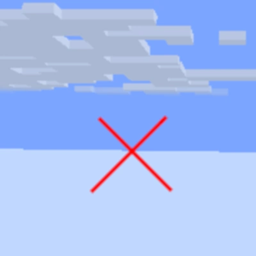
A very simple mod that smooths out the fog color when using high render distances, such as with Nvidium! Also has other customizable features, see gallery for screenshots and section below!
Features
- Set Fog View Distance
- Fixes the hard fog cutoff when using high render distances
- Lower Sky Void Darkness
- Sets the void darkness to only show close to the world's lowest Y value instead of a fixed value
- Clear Skies
- Ported from grondag's Clear Skies mod
Kako instalirati Smooth Skies
With Millida Launcher
Install Millida Launcher
The launcher is free: download it at millida.net/launcher and sign in with any nickname.
Click “Install” on this page
The launcher opens and installs the mod for Minecraft 1.21.4–26.1.2 on Fabric or NeoForge automatically.
Launch the game
A profile with it appears in the launcher: click “Play”.
Manually
Install Fabric or NeoForge
The loader must match the game version of the mod file, for example Minecraft 26.1.2. After installing it, a separate profile appears in your launcher.
Download the file for your version
In the version list above, pick the file smoothskies-2.12.0+26.1-fabric.jar (134 KB) for your game version and loader.
Put it in the mods folder
The folder is inside .minecraft (Windows: %appdata%\.minecraft\mods). If it does not exist, create it.
Launch the loader profile
Open “Mods” in the main menu: Smooth Skies should be in the list.
Verzije
Sa zavisnostima
| Minecraft | Loader | Fajl | Datum | Akcije |
|---|---|---|---|---|
| 26.1 | Fabric | Smooth Skies 2.12.0134 KB | ||
| 1.21.5 | NeoForge | Smooth Skies 2.10.9116 KB |
Recenzije
Budi prvi koji će oceniti Smooth Skies


