
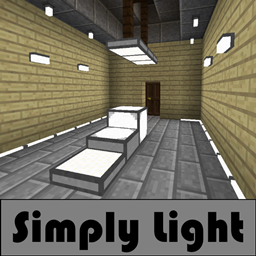
Simply Light Mod za Minecraft 1.20.1, 1.21.1
Jednostavno svetlo za komplikovan svet.
 NeoForge
 Fabric
 Forge
ForgeŠta je Simply Light?
Simply Light je mod za osvetljenje jednostavnog dizajna.
Moderan izgled i osećaj sa arhitektonskim pristupom.
Zašto Simply Light?
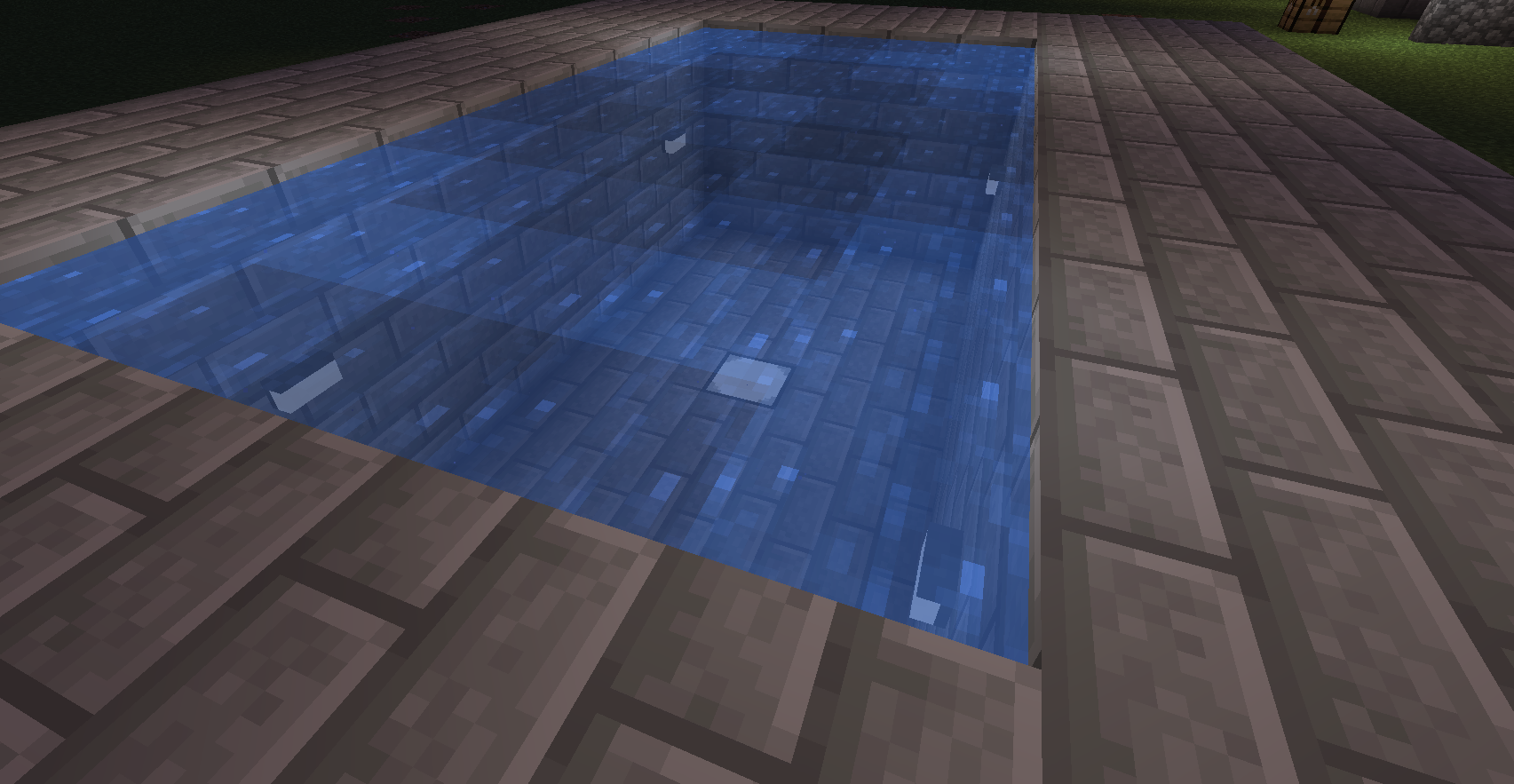
Sve lampe su jednostavni blokovi bez tile entities ili čestica.
Prednosti uključuju malo opterećenje performansi u poređenju sa korišćenjem velikog broja baklji.

Karakteristike
- Puni blokovi, lampe koje reaguju na redstone. (16 boja u 1.16+, hvala Rid)
- Rotirajuće lampe u stilu polu-ploča.
- Rotirajuće lampe u stilu četvrt-blok panela.
- Pričvršćivači za zidove/plafone/podove.
- Pričvršćivači u stilu Simple Light sijalice.
- Ivične svetleće trake koje se prilagođavaju uz zidove.
- Potopljene lampe.(1.14.4+)
- Lamp Post visok 3 bloka.
- Povezane teksture na panelima i pločama (1.16+)(Zahteva Connected Textures Mod)
Zahteva
- Shadowfacts' Forgelin - Kotlin jezički adapter. (samo verzija 1.12.2) (SAMO 1.12.2) Shadowfacts' Forgelin - Kotlin jezički adapter(samo verzija 1.12.2)
Kako instalirati Simply Light
With Millida Launcher
Install Millida Launcher
The launcher is free: download it at millida.net/launcher and sign in with any nickname.
Click “Install” on this page
The launcher opens and installs the mod for Minecraft 1.12.2–1.21.1 on Fabric, Forge or NeoForge automatically.
Launch the game
A profile with it appears in the launcher: click “Play”.
Manually
Install Fabric, Forge or NeoForge
The loader must match the game version of the mod file, for example Minecraft 1.21.1. After installing it, a separate profile appears in your launcher.
Download the file for your version
In the version list above, pick the file simplylight-1.5.3+1.21.1-b4.jar (1.1 MB) for your game version and loader.
Put it in the mods folder
The folder is inside .minecraft (Windows: %appdata%\.minecraft\mods). If it does not exist, create it.
Launch the loader profile
Open “Mods” in the main menu: Simply Light should be in the list.
Minecraft 1.21.1 runs on Java 21: with a different Java version the game may close right after launch.
Verzije
Sa zavisnostima
| Minecraft | Loader | Fajl | Datum | Akcije |
|---|---|---|---|---|
| 1.21.1 | NeoForge | simplylight 1.5.3+1.21.1-b41.1 MB 9 | ||
| 1.21.1 | NeoForge | simplylight 1.5.0+1.21.1-b11 MB | ||
| 1.20.4 | Fabric | simplylight-fabric-1.20.4-1.4.6.jar538 KB | ||
| 1.20.1 | Forge | simplylight-1.20.1-1.4.6-build.50.jar543 KB 11 | ||
| 1.19 | Forge | simplylight-1.19-1.4.3-build.37.jar538 KB | ||
| 1.12.2 | — | simplylight-1.12.2-0.8.6.jar412 KB | ||
| 1.14.4 | — | simplylight-1.14.4-0.8.5.jar365 KB |
Recenzije
Budi prvi koji će oceniti Simply Light


